https://snackoverflow.bernardguiang.com
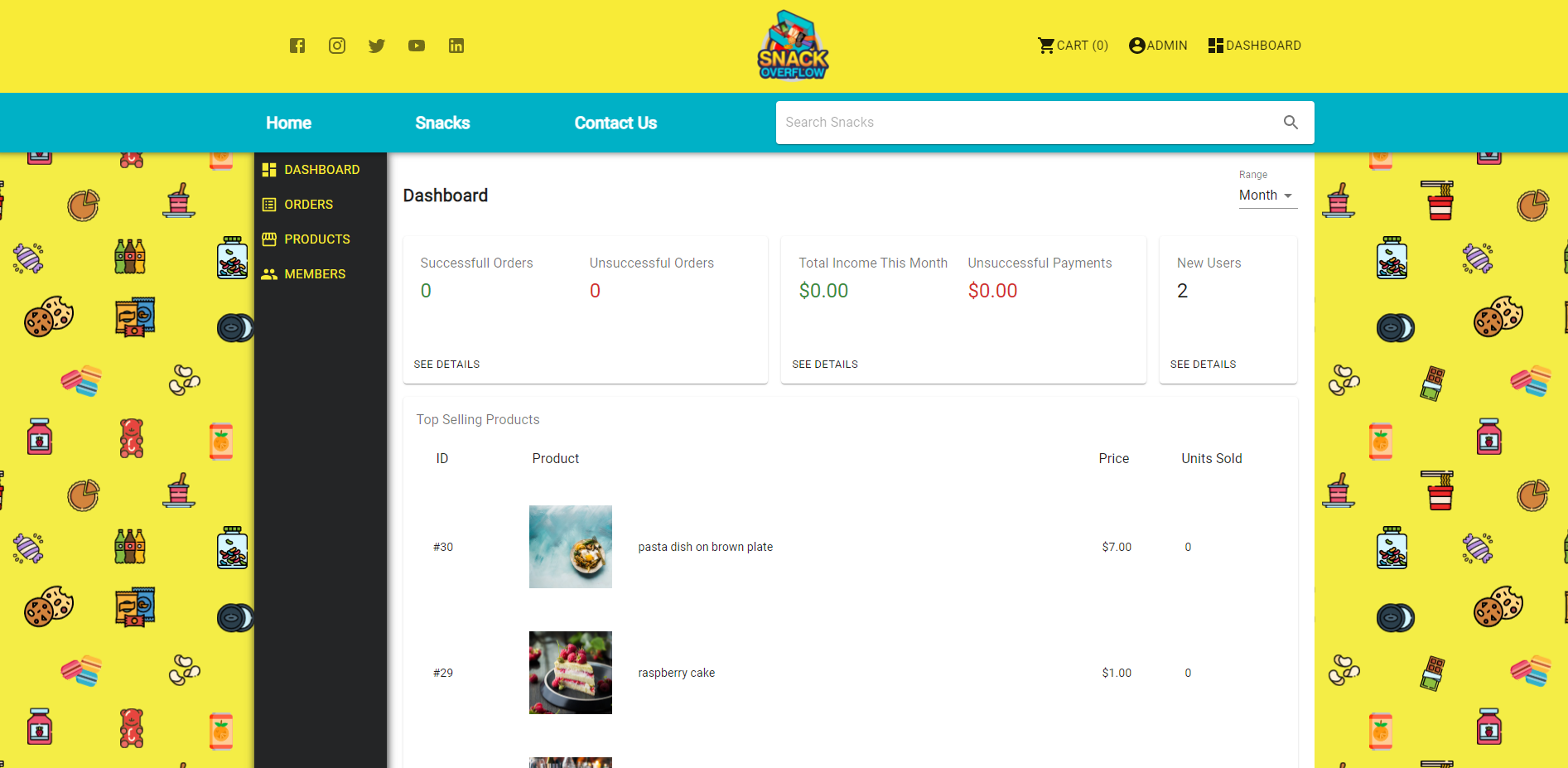
The React frontend stores the stripe public api key in src/main/frontend/.env but is gitignored
- create a ".env" file in the root folder of the react frontend and add a variable called "REACT_APP_STRIPE_PUBLIC_KEY" and set it equal to your Stripe publishable key
The Spring Boot backend also expects the following environment variables:
- "admin_password" which is the default admin account's password
- "jwt_secret_key" which is used as the JWT signing secret
- "stripe_access_key" which should have the value of your Stripe secret key
- "unsplash_access_token" which is your unsplash api key
- "stripe_webhook_secret" from your stripe developer dashboard. Used for verifying payment intent events are from Stripe
Stripe CLI
- Orders status can only be updated by an admin or through the stripe webhook. Stripe cannot send payment intent event messages to the webhook when running locally but it can be done by listening to the events with the Stripe CLI and forwarding them to the local server https://stripe.com/docs/stripe-cli/webhooks
- ex: stripe listen --forward-to localhost:8080/api/v1/stripe
- This returns a stripe webhook secret which you can use to set the environment variable "stripe_webhook_secret"