Repository navigation
CryptLok 0.2.0

CryptLok 0.2.0 adds key management, passphrase caching and a new look.
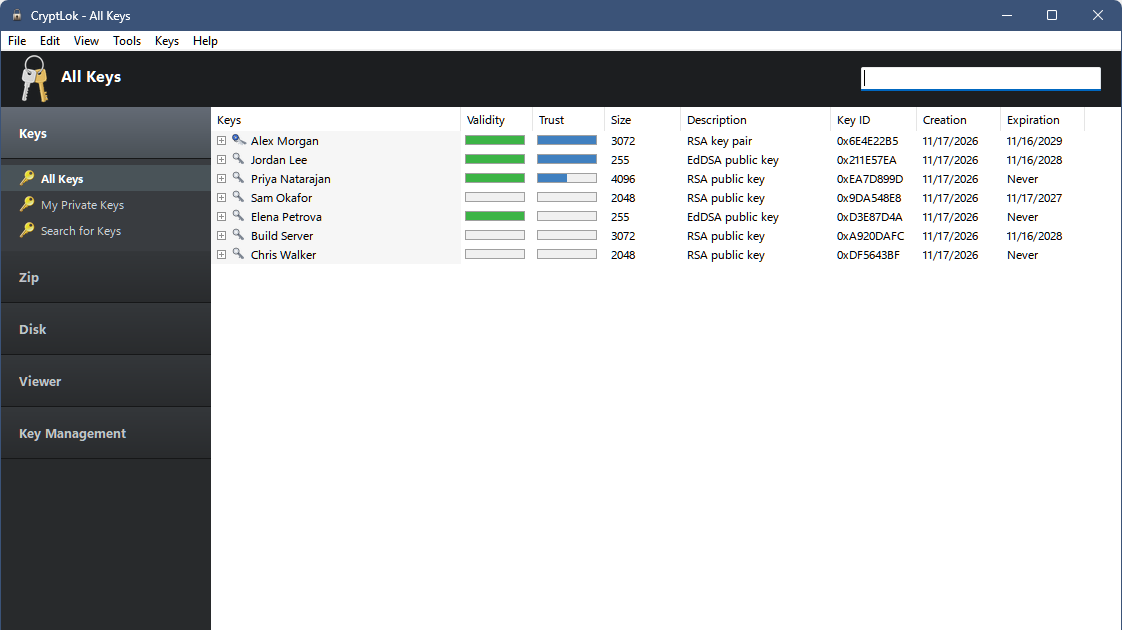
What's new
Key Management (new section in the sidebar)
- Backup Keyring saves your public and private keys, trust settings and CryptLok settings to one
.zipfile. Private keys stay protected by their passphrases. - Restore from a Backup unpacks a backup into a folder you choose and switches CryptLok to it. Your current keyring is left untouched.
- Keyring Location keeps your keyring in any folder, for example on another drive or a USB stick. CryptLok copies it, checks the copy, restarts with it and offers to remove the old copy. If a keyring on a removable drive isn't connected when CryptLok starts, it asks you to connect it instead of opening an empty keyring.
Passphrase caching (Tools > Options > Passphrase), as in the classic PGP tray
- Choose: don't cache (the default), cache while you're logged on, or cache for 2 minutes up to 8 hours.
- Only passphrases that worked are kept, encrypted in memory inside CryptLok, and forgotten when it exits. Clear Passphrase Cache in the tray menu forgets them at once.
Look: a new padlock program and tray icon.
Thanks to Astro, who suggested keyring backup, keyring location and passphrase caching.
Install
Download CryptLok-Setup-0.2.0.exe below and run it (Windows 10/11, 64-bit). It upgrades 0.1.0 in place; your keys and settings are kept.
- Windows SmartScreen: the installer is not code-signed yet, so Windows may say "Windows protected your PC". Check the download first (below), then click More info > Run anyway.
- Check the download: in PowerShell,
Get-FileHash .\CryptLok-Setup-0.2.0.exemust print
6A0921A15B3BD88ADD44598BD49DC9871D30607C63E192B8CB55FB0F529F3D5F(also inSHA256SUMS.txt). - The Disk pages need the free VeraCrypt (not included).
Independent project, not affiliated with or endorsed by Broadcom/Symantec or the PGP product line. Free for noncommercial use (PolyForm Noncommercial 1.0.0).