Repository navigation

FF8Recomp 0.2.8
Photos of the changes are at the end of these notes.
New: the second screen's panels on a device with one screen. In the Landscape layout they can open over part of
the game, and close again:
- Settings > Screen > Button for the panels (one screen) puts a small button over the game. Drag it to move it;
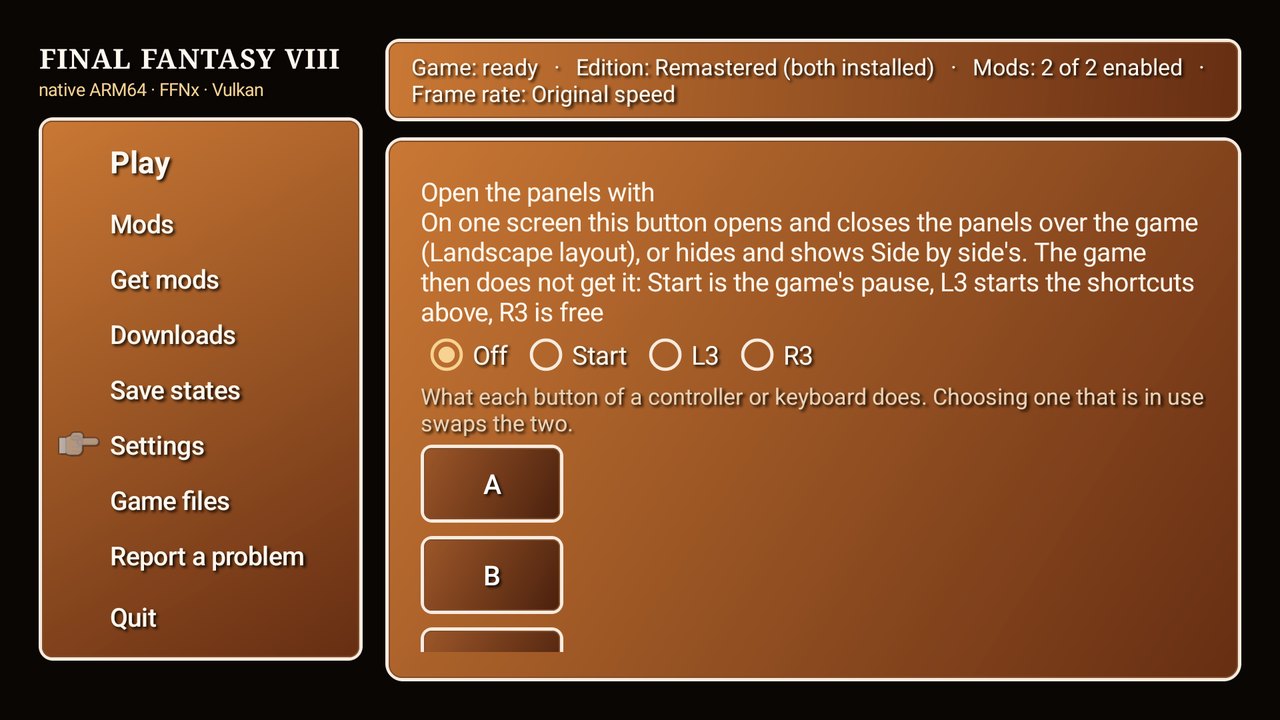
the panels open on its half of the screen. Close them with the arrow at their top, or by tapping the game beside them. - Settings > Controller > Open the panels with: Start, L3 or R3 does the same, and hides or shows the panels in
Side by side. The game doesn't get that button then. Start is the game's pause and L3 starts the speed shortcuts,
so R3 is the free one. Select + Start still leaves the game.
Both are off until you switch them on, and neither does anything while a second screen shows the panels.
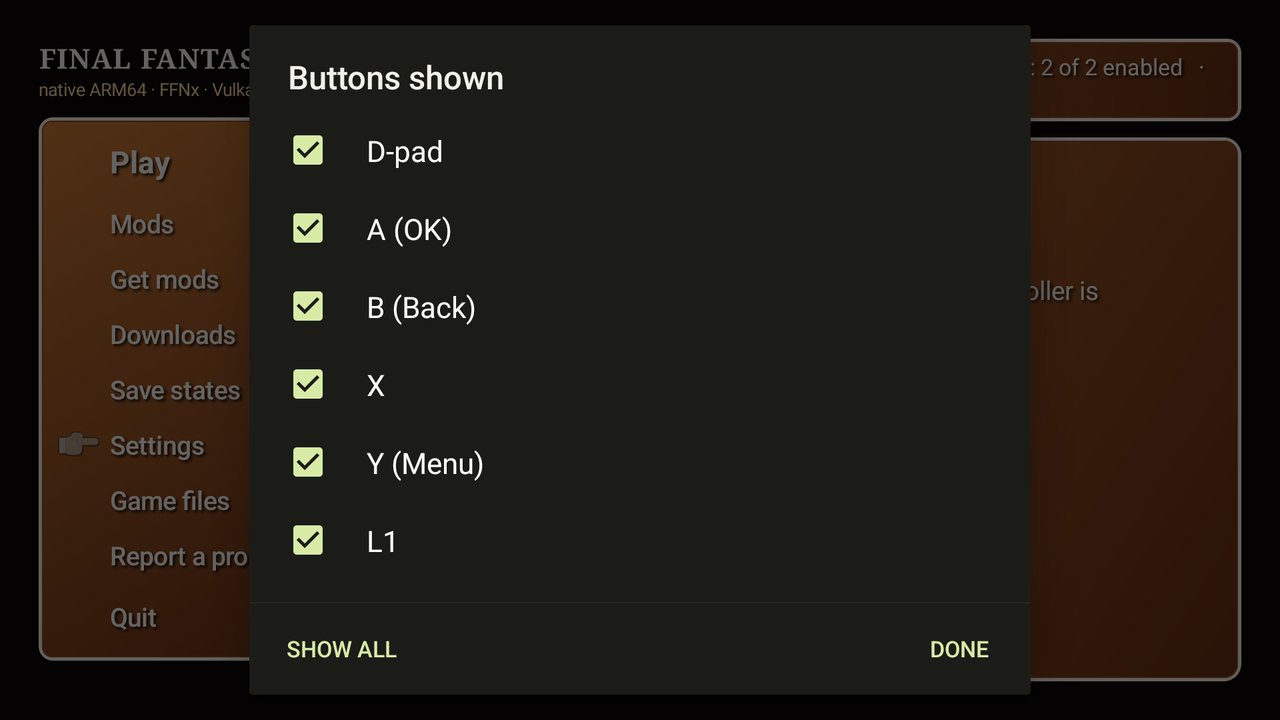
New: any on-screen button can be hidden (Settings > On-screen controls > Buttons shown).
Tested on an AYN Thor (Remastered) set to a tablet's 2560×1600, with the second screen off and on. Not tested: a real
tablet or phone, the 2013 release, L3, and the Buttons shown list itself (hidden buttons were tested). Both features
come from FF7Recomp.
(There was no 0.2.7.)
Updating
Install FF8Recomp-0.2.8.apk over 0.2.6 (the launcher also offers it), then Play; if the launcher asks to
Update the game, accept. Your saves, mods and settings stay. Save states made with an earlier version may not
load, so make a normal save in the game before you update.
SHA-256: 42cec412cedabaf430e694986594100f0cbd135d2a62c4fea6fe97601ea1e22e
Photos
| The button over the game | The panels open |
|---|---|
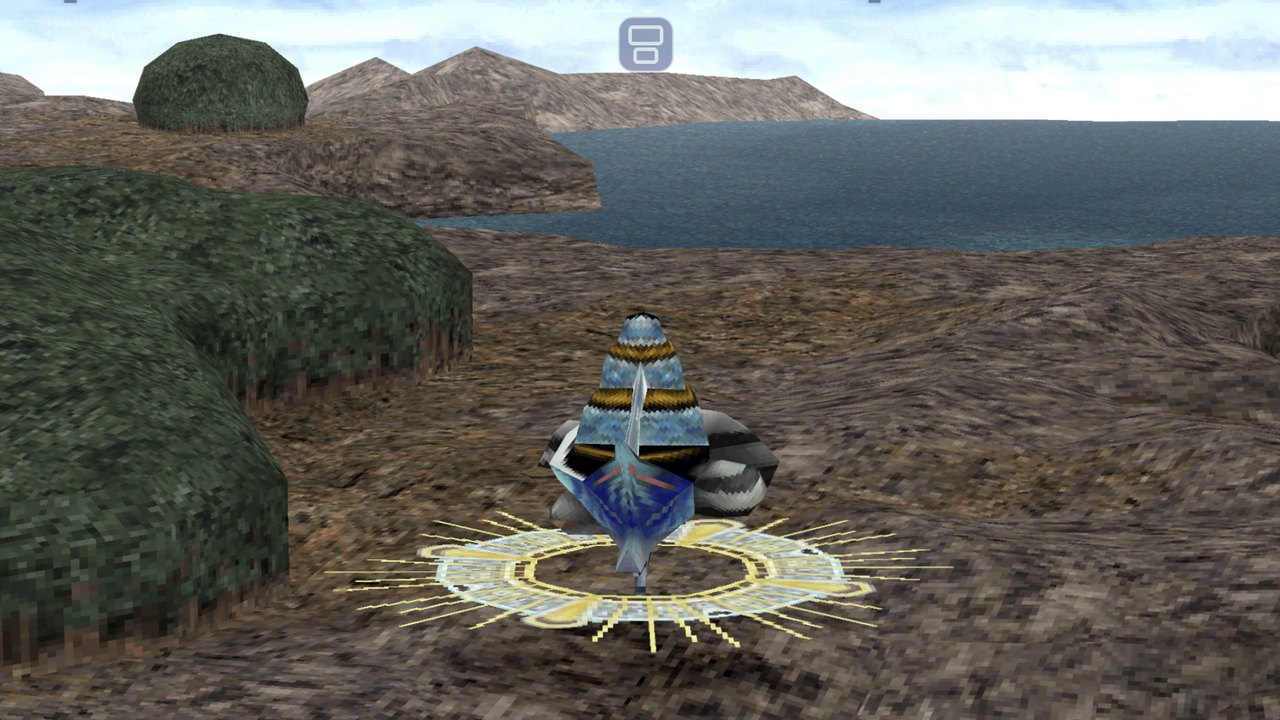 |
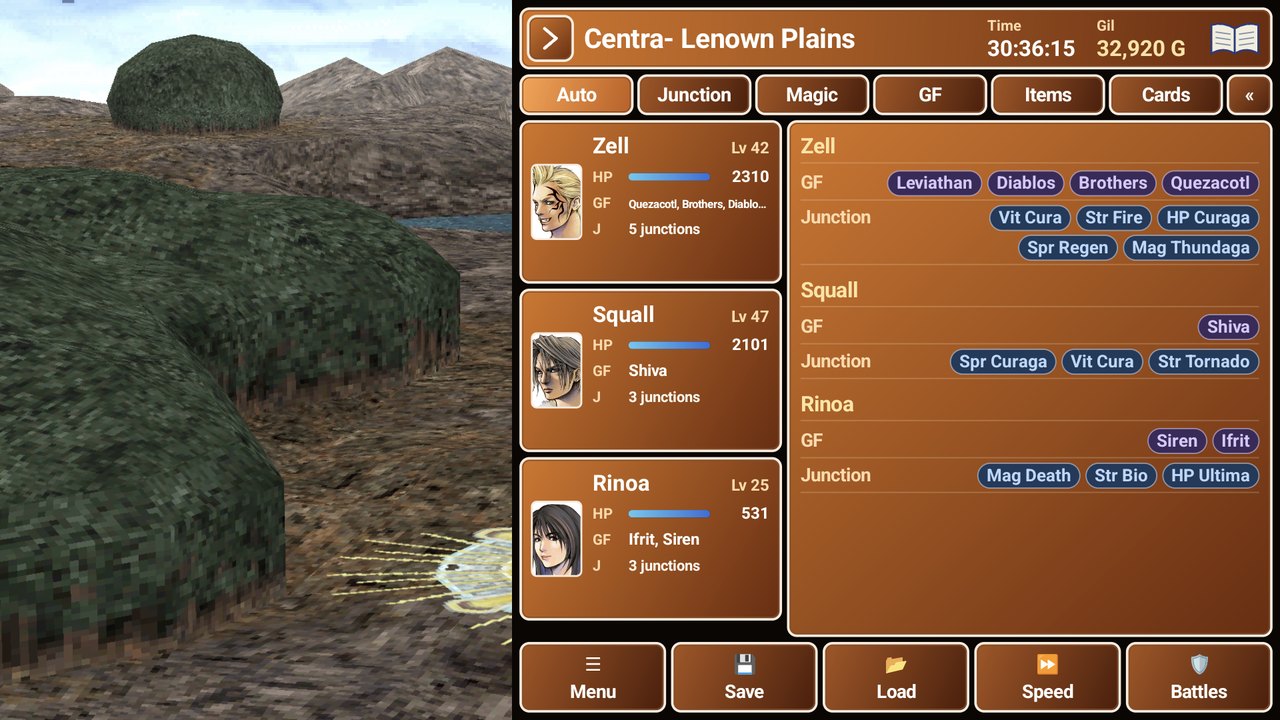 |
The controller button, in Settings > Controller:
| Before: every button | After: D-pad, L2 and R2 hidden |
|---|---|
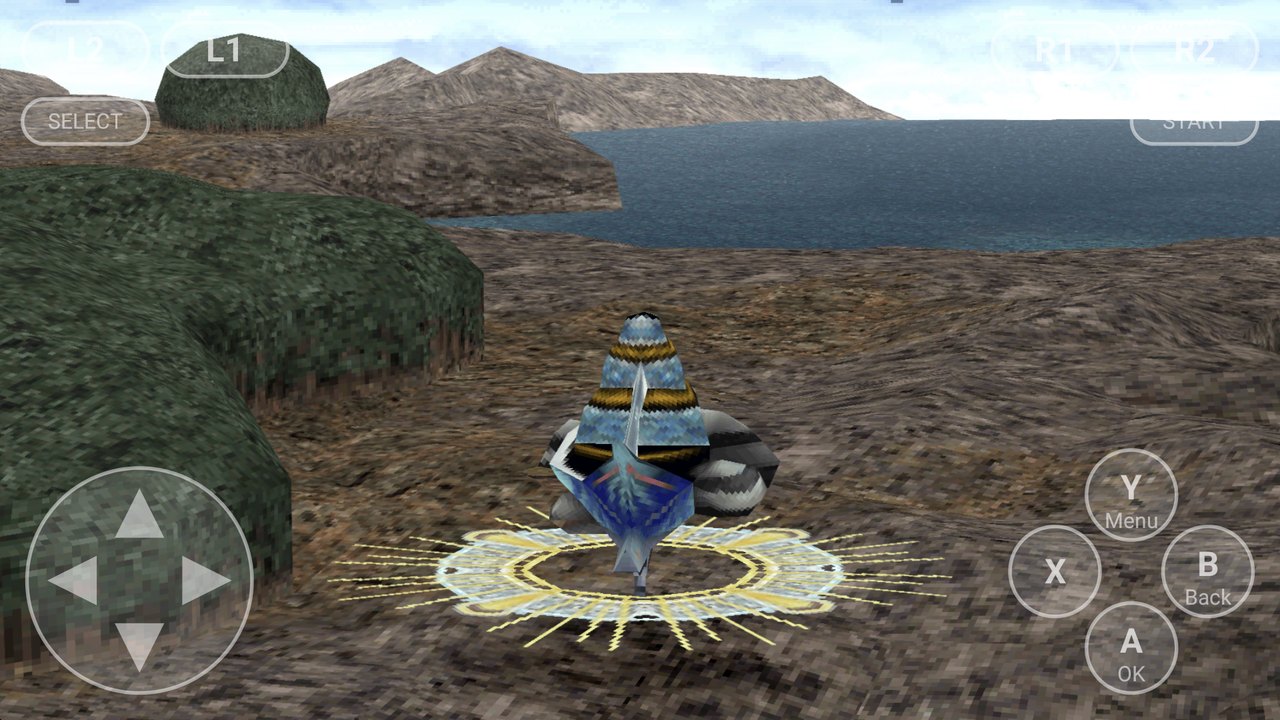 |
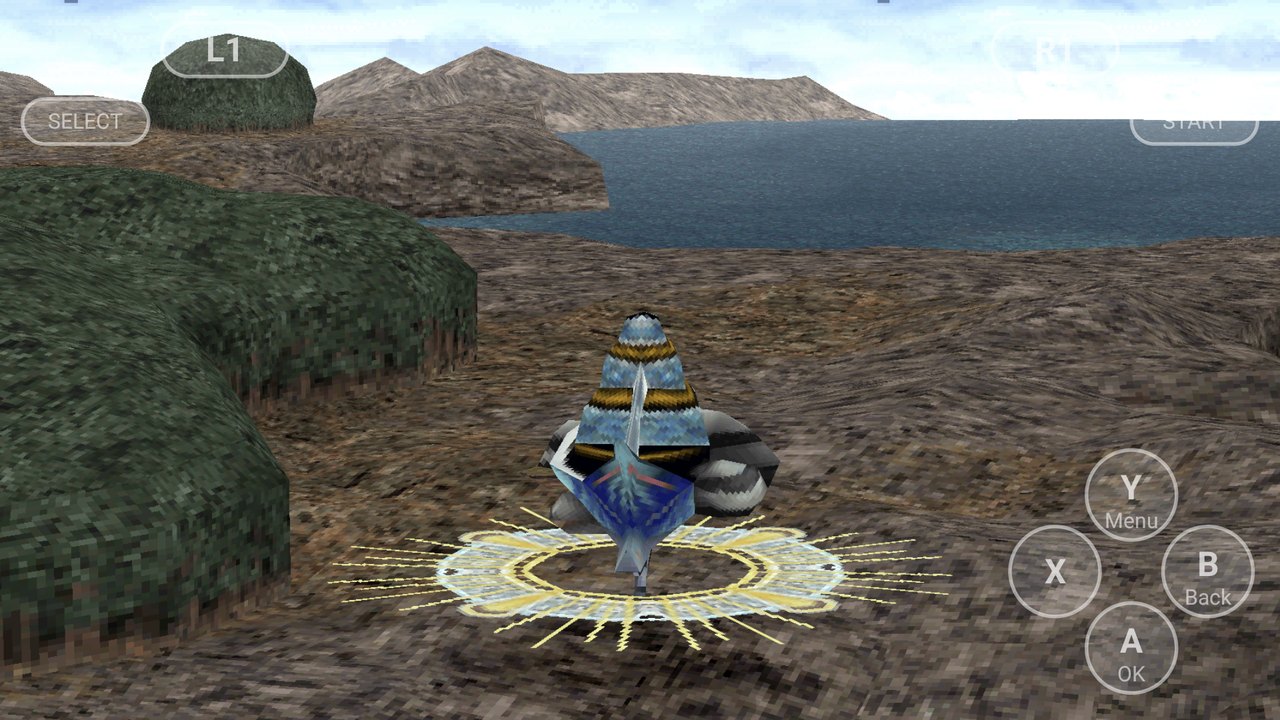 |
The list where you choose them: