Crucible is a terminal UI application wrapper for forge test built with Textual (💖). It provides an interactive environment to navigate your test tree and the trace output of running a test with full verbosity.
I recommend using pipx, which installes applications distributed via pypi into their own virtual environment.
$ pipx install forge-crucibleThis will install the crucible executable.
To run it just navigate to the root of a foundry project and run:
$ crucible
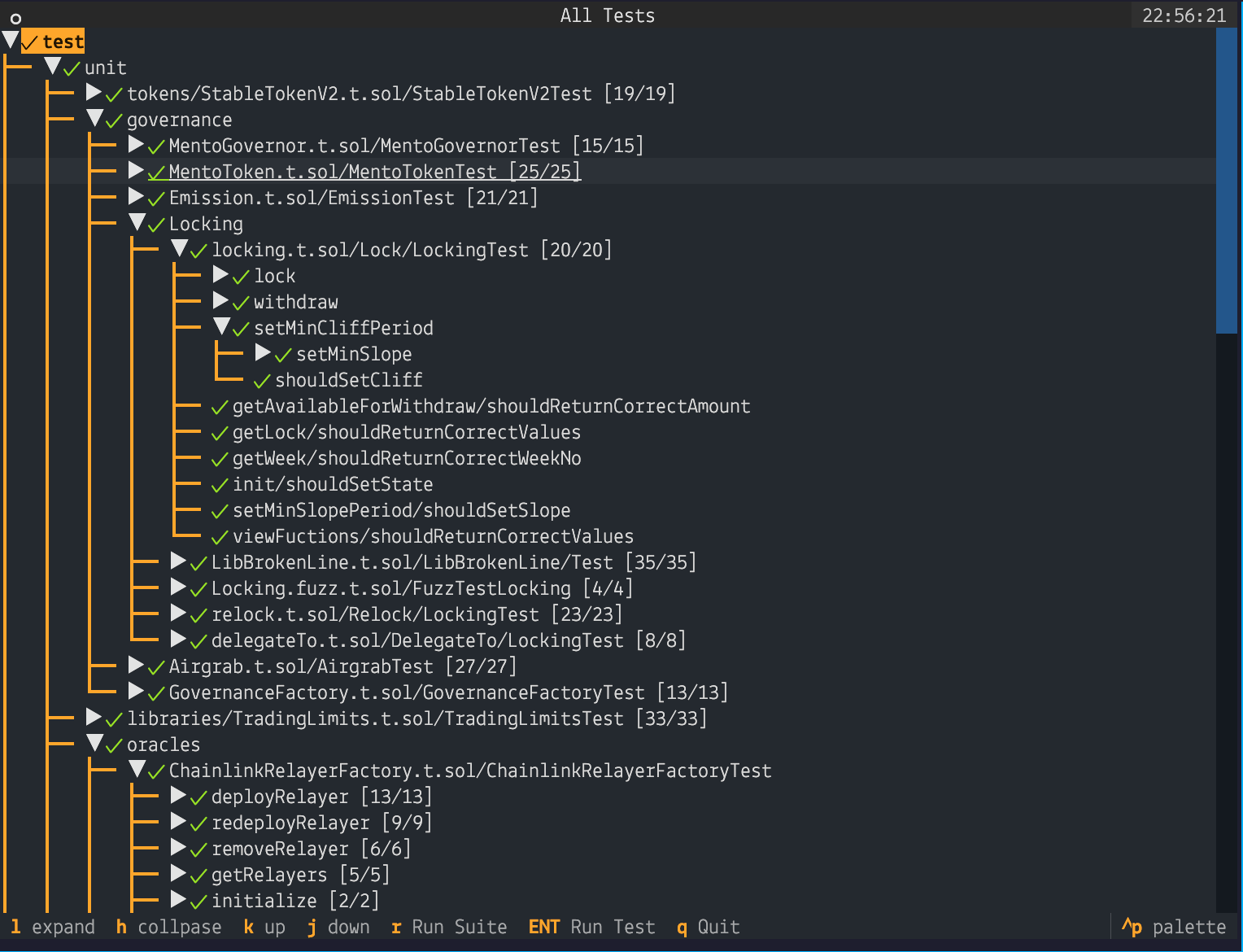
The app should run the full test suite and output a tree representation:
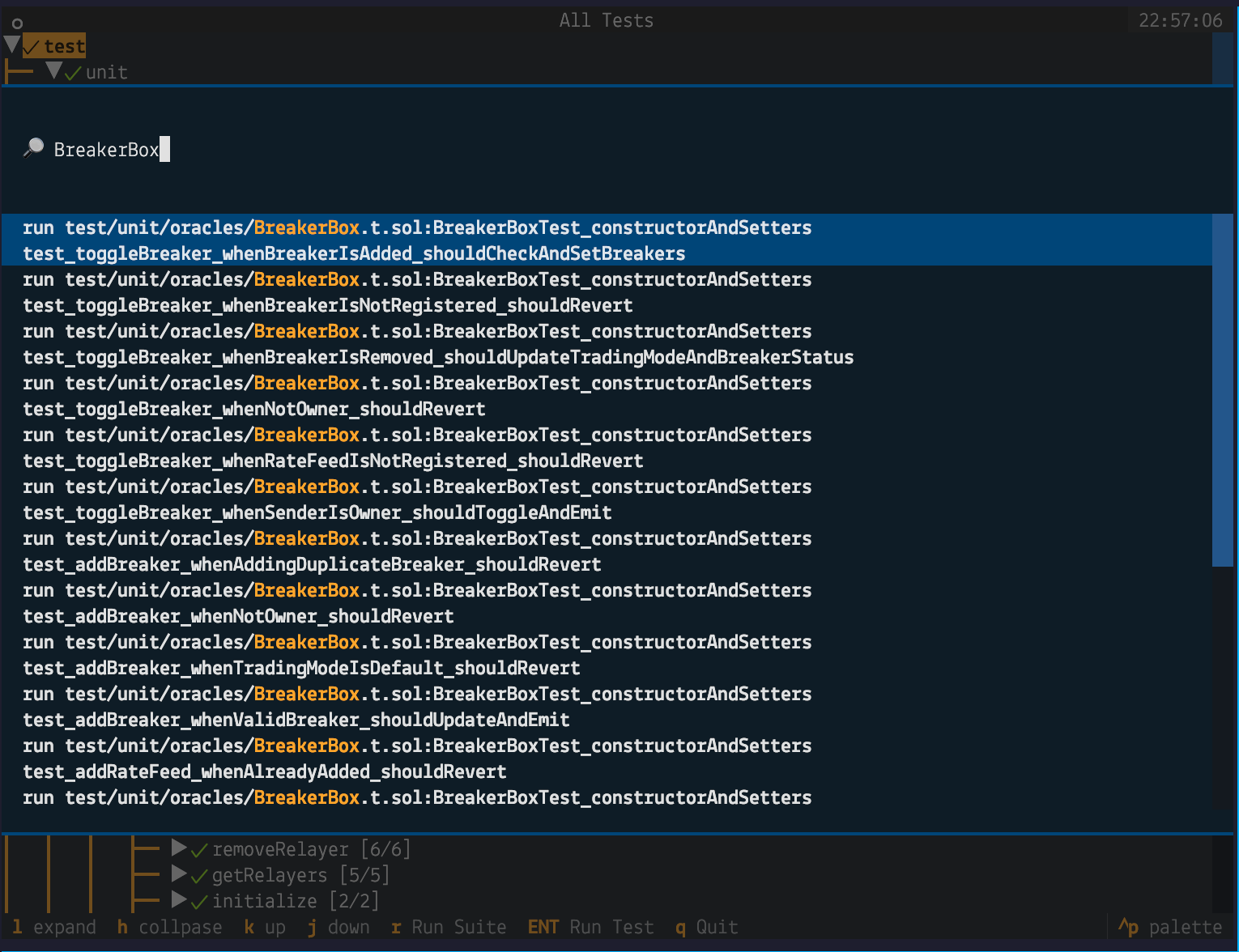
You can navigate the tree via the arrows or vim-style (recommended 🤓). You can also press CTRL+P to bring up the command pallet where you can fuzzy-find tests to run:
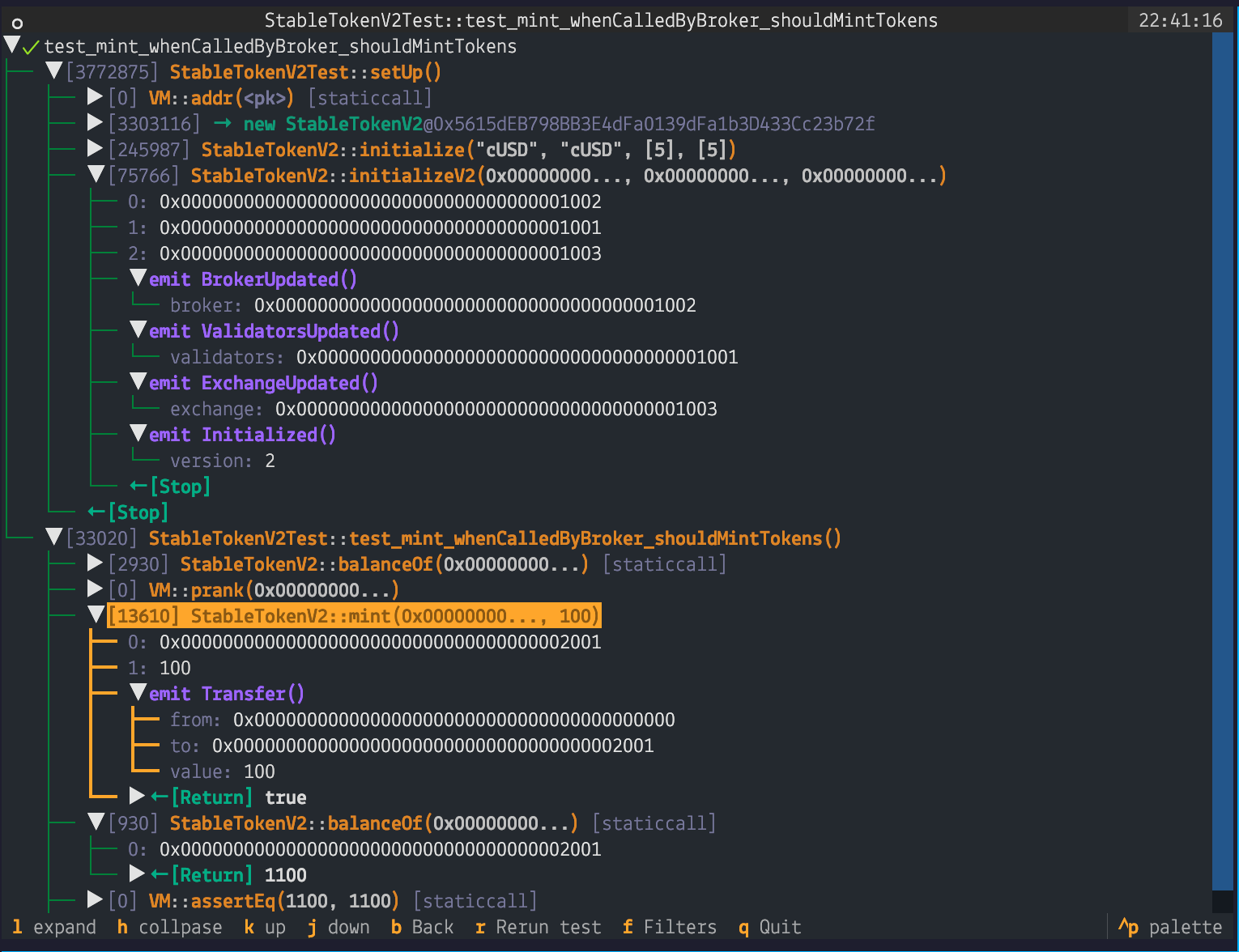
Once you pick a test you will see the trace view:
This is very alpha software so it might not work. It employs a grammer to parse the forge output.
I've tried it on a variety of tests but it could still fail when opening a test. If it happens it will create
a /tmp/<test-name>.txt file with the output. Please open an issue and attach the output.
- Trace filtering: Have a list of customizable filters that can be toggled to hide trace lines from the output. The current filtering feature just filters
console.log,VM.labelandVM.addr. - Trace search: Jump to trace line by fuzzy searching on the function call or event name.
- Profile switch: Switch the foundry profile that you're using to run the tests, should automatically detect existing profiles.
- Custom labling: Ability to do in-app labeling of addresses or bytes32 identifiers.
- External decoding: Use public resources to decode function calls and events which could come up in fork-tests.