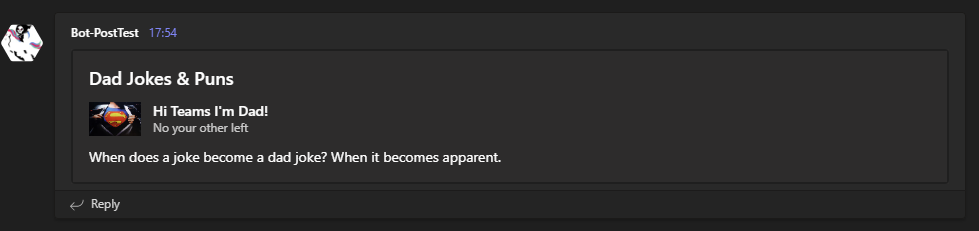
The Send-DadJoke script sends a dad joke to a Teams channel using a Teams webhook connector URI.
Dad jokes are randomly selected from icanhazdadjoke.com
- Teams Channel > Connectors > Incoming Webhook
- Give the Webhook a name & logo
- Create the Webhook
- Copy the URI
- The URI is how you tell the script what teams channel to send posts to.
.\Send-DadJoke.ps1 -TeamsURI 'https://outlook.office.com/webhook/123/123/123/.....'Using the defined webhooks connector URI a random dad joke is sent to the webhooks Teams channel.
No output is displayed to the console. Using the -Verbose option will give you a basic display output
- Help info and a list of parameters can be found by running
Get-Help .\Send-DadJoke.ps1, such as:
Get-Help .\Send-DadJoke.ps1
Get-Help .\Send-DadJoke.ps1 -Full