Home
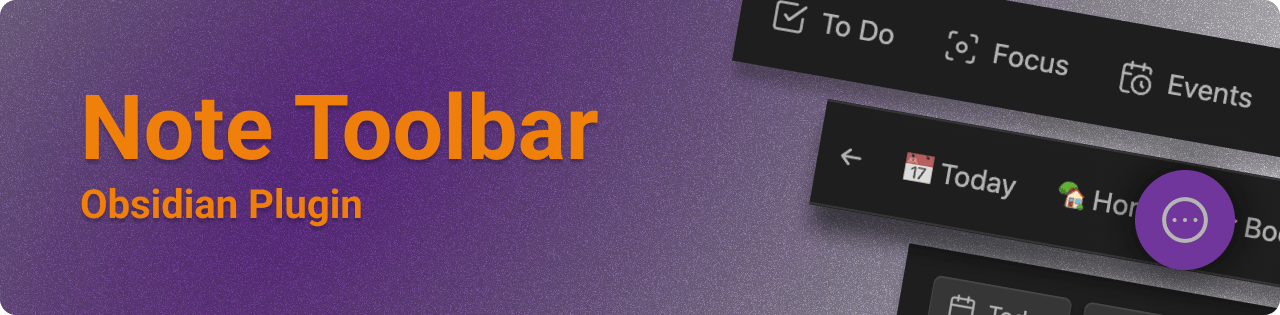
The Note Toolbar plugin for Obsidian ↗ provides a flexible way to create context-aware toolbars for your notes, which can include commands, file and folder links, websites/URIs, menus, and scripts (Dataview, Templater, and JavaScript).
This plugin includes Note Toolbar Callouts which you can add anywhere in your notes.
- List of Note Toolbar Features ↗
- What's new? See the Release Notes ↗
- What's ahead? See the Roadmap
- What makes Note Toolbar different from other plugins?
Install from Community Plugins ↗. To install betas, see the README ↗.
- Creating toolbars
- Creating toolbar items
- Item types
- Variables
- Styling toolbars
- Positioning toolbars
- Defining where to show toolbars
- Quick Tools
- Note Toolbar Callouts
- Sharing toolbars
- Executing scripts
- Note Toolbar URIs
- Commands
- Accessibility
The Note Toolbar Gallery is a curated list of 100+ items that can be added to your toolbars in just one (or two) clicks. The gallery includes pre-made items that use Obsidian's commands, but also plenty of helpful tools that Obsidian does not provide out of the box.
Open the Gallery via a button (or link on mobile) at the top of Note Toolbar's settings. When adding a new item to the toolbar, Gallery items appear in search results, as well.
Link to the previous examples page: Examples
See the Show and Tell discussion for examples of toolbars in practice.
The Note Toolbar CLI provides command-line access to create toolbars and items, using Obsidian's CLI. This lets you control Note Toolbar from your terminal for scripting, automation, and integration with external tools. Learn more.
The Note Toolbar API provides basic toolbar access, and the ability to show UI (e.g., suggesters, prompts, and modals). This enables Dataview, JavaScript, or Templater scripts to ask for information, or to show helpful text. Learn more.
First check out Troubleshooting, to see if your issue is addressed.
- If you're having an issue with a particular plugin, please refer to their help documentation.
- Otherwise, check out the discussions ↗ to ask a question ↗ or request a feature ↗.
- Use this Google form ↗ if you don't have a GitHub account.
- If you run into something that feels like a bug, please log an issue ↗.
- Use this Google form ↗ if you don't have a GitHub account.
If you find this plugin useful, and wish to support me financially, I accept donations. Thank you!
