Home
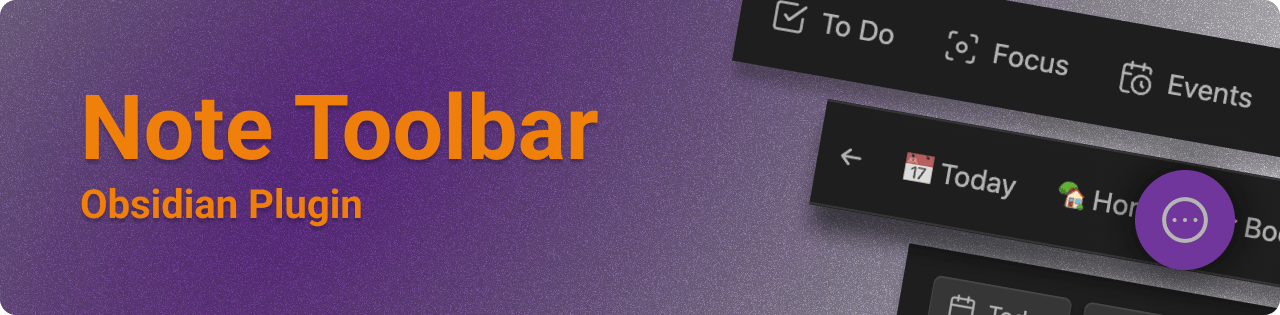
The Note Toolbar plugin for Obsidian ↗ provides a flexible way to create toolbars for your notes, which can include commands, and links to vault files or websites/URIs.
With this plugin, you also get Note Toolbar Callouts which you can add anywhere in your notes.
- List of Note Toolbar Features ↗
- Wondering what's new? See the Release Notes ↗
- Wondering what's ahead? See the Roadmap
- What makes Note Toolbar different from other plugins?
Install from Community Plugins ↗ or see the README ↗ for beta releases.
- Creating toolbars
- Defining where to show toolbars
- Quick Tools
- Note Toolbar Callouts
- Sharing toolbars
- Executing scripts
- Note Toolbar URIs
- Commands
- Accessibility
See Examples for ideas on items to put in your toolbars.
See the Show and Tell discussion for examples of toolbars in practice.
First check out Troubleshooting, to see if your issue is addressed.
- Also try More resources for other documentation about creating links to and from Obsidian.
- If you're having an issue with a particular plugin, please refer to their help documentation.
- Otherwise, check out the discussions ↗ to ask a question ↗ or request a feature ↗.
- Use this Google form ↗ if you don't have a GitHub account.
- If you run into something that feels like a bug, please log an issue ↗.
If you find this plugin useful, and wish to support me financially, I accept donations. Thank you!
