Home
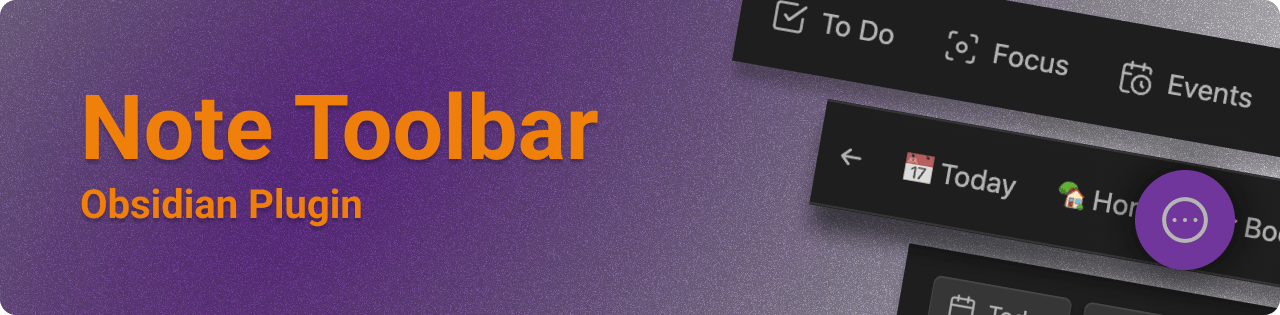
The Note Toolbar plugin for Obsidian ↗ provides a flexible way to create toolbars for your notes, which can include commands, and links to vault files or websites/URIs.
With this plugin, you also get Note Toolbar Callouts which you can add anywhere in your notes.
- List of Note Toolbar Features ↗
- Wondering what's new? See the Release Notes ↗
- Wondering what's ahead? See the Roadmap
- What makes Note Toolbar different from other plugins?
Install from Community Plugins ↗ or see the README ↗ for beta releases.
- Creating toolbars
- Defining where to show toolbars
- Quick Tools
- Note Toolbar Callouts
- Sharing toolbars
- Executing scripts
- Note Toolbar API
- Other settings
- Note Toolbar URIs
- Commands
- Accessibility
The Note Toolbar Gallery is a curated list of 100+ items that can be added to your toolbars in just one (or two) clicks. The gallery includes pre-made items that use Obsidian's commands, but also plenty of helpful tools that Obsidian does not provide out of the box.
In version 1.21 or later, open the Gallery via a button (or link on mobile) at the top of Note Toolbar's settings. When adding a new item to the toolbar, Gallery items appear in search results, as well.
Link to the previous examples page: Examples
See the Show and Tell discussion for examples of toolbars in practice.
First check out Troubleshooting, to see if your issue is addressed.
- Also try More resources for other documentation about creating links to and from Obsidian.
- If you're having an issue with a particular plugin, please refer to their help documentation.
- Otherwise, check out the discussions ↗ to ask a question ↗ or request a feature ↗.
- Use this Google form ↗ if you don't have a GitHub account.
- If you run into something that feels like a bug, please log an issue ↗.
If you find this plugin useful, and wish to support me financially, I accept donations. Thank you!
