Repository navigation
Screenshots
All images are rendered by OpenBlood from a retail copy of Blood. The level shots were made
with the shotg developer tool at 1600×900 (see Developer Tools), the
menus in the running game with F12.
E1M2, Shipwrecked:
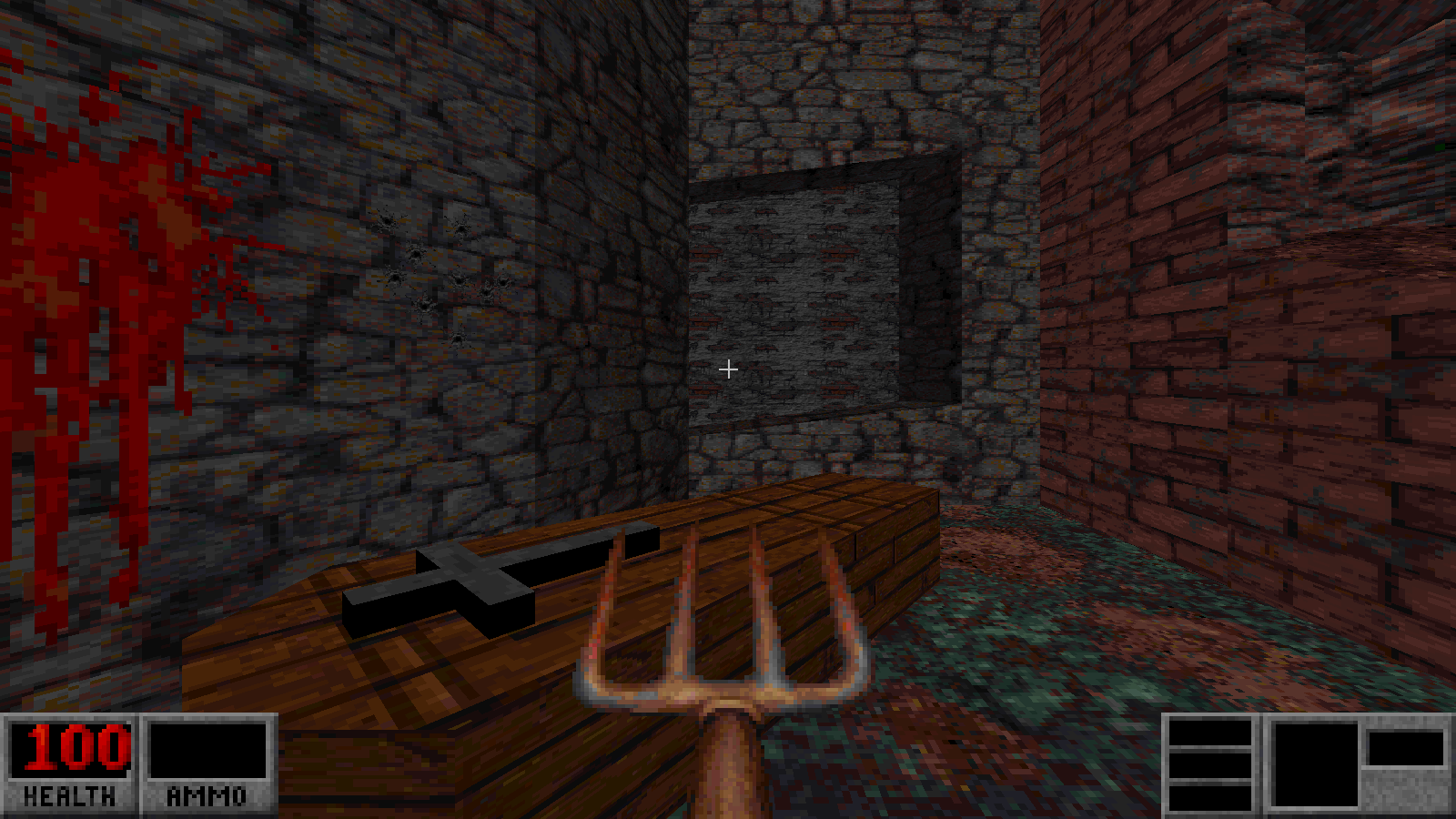
E1M4, The Haunting (translucent fire sprites and masked walls):
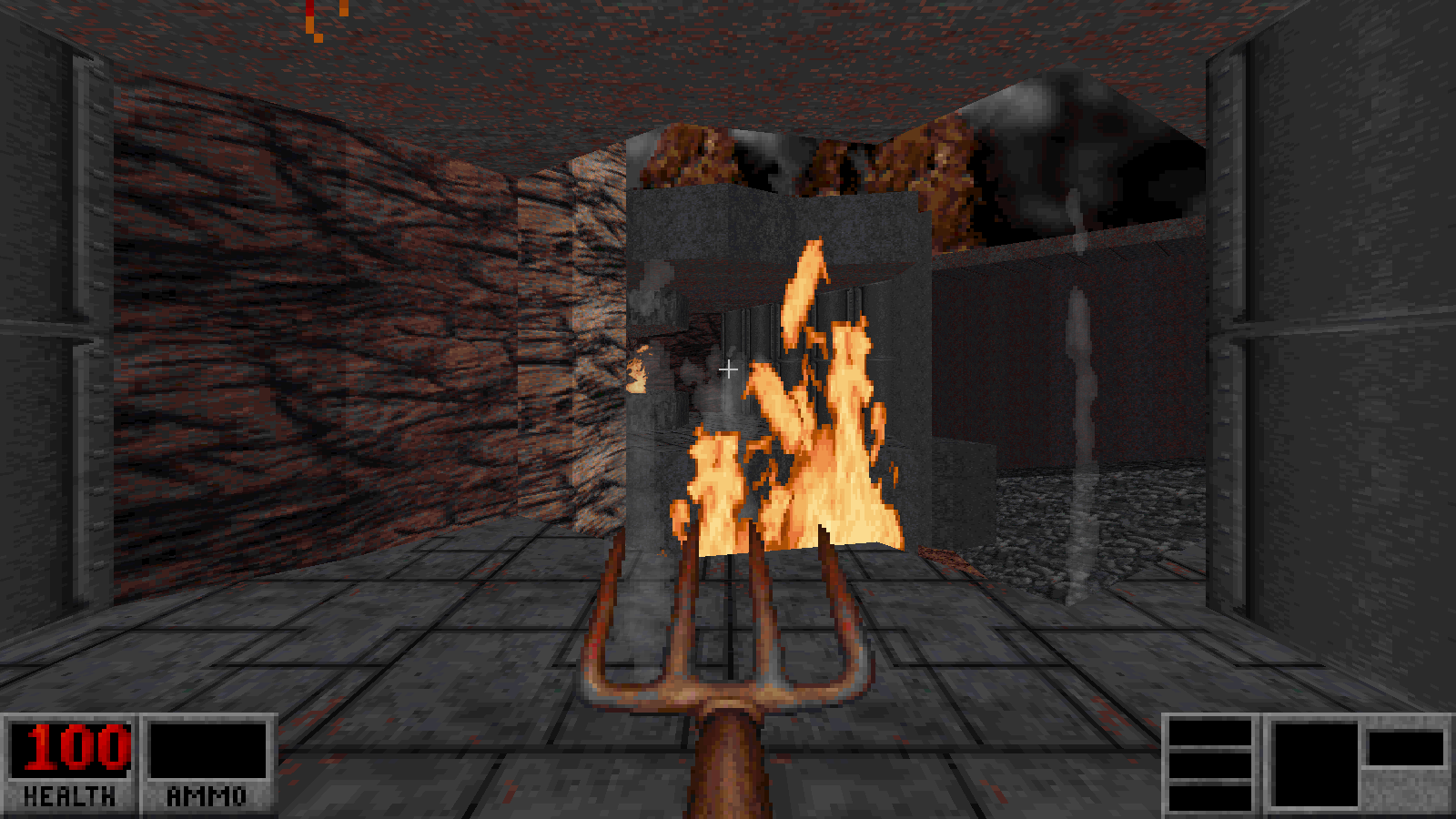
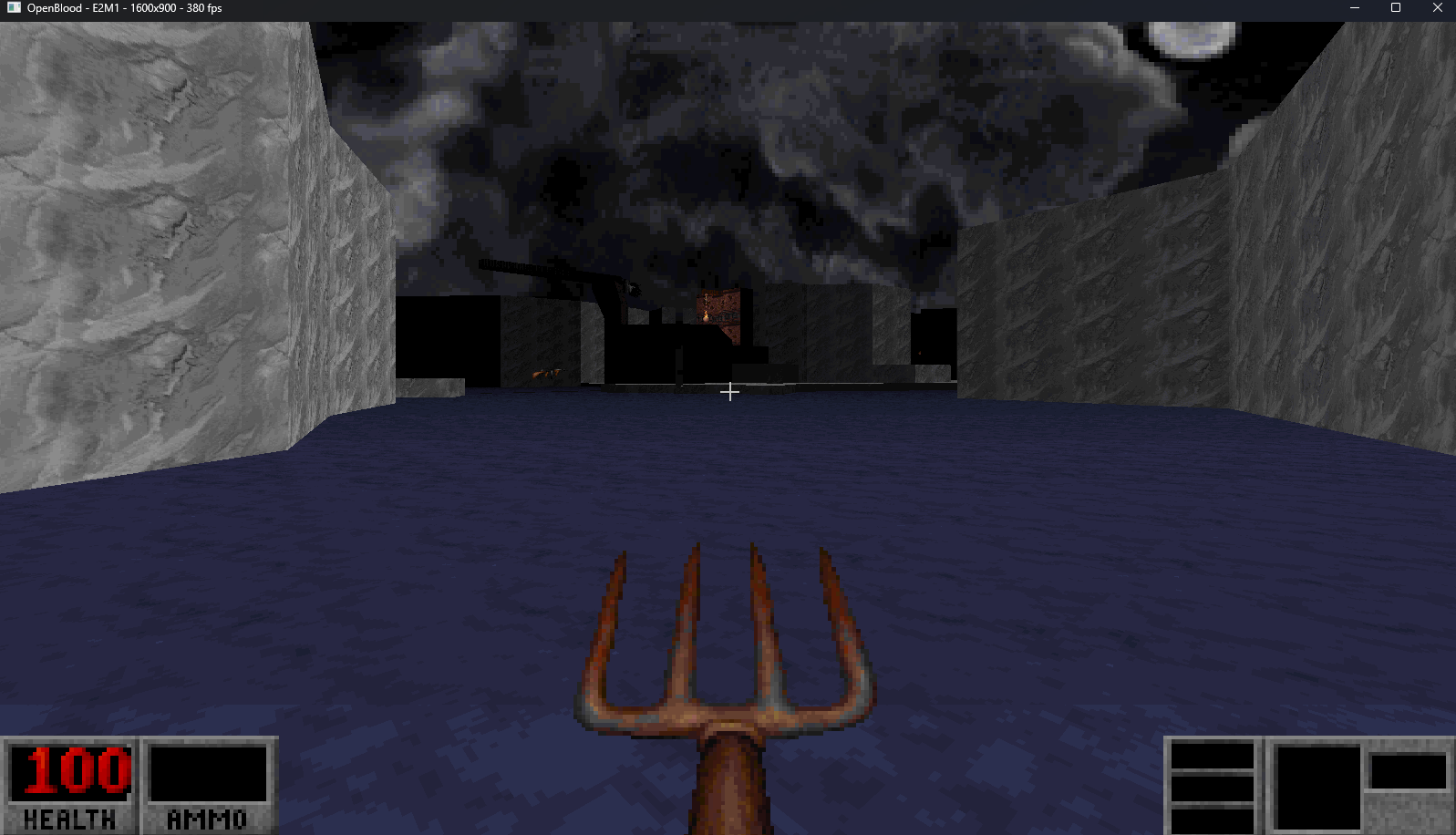
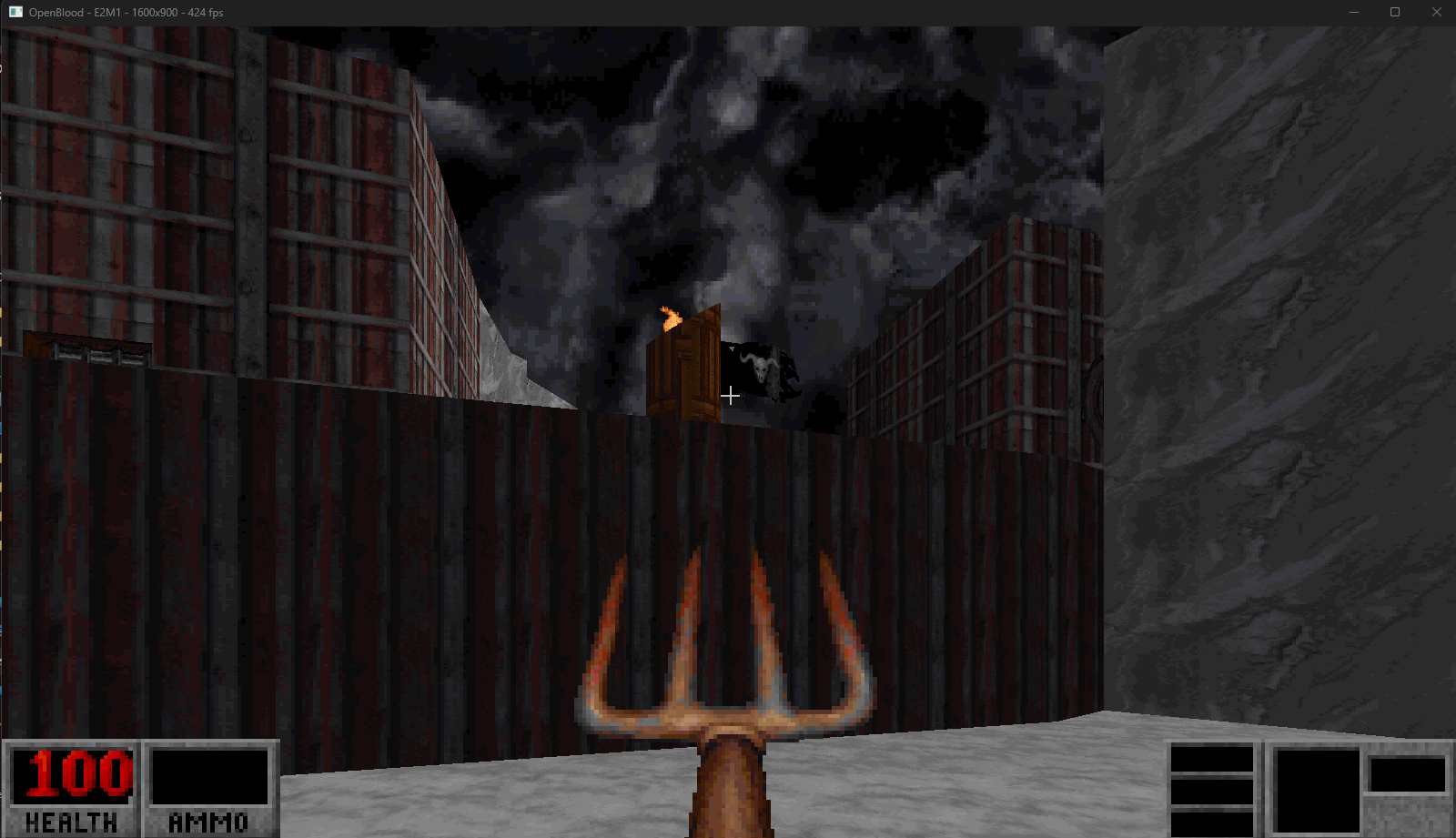
E2M1:
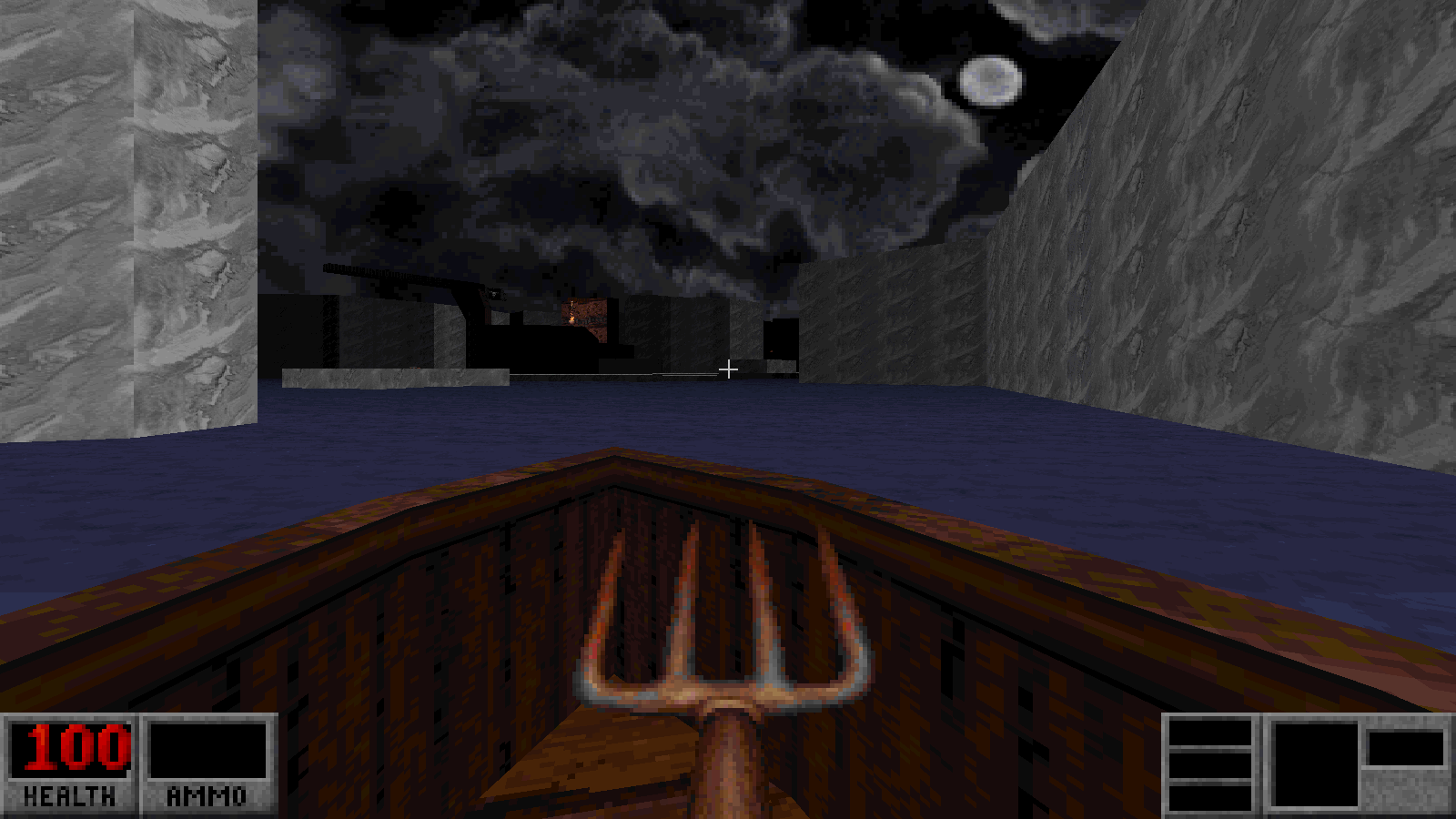
E2M4 (axe zombies in the corridor):
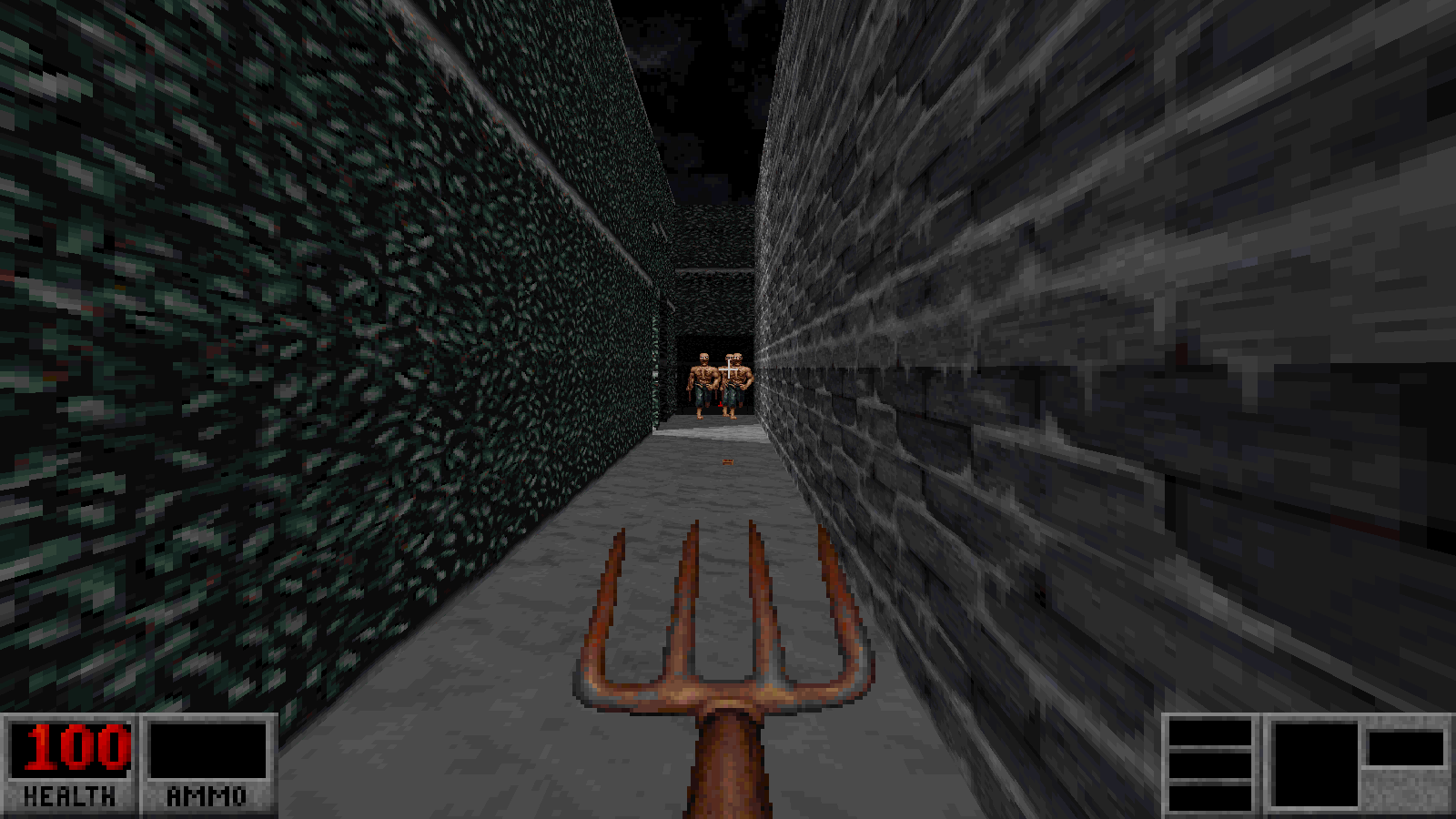
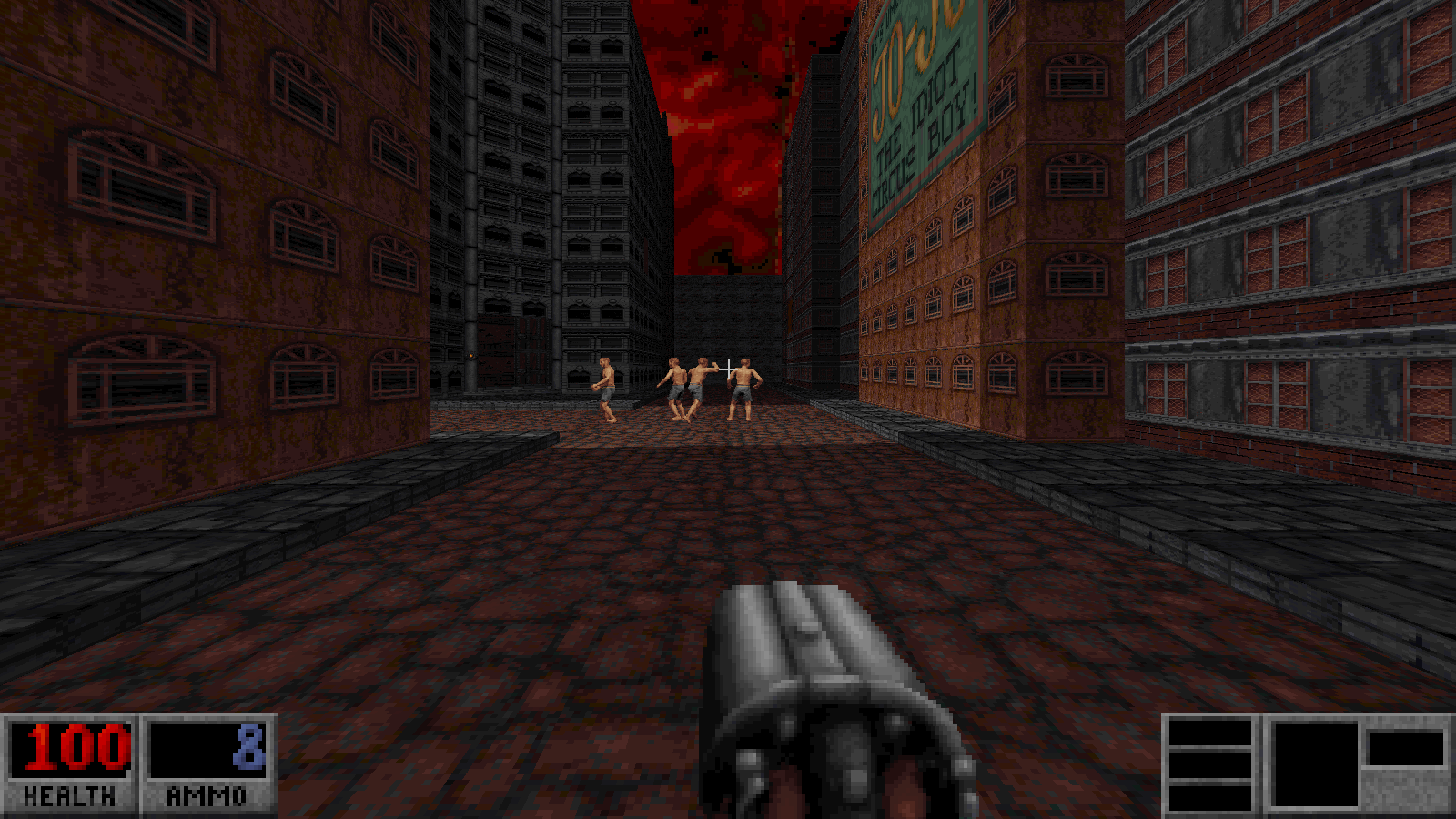
E3M1 (city streets, parallax sky):
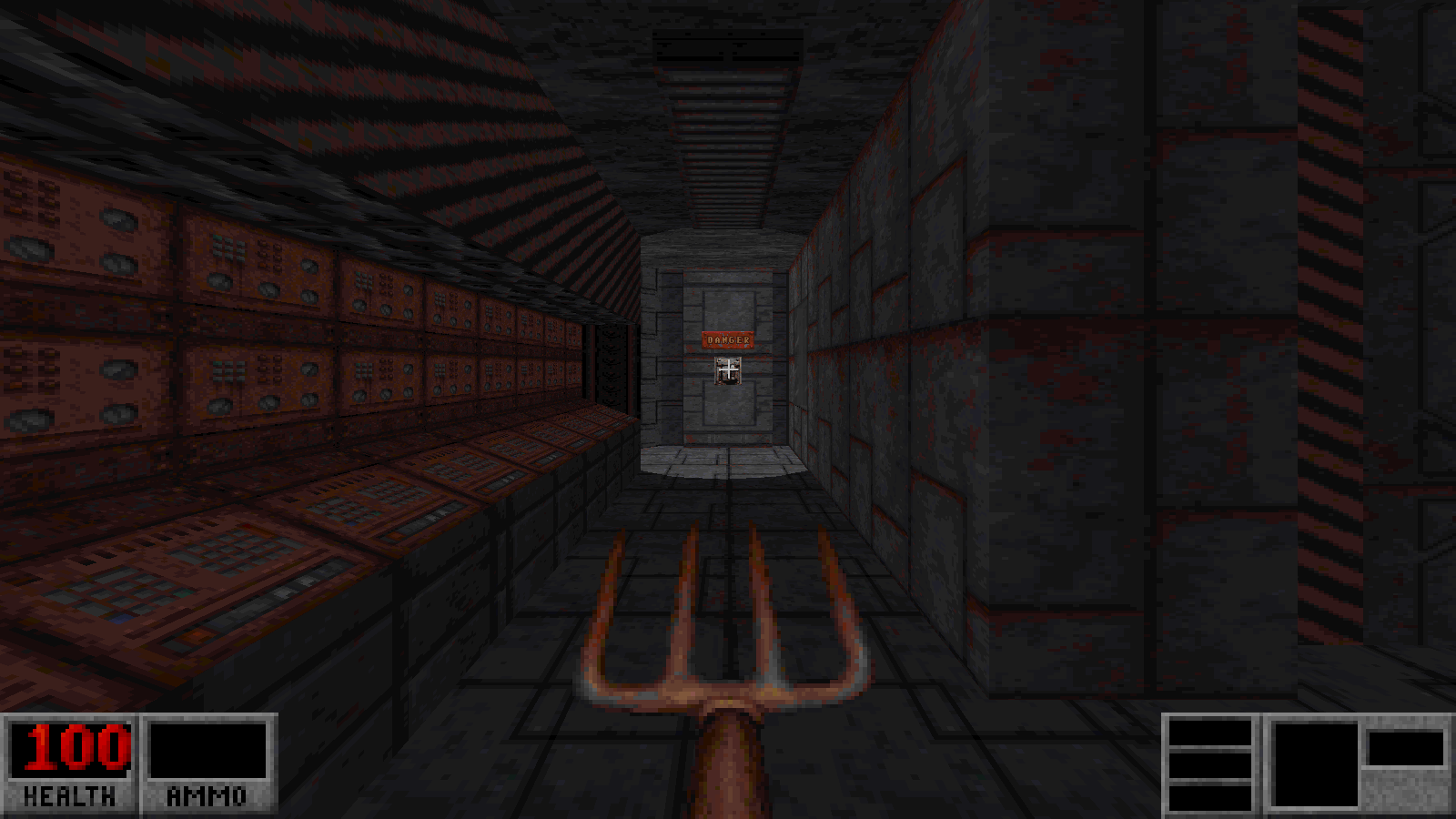
E3M5:
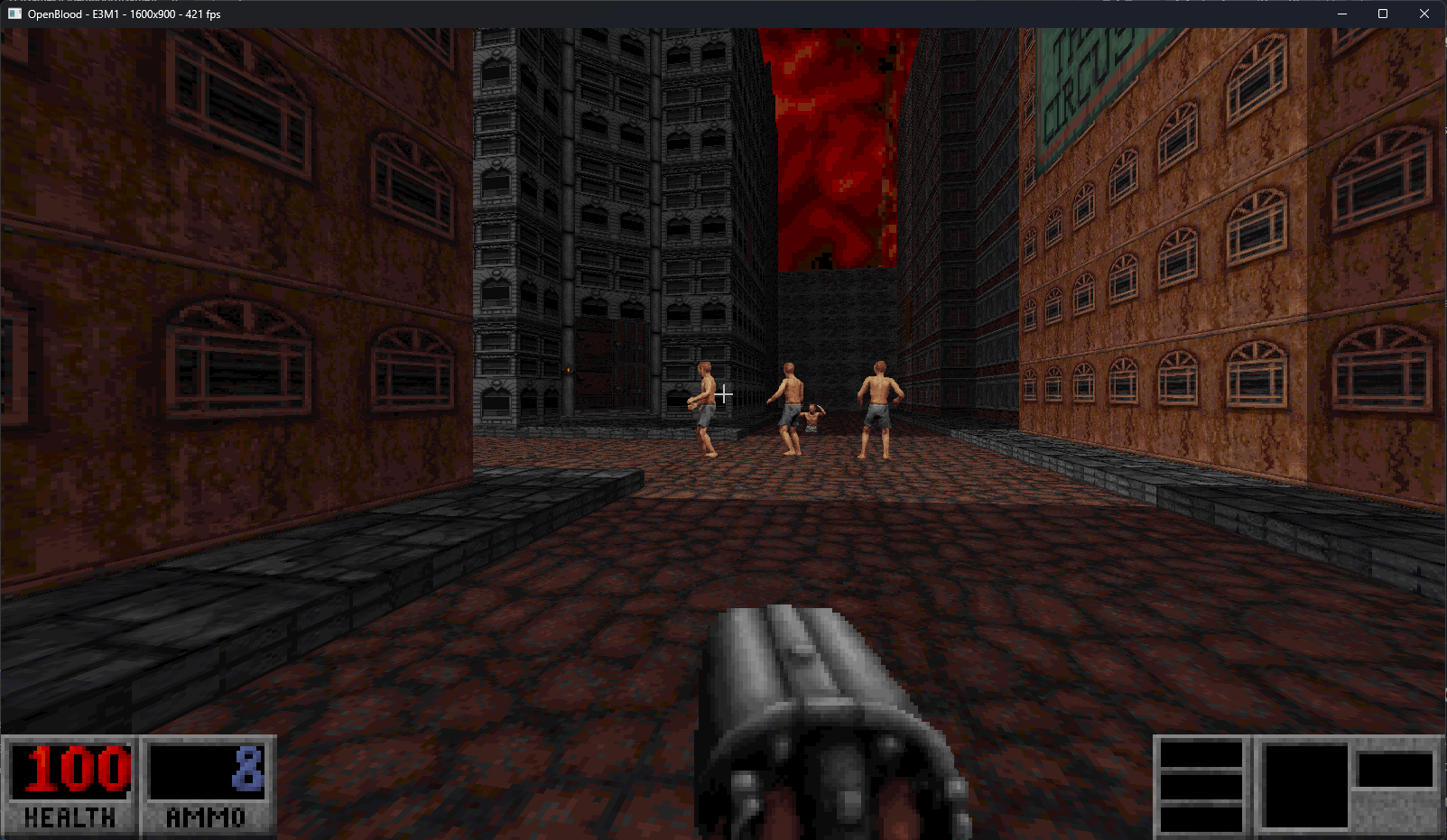
E4M2:
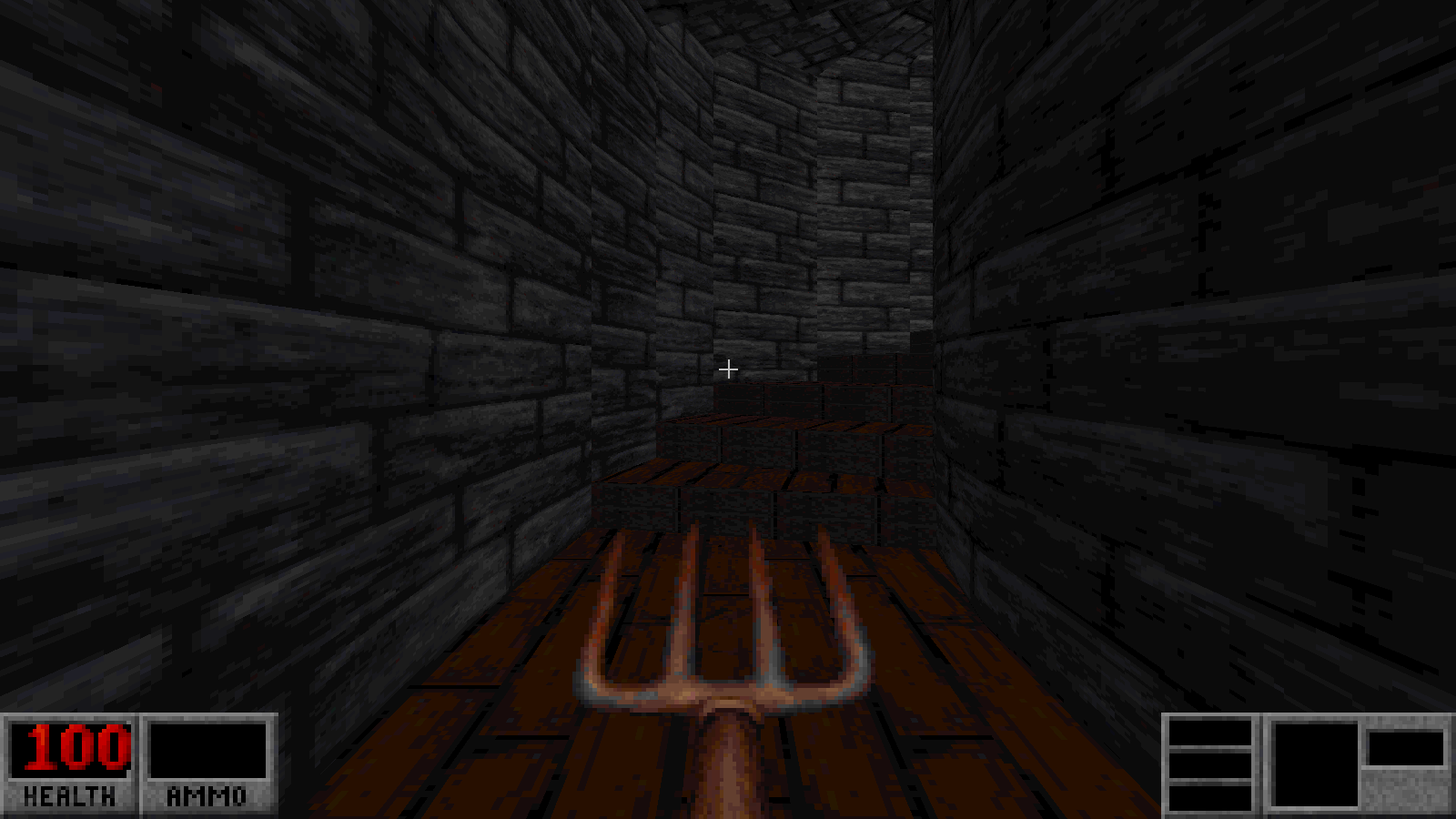
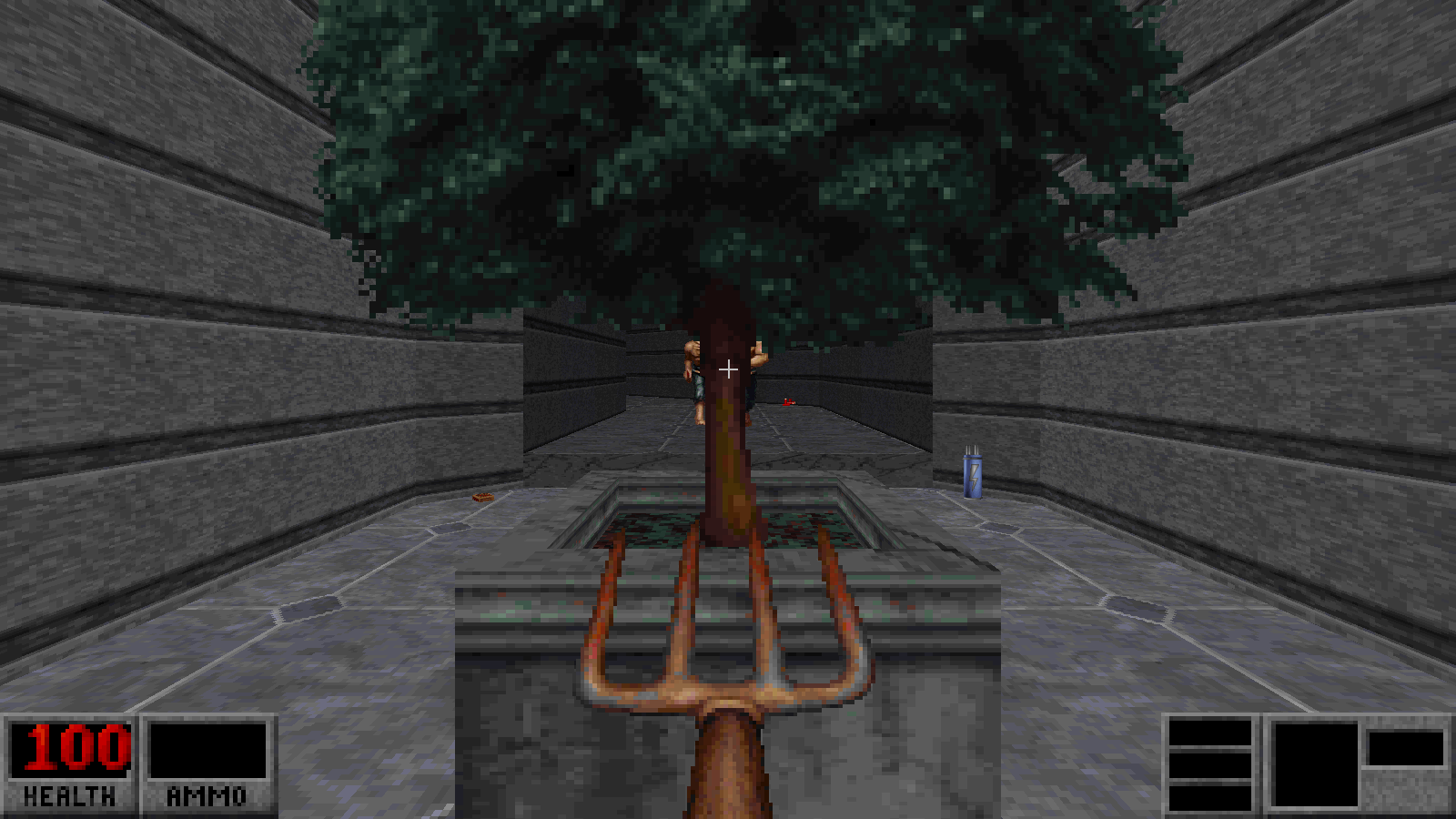
E4M9 (the axe-zombie ambush used as a combat reference in the tests):
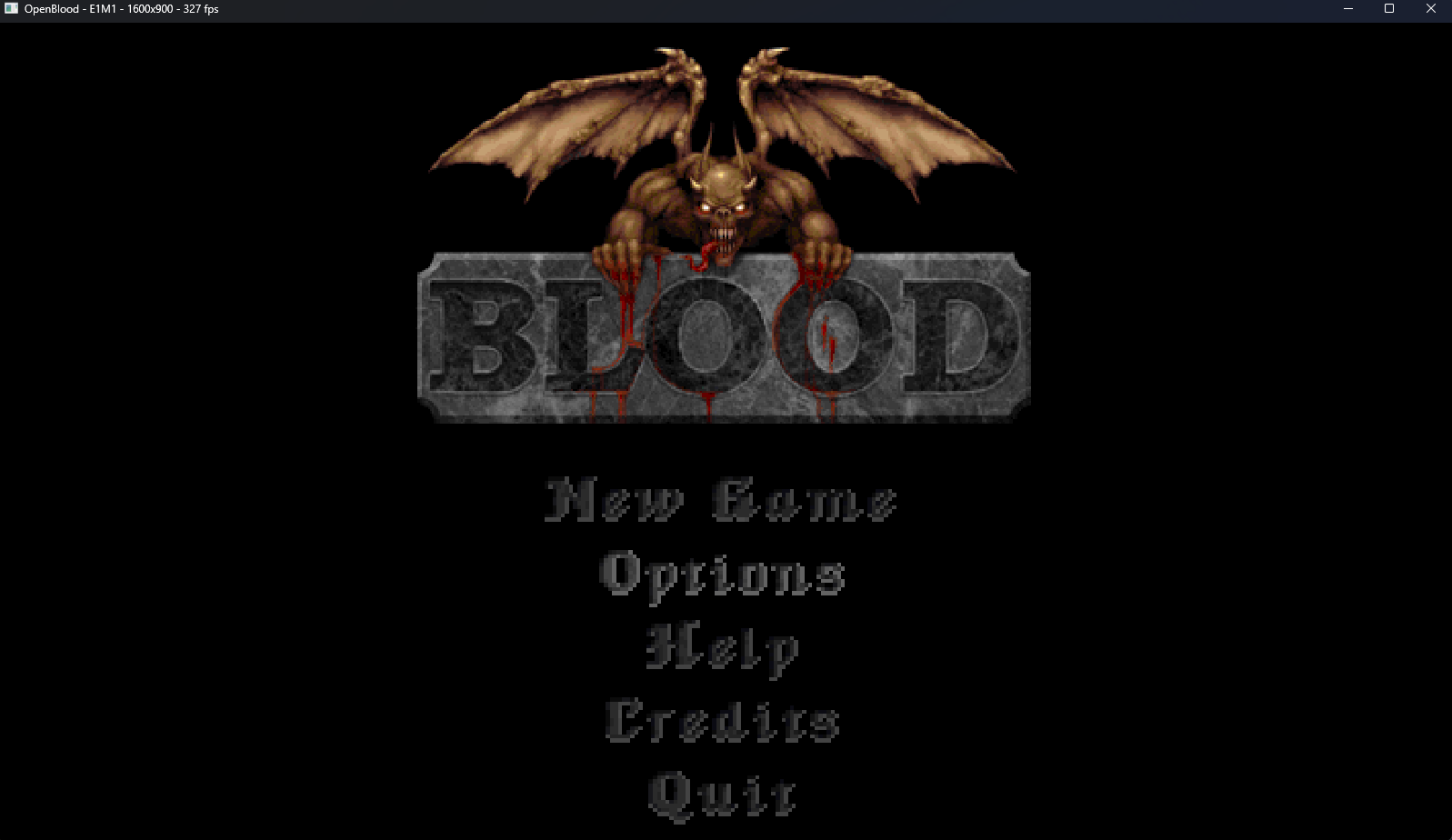
Main menu, drawn with the original fonts and art:
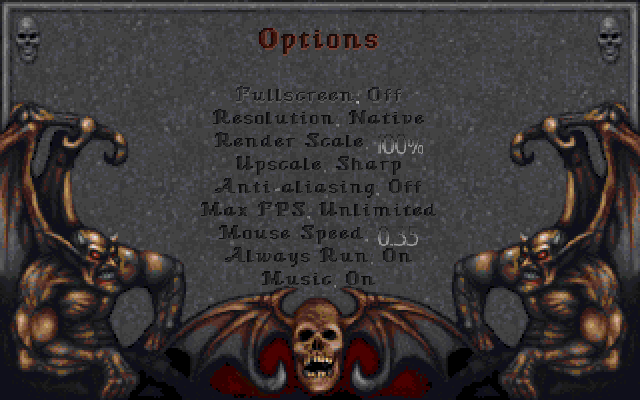
Options:
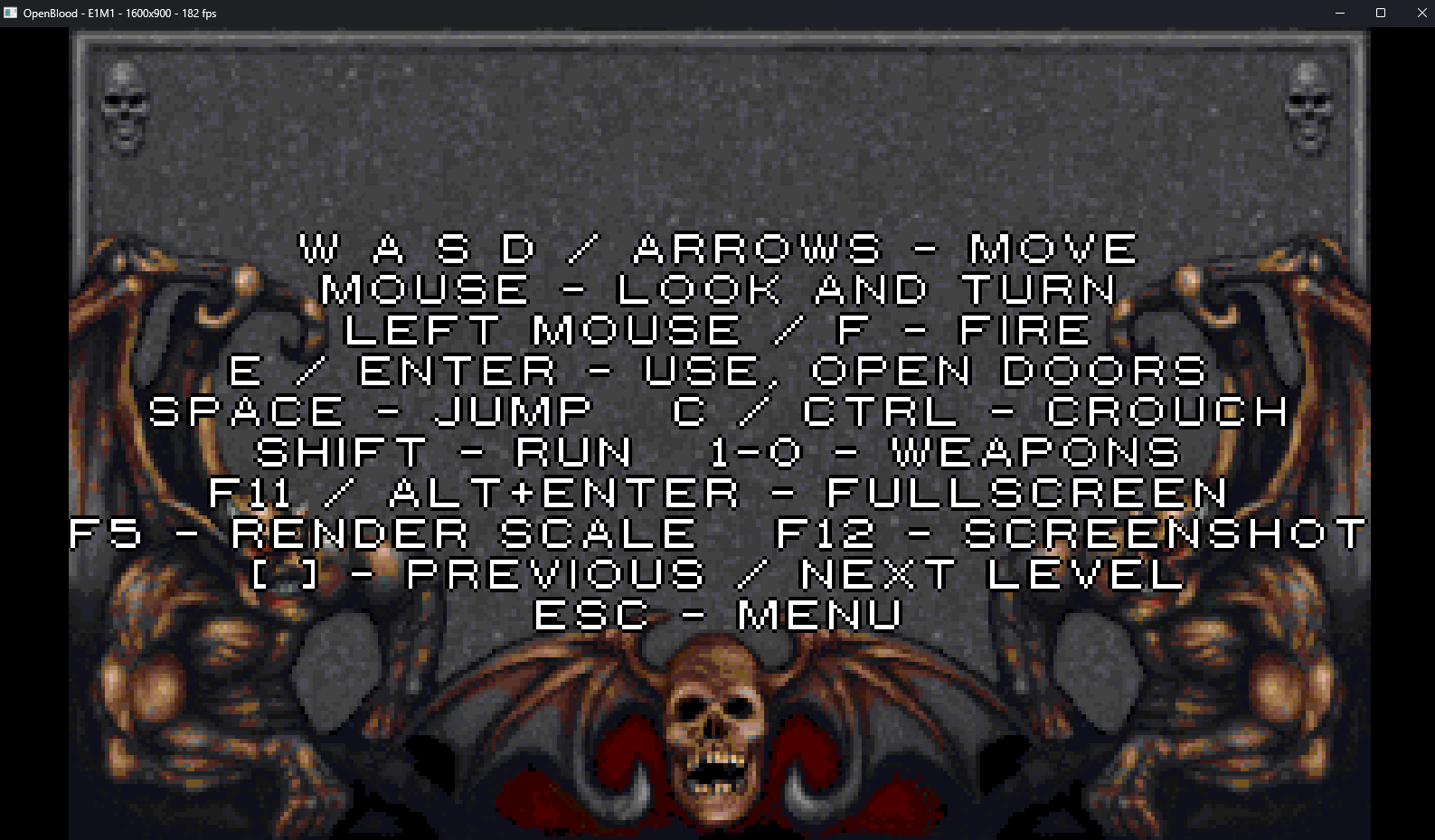
Help:
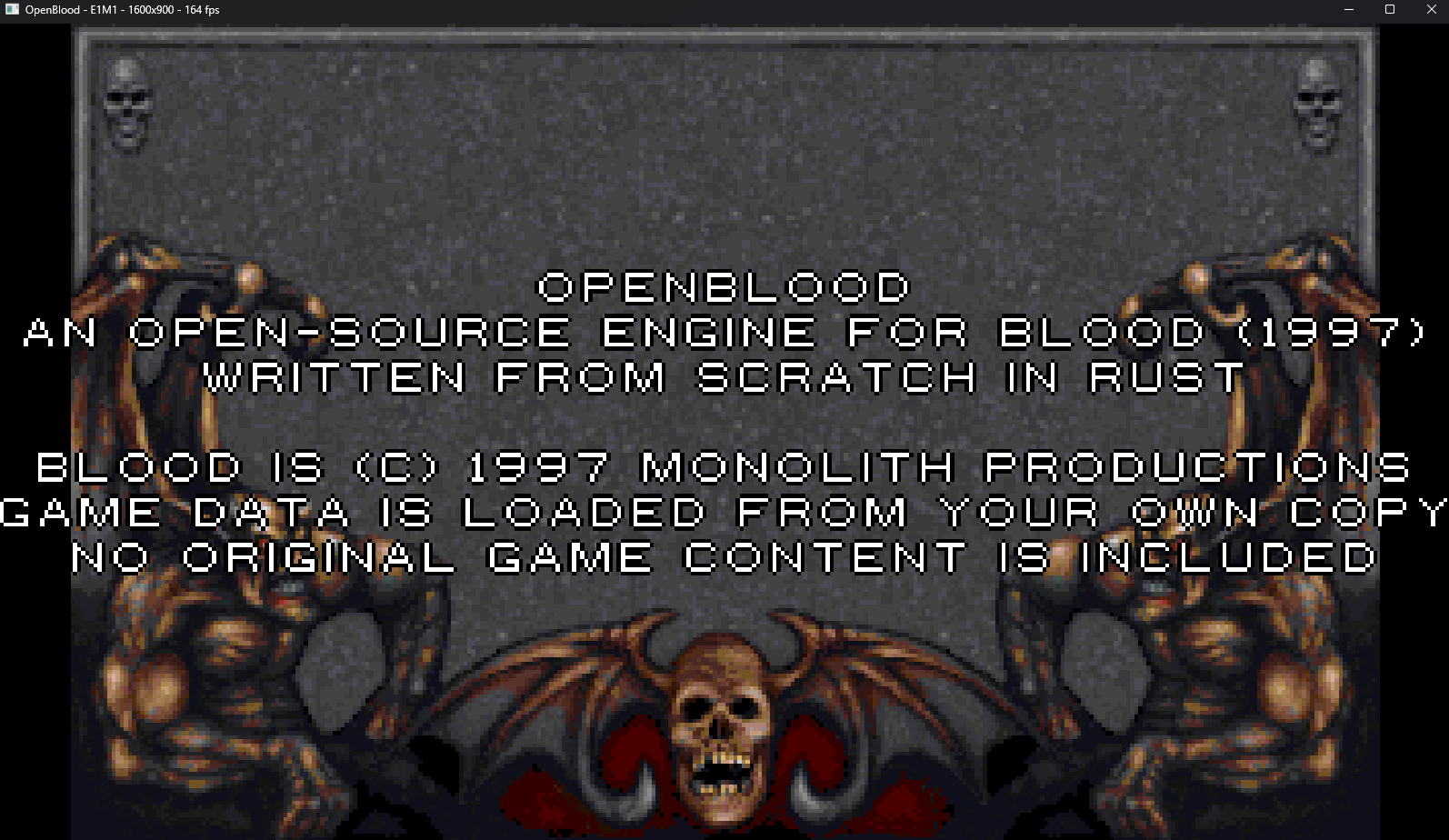
Credits:
In the game, press F12: the next frame is saved as openblood_NNNN.png in the current directory.
From the command line (no window needed):
OB_NOMSG=1 openblood shotg <DATA> E3M1 e3m1.png 1920 1080 0.5
renders E3M1 at 1920×1080 after half a second of simulation, with the HUD.