Repository navigation
v0.20.0

The iPhone app gets the dashboard card's Glass and Material looks, and RoomCall can now slow down (or speed up) its speech.
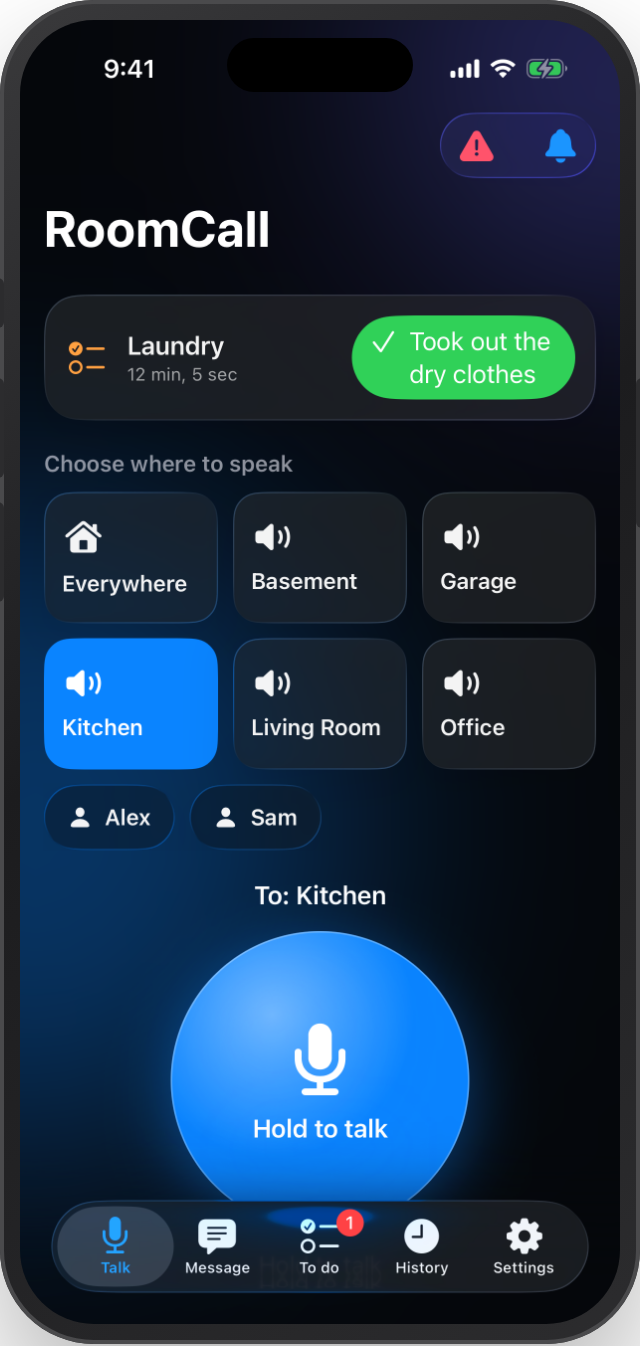
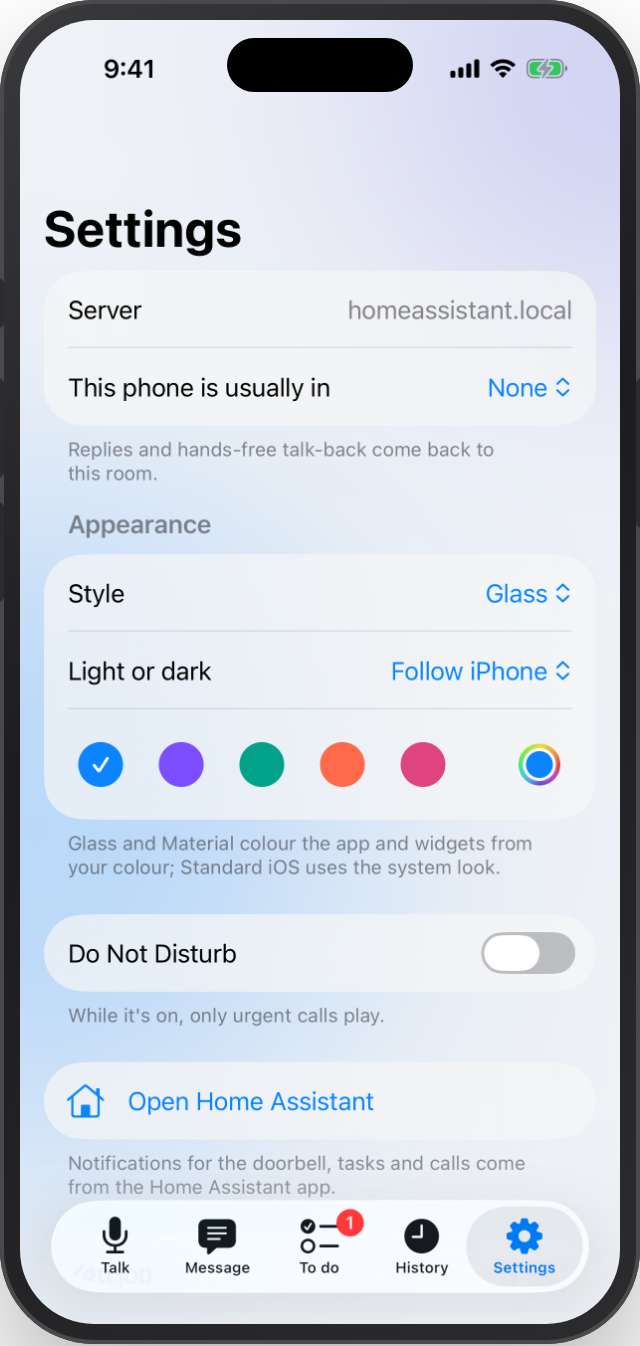
iPhone app (0.20.0, build 4)
- Glass (default): Liquid Glass surfaces on iOS 26 (frosted material on iOS 18–25) over soft colour glows. Room tiles with icons, a glossy talk button that turns red with rings while live, and glass cards, lists and notices.
- Material: a tonal palette generated from your colour, check-marked selection and a gradient talk button. Standard iOS keeps the system look.
- Settings → Appearance: style, light / dark / follow iPhone, and a button colour (five presets or any colour). Home-screen widgets use the same colour.
Speaking speed
- New Speaking speed option (0.5–1.5, default 1) under Settings → Devices & services → RoomCall → Configure, and in the card's Settings → Setup.
- It applies to typed messages, announcements and reminders. It works with any text-to-speech engine and keeps the voice's pitch; the chime is unchanged. Try 0.85 if speech sounds rushed.
Update
- Home Assistant: update RoomCall in HACS (or install roomcall.zip), restart, then set the speaking speed under Configure.
- iPhone: download RoomCall-0.20.0-unsigned.ipa, sign it with the same identity as your current install, and install. Its source run and checksum are in RoomCall-0.20.0-build.json. It is a separate CI artifact and isn't covered by the integration's provenance bundle.
Validation: the iOS CI run on the release commit passed the native unit, UI (including a new appearance test) and screenshot tests and the unsigned device build. The HA suite passed with 320 passed, 1 skipped at 100% statement coverage, with real-ffmpeg tests for the speed change. Browser QA, lint, iOS localization checks, the screenshot manifest, Codex review, HACS and hassfest all passed. Physical-device behaviour and acoustic latency are not measured by CI.
PR #61 · iOS guide · Full Changelog: v0.19.0...v0.20.0