Repository navigation
Logger and trouble codes
A dedicated screen for live engine data, separate from the table editor.
- View real-time parameters (RPM, MAP, coolant temp, fuel trims, and more) while connected to the vehicle, and record them to a CSV log.
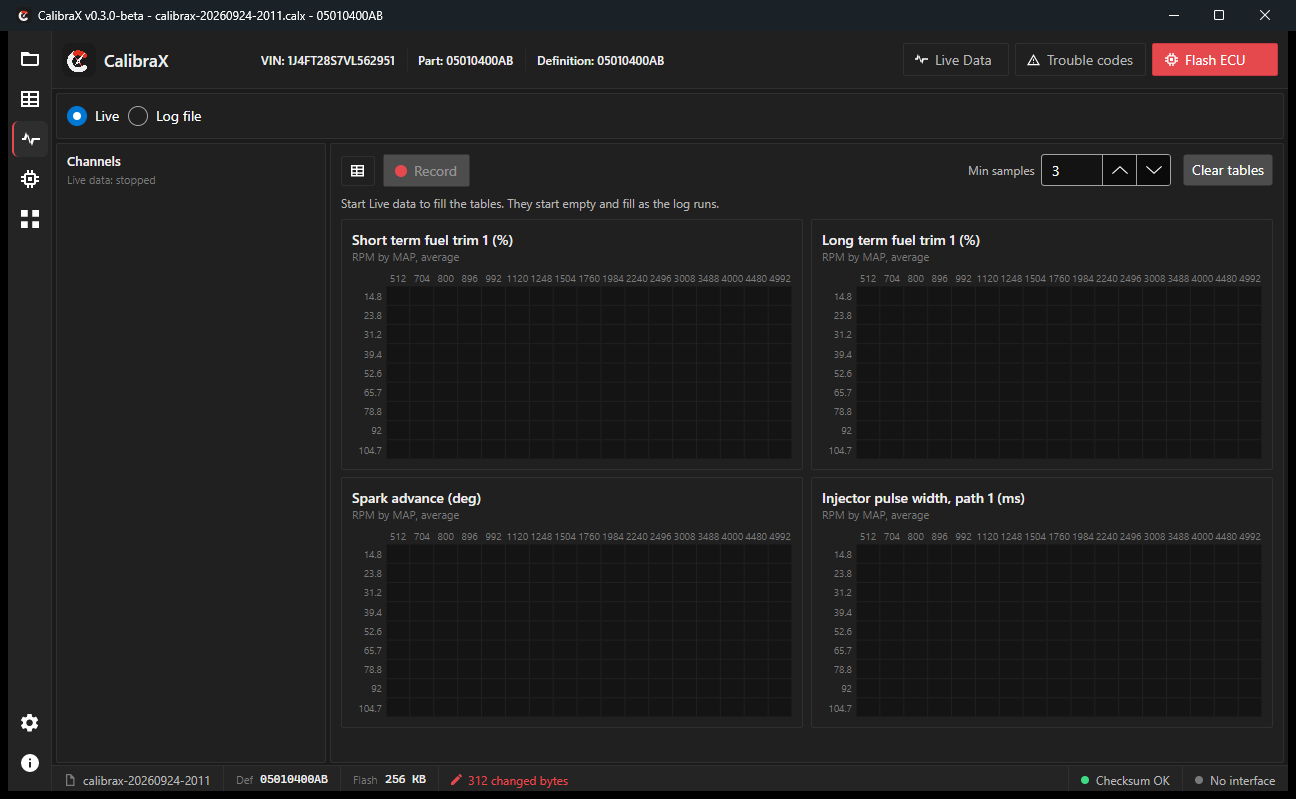
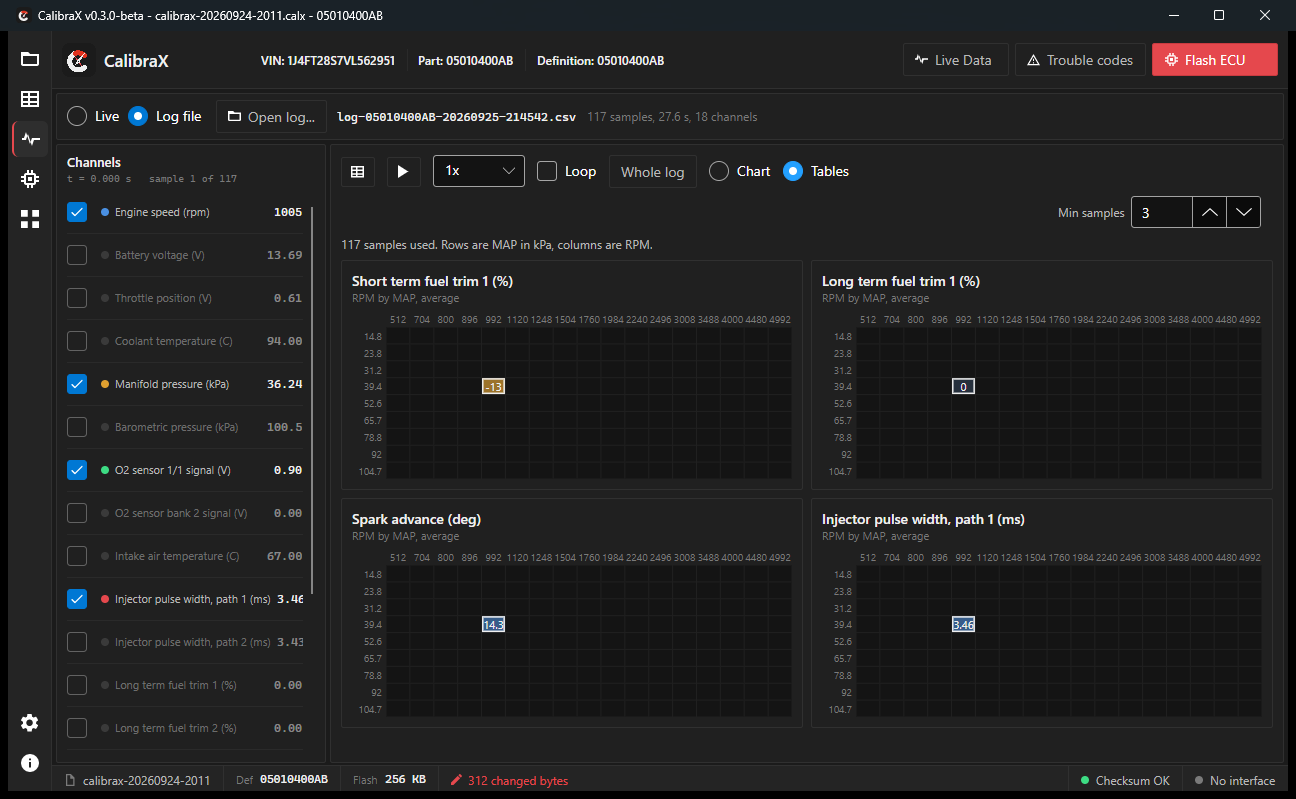
- Log tables fill in live as you drive: short and long term fuel trim, spark advance, and injector pulse width, each averaged by RPM and MAP. They have the same layout as the base fuel table, so a rich or lean cell is easy to spot.
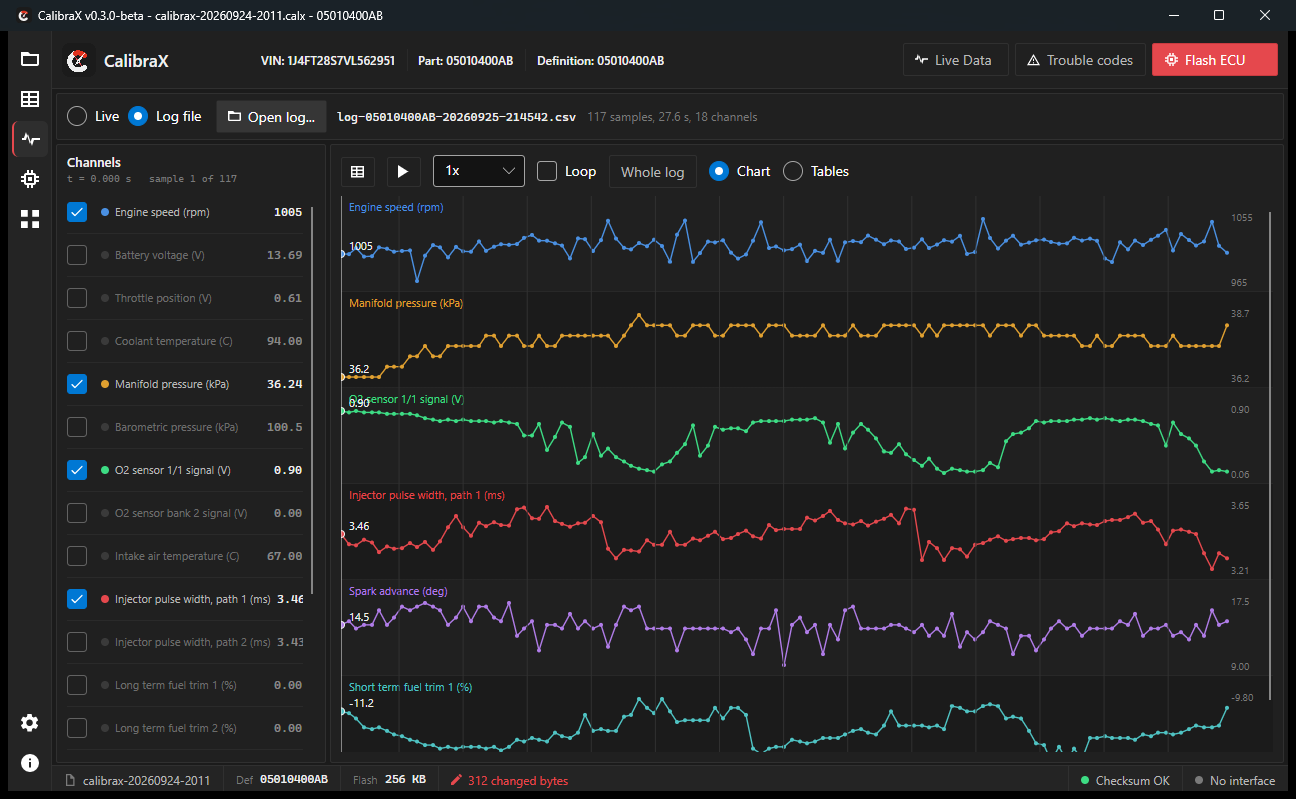
- Open a previously recorded log to browse it: a chart of every channel against time (zoom, pan, scrub), and the same log tables filled from the whole file or filled live as you play it back.
Read stored, pending, and one-trip fault codes, named from your calibration when possible.