Repository navigation
StandUp Pal 1.2.0 ☁️ Sync across your Macs

☁️ Sync across your Macs
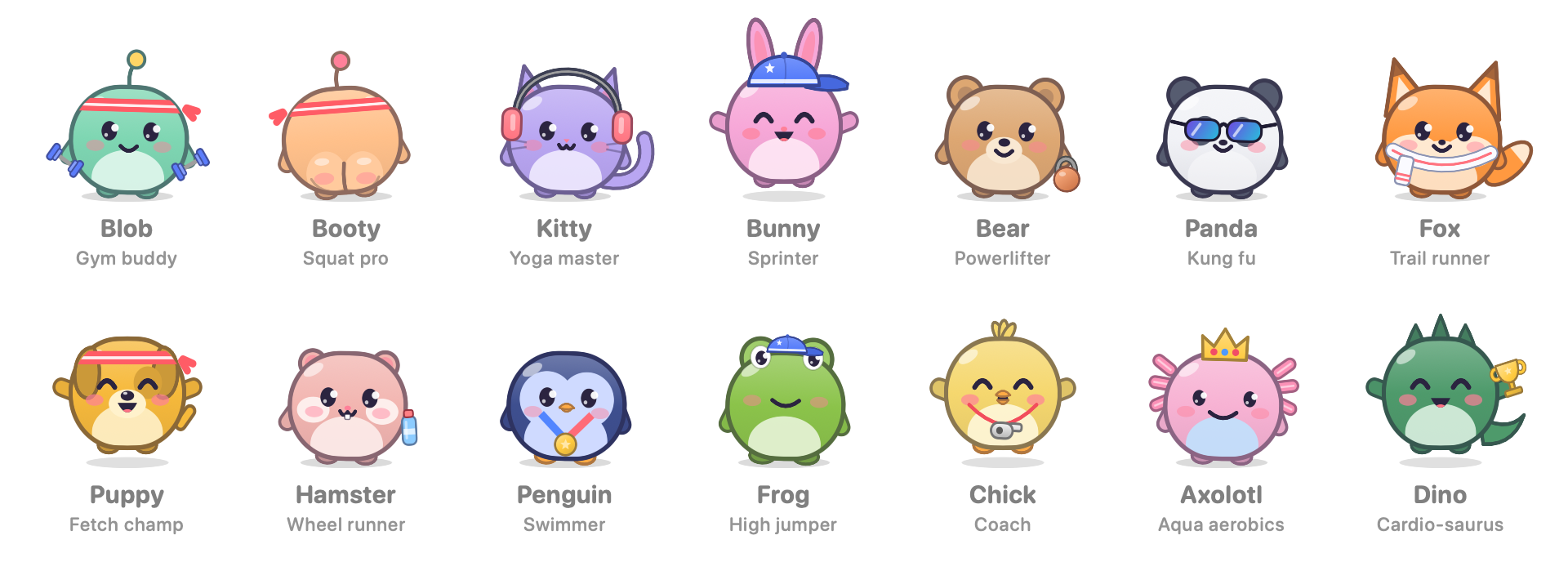
Your settings, reminders and pet progress now follow you to every Mac signed in to the same Apple Account.
- No login and no server. StandUp Pal keeps a small StandUp Pal folder in your iCloud Drive.
- Nothing gets lost. Each Mac adds its own XP and stats, so working on two Macs on the same day keeps everything. Settings follow the Mac where you last changed them.
- New Macs catch up. A newly installed Mac picks up your existing pet and settings instead of starting over. Resetting progress on one Mac resets it everywhere.
- Turn it on or off in Settings › General › iCloud sync, with a status line and a button that opens the folder in Finder.
📦 Install
- Download StandUp-Pal-1.2.0.dmg, open it, and drag StandUp Pal onto Applications. A zip is available too.
- The app is ad-hoc signed and not notarized, so on first launch macOS says it can't verify it. Open System Settings › Privacy & Security › Open Anyway, or run once:
xattr -dr com.apple.quarantine "/Applications/StandUp Pal.app" - With sync on, macOS asks once whether StandUp Pal may access iCloud Drive. Click Allow. It asks again after each update, because builds aren't signed with a paid Apple certificate.
Updating from 1.1 keeps your progress. Requires macOS 14 or later. Universal build: Apple silicon and Intel.
SHA-256 (StandUp-Pal-1.2.0.dmg): 0531d8ae672278b685647bc530c97bfa11905ddeec390a2b589f841d508dbdbc
SHA-256 (StandUp-Pal-1.2.0.zip): f4c9d0f52ef975dcc307c52bd75b4e0844e50b8fab0456fb69400779c5a0a9af
If it gets you off your chair, a coffee keeps the pets fed: ko-fi.com/deus42 ☕