Repository navigation
StandUp Pal 1.5.1 🏋️ Coach, programs and healthy habits

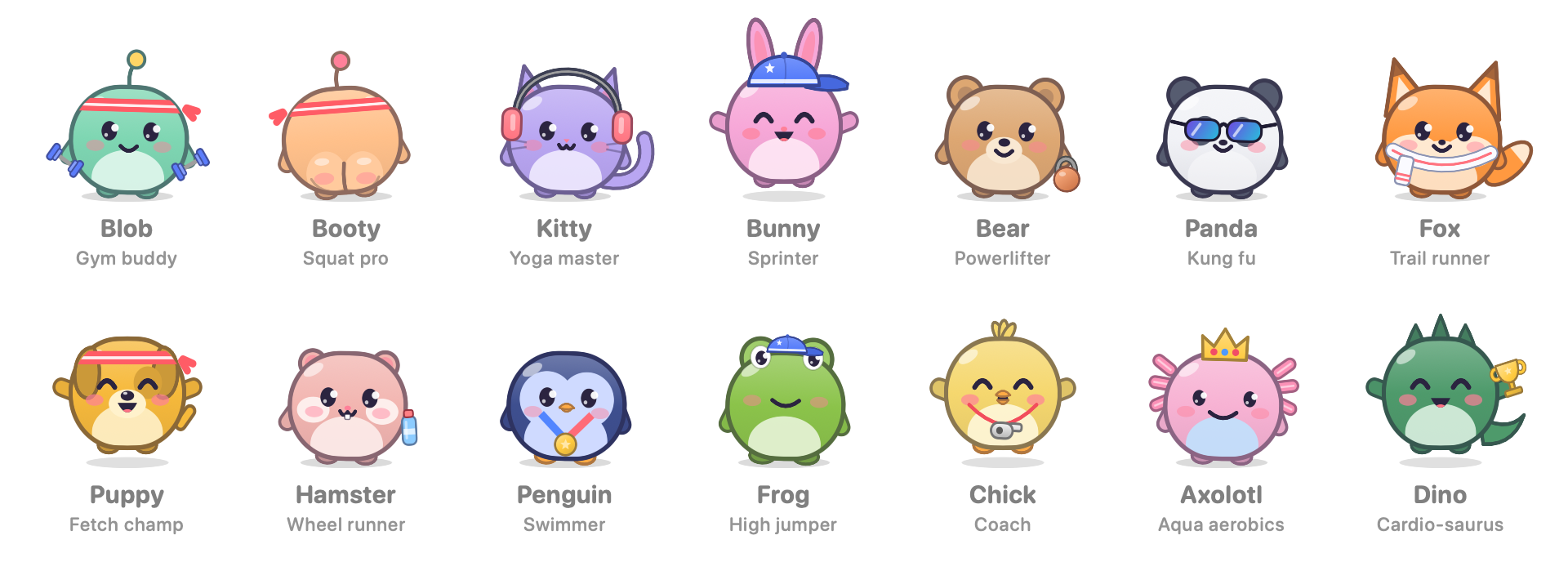
This release covers everything since 1.2.
🏋️ A pet that coaches you
- Every exercise has its own animation. The pet reaches, marches, twists, side-bends, squats, rolls its shoulders and breathes along with you.
- Five new desk and physio exercises: chin tucks, shoulder-blade squeeze, standing back bend, ankle circles and desk push-ups.
- Programs for reminders. Give a reminder (say, your physiotherapy) a list of exercises with durations, sets and rest, or start from a ready-made program: neck & shoulders, lower back, wrists & eyes, or legs. When the reminder pops up, Start the program runs it with a timer.
💧 Small healthy habits
- Water: tap + in the menu bar popover after each glass. The goal is 8 by default, and a reminder can count glasses too.
- Eye breaks (20-20-20): every 30 minutes, a small silent card asks you to look into the distance for 20 seconds. It never appears during a call or right before a stand-up.
- 18 achievements to collect, shown in Stats.
- Weekly card: after work on Friday you get a card with your week. Copy it or save it as a PNG and share it.
- Walking pet: optionally, let the pet stroll along the top of your Dock.
- These live in a new Habits tab in Settings, which, like every tab, fits without scrolling.
🔁 One-click updates between your own Macs
For people who build from source:
scripts/make-signing-cert.shcreates a personal signing certificate, so macOS keeps the app's permissions across updates.build-app.sh --publish-updateoffers a new build to your other Macs through iCloud Drive. They show Update, check that the build is signed with the same certificate, swap themselves and relaunch. No network is involved.
Smaller things
- The stand-up card's "Stood up" button is now "Done, no warm-up", which says what it does.
- Previews in Settings no longer award XP.
📦 Install
- Download StandUp-Pal-1.5.1.dmg, open it, and drag StandUp Pal onto Applications.
- The app isn't notarized by Apple, so on first launch go to System Settings › Privacy & Security › Open Anyway, or run once:
xattr -dr com.apple.quarantine "/Applications/StandUp Pal.app" - With iCloud sync on, click Allow when macOS asks about iCloud Drive.
Updating keeps your progress. Requires macOS 14 or later. Universal build: Apple silicon and Intel.
SHA-256 (StandUp-Pal-1.5.1.dmg): 3f5b6a546fdab006155ba45c201d7f1aa381354e53eed4904bafdfa8d96b2252
SHA-256 (StandUp-Pal-1.5.1.zip): 16f0b5b4b2a32fd76864f9a7126ede2bcd46e72ca6f8156fa2c81d9106290136
If it gets you off your chair, a coffee keeps the pets fed: ko-fi.com/deus42 ☕