Repository navigation
StandUp Pal 1.6.0: the pet's day

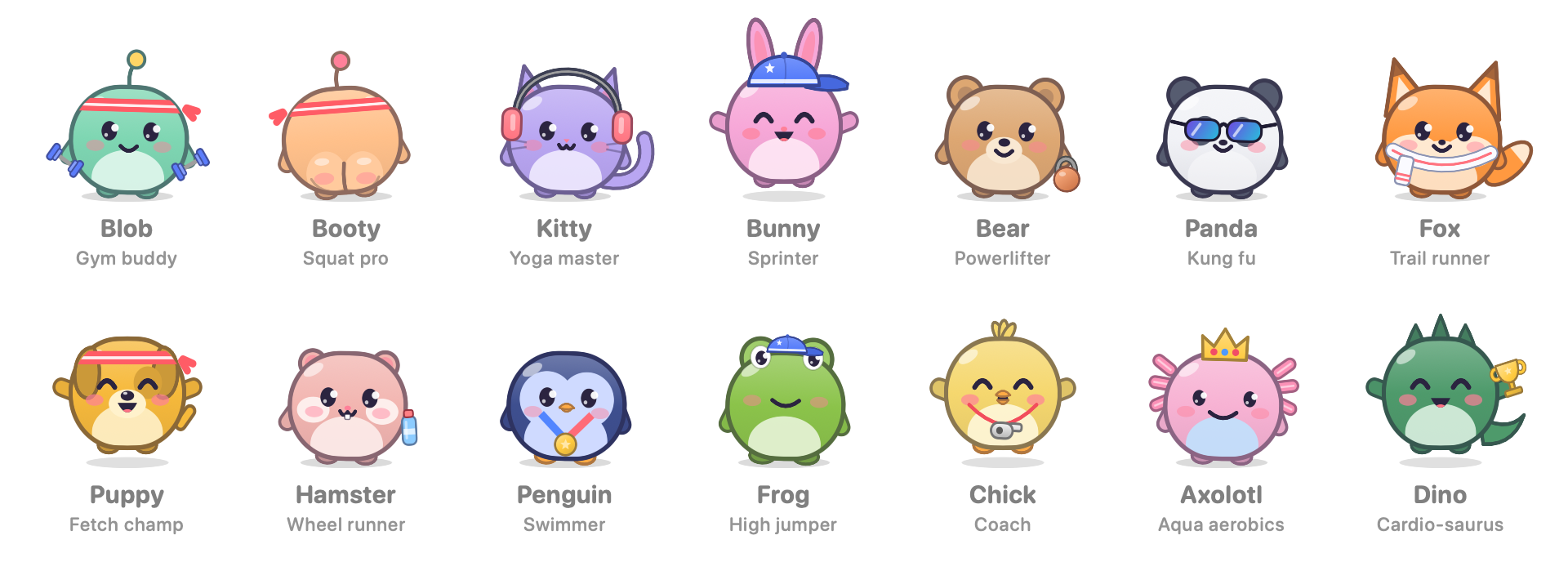
🌙 The pet's day
The pet now follows your day and changes its look to match.
- At work: a shirt collar, a tie and round glasses. It keeps the headband or dumbbells you picked.
- In the morning: pyjamas and a steaming cup of coffee. On days off, the slow morning lasts until 11:00.
- In the evening: pyjamas. It's off work but still awake.
- At bedtime (20:00 by default): it puts on a nightcap and goes to sleep.
- If you're still at the Mac, a small card asks you to step away too. It asks again every half hour while you stay.
- Off to bed turns the screen off, and A bit longer closes the card.
- The card never appears during a call or while you're away.
- Booty's pyjamas have a butt flap. 🍑
- To change any of this, go to Settings › Habits › Pet's day. You can turn the outfits off, set bedtime anywhere from 19:00 to 23:30, or turn off the bedtime card.
Smaller things
- The pet now sleeps only after bedtime or while reminders are paused. Before that, it stays awake in the morning and evening.
- New things for the pet to say in each part of the day, in all three languages.
📦 Install
- Download StandUp-Pal-1.6.0.dmg, open it, and drag StandUp Pal onto Applications.
- The app isn't notarized by Apple. On first launch, either go to System Settings › Privacy & Security and click Open Anyway, or run this once:
xattr -dr com.apple.quarantine "/Applications/StandUp Pal.app" - If you use iCloud sync, click Allow when macOS asks about iCloud Drive.
Updating keeps your progress. Requires macOS 14 or later. Universal build for Apple silicon and Intel.
SHA-256 (StandUp-Pal-1.6.0.dmg): 476d3d0ffde82c0e2846194c096ada333cc66084f69e435ed670ac1435a3a9b6
SHA-256 (StandUp-Pal-1.6.0.zip): 7847bca0c19432caaed0ff077072a55c9af5241aac27350ba6914a4bcd174377
If it gets you off your chair, a coffee keeps the pets fed: ko-fi.com/deus42 ☕