Repository navigation

🗣️ A better voice for warm-ups
- Warm-ups are read by the best voice installed on your Mac (Premium, then Enhanced, then basic) instead of whichever one macOS hands out first. Basic voices speak a little slower, and emoji are no longer read out loud.
- Settings › Warm-up › Voice is new: click Listen, or pick any installed voice for the app's language. If you only have a basic voice, it points you to System Settings › Accessibility › Read & Speak, where you can download Enhanced voices.
- Ukrainian: macOS only has the robotic compact Lesya, and there is no Enhanced Ukrainian voice to download. So the built-in exercises and warm-up phrases are now read by Mykyta, a neural voice pre-rendered into the app: 26 short clips, about 400 KB, made with the CC0 Piper voice
uk_UA-ukrainian_tts-medium. Your own exercises still use the system voice. If you pick a system voice in the picker, the clips turn off.
🐾 The walking pet, per Mac
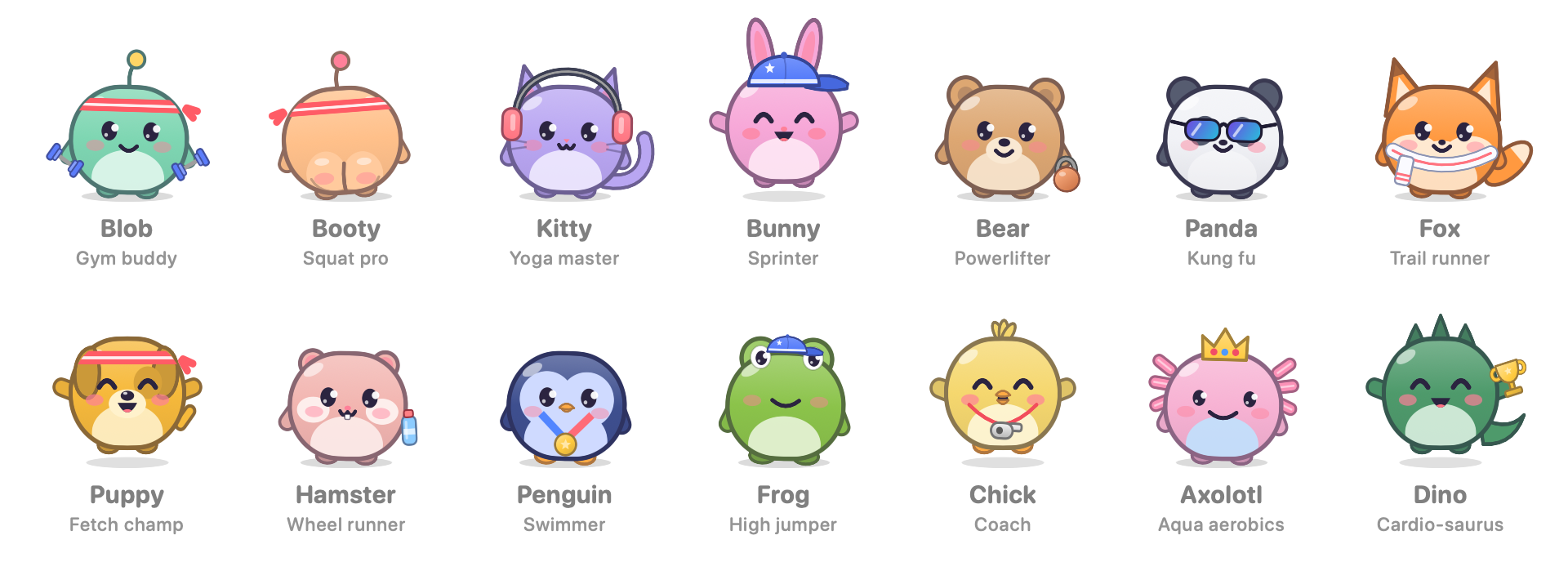
- The walking pet toggle moved from Habits to Settings › Pet.
- Each Mac keeps its own choice, so the pet can walk on your home Mac and stay off at work. iCloud sync leaves this setting alone.
Smaller things
- The Habits tab is tidier: eye breaks and the weekly card on the left, the pet's day on the right.
📦 Install
- Download StandUp-Pal-1.7.2.dmg, open it, and drag StandUp Pal onto Applications.
- The app isn't notarized by Apple. On first launch, either go to System Settings › Privacy & Security and click Open Anyway, or run this once:
xattr -dr com.apple.quarantine "/Applications/StandUp Pal.app" - If you use iCloud sync, click Allow when macOS asks about iCloud Drive.
Updating keeps your progress. Requires macOS 14 or later. Universal build for Apple silicon and Intel.
SHA-256 (StandUp-Pal-1.7.2.dmg): aa1e022e4ec7b0b83cddfdd5ad2502d4c3e668d35904e7d055d39879efb46237
SHA-256 (StandUp-Pal-1.7.2.zip): 95b6414b66747528127650808bee35393051d5a40b1511a6e4977a3ed331126a
If it gets you off your chair, a coffee keeps the pets fed: ko-fi.com/deus42 ☕