volume errors using commands from tutorial #278

Description

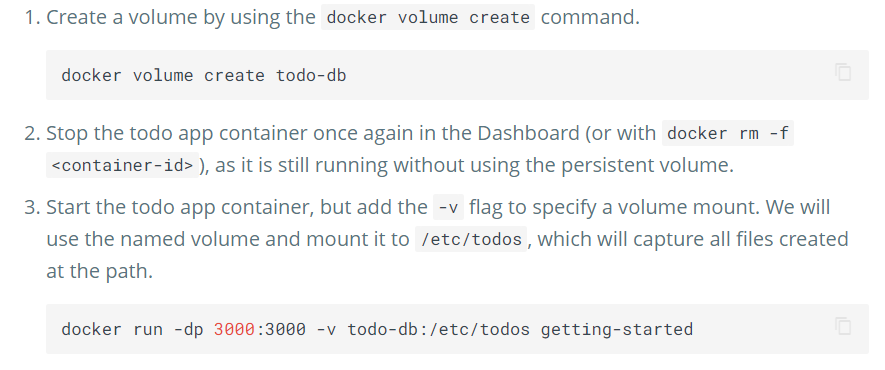
running these commands (container was stopped/removed using GUI for step 2):

for searchability, error messages is:
$ docker volume create todo-db
todo-db
$ docker run -dp 3000:3000 -v todo-db:/etc/todos getting-started
docker: Error response from daemon: create todo-db;C: "todo-db;C" includes invalid characters for a local volume name, only "[a-zA-Z0-9][a-zA-Z0-9_.-]" are allowed. If you intended
to pass a host directory, use absolute path.
See 'docker run --help'.