Update documentation about the image of picture doesn’t display immediately after set PictureBox.Visible = True #4614

Description

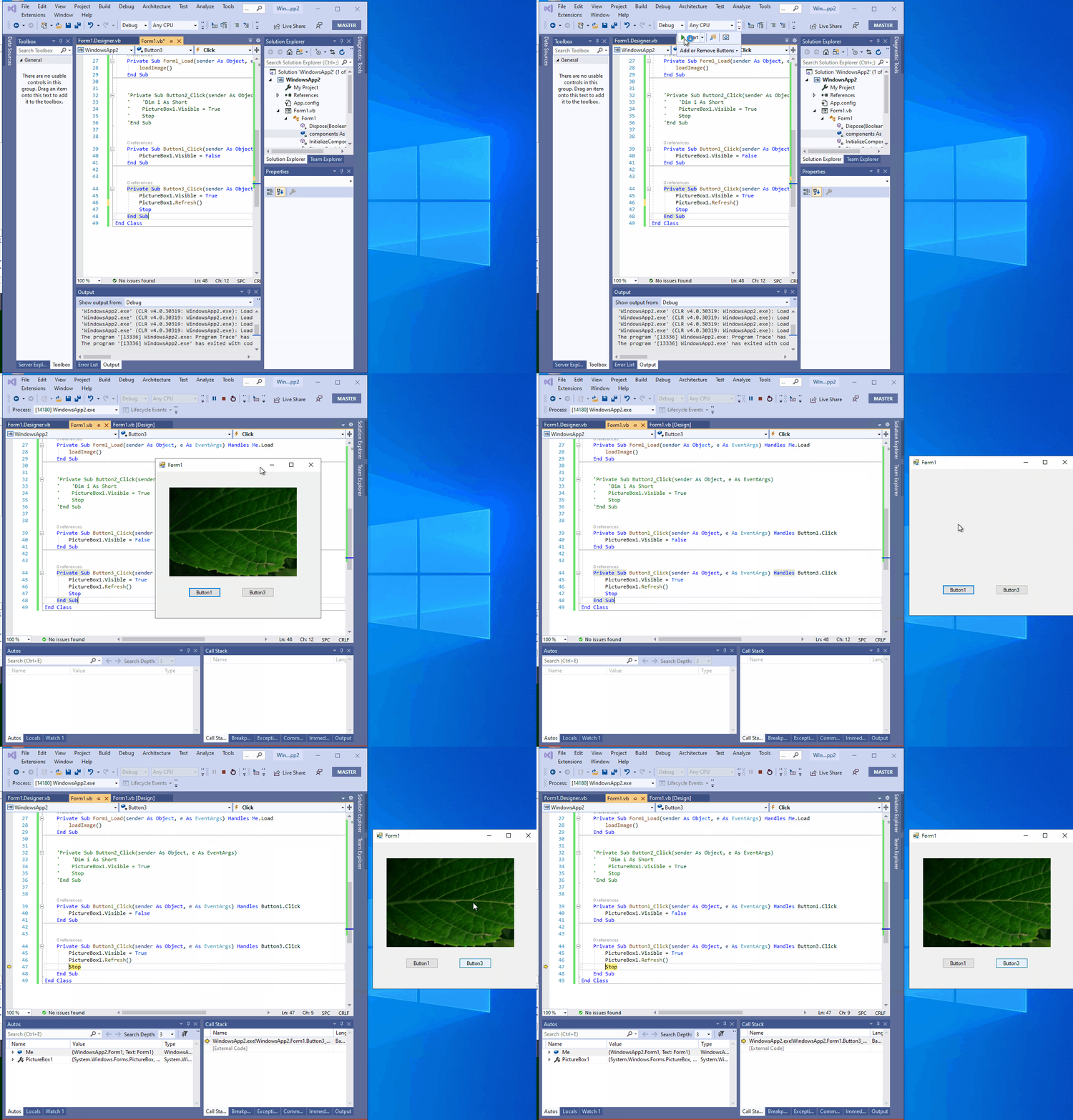
Need to add an explanation to help document to add remark for the visible property: that even if Visible is set to true, the control might not be visible to the user if it is obscured behind other controls. We can use a workaround: add PictureBox1.Refresh() before End Sub.
More Info:
This scenario can also repro in C# project.
Minimal Reproduction Scenario
- Extract “WindowsApp2.zip” and open it in VS.
WindowsApp2.zip - Build and run this project.
- Click button1, the image of picture is invisible, that is expected.
- Click button3, the image of picture is still invisible, need to click Continue in VS, then it shows when the code gets to End Sub.
Result: The image of picture cannot show when code gets to visible= true, just shows when the code gets to End Sub. Please see the Gif:
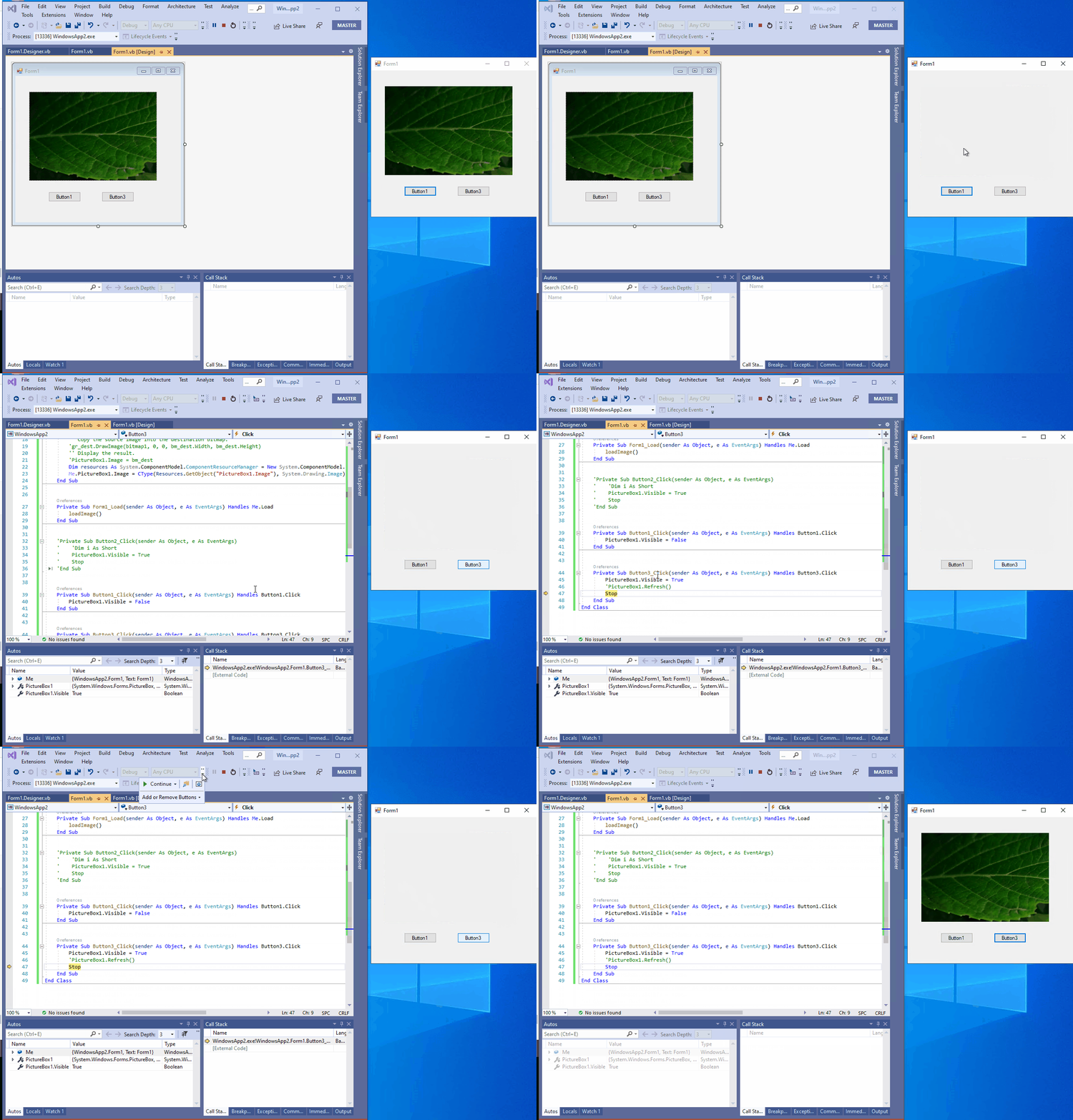
Workaround: add PictureBox1.Refresh() before End Sub, the image of picture shows immediately. Please see the Gif: