Repository navigation
v0.21.0 — Topic and podcast visions

Every topic and every podcast episode gets a vision now. Carl imagines an image for each one from what it's about and
draws it.
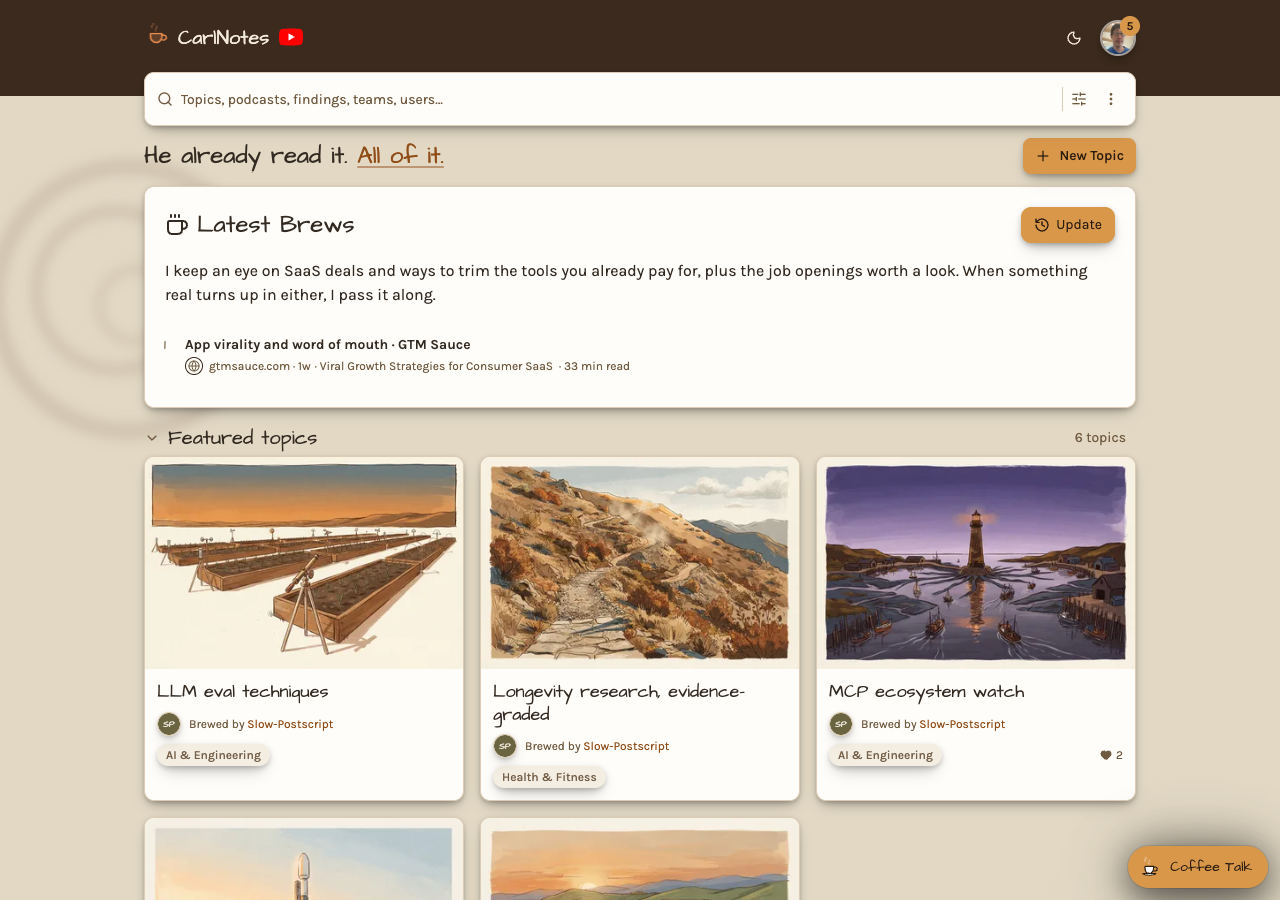
The home page is new. Sign in and it opens with your Latest Brews, then Featured topics, Featured podcasts, New podcasts
this week, and your own topics, all as cards. Press a podcast card's play button and it starts right there. The full
directory moved to its own Topics page, and Topics is in the user menu.
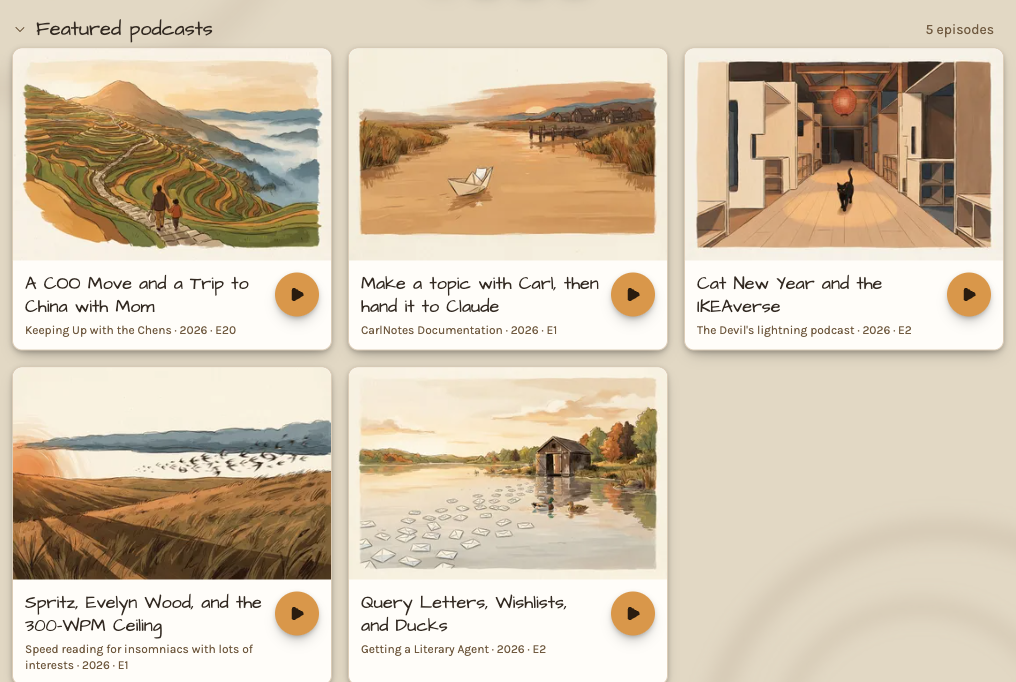
The image follows the topic everywhere: its page, search results, share cards, podcast covers, and the Topic section of
a finding's note, with a play button for its latest podcast episode.
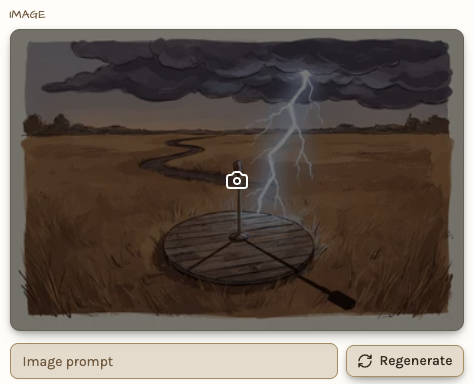
Don't like what Carl imagined? Open Edit topic and press Regenerate for a new one. Add an image prompt like "a
lighthouse in a storm, oil painting" and Carl works it into your topic's picture, in whatever style you name. Or
Upload your own. Each plan has a monthly number of regenerations.
The same cards and images show in the mobile app and in your AI app's CarlNotes views.
See Topic and podcast visions for more.