Releases: doubleoevan/carlnotes
Release list
v0.8.0 — Tasting Notes

Carl writes what he found. Tasting Notes are where you write what you think about it.
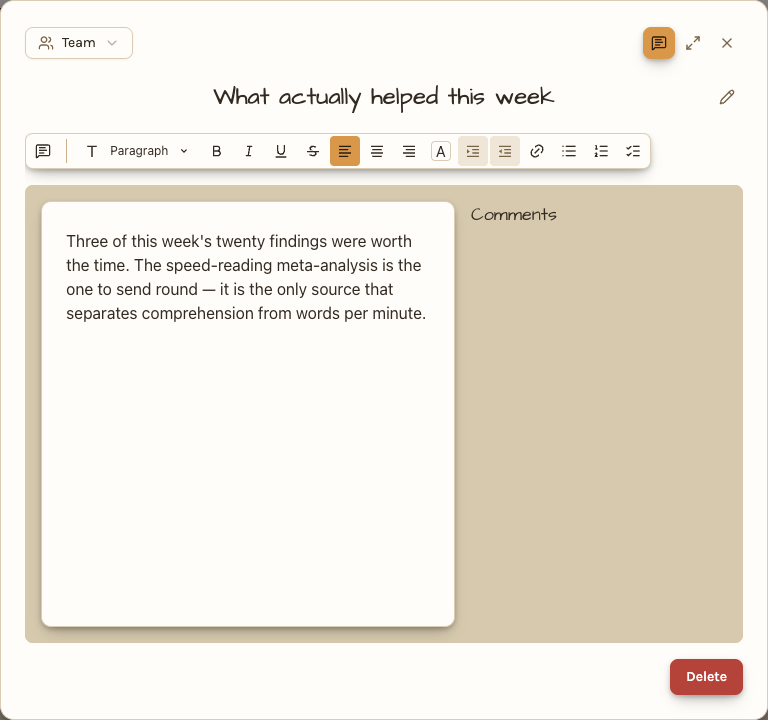
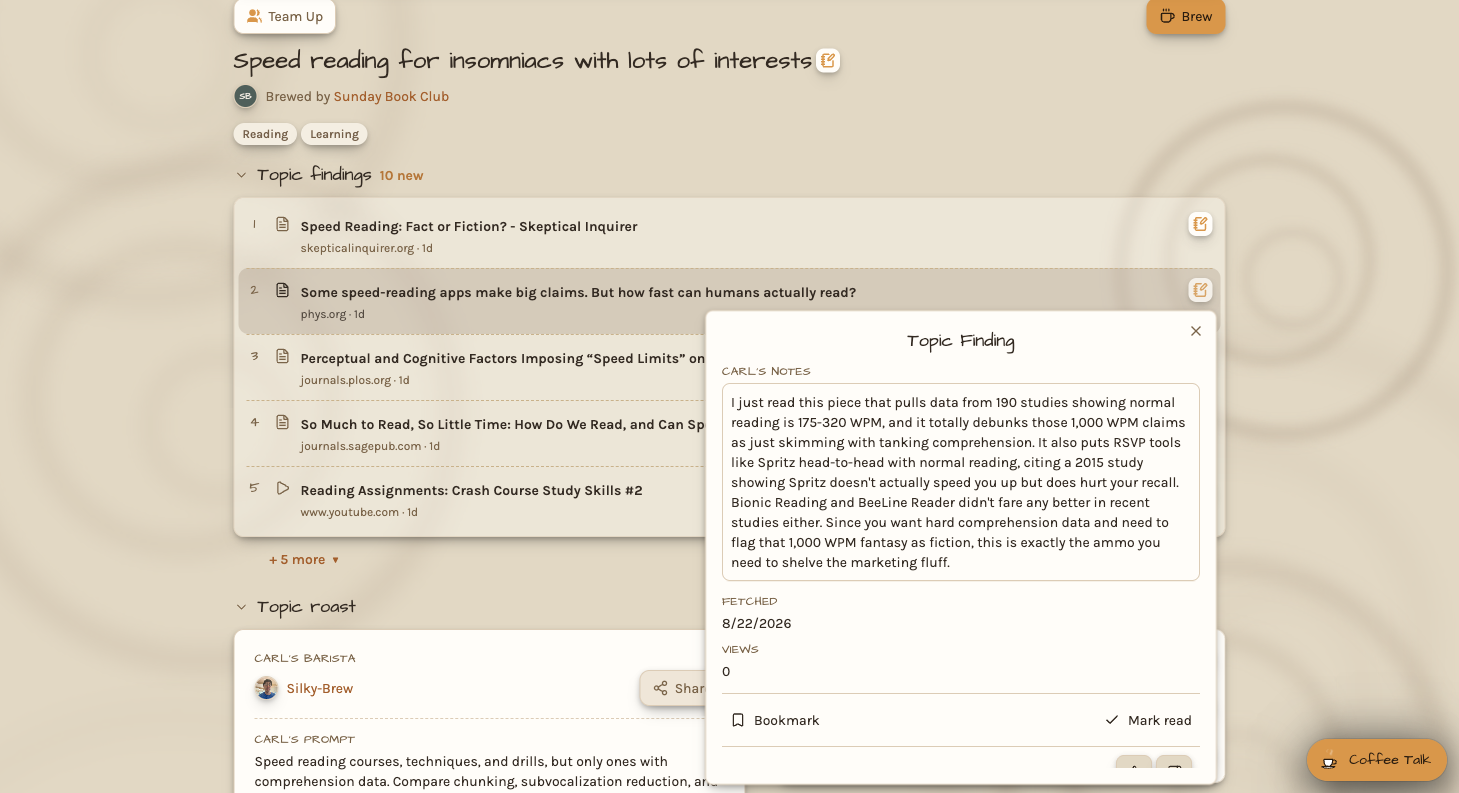
Every topic page and every team page gets a notes section: rich text, comments anchored to the passage they're about, and live collaboration, so two people in the same note see each other's changes as they type. Nothing to save.
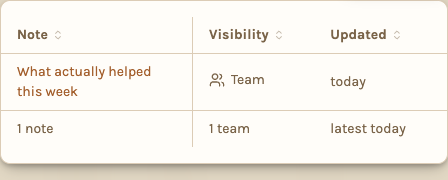
Three visibilities. Private is yours alone. Team is shared with the team holding the page. Public is readable by anyone who can open the page but writable only by its owner and the team — so a public note can be shown off without being edited by strangers.
A note somebody else changed since you last opened it carries a count, on the note, on the page holding it, and on your avatar as a running total.
Also in this release: link previews on chat messages, and video attachments.
v0.7.0 — Teams and chat rooms
Everything so far was yours alone. This release makes it shared.
A team holds topics and gives them a group chat room with Carl in it. Invite by email or username, or hand out a link. Members read the team's topics and talk about them in the room, where Carl answers the whole room from every topic the team holds rather than just the one you're looking at.
Your private chat on a topic stays private and stays available — the panel's menu lists both, so a room conversation and a one-to-one never mix.
Roles are simple: leaders manage the team and its topics, members read and talk. A topic you own stays yours; the team just works on it with you.
v0.6.0 — Coffee Talk
The feed gives you findings one at a time. Coffee Talk is for the questions that span them.
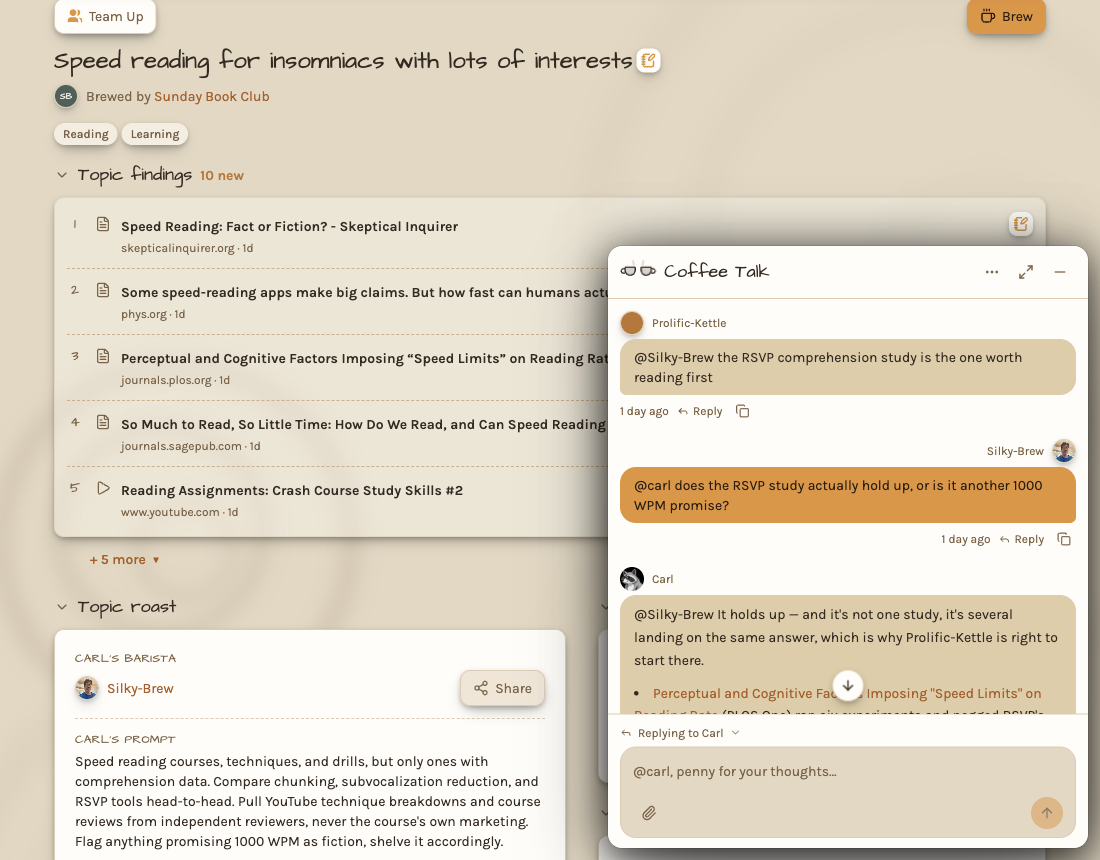
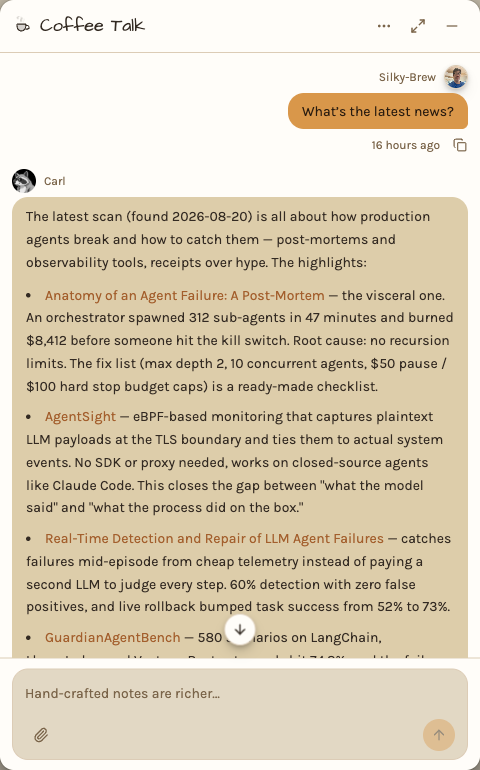
A chat panel docks to the corner of every page and follows you around the app, so an open conversation stays open as you move. Carl answers from the topic's own findings — retrieval over what he actually read for you, not the open web — and will run a live search mid-conversation when the feed genuinely can't answer.
Ask what changed since last month, where two sources disagree, or what's missing. That last one doubles as an audit of your source list.
Bring a file into a conversation by paperclip, drag, or paste. It's read for that conversation only and never changes how the topic is brewed. Chat text is encrypted at rest.
v0.5.0 — Plans and billing
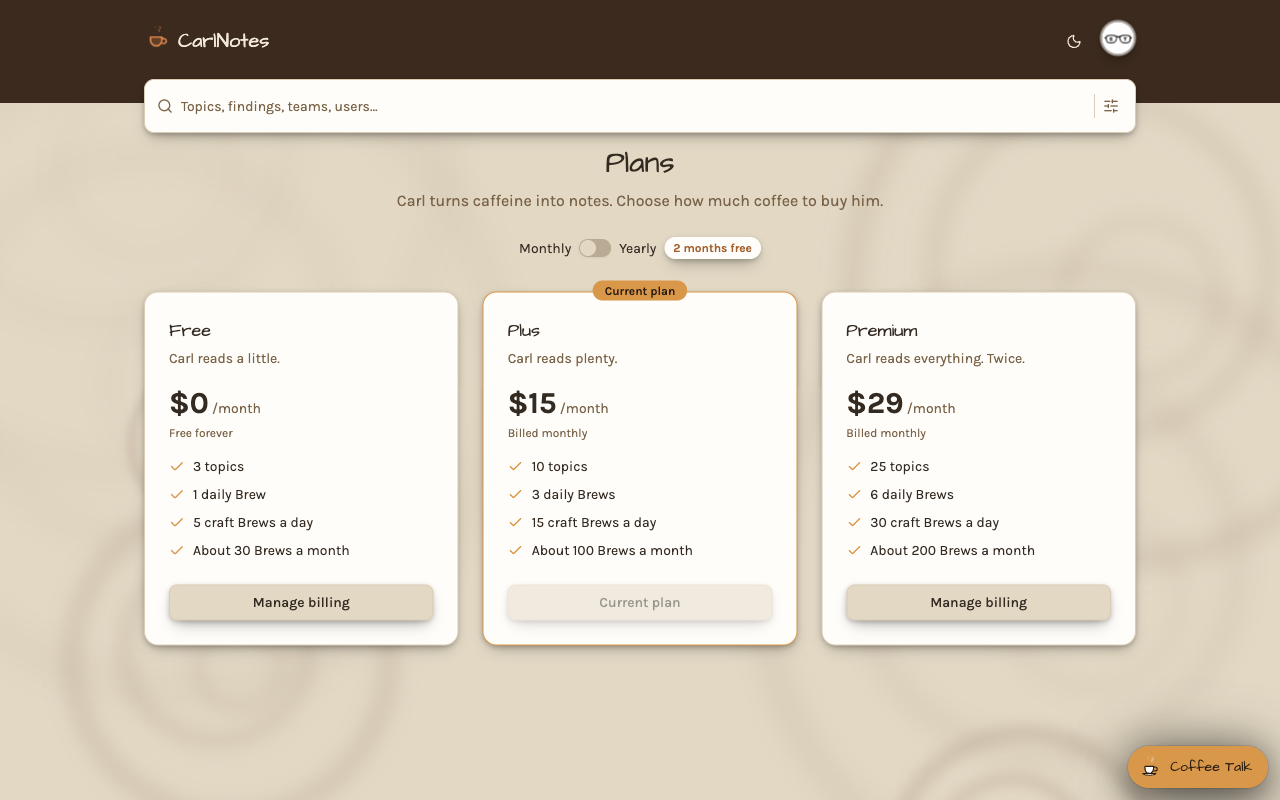
Carl costs real money to run, so this release makes what he spends visible and bounded.
Three plans — Free, Plus, and Premium — each with its own topic count, brew frequency, and monthly model budget. Every user gets their own virtual key with that budget attached, so a brew and a chat draw on the same pot and neither can overrun it.
Spend is shown where you'd look for it: Carl's coffee fund on your account page for the month against your plan's limit, and a per-topic cost column on your profile so you can see which topic is the expensive one.
v0.4.0 — The topic feed
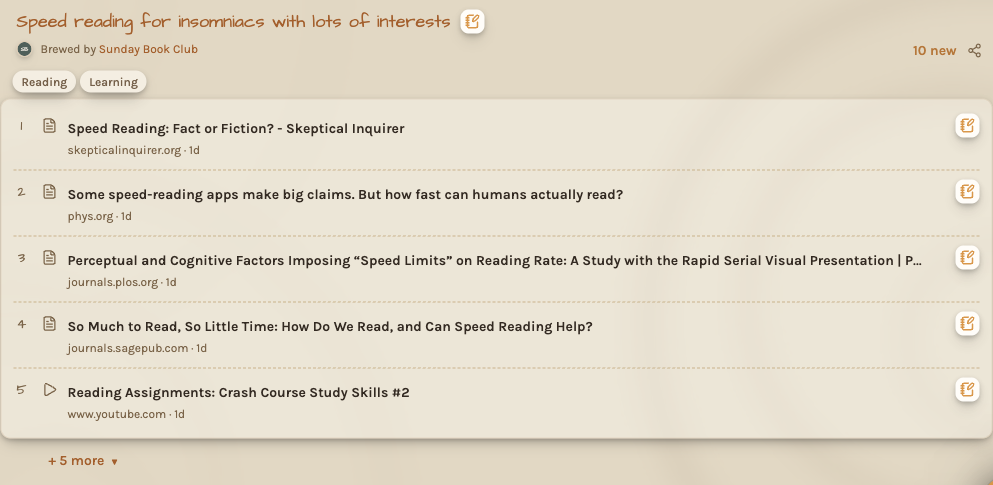
Everything so far has run in the pipeline. This release is where you finally see it: a homepage listing your topics, each with its newest findings ranked by how much they matter to you.
A finding is not a link dump. Every one carries its source, its age, and a resource kind — read, watch, or listen — so you can tell a two-minute article from a forty-minute video before you decide to open it. Rate a finding up or down and tell Carl why; mark it read and it mutes, leaving the unread view clean.
Each topic keeps a Brew diary: one entry per brew, with its read and kept counts. It answers the only question that matters after a prompt rewrite — did that help?
v0.3.0 — Attachments
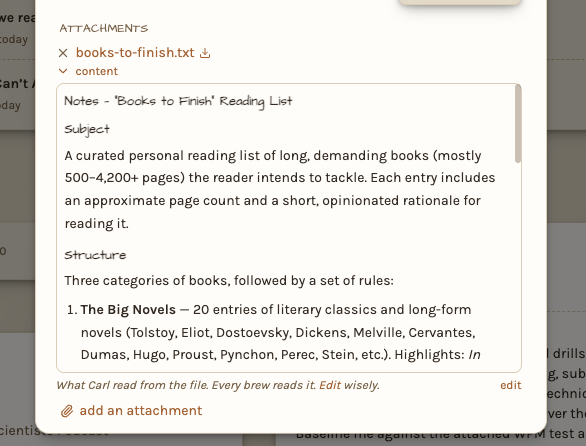
Some context can't be written as a prompt. Hand Carl the document instead.
Attach a file to a topic — paste it, drop it on the prompt box, or pick it — and its contents become part of how that topic is brewed. A long document is chunked and summarized into stored context that every future brew reads. Attachments can also come from a URL.
Processing runs as a durable workflow, so a large file survives a restart mid-upload instead of starting over.
v0.2.0 — Prompts and scoring
The prompt is how you tell Carl what you actually want, and this release is what makes it count.
Everything a source returns is embedded and ranked against your prompt, a cheap model scores what survives, and a more expensive one re-scores the best of those and writes the relevance note explaining why each finding earned its place. Each step costs more and handles fewer resources, so a brew spends where it matters.
Carl's own prompts are versioned markdown rather than strings buried in code, with tracing on every model call.
v0.1.0 — Sources
A topic is only as good as what it reads. This release gives Carl six ways to find things.
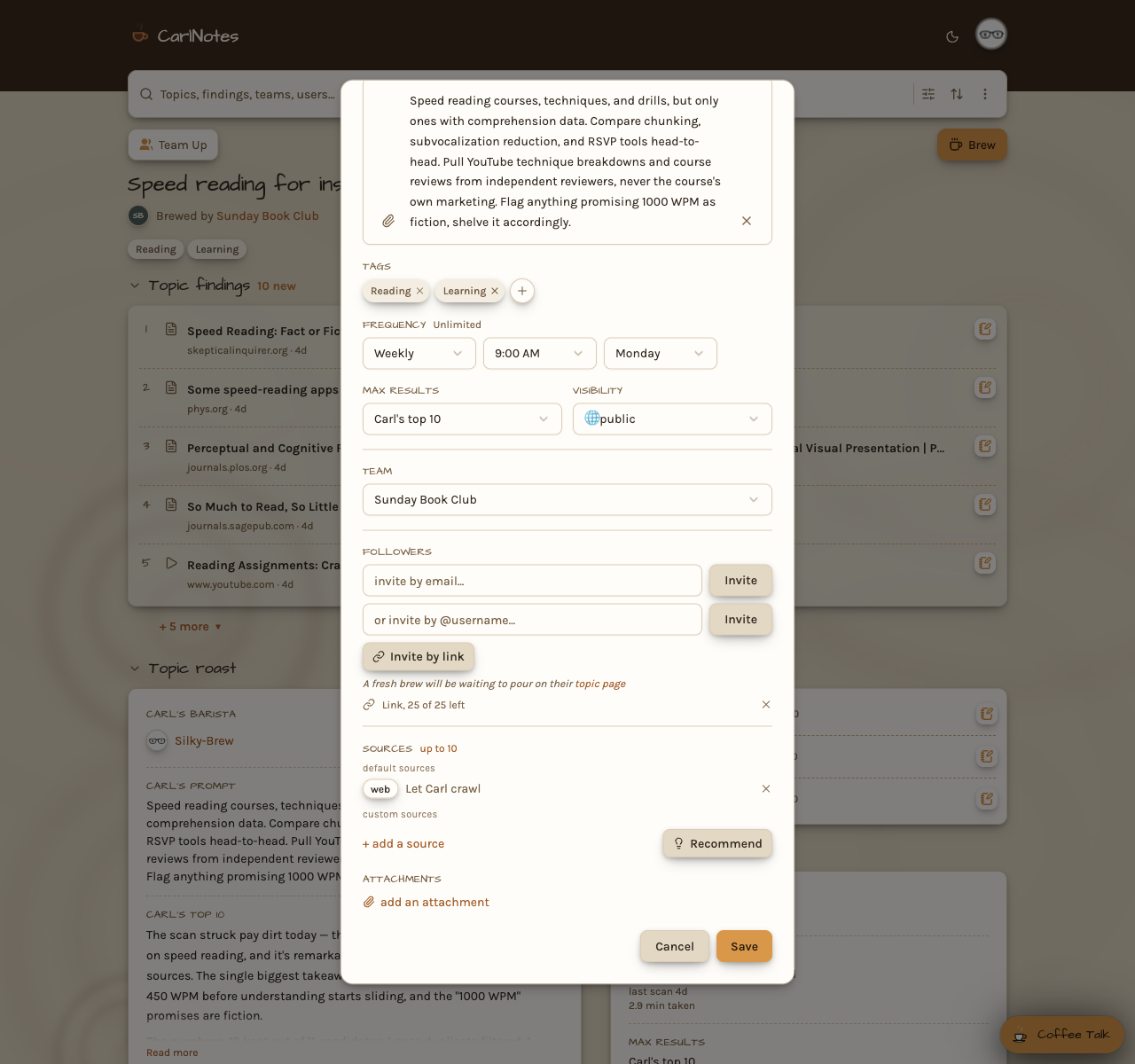
RSS and Atom feeds, subreddits, YouTube channels and playlists, X handles, Exa semantic web search, and a plain crawl of any URL you hand him. Every source is added the same way, on the topic's own editor, and every one is ingested through a single registry and fetch router — so a source that fails fails alone, and the rest of the brew carries on without it.
Reddit and YouTube run keyless by default on public feeds, and pick up scores, comment counts, and sort modes when you supply API credentials.