Repository navigation
v0.23.0 — Coffee Break Cinema and Open Mic

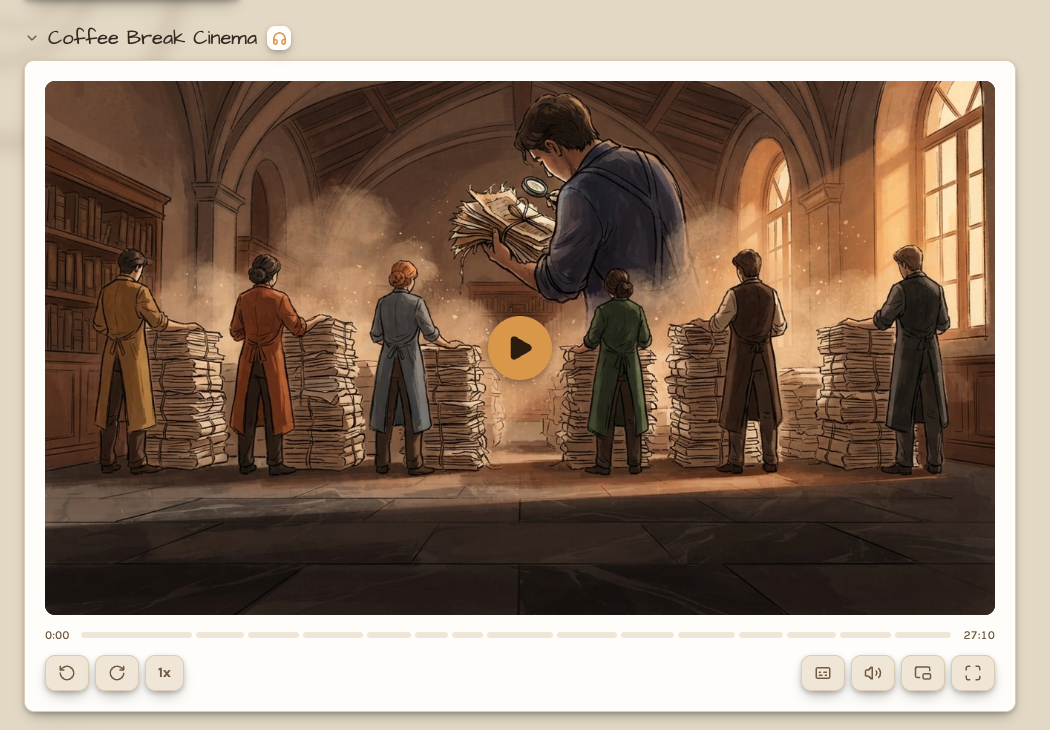
Every Coffee Break podcast episode becomes a film. Carl draws an opening image for it, gives each chapter the picture
from the page it talks about, and imagines one where a page has none. While Carl and Vienna answer your hot takes,
you see the two of them at the microphone. Captions are on by default, chapters are on the seek bar, and hovering one
shows its title and image. Films play in Coffee Break Cinema on a topic's page, on a podcast episode's page, and on
the home, a Café, and a team page. Picture in picture keeps a film playing while you browse.
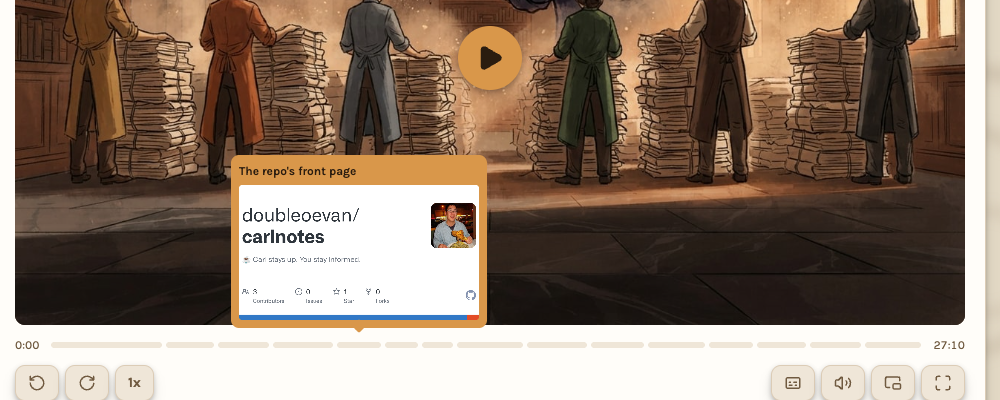
Rest the pointer on a chapter in the seek bar to see its title and the image the film shows for it.
Your profile page is a Café now, and the people behind a topic can write in it. Open Mic lets a topic's owner, and
anyone on a team that holds it, publish a post about the topic in their own words. Carl draws its image, writes its
notes, and records a discussion about it with Vienna.
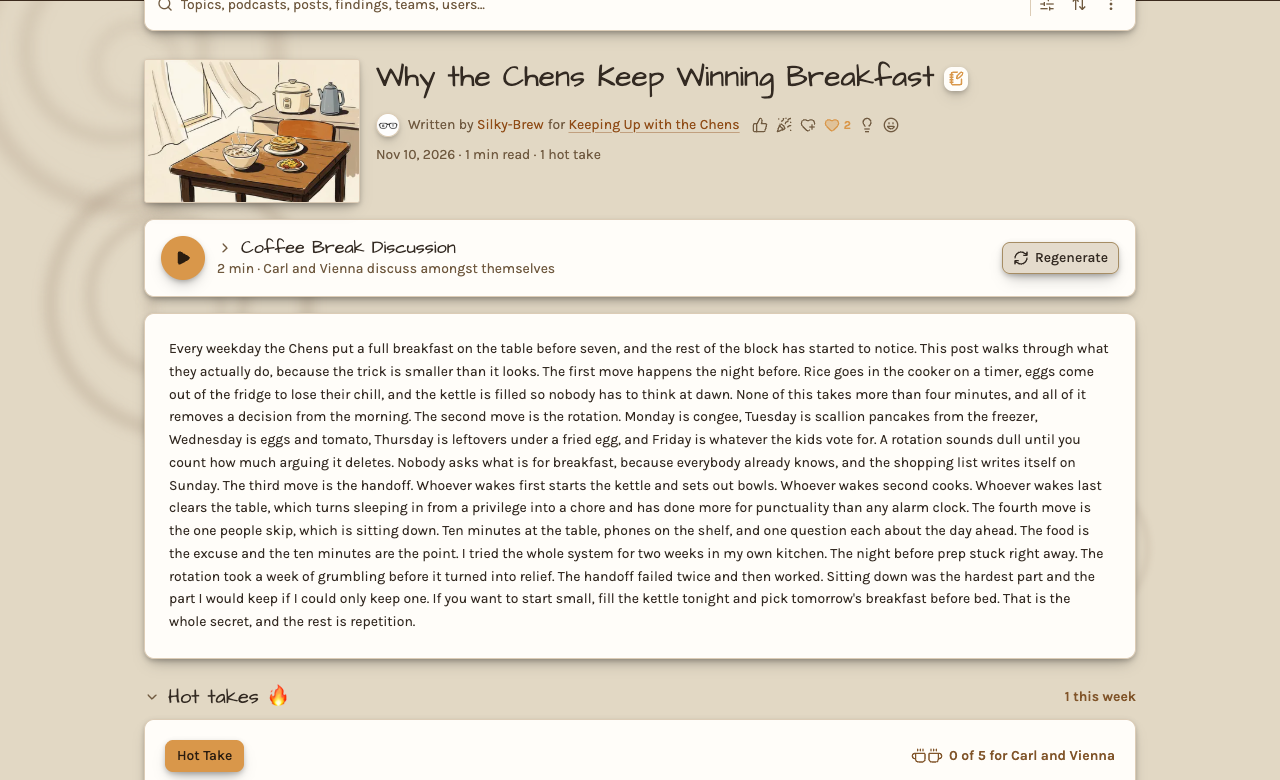
A post has its own page, its own hot takes, and its own chat. Ask Carl about a post and he answers from the post
itself. Mention someone with an @username in a hot take and they see a badge, on the web and in the app, which clears
once they read it.
Your Café opens with Brews News: what happened across your topics in the last week, day, or hour with a summary of
what Carl's been working on today in his own words.
See Coffee Break and
Open Mic for more.