Repository navigation

See the web page in action: drop models on it, watch them slice, send them to
your printer.
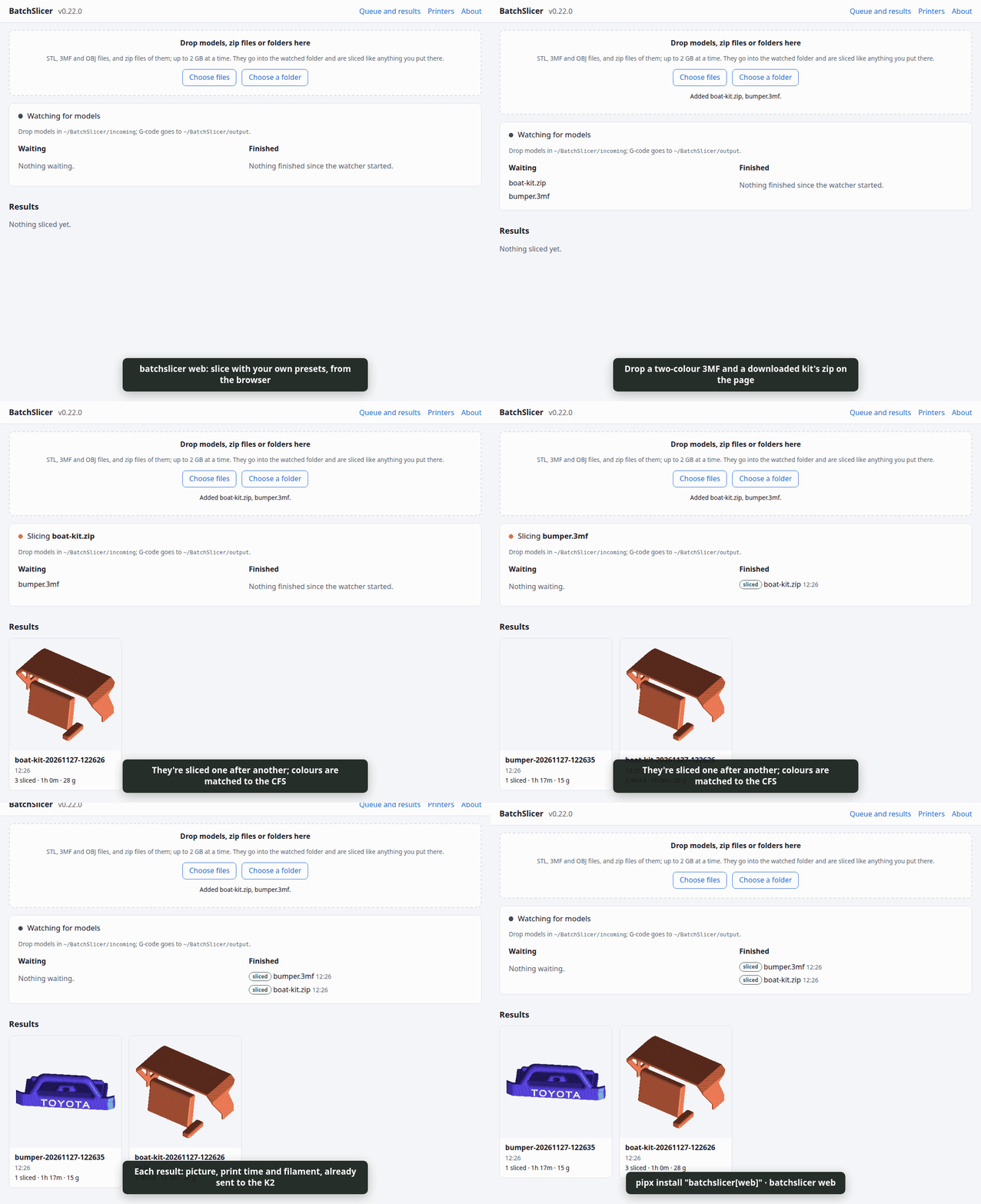
Try it: pipx install --force "batchslicer[web]", then batchslicer web
and open http://127.0.0.1:8765. No change to how BatchSlicer works.
Documentation
- A demo of the web page (
docs/images/web-demo.gif, recorded with the new
docs/demo/web_demo.py): a two-colour 3MF and a kit's zip dropped on the
page, sliced with colours matched to the CFS and sent to the printer, a
result, and the Printers page. - The README and user guide put the web page first: it leads the README's
features and "See it in action", the quick start shows how to start it,
and the user guide's step 9 is now "Slice from your browser, or a watched
folder", pointed to from the introduction for anyone who prefers a browser.