Repository navigation
Fussel 0.9.9 · Remembers its access


Fussel 0.9.9
Free up your Mac, calmly.
No more allowing Full Disk Access again after every update.
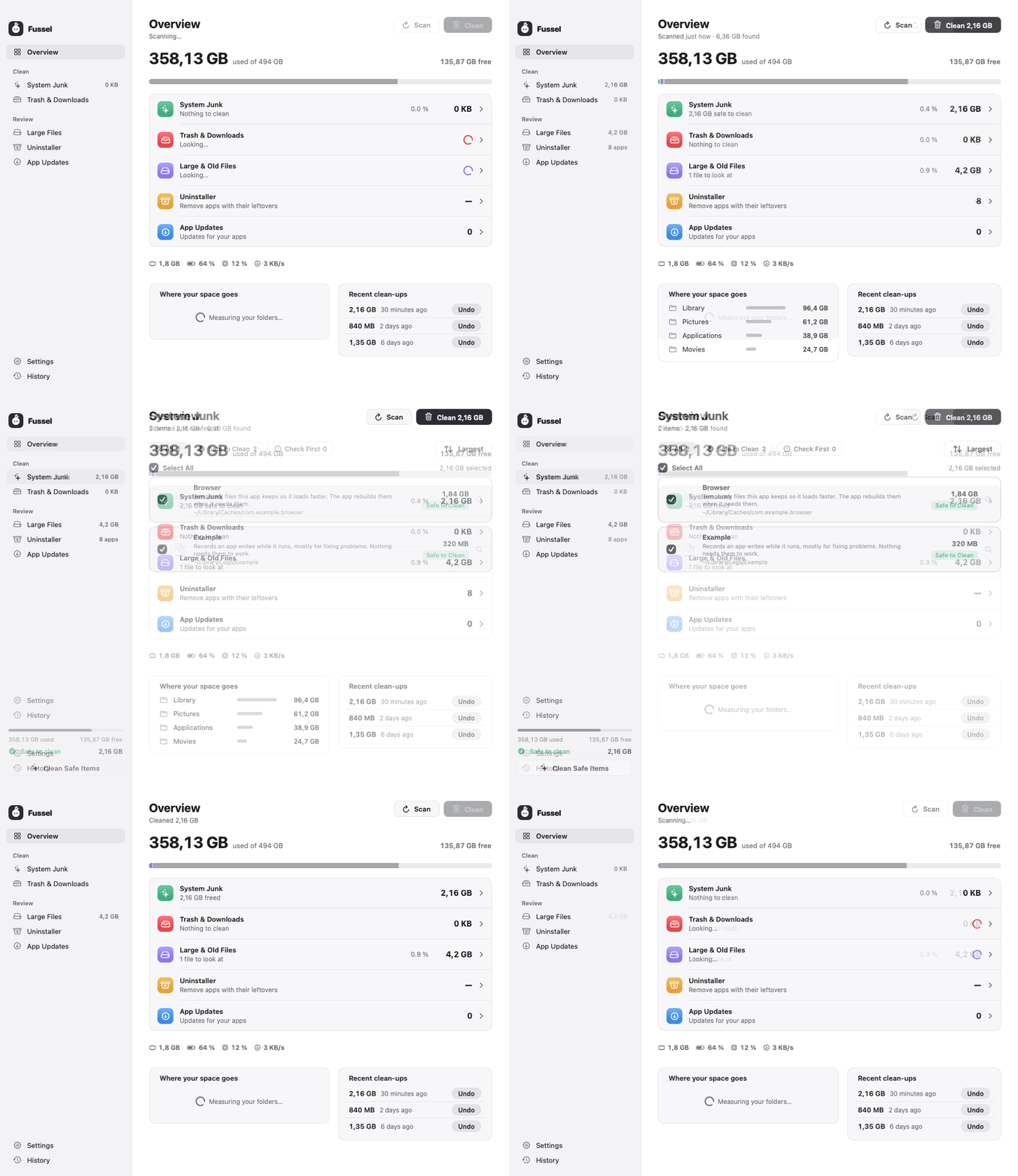
What's new
- Full Disk Access stays after updates: until now every Fussel carried a new signature, so macOS saw each update as a different app and forgot its access. From this version on, every Fussel is signed with the same Fussel certificate, and macOS keeps recognizing it
- One last time: because the signature changes this once, macOS asks for Full Disk Access again after updating to 0.9.9. After that, it stays
- A little hello after updating: Fussel now says which version you're on after an update, links to what's new, and, if macOS ever forgot the access, takes you right to the place to switch it back on
- Opening Fussel for the very first time still needs Open Anyway in System Settings once; that goes away only with an Apple Developer ID
Safety first
Everything Fussel cleans goes to the Trash first, so you can always put it back. Only items that are already in the Trash are deleted for good, and Fussel asks before doing that. System files, Apple apps and your main folders are never touched. Nothing in Large Files or Trash & Downloads is selected until you choose it.
Install
Recommended: the installer
- Download Fussel-Installer.zip below. Your Mac unpacks it to Fussel-Installer.pkg; open that.
- Fussel isn't signed with an Apple Developer ID yet, so macOS blocks it at first. Open System Settings › Privacy & Security, scroll down and click Open Anyway next to the Fussel installer.
- Click through the installer. Fussel lands in your Applications folder and appears in the menu bar, next to the clock.
- Recommended: allow Full Disk Access in System Settings › Privacy & Security, so Fussel can reach the Trash and every hidden cache.
Already using Fussel? On 0.9.8, just click Update Now. On 0.9.6 or 0.9.7, install this one by hand once with the installer below; their one-click update gets stuck at "Installing…".
Or: drag and drop
Open Fussel.dmg and drag Fussel onto the Applications folder. Before the first launch, run this once in Terminal:
xattr -dr com.apple.quarantine /Applications/Fussel.app
Requires macOS 14 Sonoma or later. Runs natively on Apple Silicon and Intel. The Glass cards need macOS 26; earlier versions get frosted glass.
Beta notes
- This is a beta: things may still wobble. Please report anything odd as an issue, screenshots help a lot.
- After an update, macOS may ask for Full Disk Access again.
- Undo only works while the items are still in the Trash.
- Fussel checks for its own updates on GitHub and only installs an update whose signature it can verify.