Repository navigation
VIDEO_TUTORIALS
MindForger video tutorials - a quick way to see MindForger in action before (or while) you read the user documentation.
All the videos below can be found on YouTube:
Start here - what MindForger is and how to make your first steps in it. See also Installation and Getting Started.
MindForger from a Markdown editor to a thinking notebook - the tour of the main window, workspaces, notebooks and notes.
Create your first notebook and note, open a workspace and edit a plain Markdown file.
Wingman is MindForger's private AI assistant which brings a large language model (LLM) - local ollama, OpenAI or OpenRouter - to your notes. See LLM provider configuration to set it up.
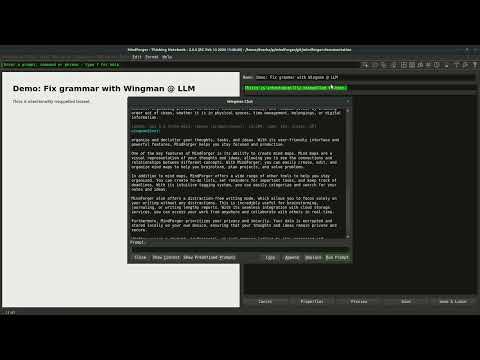
Fix grammar of the text you wrote.
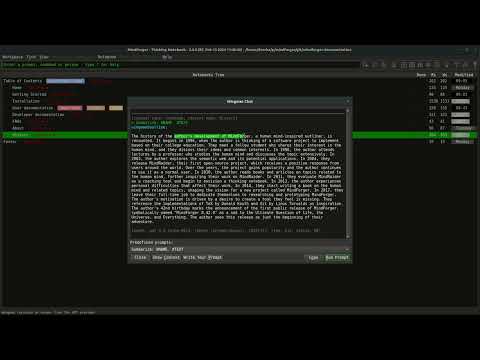
Summarize a note or a selected text.
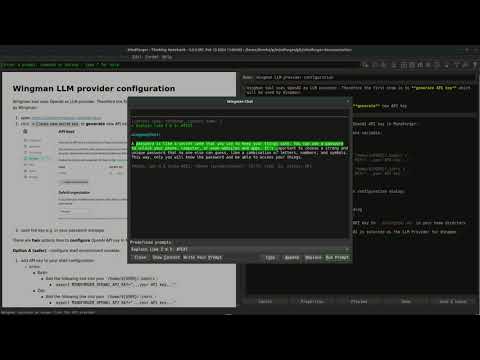
Explain like I'm 5 - get a simple explanation of a term or a concept.
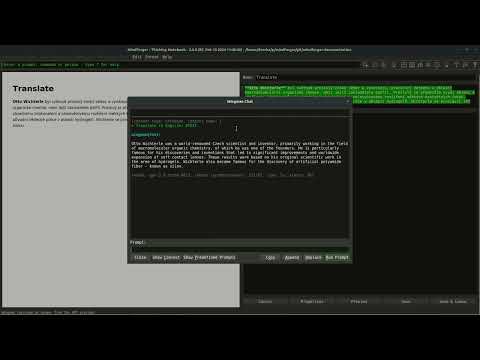
Translate a note or a selected text to another language.
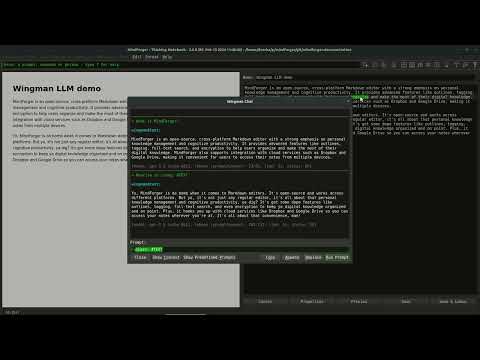
Complete text and rewrite what you have written.
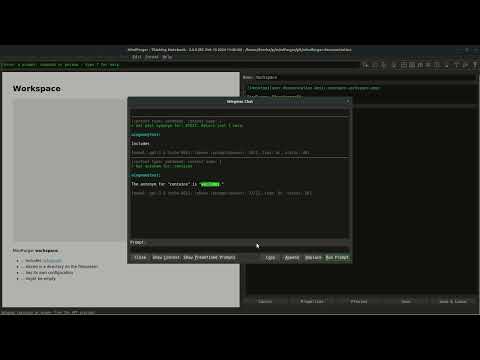
Find a better word - synonyms and antonyms for the selected text.
Creating and forgetting the knowledge in your workspace.
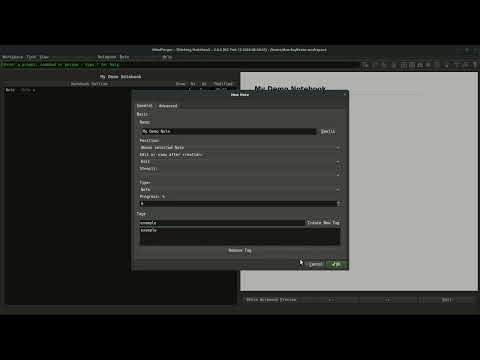
Create a new workspace, notebook and note.
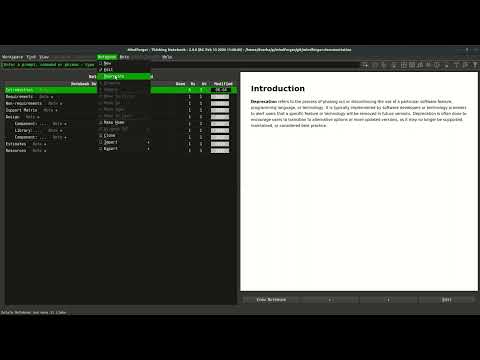
Notebooks are not deleted, but deprecated - they are moved to the limbo directory from where they can be purged or resurrected.
Writing Markdown in the Markdown editor.
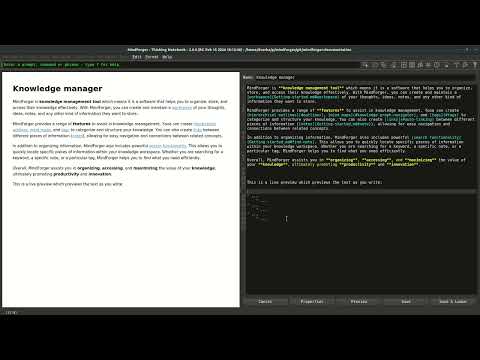
Toggle the live HTML preview of the edited Markdown.
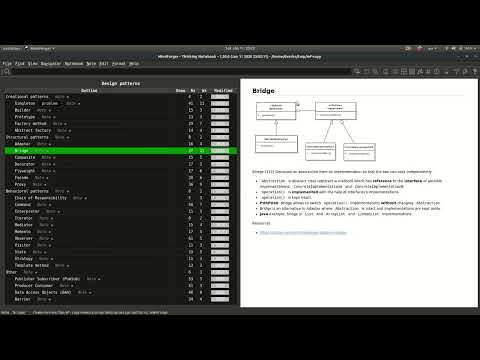
Write a prefix of a notebook/note name and let MindForger create the Markdown link for you - see link completion.
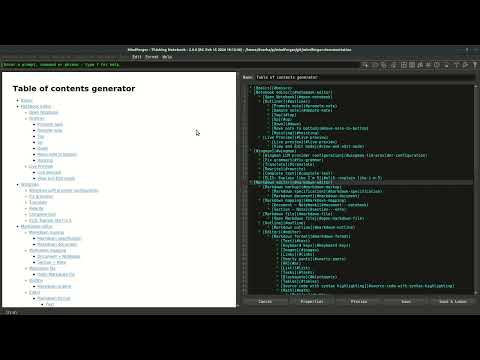
Generate the table of contents of a Markdown document.
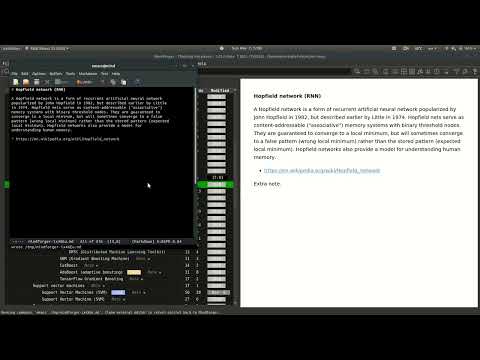
Edit a note in your favorite external editor.
Finding the knowledge in your workspace and giving it a structure.
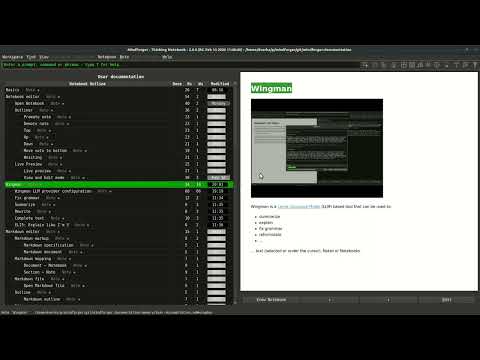
Search your workspace by full-text, name or tag.
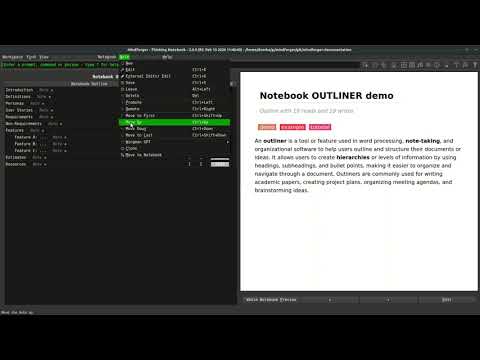
Promote, demote and move notes to structure a notebook - see outliner.
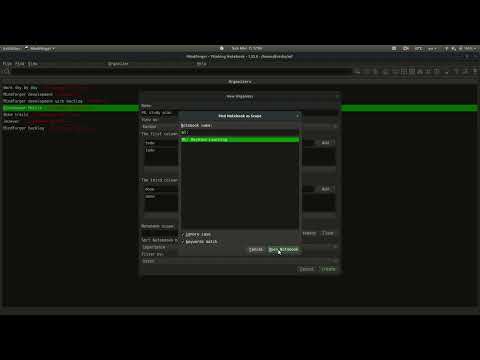
Organize notes to the columns of a Kanban board using tags.
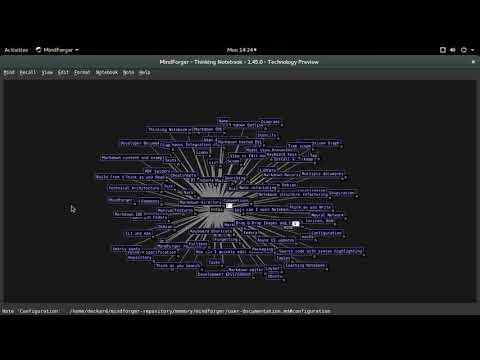
Browse your workspace as a graph of notebooks, notes and tags - see knowledge graph navigator.
MindForger tools.
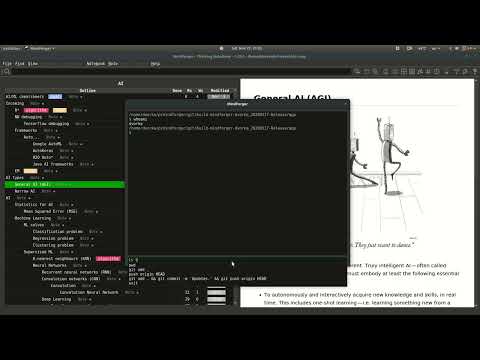
Run a simple command line from the current MindForger workspace - menu
View/Terminal. See also CLI.
Created with passion for my personal pleasure.
Released on the day of my 42nd birthday to confirm answer to the Ultimate Question of life, the Universe, and Everything.
Martin.Dvorak@mindforger.com and contributors
2018-2026
Getting started:
- Basics
- Create Workspace
- Notes Outliner
- Find Note
- Delete Notebook
-
Video tutorials
- Video: Getting started
- Video: First steps
About:
- Why MindForger?
- Presentations:
- Prezi: Thinking notebook
- History
- In the news
- Bugs and feature requests
- Community
Installation:
User documentation:
- Basics
-
Knowledge manager
- New Notebook
- Open existing Notebook
- Edit Notebook and it's description
- Deprecate Notebook and Limbo
- Wingman @ LLM
-
Markdown editor
- From Markdown to MindForger
- Markdown document
- Document ~ Notebook
- Section ~ Note
- Open Markdown file
- New Markdown file
- Open directory with Markdowns
- Example Markdown content
- Markdown
- Markdown cheat sheet and specification
-
Formatmenu - Images
- Links
- Math
- Diagrams
- Interesting documents and examples
- Live preview
- Outlineing
- Spellcheck
- From Markdown to MindForger
- Markdown IDE
- Templates
- Refactoring
- Cloning
- Link completion
-
Search
- Find . by .
- Full text search (scope)
- Recent
- Thinking notebook
- Workspace
- Metadata
- Tags
- Statistics (RW)
- Deadlines
- Progress
- Types (thing)
- Auto-linking
- Think as you Browse
- Think as you Read
- Think as you Write
- Associations
-
Scopes
- Time-based scopes
- Tag-based scopes
- Knowledge graph navigator
- Limbo
- Study tools
- Coaching
- Integrations
- Mobile phone (Git)
- Machine learning: NLP
- Tooling
- Configuration
- Appearance themes
- Fonts
- Spellcheck
- AA poller
- Credits
Developer documentation:
- Contribute
- Build
- Development environment
- Linux development environment
- Windows development environment
- macOS development environment
- Automation
- Makefile and build/ directory
-
Continuous Integration (CI)
- GitHub Actions
- AppVeyor
- nightly builds: .dmg | Win installer
- Implementation
- Incremental Markdown recursive descent parser
- Magnets and rubbers: Force-directed Graph
- Model View Presenter front-end pattern
- NLP: stemmer, lexicon and bag of words
- Repository layout specification
- Outline document format specification (Markdown hosted DSL)
- Localization
- API reference (dOxygen generated documentation @ www.mindforger.com)
- Licensing
- Testing
- Library unit tests
- Frontend testing
- Packaging
- Packaging flow and build environments (CI + VMs)
- GitHub Actions (macOS Disk ImaGe, Linux tarball)
- AppVeyor (Windows installer)
- Packaging flow and build environments (CI + VMs)
- Conventions and best practices
- Branching conventions
- Code format conventions
- Security policy
Frequently Asked Questions


