Repository navigation
ReNotes 1.2.2 — Recent Notes & Canvas Sidebar for Obsidian

ReNotes v1.2.2|Obsidian 近期筆記與 Canvas 白板外掛
Find the note. Keep the flow.
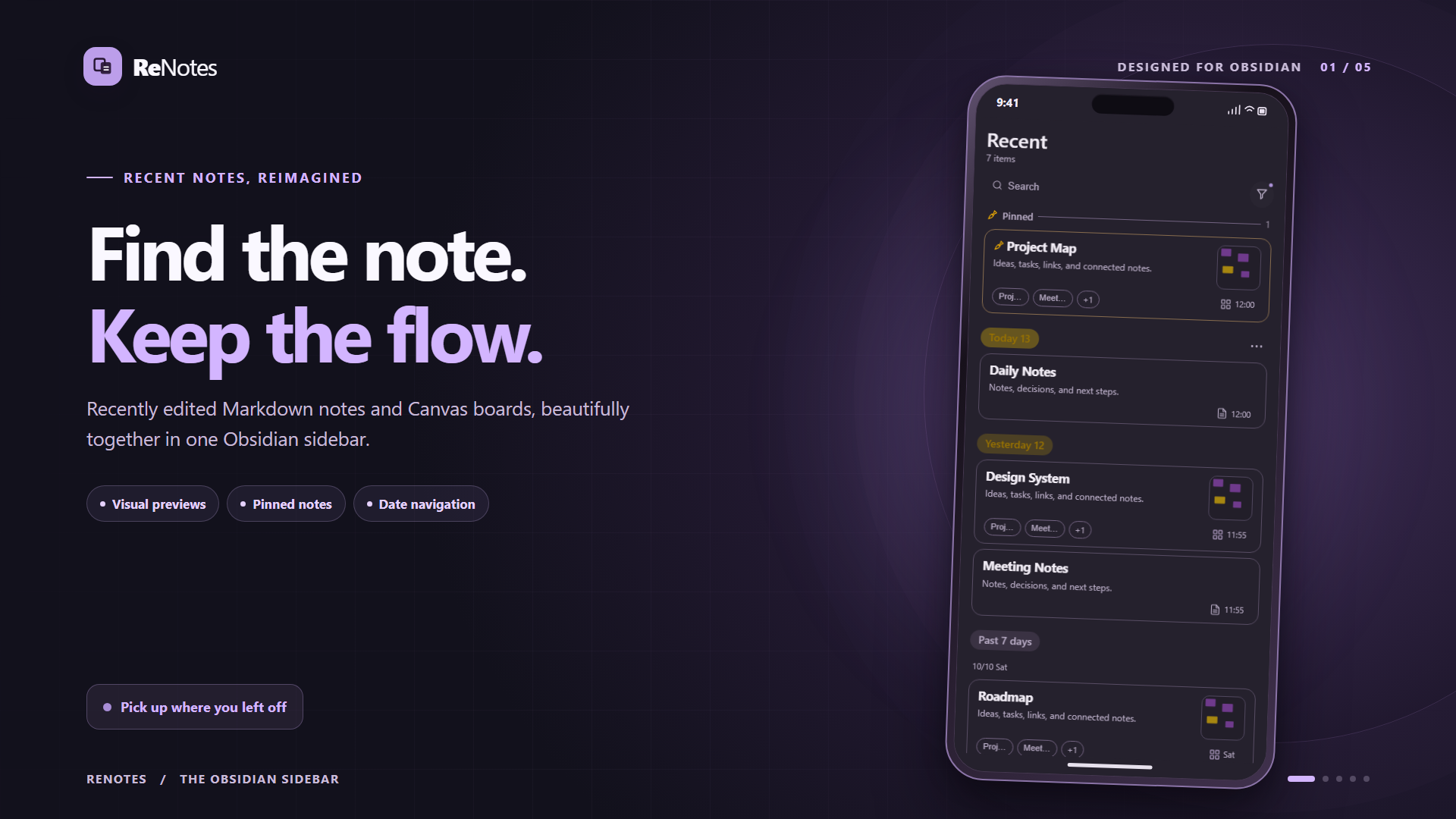
English-first feature showcase, created from ReNotes UI with HTML, CSS and SVG.
讓最近編輯的 Markdown 筆記與 Canvas 白板,集中在一個好找、好看的 Obsidian 側欄。
ReNotes is an Obsidian recent notes plugin featuring visual Markdown and Canvas cards, pinned notes, search, date navigation, and Traditional Chinese / English support.
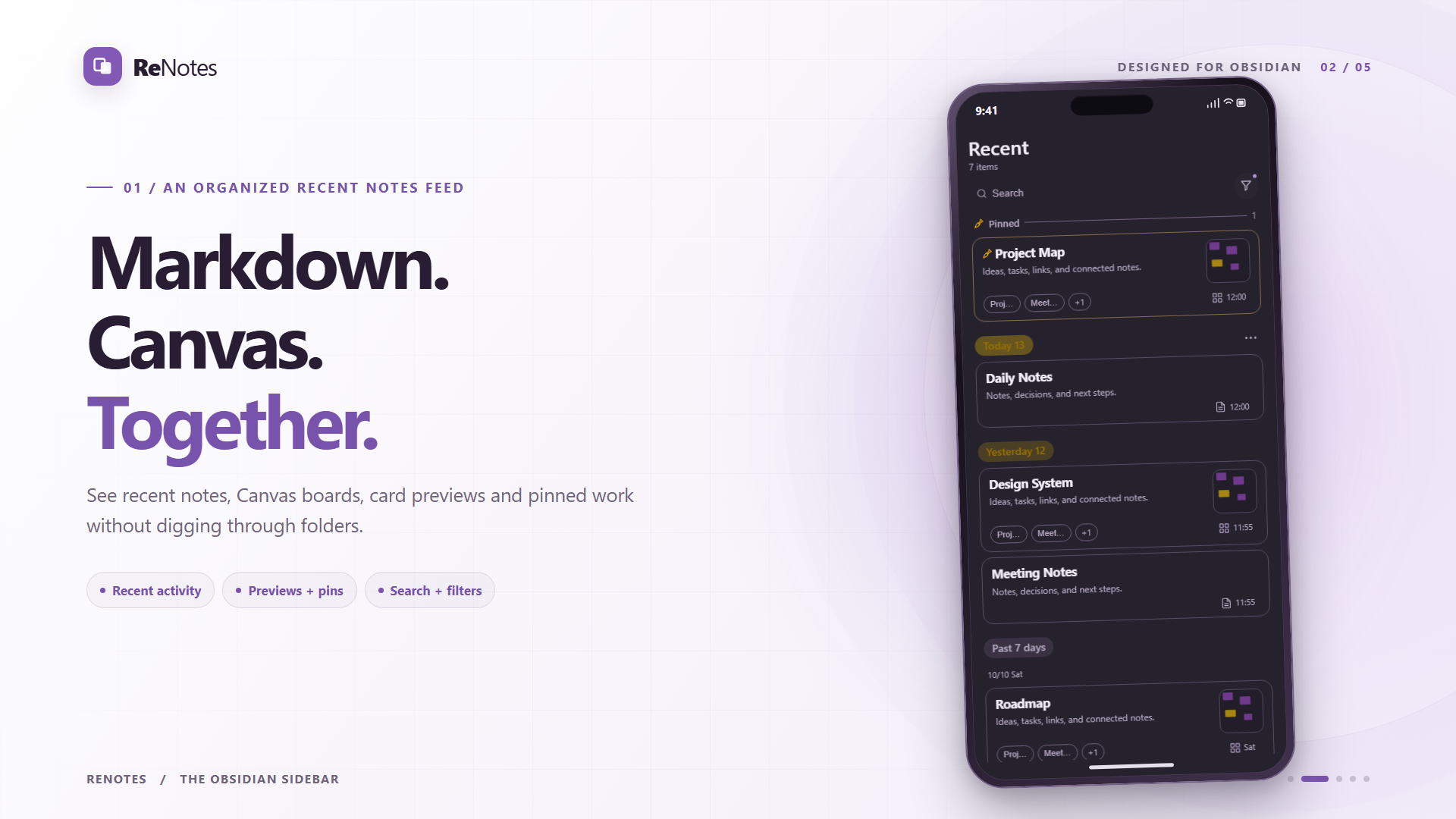
v1.2.2 更新重點 / What's new
- 繁體中文 + English:側欄、設定、日期、搜尋、右鍵選單與操作訊息提供完整雙語介面。
- 自動切換語言 / Automatic localization:可跟隨 Obsidian 語言,也可在 ReNotes 設定中固定繁體中文或英文。
- 在地化日期與筆數 / Localized dates and counts:英文支援星期、月份與單複數表達。
- 功能圖文 / Feature previews:新增中英文近期筆記、日期跳轉和 Canvas 連結筆記的功能示範圖。
功能特色 / Features
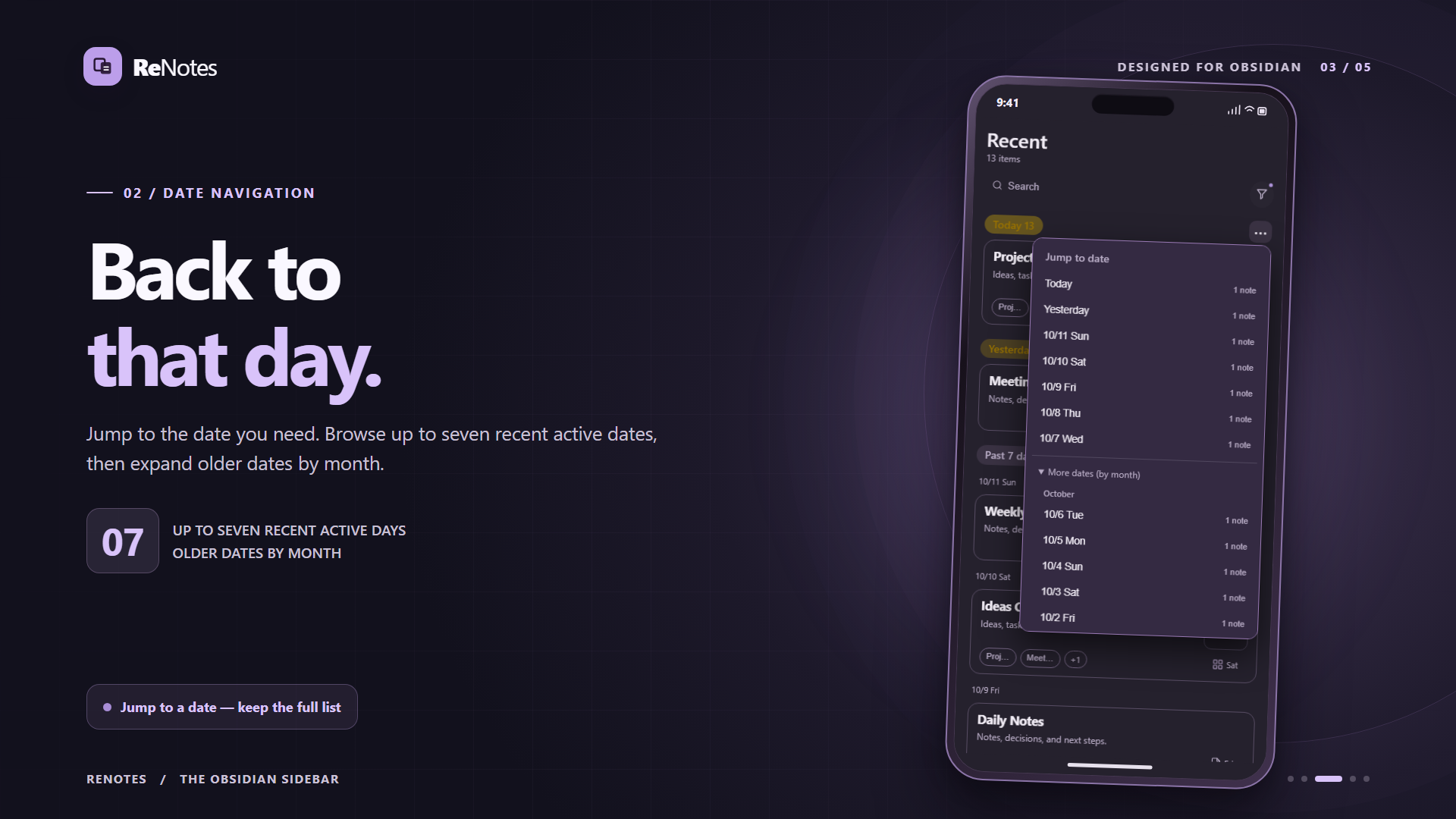
日期導覽 · Jump to date
最近 7 個有筆記的日期顯示筆數,舊日期依月份展開。點選後直接捲動到那一天,其他筆記仍保留在清單中。
Canvas 關聯筆記 · Linked Markdown and Canvas files
Canvas 卡片下方的 A1 極細圓框只顯示 .md 與 .canvas 連結。支援圖片與白板縮圖、釘選、搜尋及不同卡片密度;圖示與時間置中對齊縮圖。
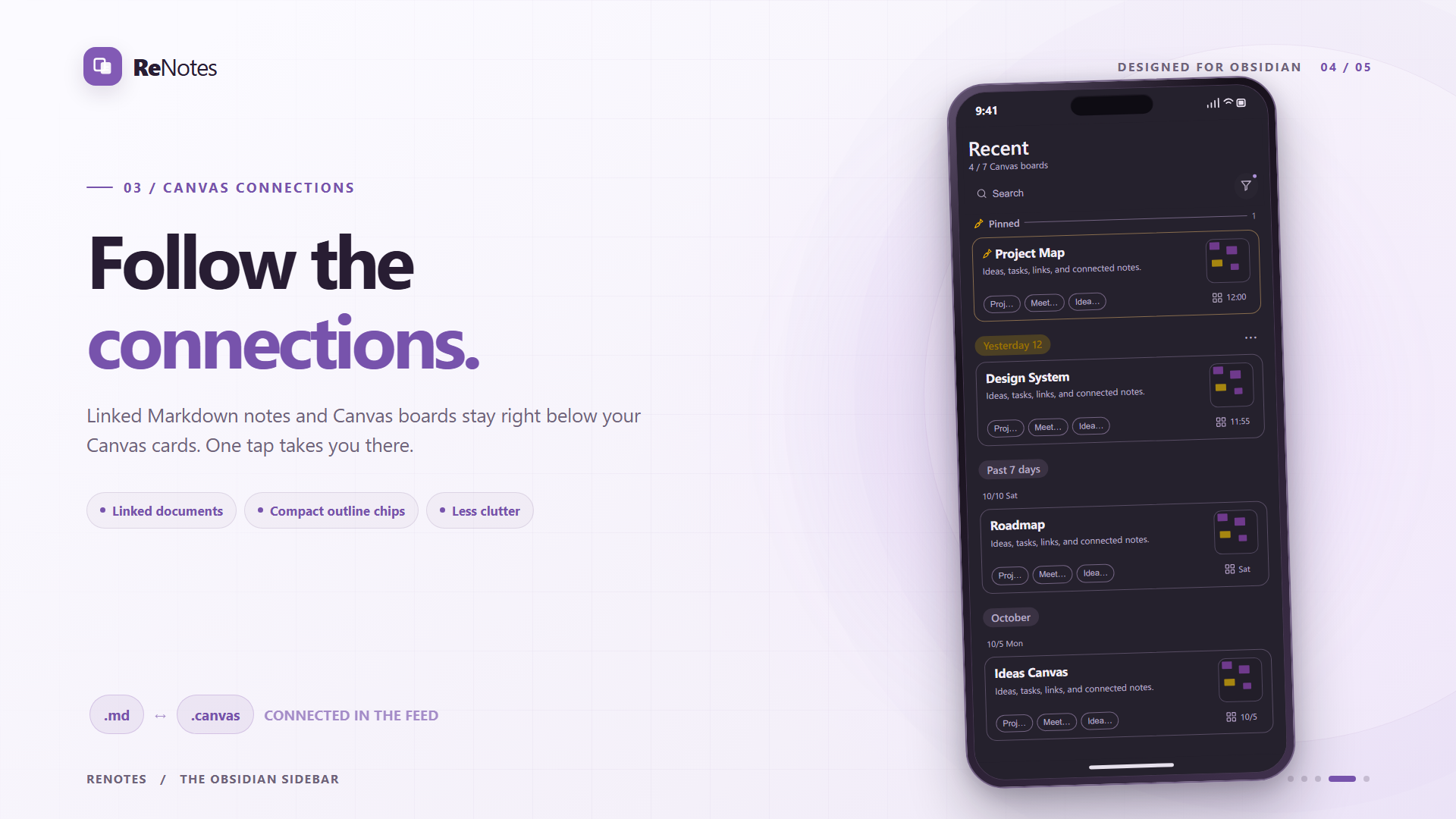
其他功能包括依修改時間或有效編輯時間排序、手機自適應版面,以及桌面 Markdown 卡片拖入 Canvas 建立引用。
安裝 / Installation
- 在下方 Assets 下載
ReNotes-v1.2.2.zip。 - 將
main.js、styles.css、manifest.json放到 Vault 的.obsidian/plugins/recent-notes-feed/。 - 重新啟動 Obsidian,至 設定 → 社群外掛 啟用 ReNotes。
- 可至 ReNotes → 介面語言 / Interface language 選擇繁體中文、英文或自動跟隨 Obsidian。
Install (English): Download the ZIP, extract the three plugin files to .obsidian/plugins/recent-notes-feed/, restart Obsidian, and enable ReNotes in Community plugins.
外掛 ID / Plugin ID: recent-notes-feed · 最低版本 / Minimum Obsidian: 1.4.0