



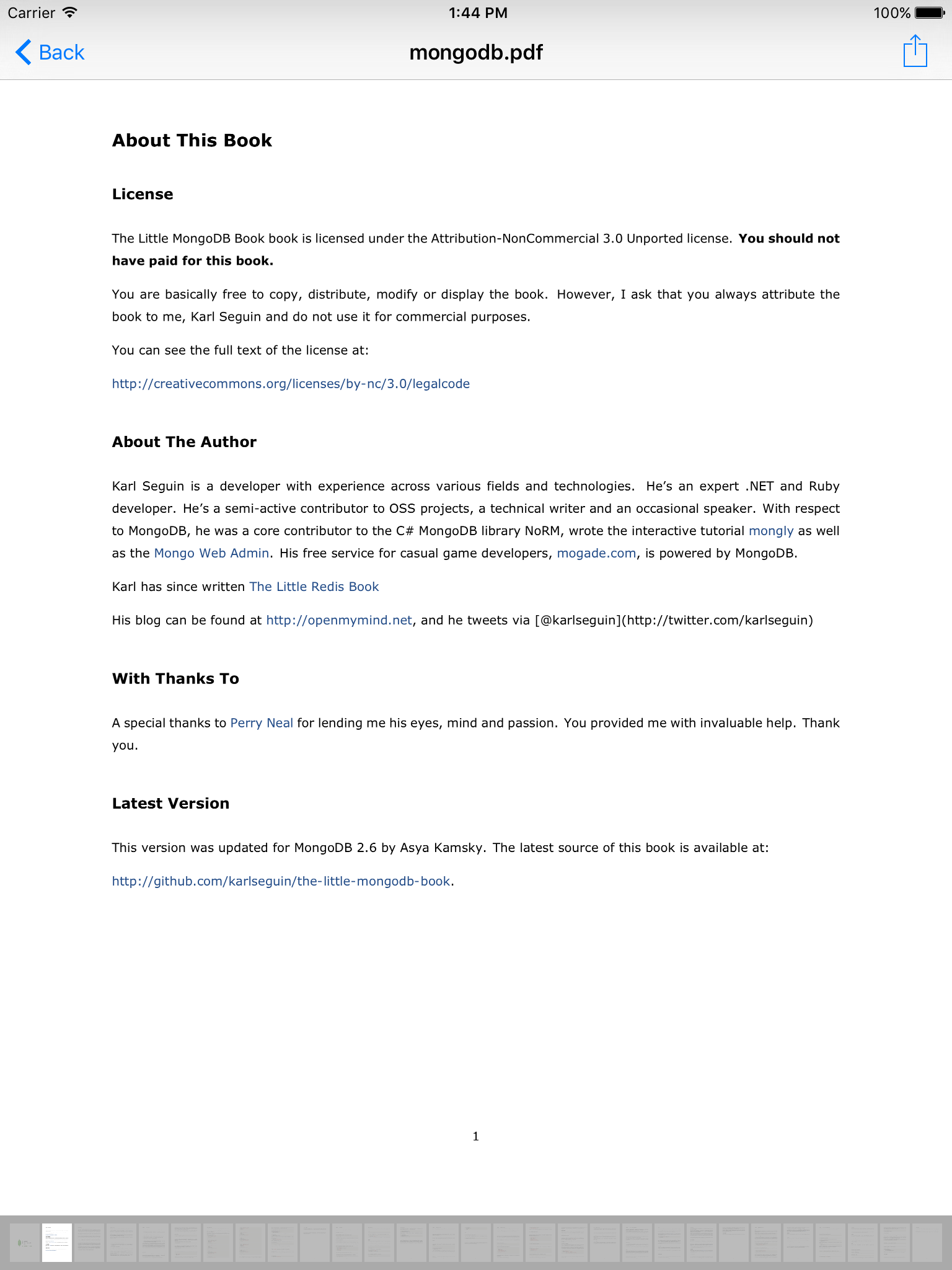
PDF Reader for iOS written in Swift
- Fast and lightweight
- Thumbnail bar on the bottom to navigate to a specific page
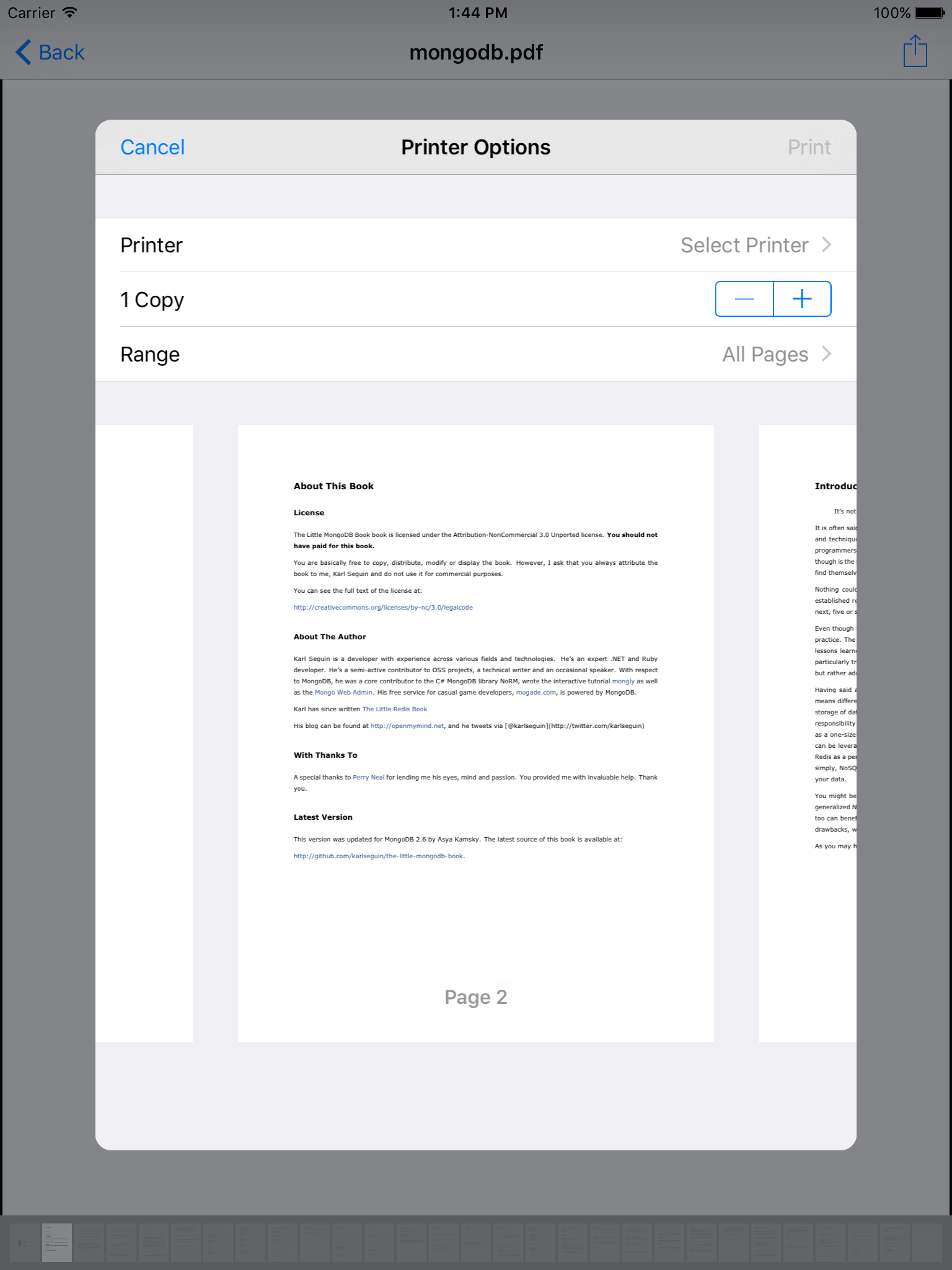
- Print button on the top right
- iOS 9.0+
To install it, simply add the following line to your Podfile:
pod 'PDFReader'You will also need to make sure you're opting into using frameworks:
use_frameworks!Then run pod install with CocoaPods 1.0 or newer.
To install it, simply add the following line to your Cartfile:
github "Alua-Kinzhebayeva/iOS-PDF-Reader"
Run carthage update to build the framework and drag the built PDFReader.framework into your Xcode project.
let documentURL = NSBundle.mainBundle().URLForResource("Cupcakes", withExtension: "pdf")!
let document = PDFDocument(fileURL: documentURL)

let storyboard = UIStoryboard(name: "PDFReader", bundle: NSBundle(forClass: PDFViewController.self))
let controller = storyboard.instantiateInitialViewController() as! PDFViewController
controller.document = document
controller.title = document.fileName
navigationController?.pushViewController(controller, animated: true)Customize the action button image of the right menu bar item
controller.actionButtonImage = UIImage(named: "printButtonImage")Customize the action button by replacing the UIBarButtonItem displayed with your own
controller.actionButton = UIBarButtonItem(barButtonSystemItem: .action, target: self, action: #selector(myController.sharePDF(_:)))inspired by PDF Reader https://github.com/vfr/Reader and Apple's example on TiledScrollView