Get Started Guide | Libraries & tools | Datasheet
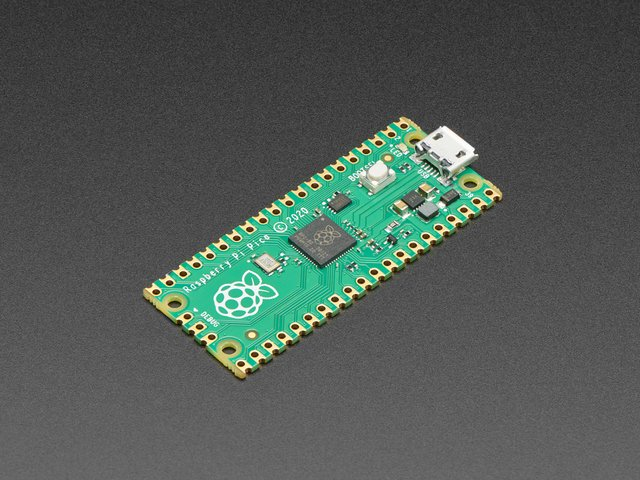
Flashing ST-Link V2 as Black Magic Probe. Follow this link or follow the steps below:
start OpenOCD:
openocd -f interface/stlink-v2.cfg -f board/the_board.cfg \
       -c 'reset_config trst_and_srst'
Connect GDB to OCD:
arm-none-eabi-gdb --eval-command="target remote localhost:3333" firmware_binary.elf
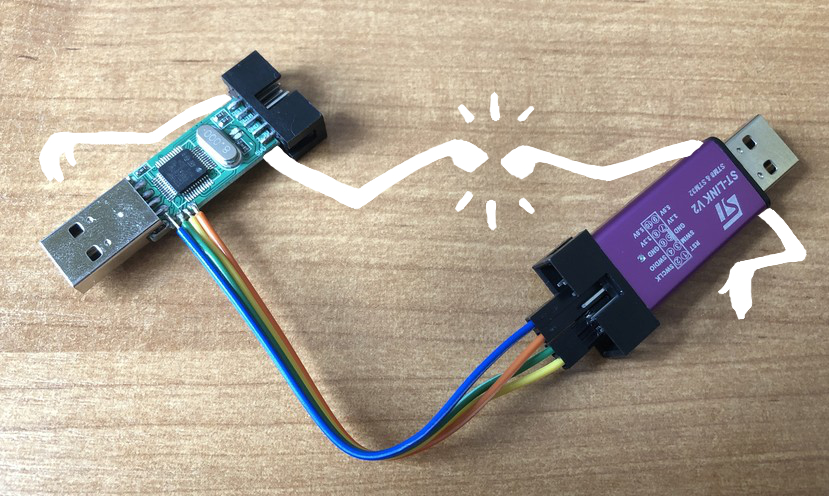
Open the ST-Link v2 programmer and connect the SWD pins as shown below:
Clone Blackmagic git:
git clone https://github.com/blacksphere/blackmagic.git
Build it!
cd blackmagic
make
cd src
make clean
make PROBE_HOST=stlink
Unlock the memory before the programmer is flashed
openocd -f interface/stlink-v2.cfg -f target/stm32f1x.cfg \
        -c "init; reset halt; stm32f1x unlock 0; reset halt; exit"
Erase the flash memory
st-flash erase
Update actual Black Magic Probe:
st-flash write blackmagic.bin 0x8000000
Write Firmware
st-flash --reset write blackmagic.bin 0x8002000