Repository navigation
ClawTweaks 1.0.3 - Massive QAM & Library Extensions, New Intel Color Tuning (Setup Install Required for Everyone)

Note
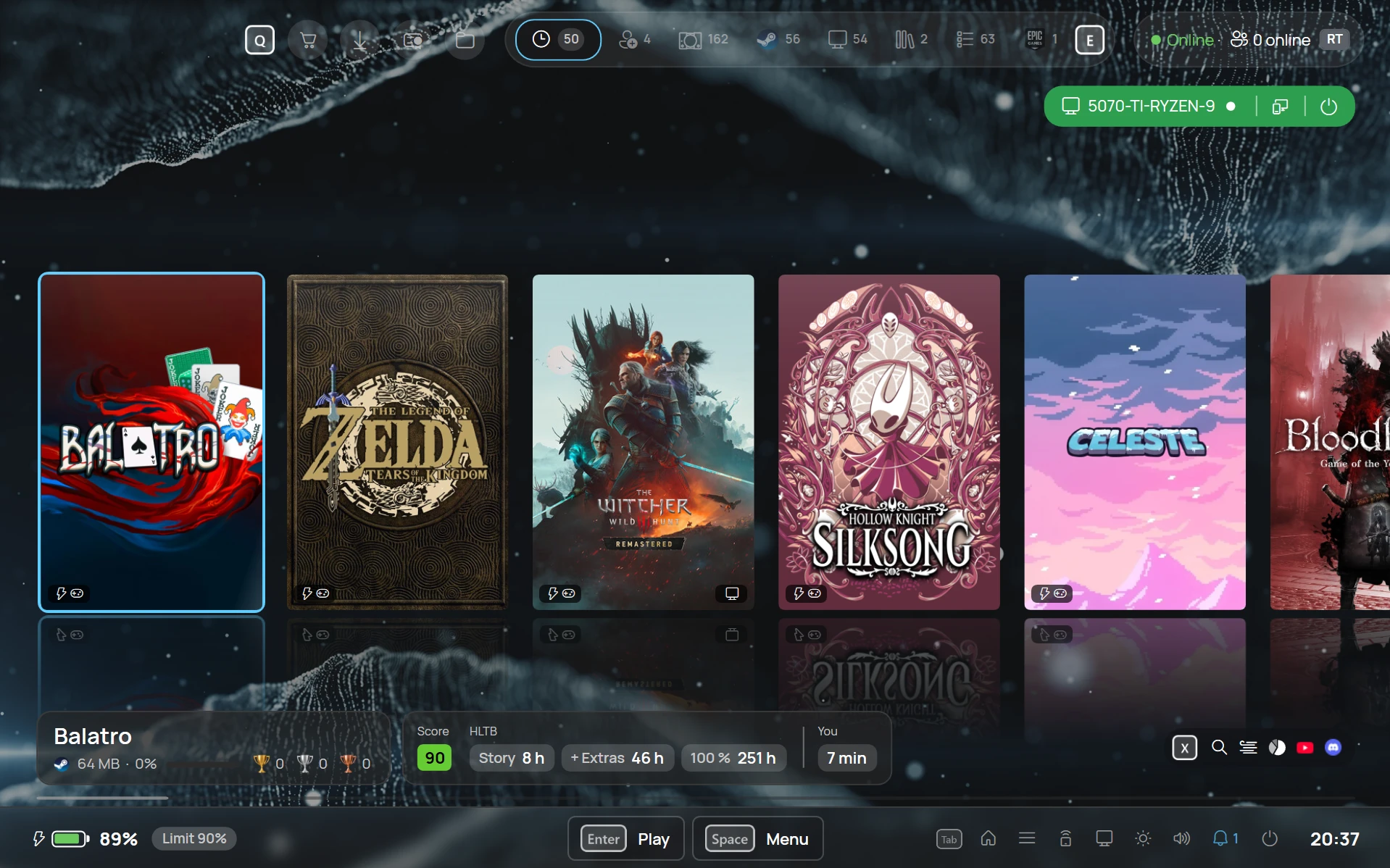
The optional ClawTweaks Library is being prepared for a Microsoft Store release and is now called "CyanNova".
The library is still bundled with ClawTweaks as optional feature and can now be installed on any Windows PC
Important
🟠 EVERYONE must install this release with the setup: ClawTweaks_1.0.3.24_Setup.exe
This applies to new and existing users, because of fundamental cleanup work. A widget update alone is not enough.
Massive QAM Extension and Deeper Intel Colour Control
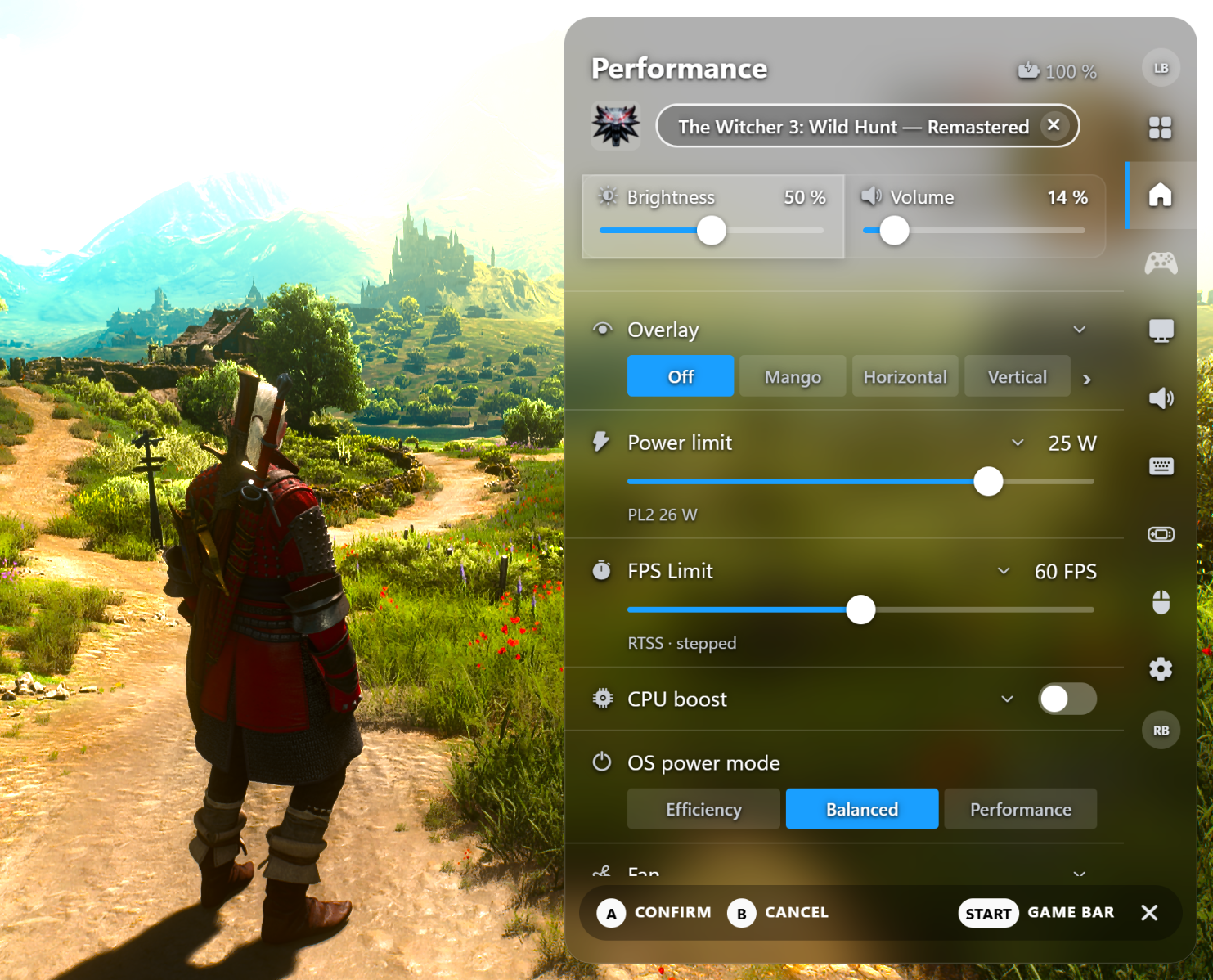
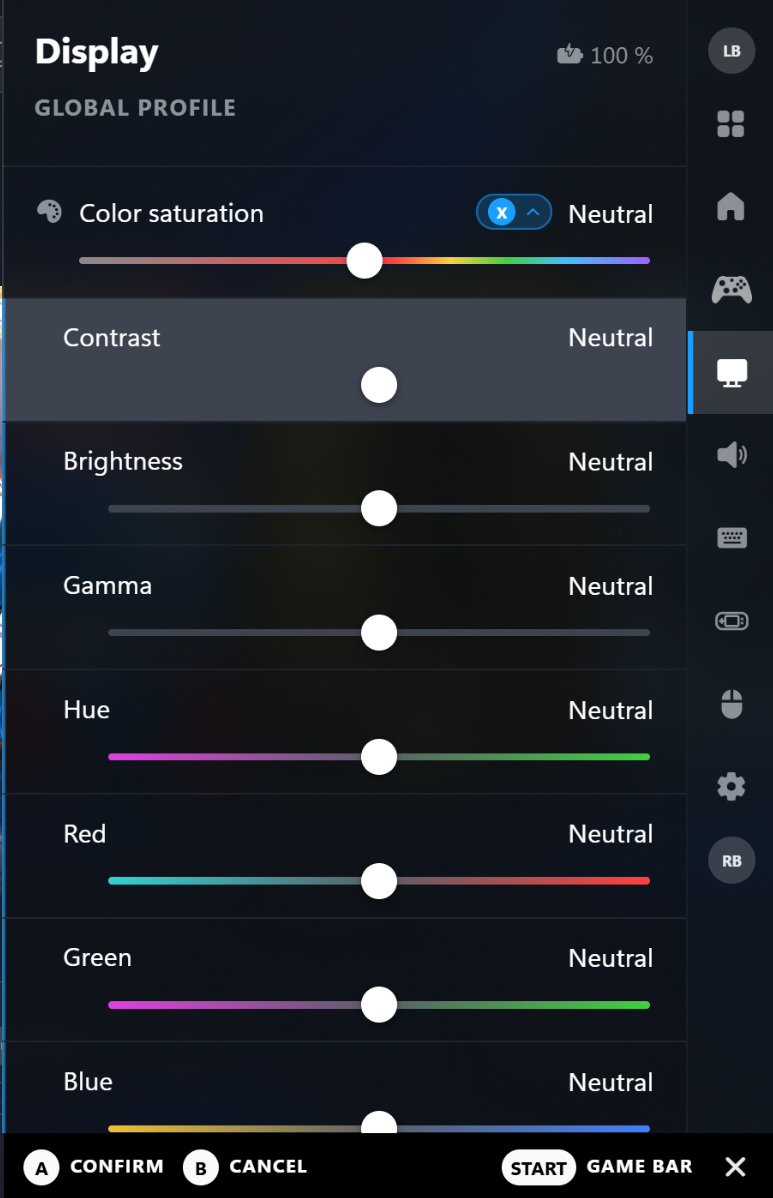
This update is all about extending the QAM. Many features from the Game Bar are now in the QAM, and there are new, deeper colour management tools. Contrast and gamma finally work as they should.
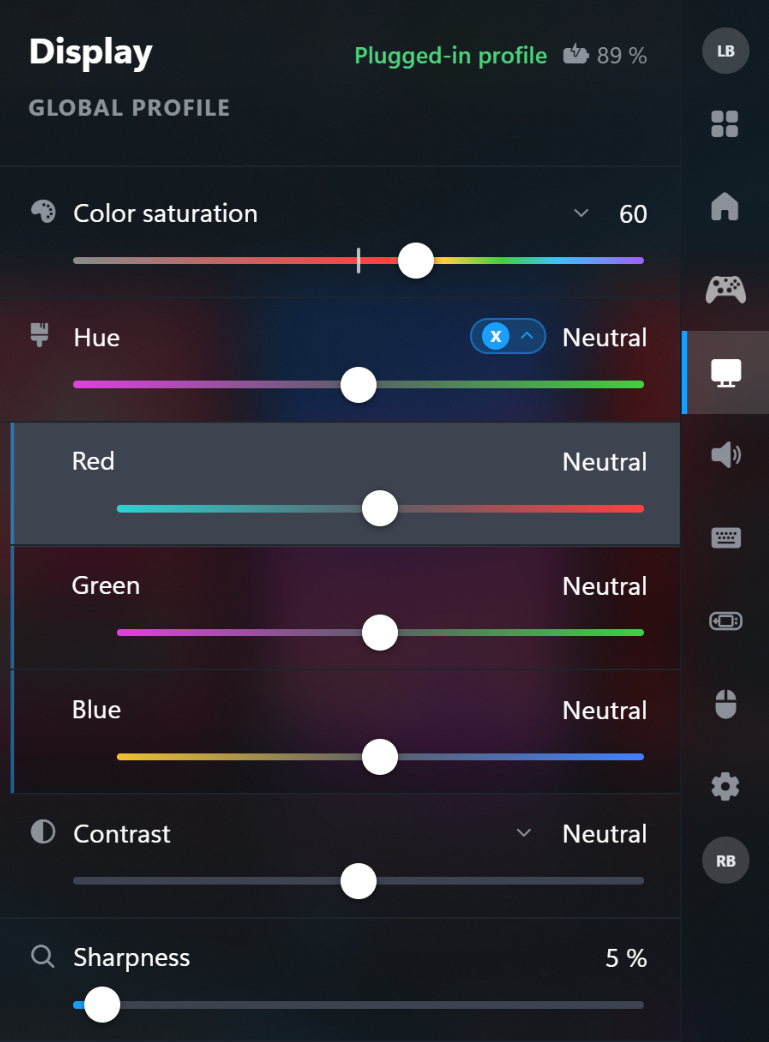
Saturation per colour and tints per channel
- Red, yellow, green, cyan, blue and magenta each have their own saturation slider, plus a tint for the red, green and blue channel
- In the QAM under Color saturation, and in the Game Bar above the tints
- Global and per game
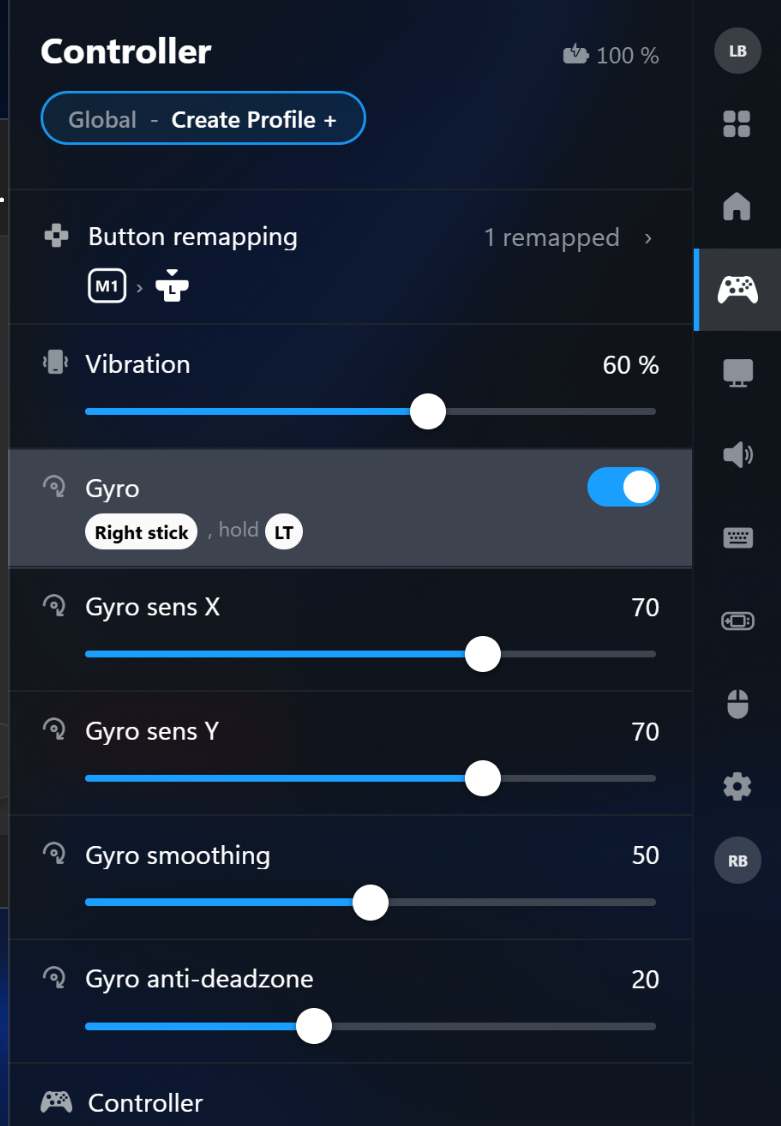
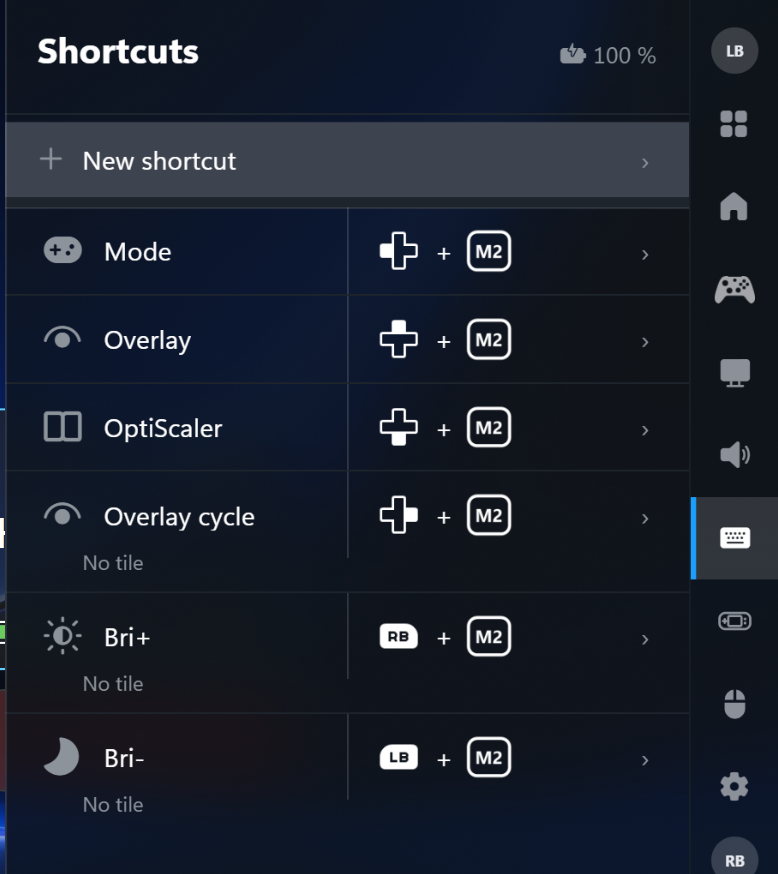
QAM extensions
- Fan: fan modes and your own fan curve
- Device tab: LED, charge limit, battery calibration
- Shortcuts tab: button combos for actions and tiles
- Widget tab: edit the tile layout right in the QAM
- Panel colour, tinted notifications, grouped settings, battery in the header
Library
Note
The library has been renamed to CyanNova and can now be installed on any Windows PC with a huge update and many new features, documented in the CyanNova 1.3 release. For instance, a handheld and a PC can be connected to share saves of PC games without cloud save support, PC ports or ROMs.