You signed in with another tab or window. Reload to refresh your session.You signed out in another tab or window. Reload to refresh your session.You switched accounts on another tab or window. Reload to refresh your session.Dismiss alert
{{ message }}
Repository navigation
ClawTweaks 1.0.4 - QAM with Built in Keyboard and Screenshots, TDP Modes, Library with square game art support, INGDB metadata and PS like Theme
Existing users: update the Game Bar widget right in the library (CyanNova), it comes with CyanNova 1.4.0. New users: install with the setup ClawTweaks_1.0.4.6_Setup.exe.
🚀 The QAM now works with the hardware controller in the FSE (Xbox mode)
QAM expanded, but also with new settings to hide what you don't need
Hide what you don't need: switch off tabs on the first rail, they move to a second rail on RT / LT
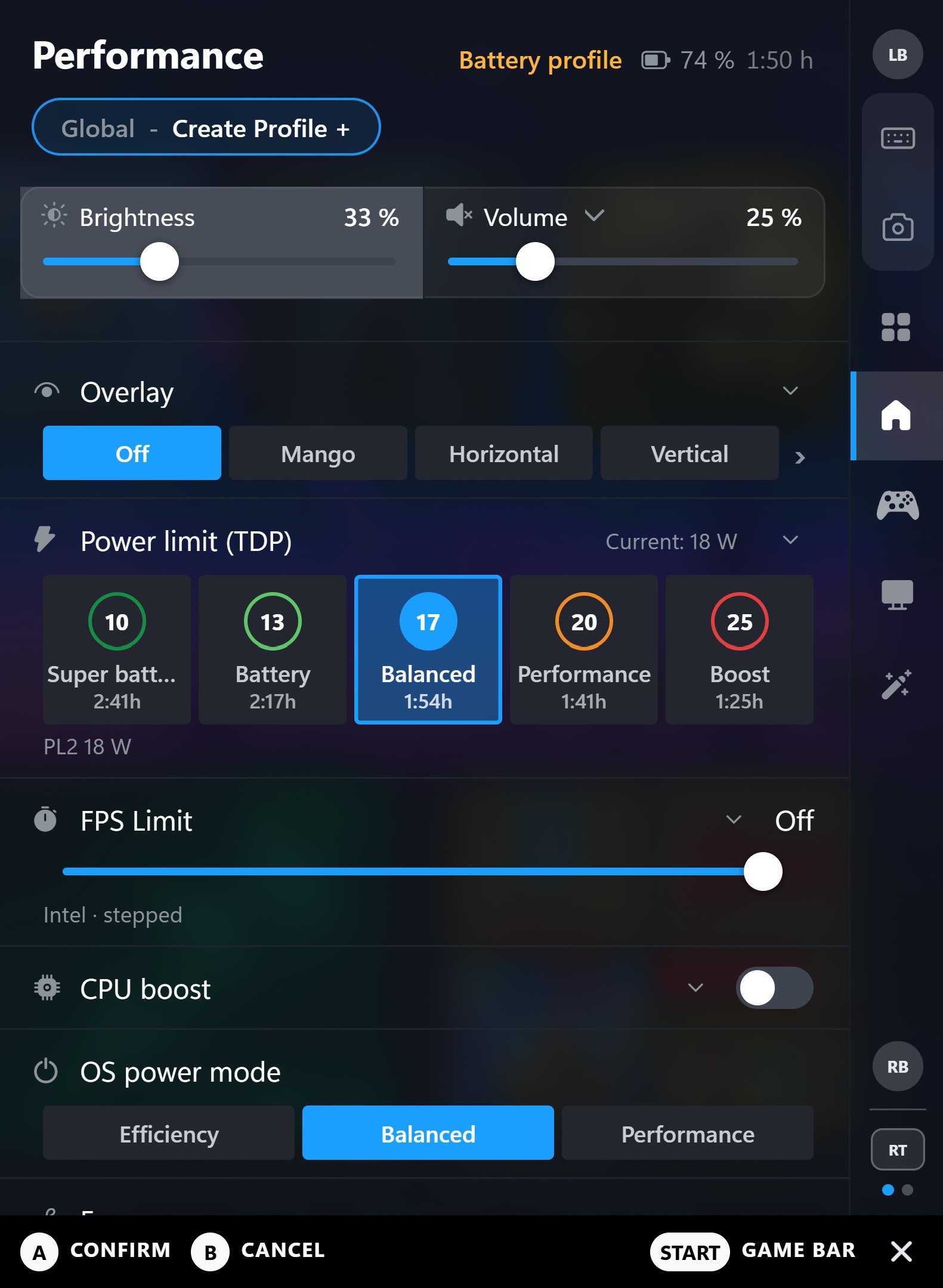
Five TDP steps with their own wattage and the runtime they give you on battery
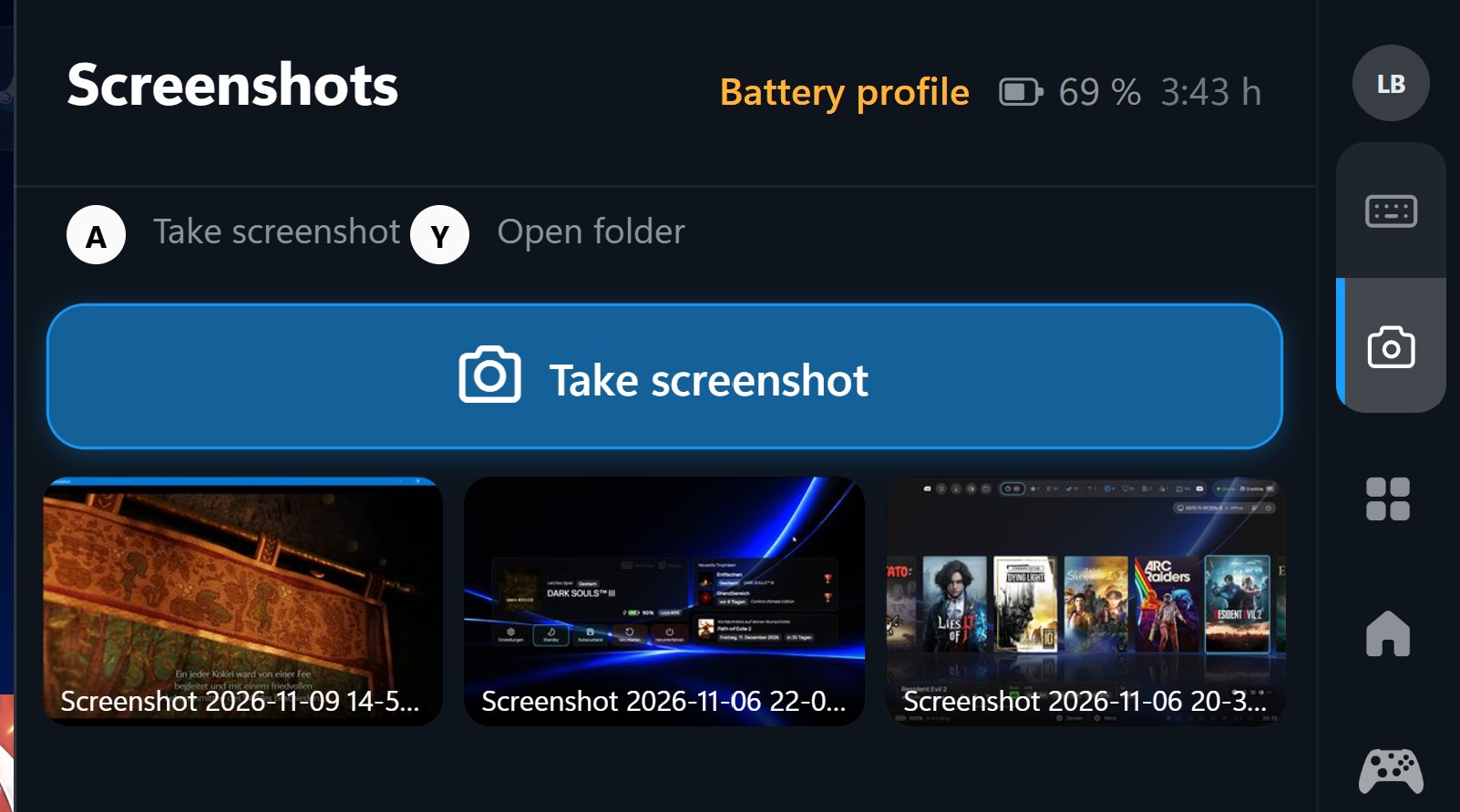
Screenshots tab: take screenshots and copy them to the clipboard
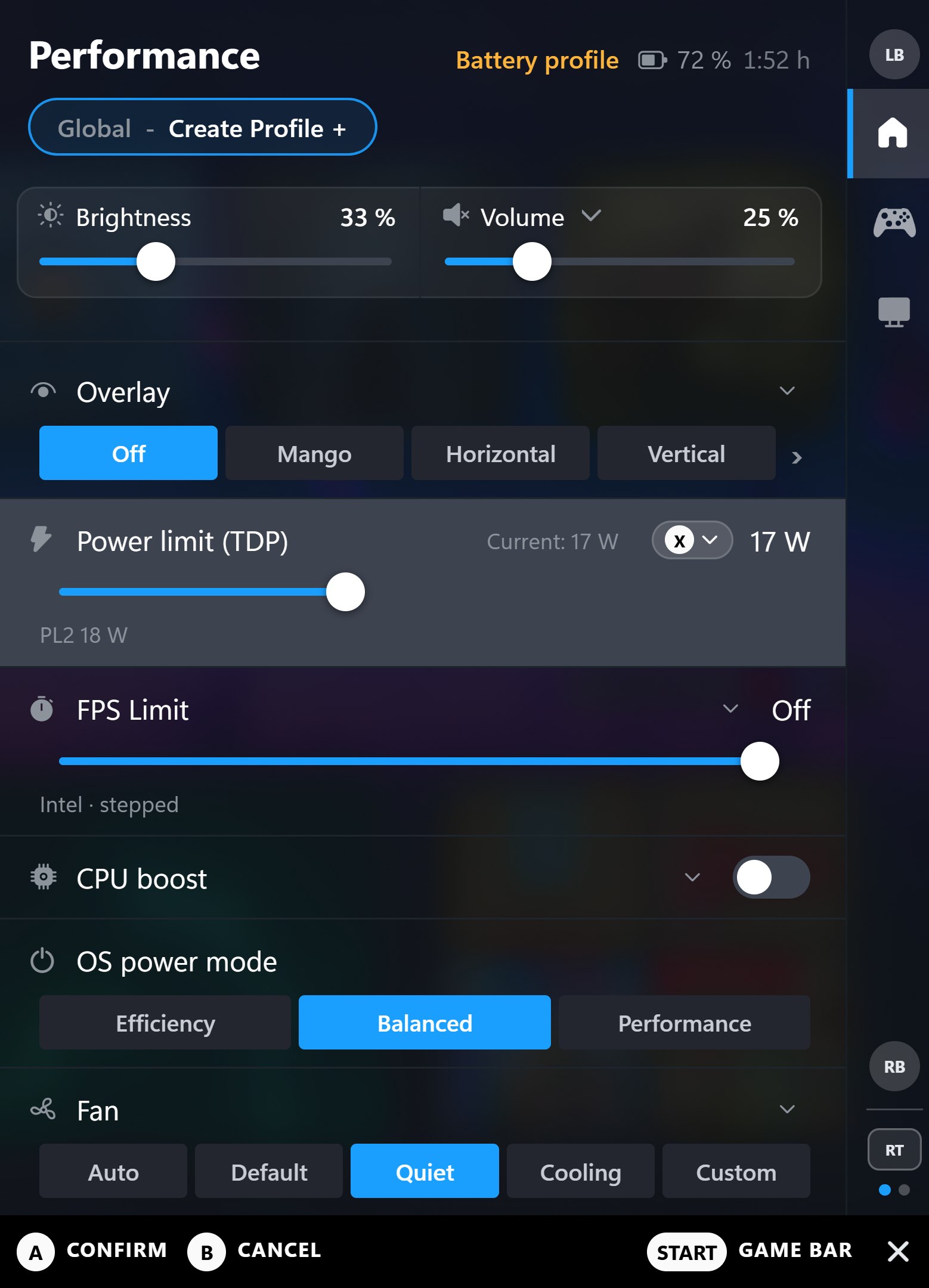
Fan curve as bars with live temperature and RPM
Gyro, deadzone and mouse settings, front-button icons
New TDP modes with own wattage steps
Cleaner look by disabling tabs you don't need
The QAM takes screenshots and copies them to the clipboard
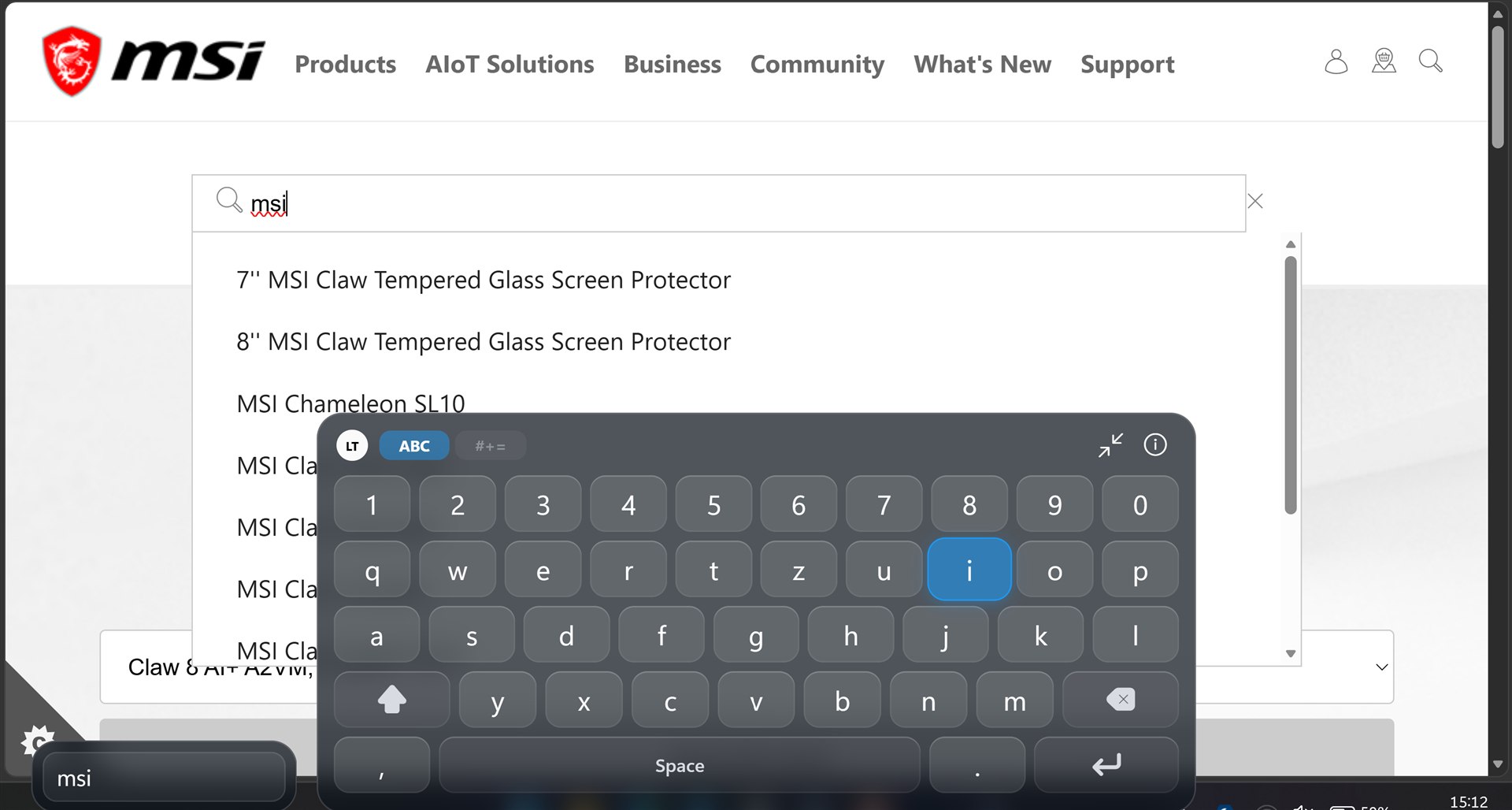
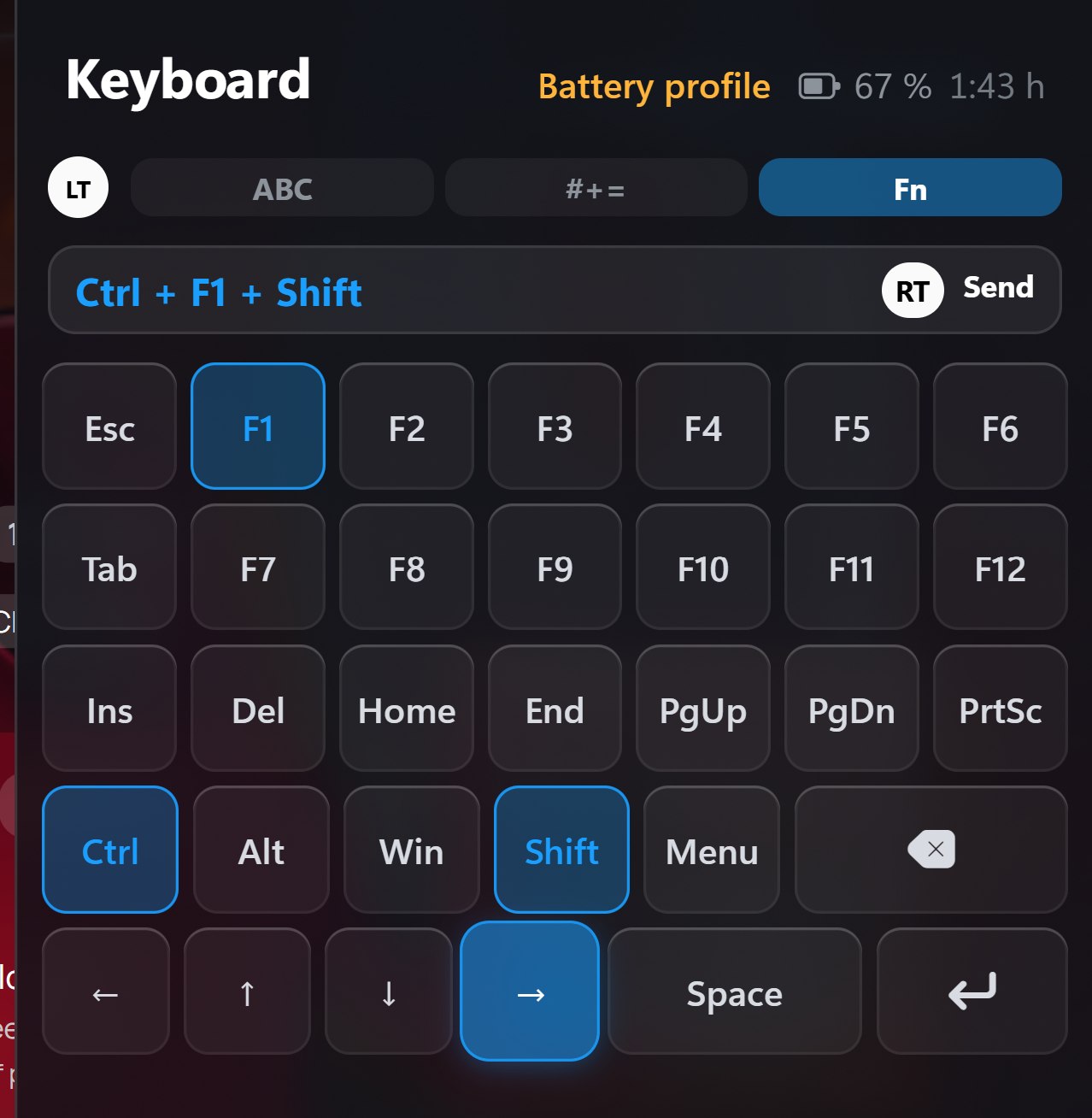
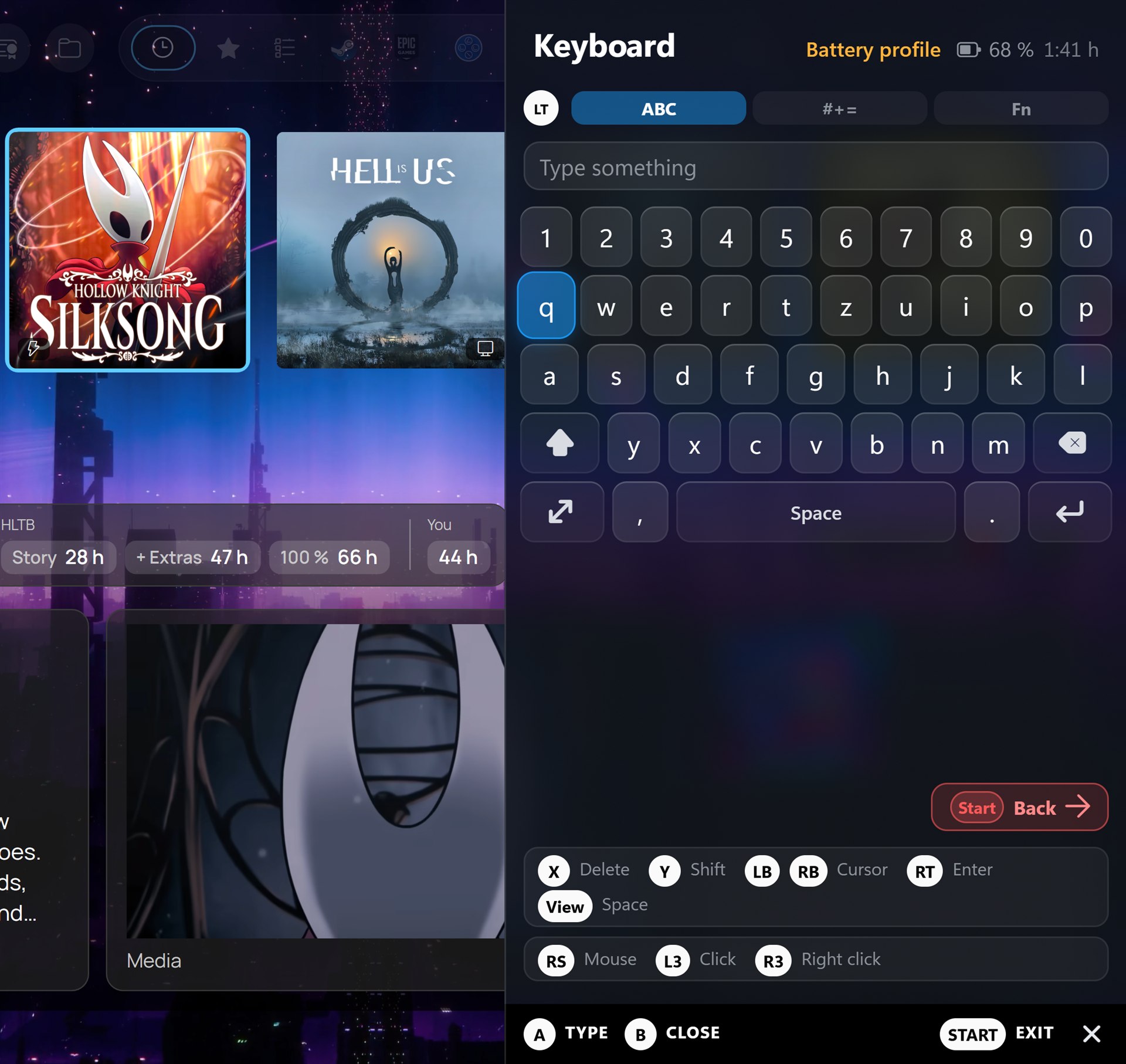
Mini Keyboard in the QAM / New Big Overlay Keyboard with hybrid mouse mode
Fn layer: F1–F12, Esc, Tab, Del, Home, PgUp, arrows and more - pick keys, send them as one shortcut with RT (Ctrl+Shift+Esc, Alt+F4, Win…)
Right stick as mouse, L3 / R3 to click (virtual controller)
New native CTW keyboard in action with mouse hybrid mode
The QAM keyboard can also fire keyboard strokes
Small and big keyboard with cursor control in virtual controller mode
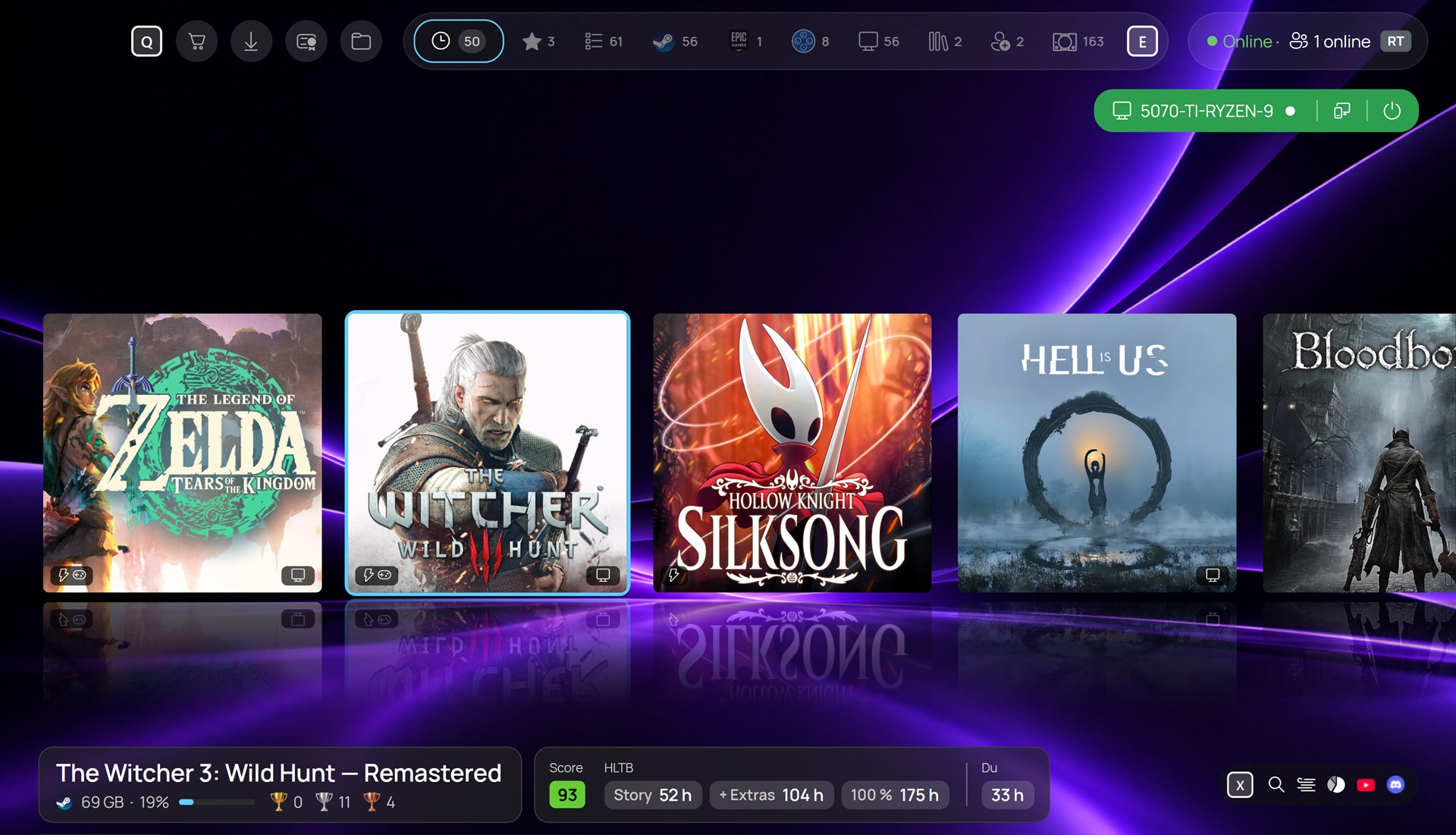
Library - CyanNova 1.4.0
Your own music for the library
Streaming a PC game starts faster
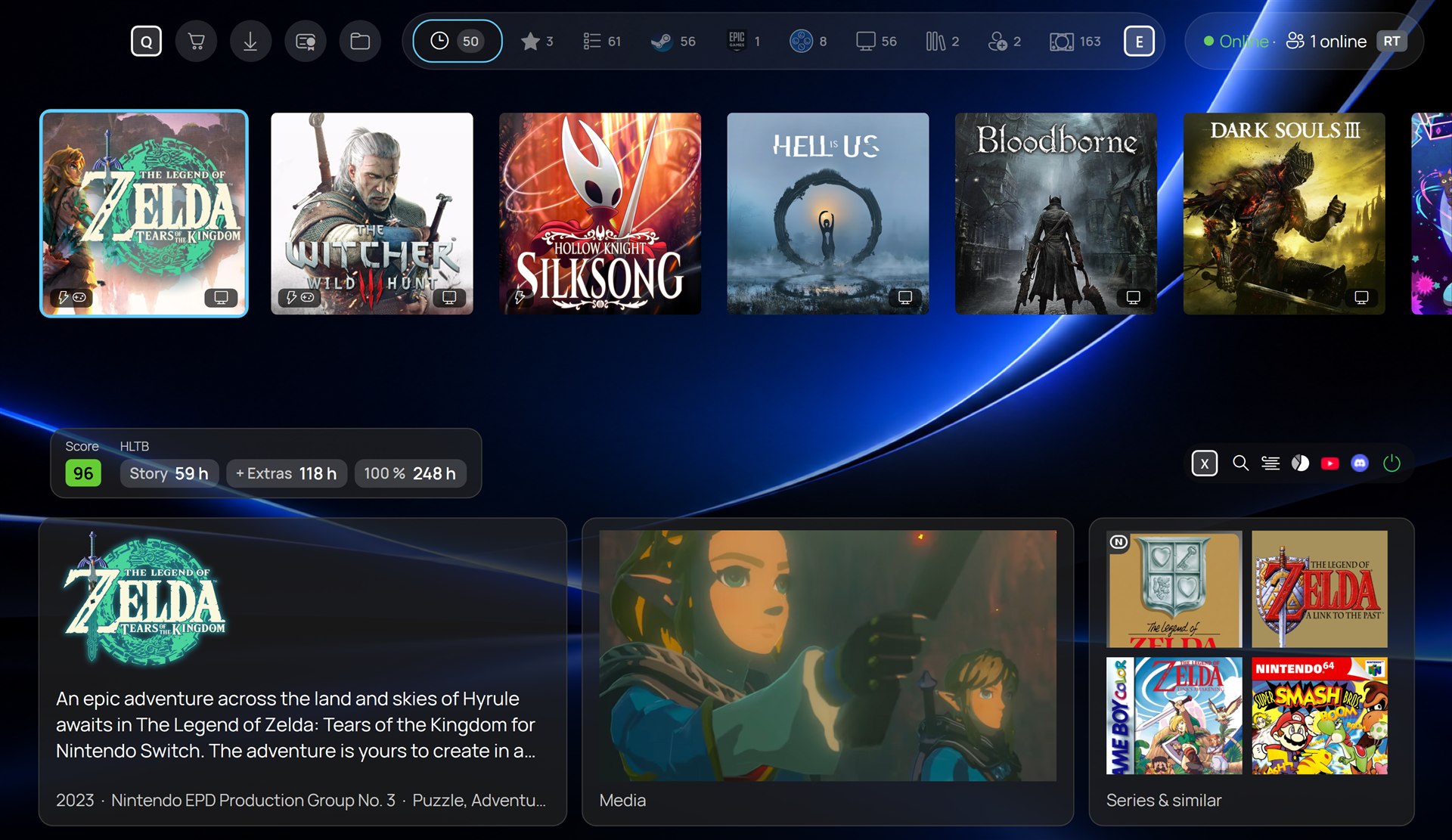
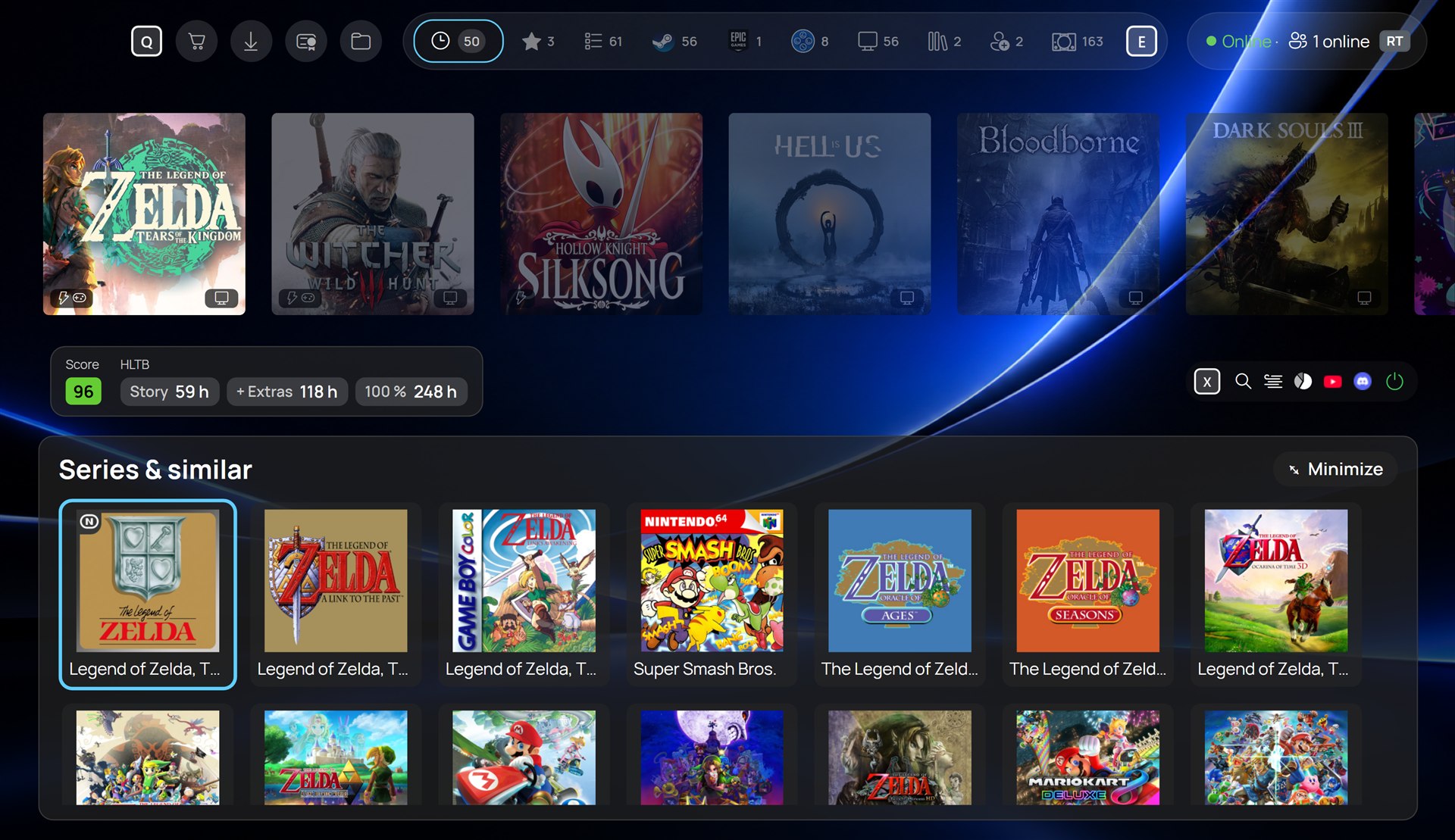
New PS5-ish theme (Beta) with new UI similar games, series and Steam news
Square icons and IGDB support and game info, also for ROMs