You signed in with another tab or window. Reload to refresh your session.You signed out in another tab or window. Reload to refresh your session.You switched accounts on another tab or window. Reload to refresh your session.Dismiss alert
{{ message }}
Repository navigation
1.0.8 - Full QAM and PC Control with DualSense and DualShock 4, Reworked Performance Overlays
Existing users: update the Game Bar widget right in the library (CyanNova) New users: install with the setup ClawTweaks_1.0.8.X_Setup.exe.
🎮 DualSense and DualShock 4: control your PC and the QAM
Open the QAM with your DualSense or DualShock 4, with PS Button L3 + R3, or the mic button
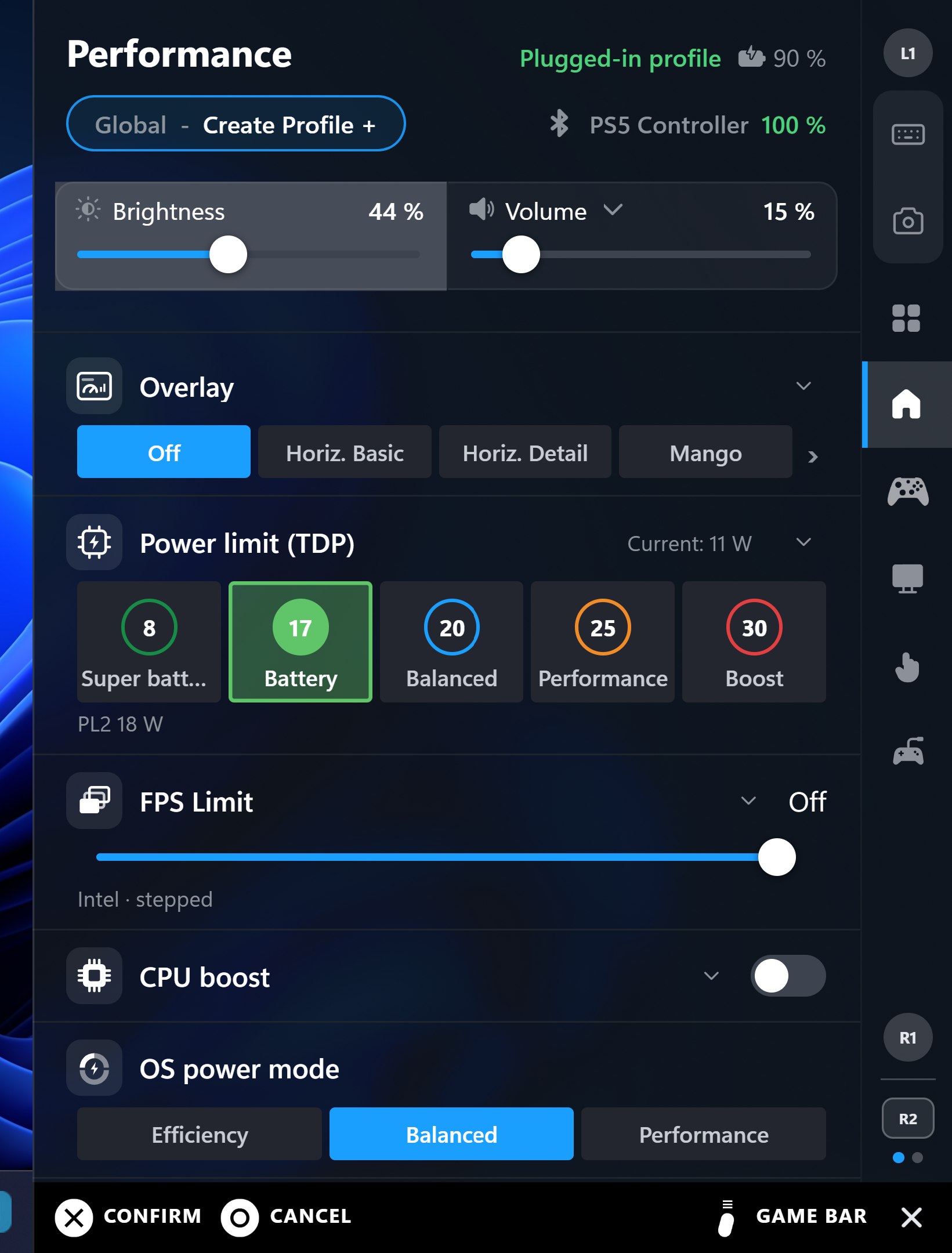
Use the whole QAM with your PlayStation controller
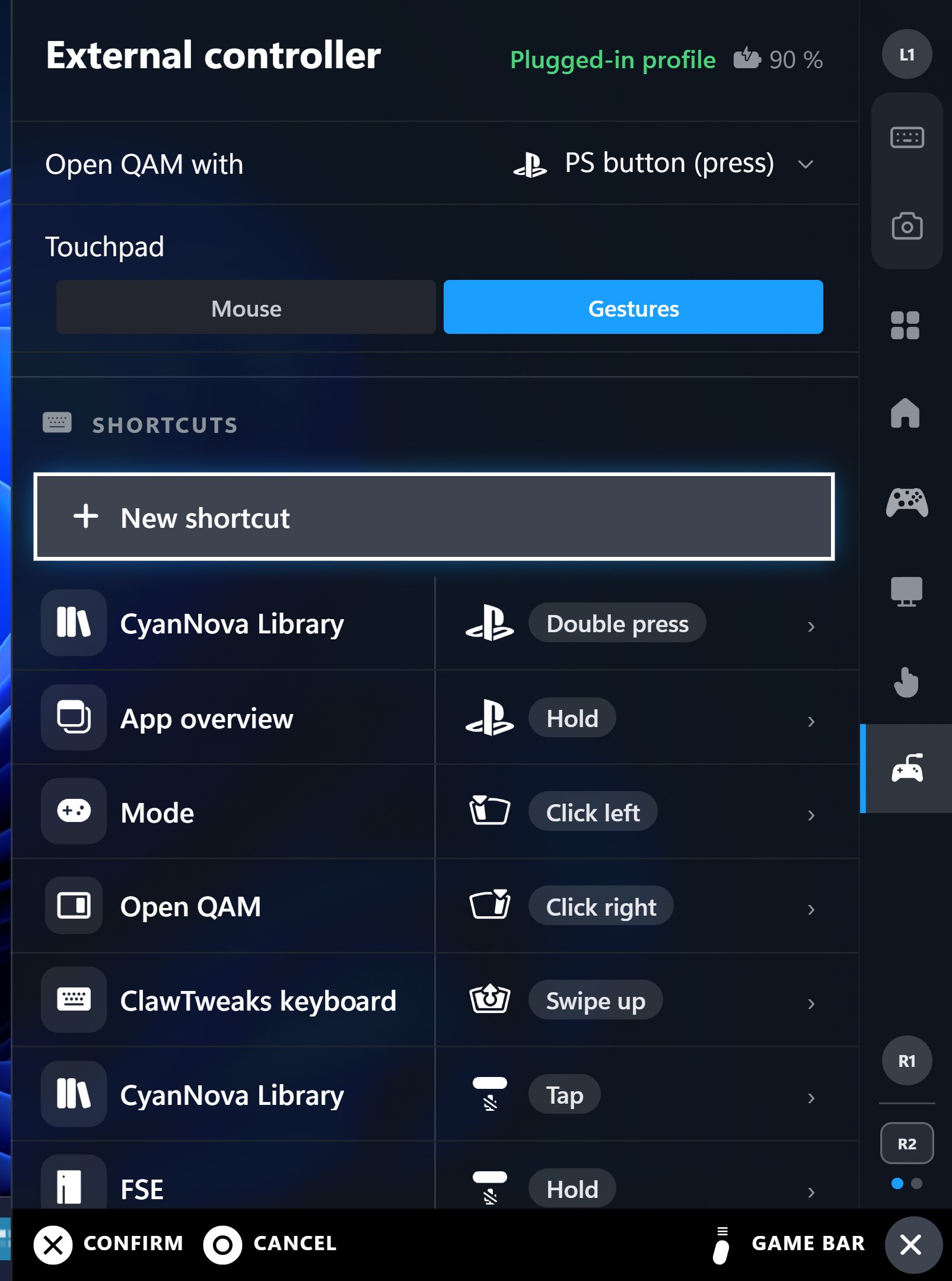
Use Touchpad as a mouse, including gestures
Reach every corner of Windows with your controller: app overview, quick settings, Start, search, Settings and the Store, manage windows (snal left right, maximize, fullscreen)
New polished QAM UI with new icons
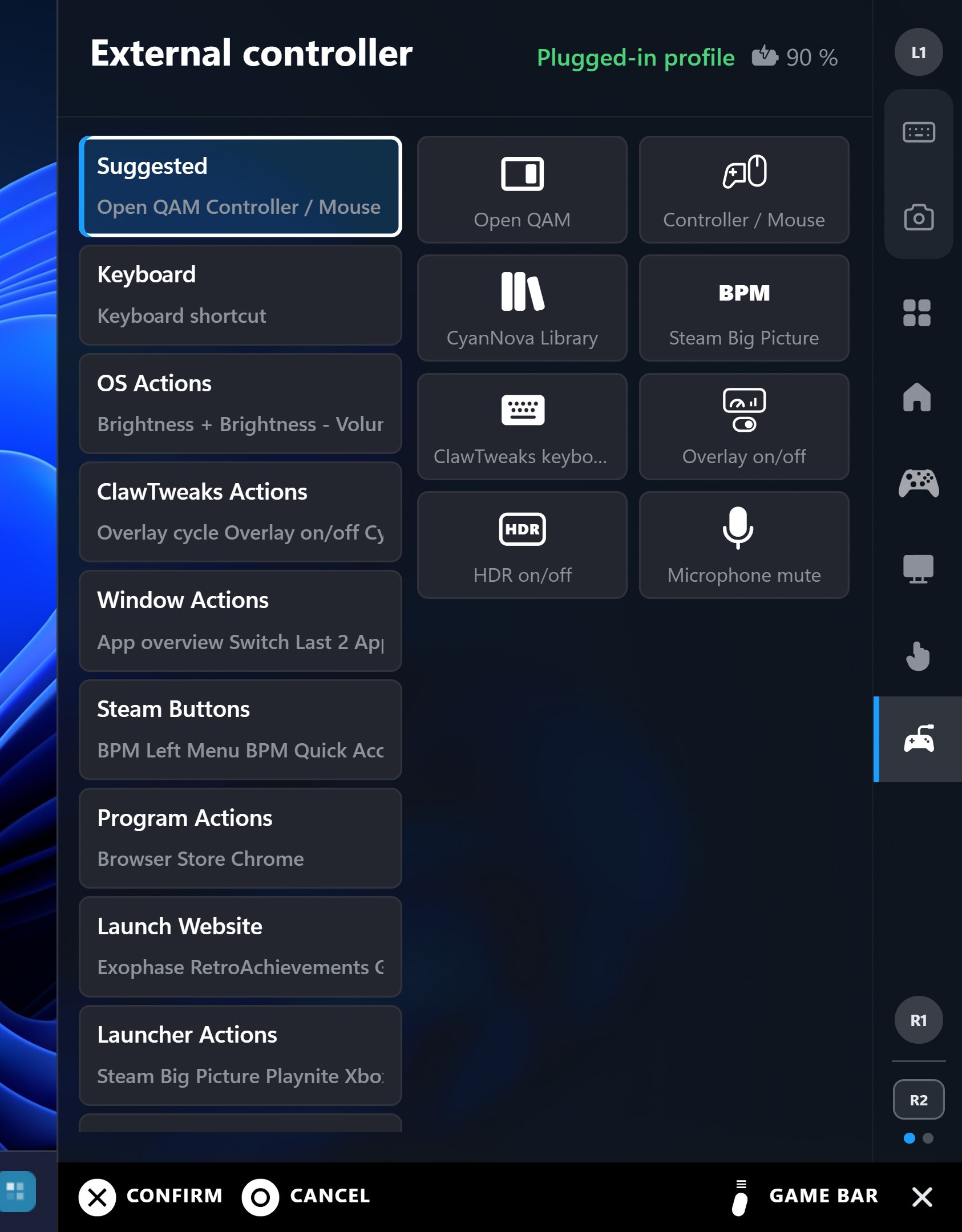
New external controller tab which automatically shows up when a Dualsense or Dualshock is connected
📊 Reworked performance overlays
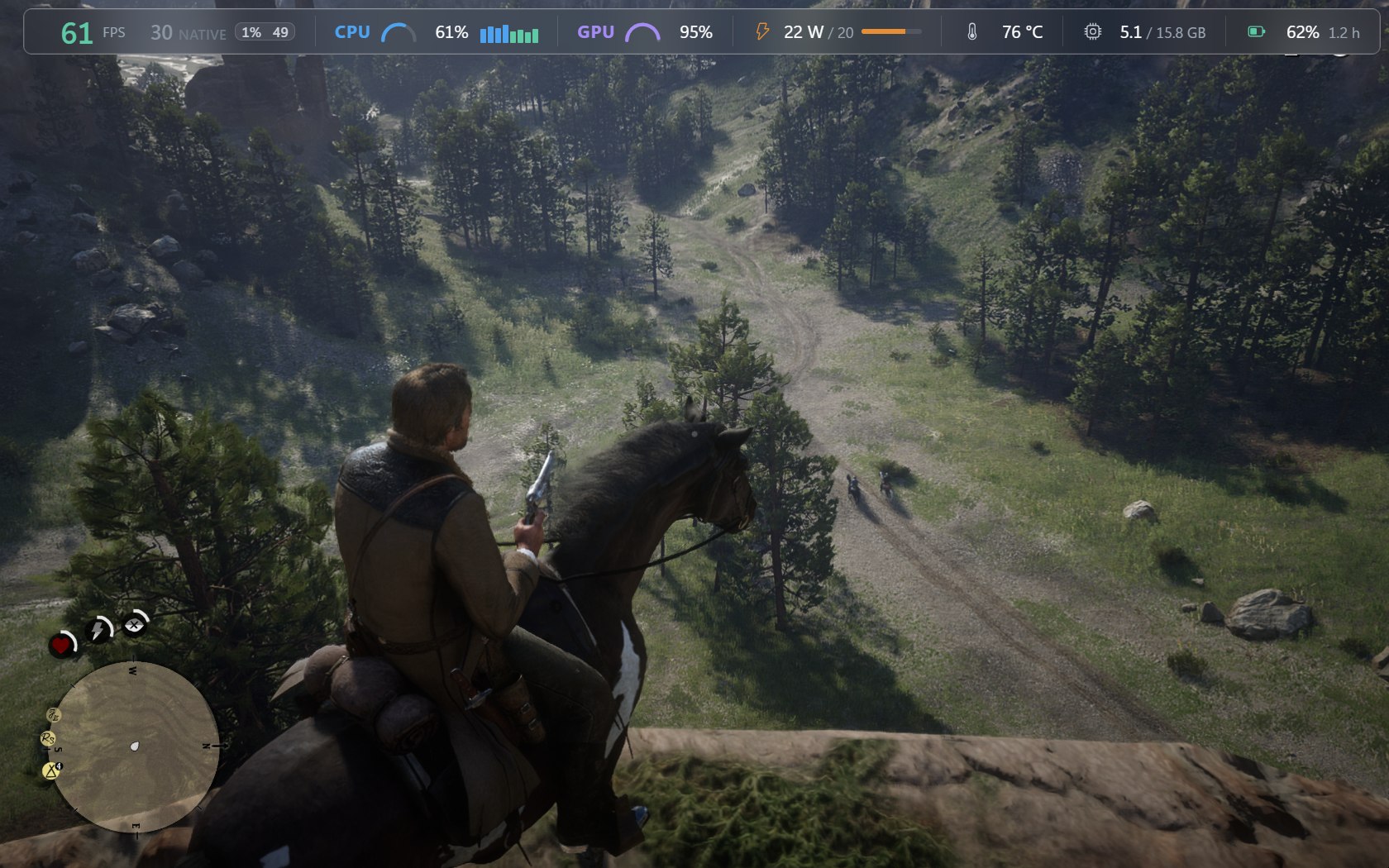
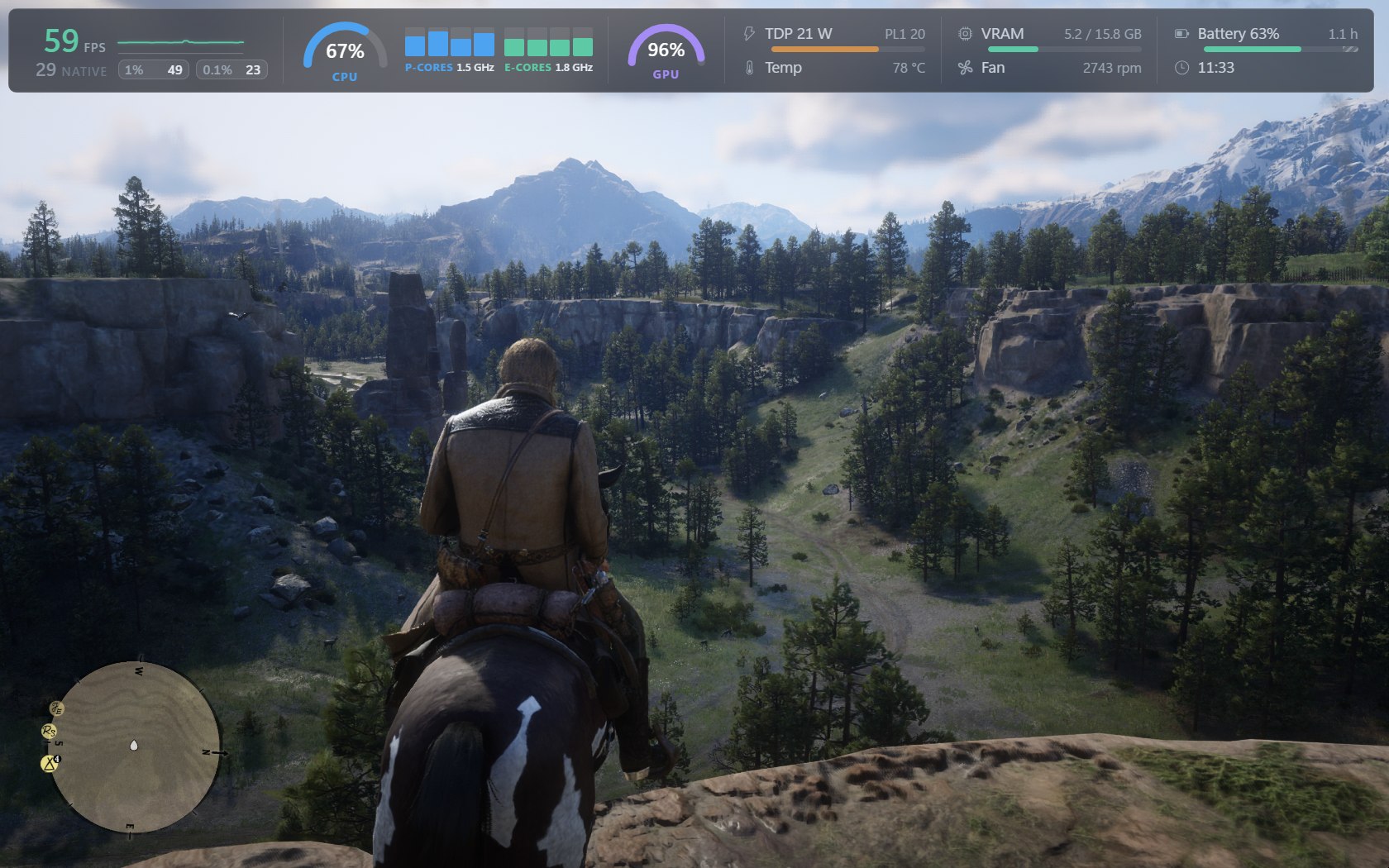
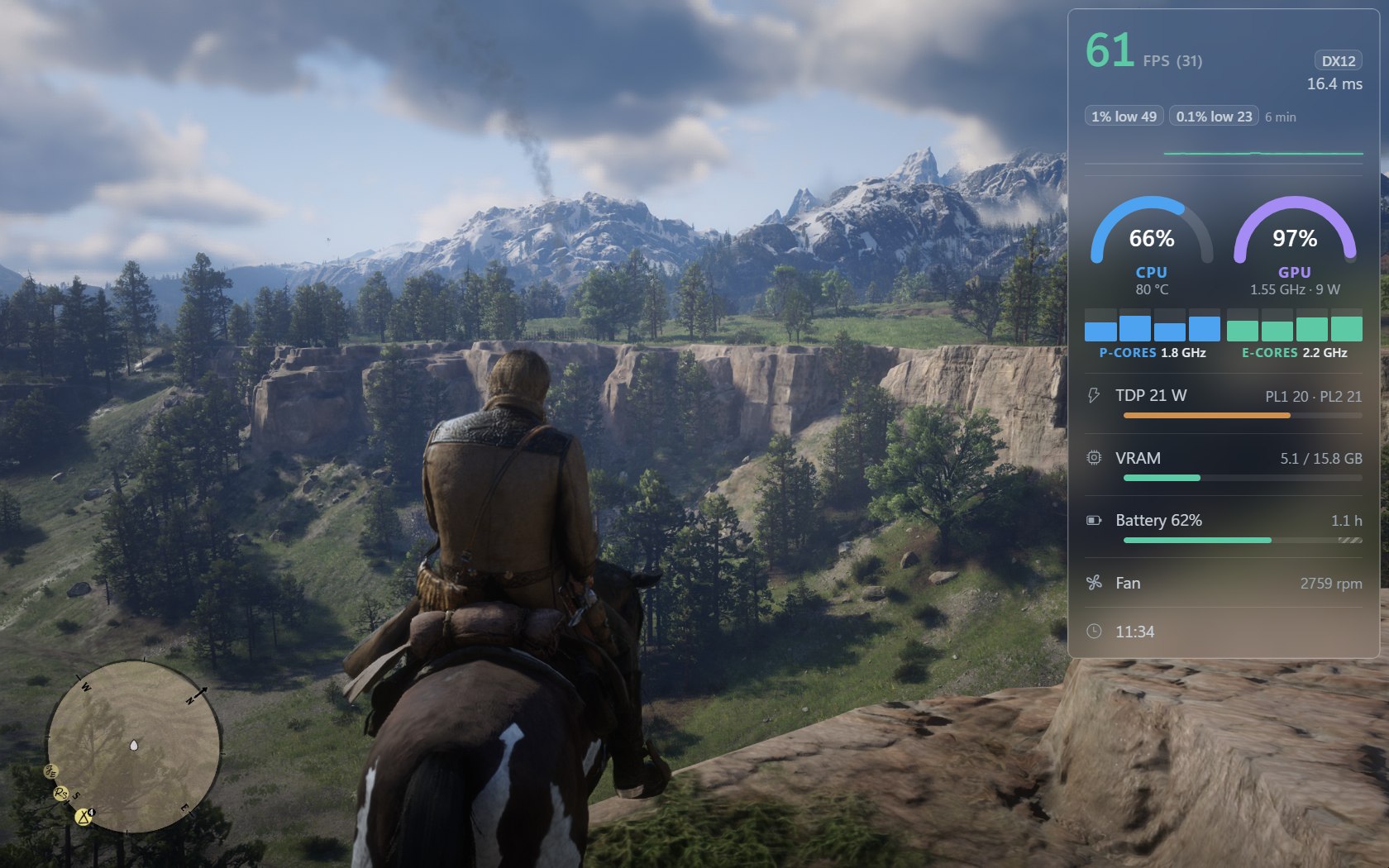
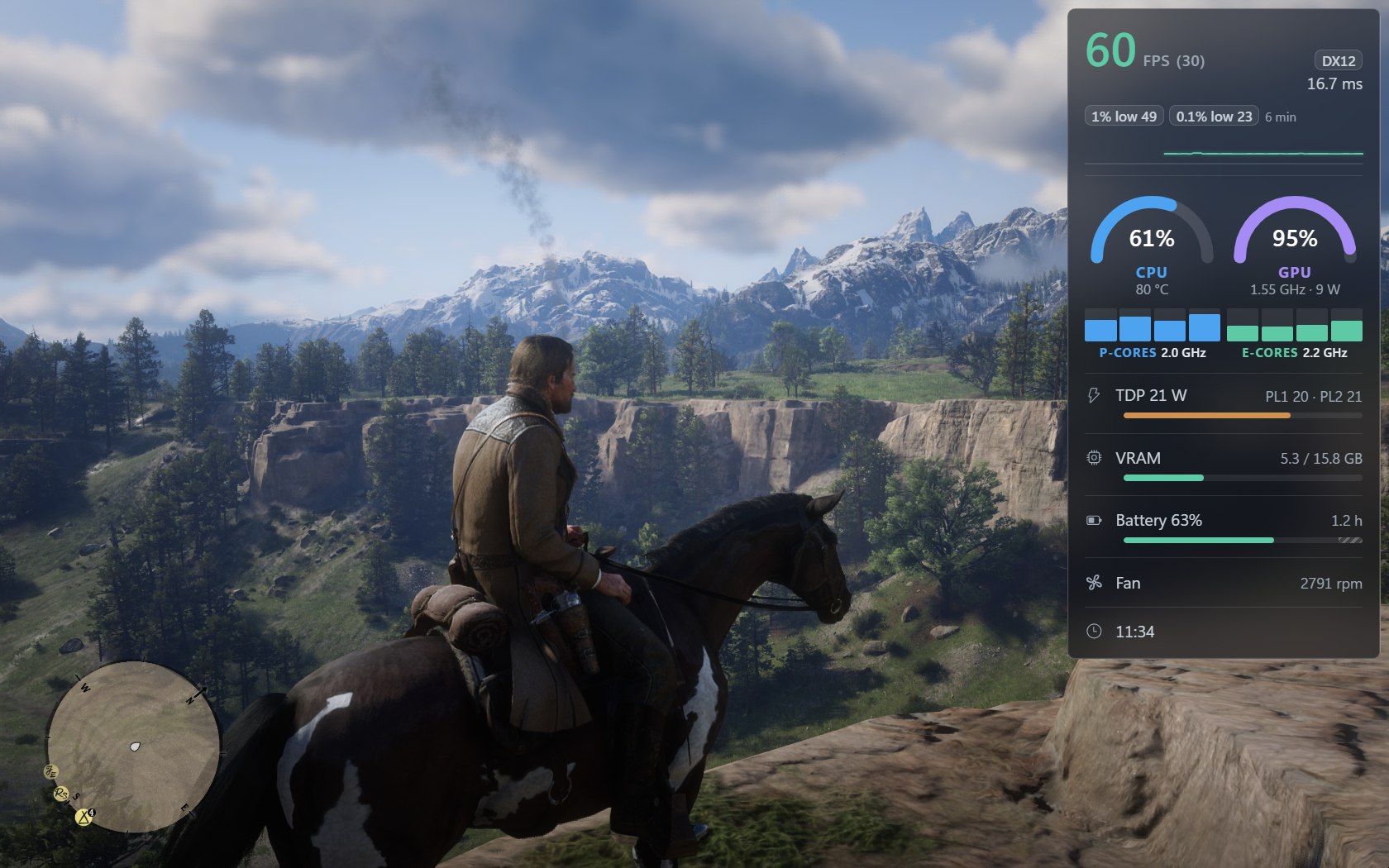
More modern overlays: Horiz. Basic, Horiz. Detail and Vertical, with CPU and GPU rings, core bars, a TDP bar and your battery with its charge limit
You can now customize the custom performance overlays within the QAM like Gamebar
Horiz. Basic
Horiz. Detail
Vertical, with a transparent background
Vertical, less transparent
More Optimizations and Bugfixes
Synthetic Keyboard strokes now go through a USBIP keyboard, so they should be more reliable because USBIP simulates a keyboard on driver level.
You can now open the QAM with your keyboard - Win + F10 by default, change it in the QAM settings
Resolution and refresh rate can stay on "Windows": game profiles no longer change your default Windows settings
The QAM gallery now shows your video recordings
Shortcut overview with suggested shortcuts, new icons and new actions like HDR on/off
Library - CyanNova 1.4.9
Battle.net: all your installed games show up again, for example World of Warcraft