Repository navigation
Falcon AI v2.1 — Minimal OpenCode Studio & Universal Provider Settings

Falcon AI v2.1 (v2.1.0) — Minimal OpenCode Studio & Universal Provider Settings
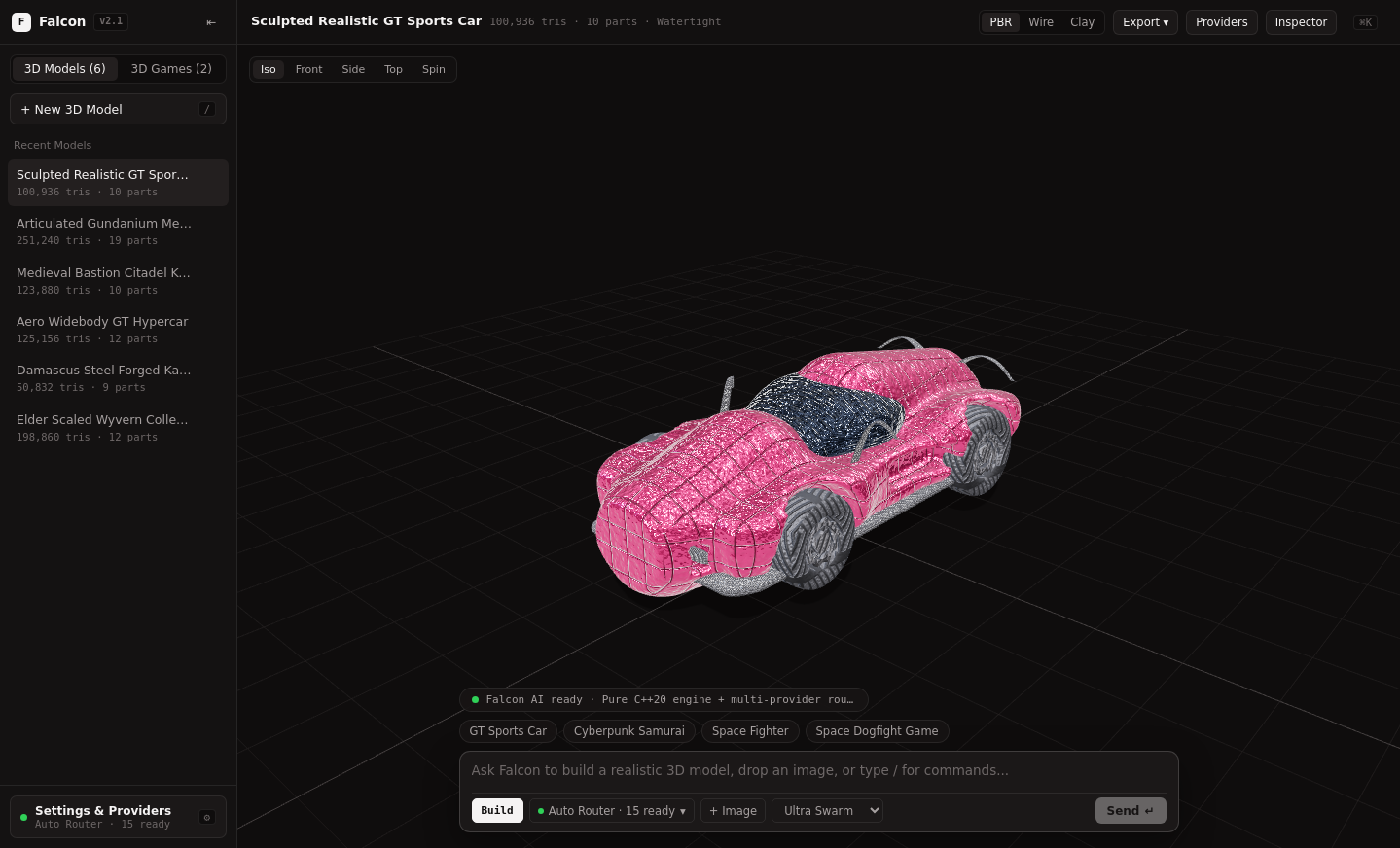
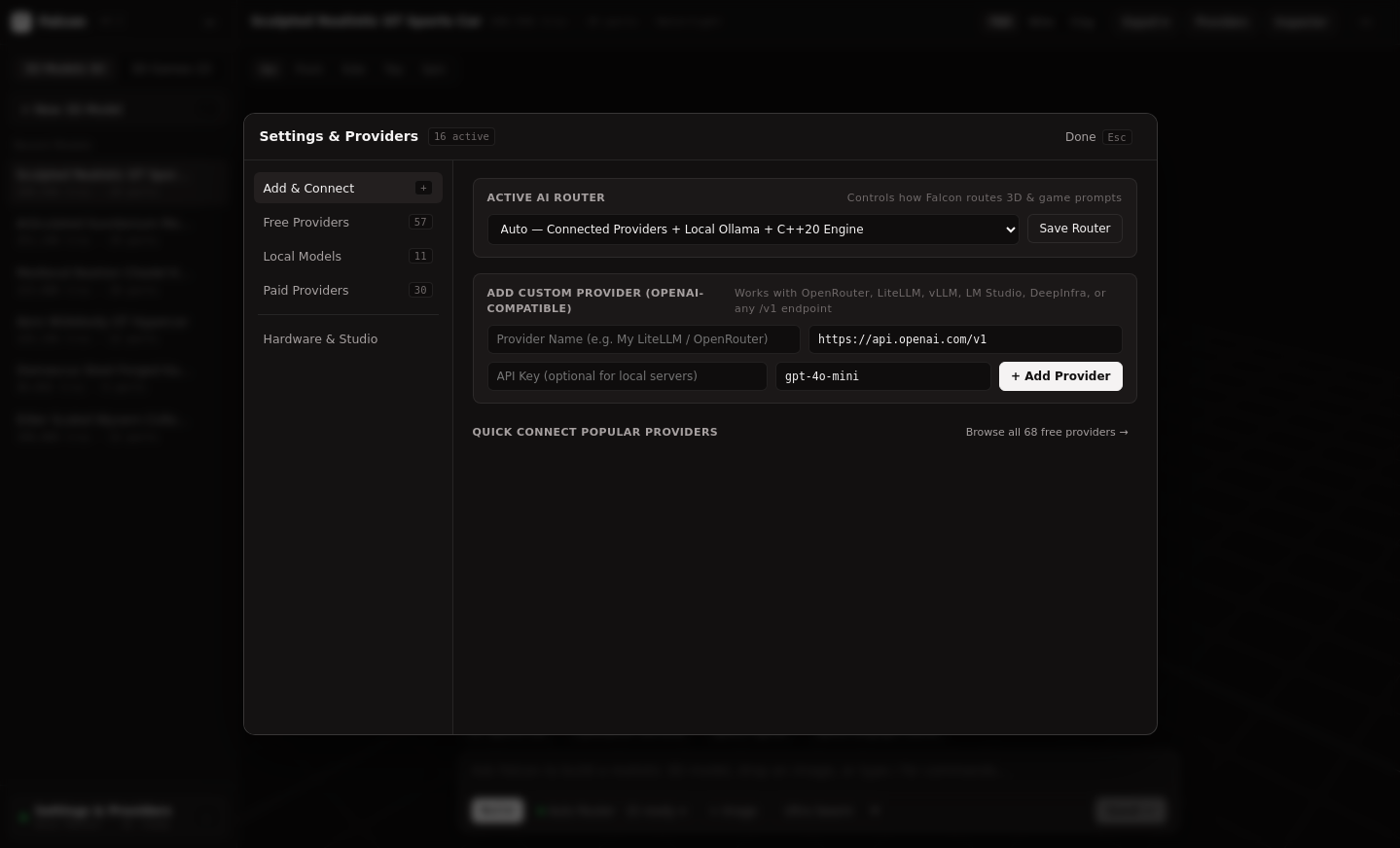
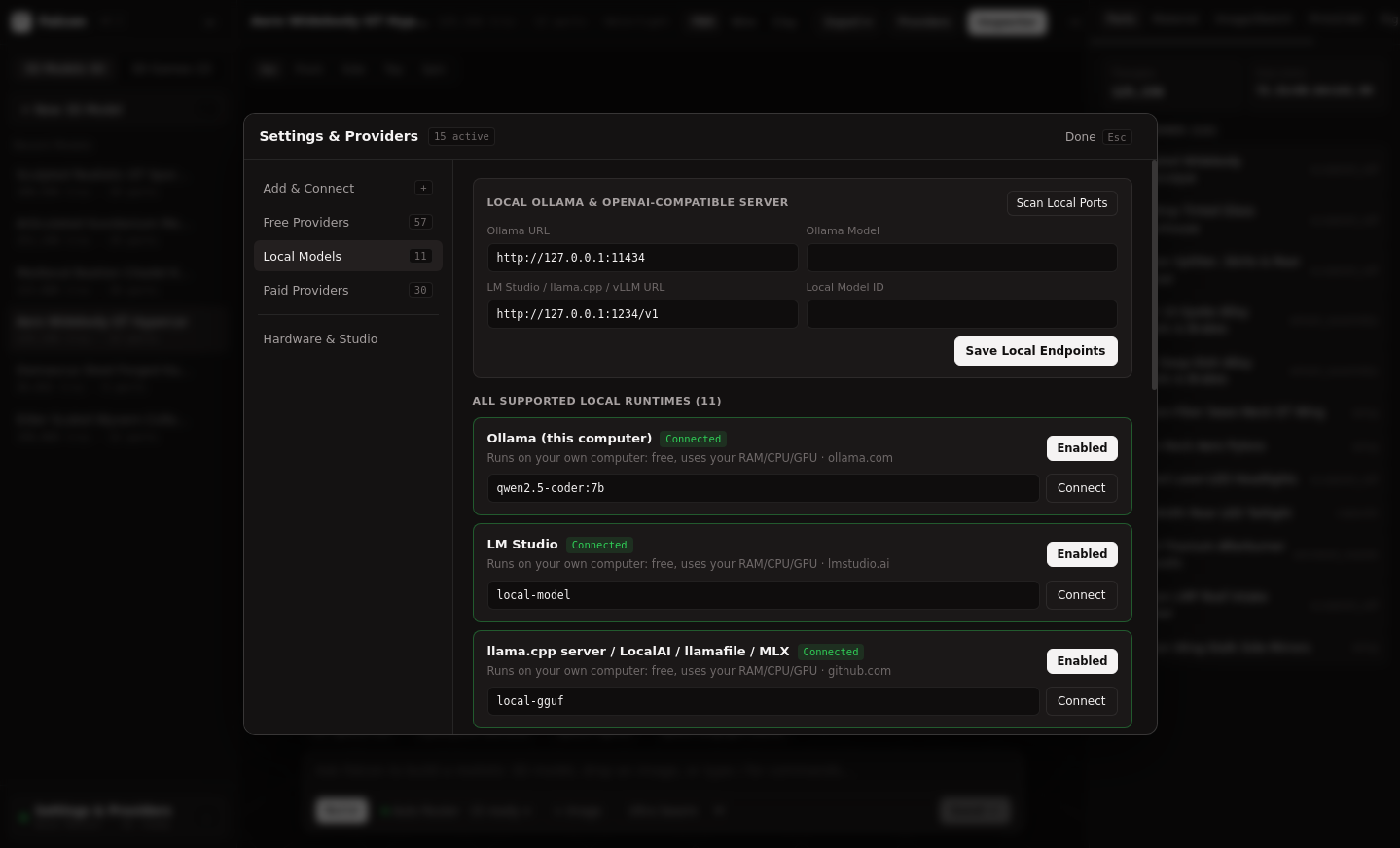
Falcon AI v2.1 redesigns the desktop & web studio around a clean, distraction-free OpenCode Desktop experience with full, built-in Settings & Providers management for Custom /v1 endpoints, 68 free providers, and local AI models (Ollama, LM Studio, llama.cpp).
✨ Highlights in v2.1
- Minimal OpenCode Desktop UI: Clean left session rail (
3D Models/3D Games), uncluttered single-row header, full-bleed 3D/Game canvas, on-demand slide-overInspector(Ctrl+I), and centered floating OpenCode Prompt Composer (Build / Edit / Game / Plan,Auto Routerselector pill,+ Image1-click upload, and/slash commands). - Universal Settings & Providers (
Ctrl+,):+ Add Custom Provider: Connect any OpenAI-compatible/v1server (OpenRouter,LiteLLM,vLLM,DeepInfra, self-hosted proxies) with custom Base URL, API Key & Model ID.- Quick Connect & 68 Free Providers: 1-line API key & model setup for
Groq,GitHub Models,OpenRouter,Gemini,Mistral,DeepSeek,Cerebras,NVIDIA NIM, plus5zero-key instant providers. - Local AI Hub: Configure
Ollama(:11434),LM Studio(:1234),llama.cpp(:8080),vLLM(:8001), andComfyUI(:8188) with 1-click local port scanning.
- Pure C++20 Zero-GPU Engine: Bundled static
falcon_server.exe(Windows x64, 0 external DLLs) + 60-FPS 3D HologramSetup.exe.
📸 Screenshots (v2.1)