Files cannot be removed as the default file manager #8813

Description

Description
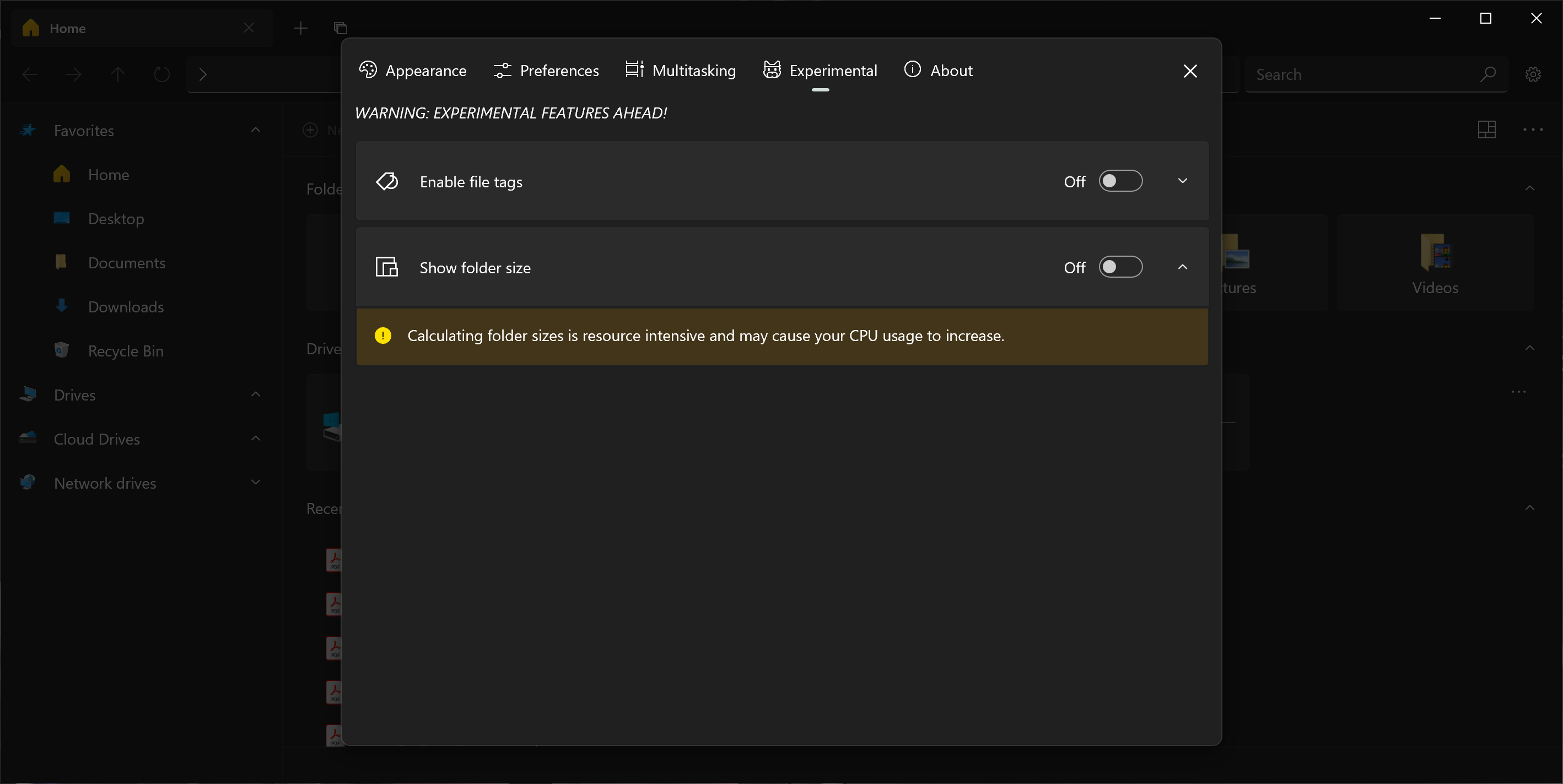
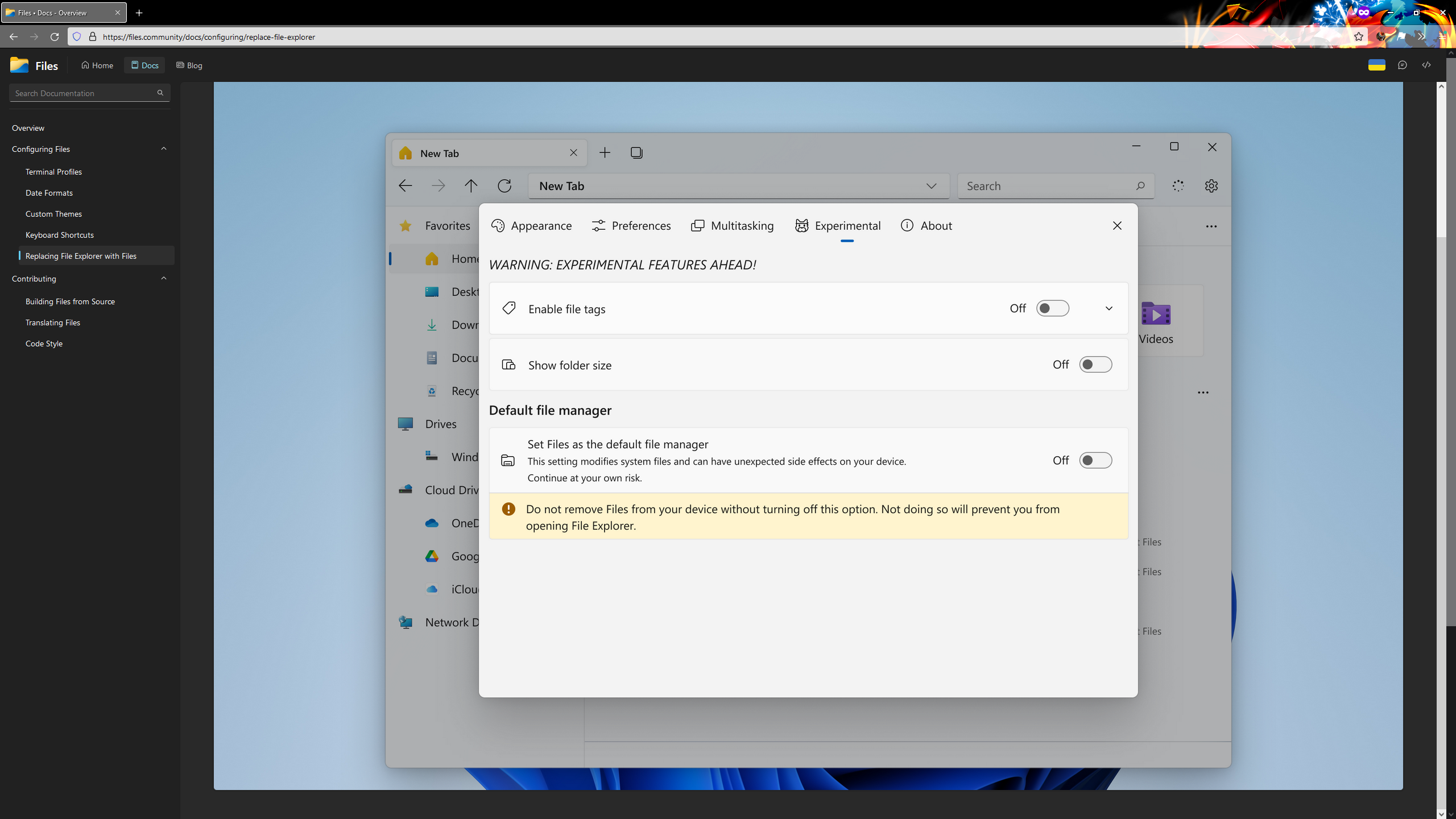
The documentation for Files (as of 2022-03-29) indicates that the setting for making Files the default file manager is under the Experimental tab in settings, but this is not found, making it impossible to remove Files as the default file manager.
Steps To Reproduce
- Open Files
- Open Settings
- Click on the Experimental tab
Expected behavior
Option for default file manager should appear
Files Version
Version: 2.1.15.0 OS Version: 10.0.19043.1348
Windows Version
Edition Windows 10 Home Version 21H1 Installed on 12/15/20 OS build 19043.1348 Experience Windows Feature Experience Pack 120.2212.3920.0
Relevant Assets/Logs
None