Home
Welcome to the logix wiki!
- Printing: inside File menu, document preview, all with system dialogs
- Theme modes: System (Rectify11-compliant), Light/Dark/Solarized Dark/Solarized Light (sadly all forced and custom...)
- Selection of words, functions, rows, columns, syntaxes from Edit menu
- Recent files inside the file menu
- Primitive Personalisation features: Aurora (done), Start Page (enable/disable components and at startup), Theming (base one), Accent Colour (again, base one)
No version is specified for this phase as of now, nor it will start recently.
- Full support to all the other languages (Intellisense menus)
- "Show commits" view - show what changes from one version of your file to another
- Command Palette, Tasks Pane, Clipboard Pane, Object Browsing
- Custom toolbar, menu and hotkeys editing
- Autoindent, tooltips and hints for Prolog and others
- Aurora SVG Editor (standalone app)
- Move and edit widgets inside the Start Page, and add a background too + blur effect if possible
This section is for the stuff that's way out in the future, even more so than indev.
- Split view/MDI multi-windowing together with tabs
- Prolog C# implementation
- Dynamic Intellisense menu which can automatically add and remove custom functions
I'll be recently introducing custom themes in Logix, and there will be three variants:
- System: this version is better with custom themes. It fully uses all the system colours of Windows to automatically adapt to your current theme, and current accent colour. In this theme mode, the app is fully compatible with any theme on any version of Windows, AccentColorizer, MicaForEveryone and every other customization app. It uses the msstyle engine to render everything.
- Light and Dark mode: due to Microsoft not knowing how to use their own theming engine for Windows, I've found myself obliged to plan on introducing a custom light and dark mode, otherwise it wouldn't work well. Light Mode is for also System users which have a dark theme but want a light mode theme nonetheless. For dark mode instead, I'll be manually changing each and every color value from a system one to a hardcoded custom one (beautiful, I know). I'll at least put them into the Resources so I can easily edit them. Beware that msstyle theme components such as tabs, checkboxes, textboxes, radio buttons might not look right in both modes, since it's all a custom implementation (Thanks Microsoft, again). I'll try to see if I can hack in the WinRT Win32 dark mode bs.
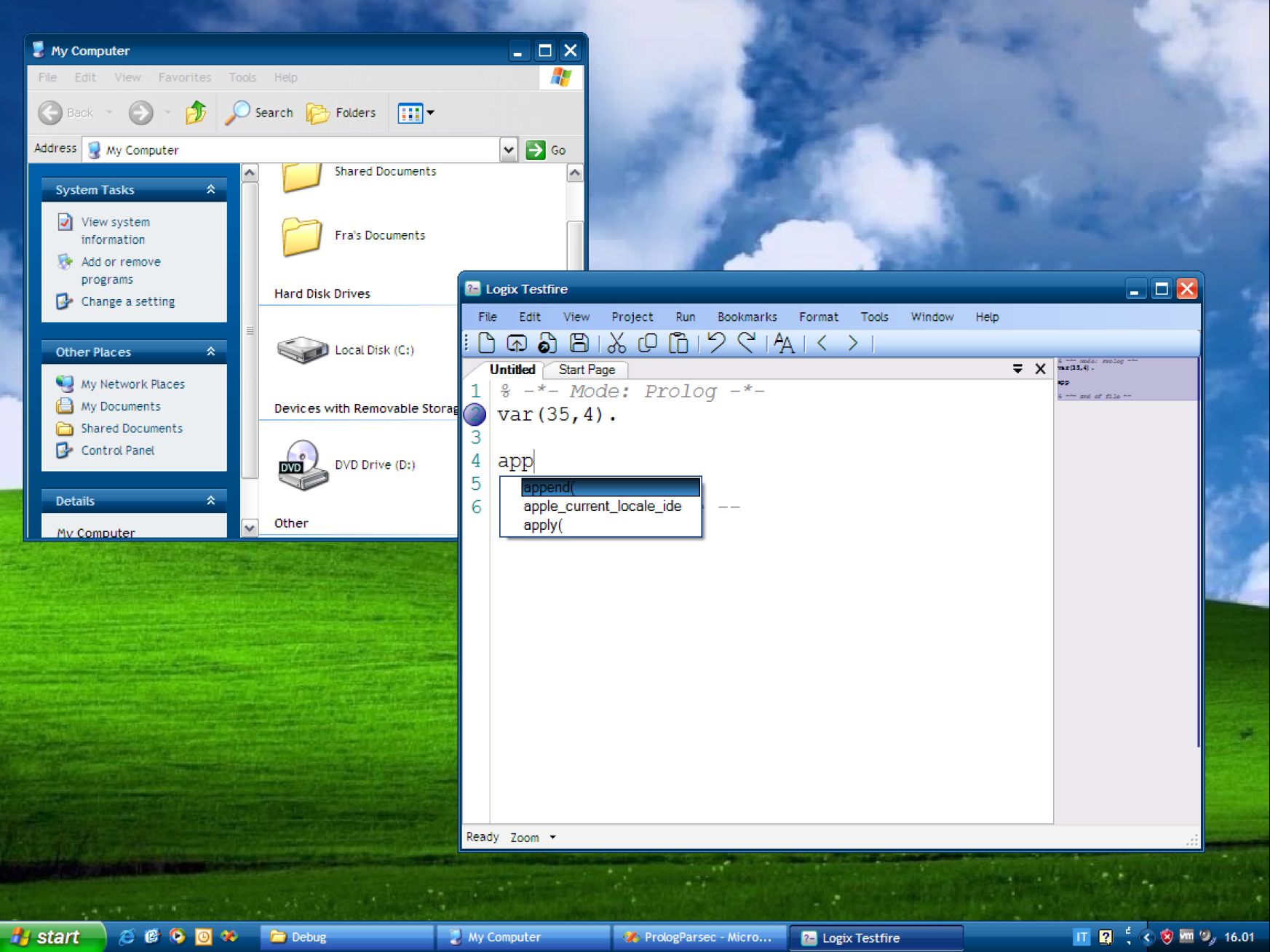
Actually developing stuff theme-aware can lead to moments like this: no matter the theme you apply on XP (and consequentially, on any Windows version on which this program can run), Windows will just automatically adapt every control to suit the theme you have currently applied, thus achieving a consistent and native look effectively on any version of Windows, without using custom code or custom libraries. Microsoft doesn't understand this (and neither certain developers).

I'll try to implement accent colouring by calling the modern Windows APIs, but I suggest to just install AccentColorizer and use as is. Logix now uses the Highlight and HighlightMenu colors, and not only it makes the app much more flexible (since, in this way, it automatically fully works on any version of Windows on which this can run), it also takes zero lines of code to do.
So far I haven’t had lots of success in having it running on different versions of Windows. So far, it seems it’s a problem linked to .NET Framework.
-Windows 98 SE/ME: works with .NET Framework 2.0 (note 1). The .NET Transitions library and Fluent toolbar isn't supported.

-
Windows 2000: works with .NET Framework 2.0 (note 1). The .NET Transitions library isn't supported.

-
Windows XP with OneCoreAPI/without OneCoreAPI: works with .NET Framework 2.0 (note 1)

-
Windows XP SP3 with VS2005 installed: works flawlessly (note 1)
-
Windows Vista SP2: works with .NET Framework 2.0 (note 1) (sorry if it's in Aero Basic, it just disabled Aero)

-
Windows 7 SP1: works with .NET Framework 2.0 (note 1)

-
Windows 10/11 with VS2005 installed: works flawlessly
-
Windows 10/11 with .NET Framework 3.5/4: works flawlessly
-
Wine: not tested yet
(note 1): loading SVGs inside the web browser component doesn't work - works only with Adobe SVG (partially), and if you use a custom Aurora