Repository navigation
PIC V1.0.0 — Your photos. Your folders. Your way.

PIC V1.0.0 — Your photos. Your folders. Your way.
Release draft: final build availability is still pending.
The classic photo-library experience, reimagined for Linux.
Miss Picasa or classic iPhoto? Meet PIC (Personal Image Catalogue): a free, open-source, local-first photo manager built with Rust, GTK4 and libadwaita. Browse, organise, edit and enjoy your photo collection — without a mandatory cloud account, subscription or upload.
PIC V1 marks the move beyond our release-candidate series. Thank you to everyone who tested, reported issues and helped shape the experience.
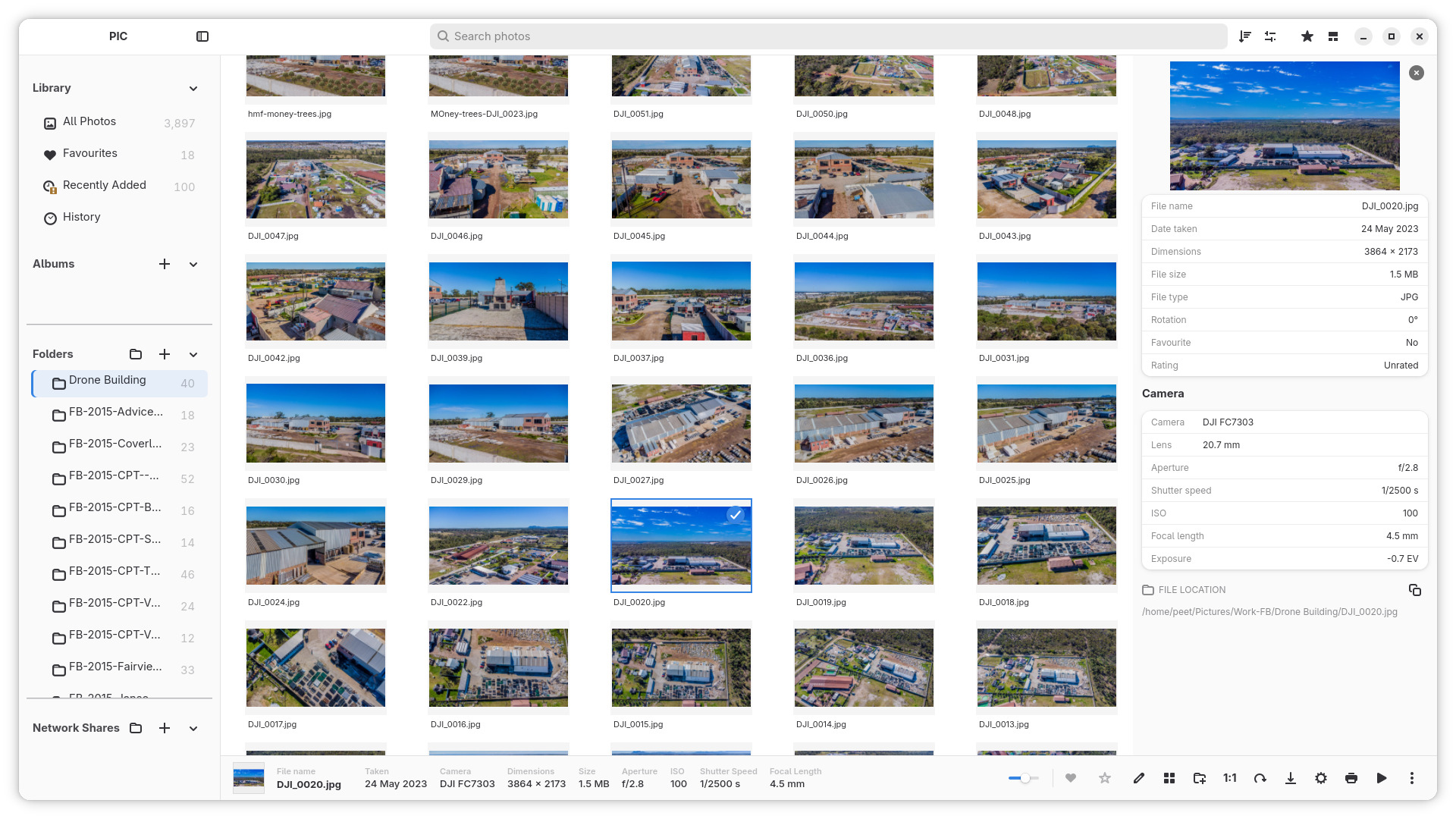
✨ Highlights
Rediscover photo browsing
- Three gallery styles: Grid, Photo Wall and Masonry.
- Fast cached thumbnails for browsing large libraries.
- Photo viewer with full-screen viewing, zoom, pan and navigation.
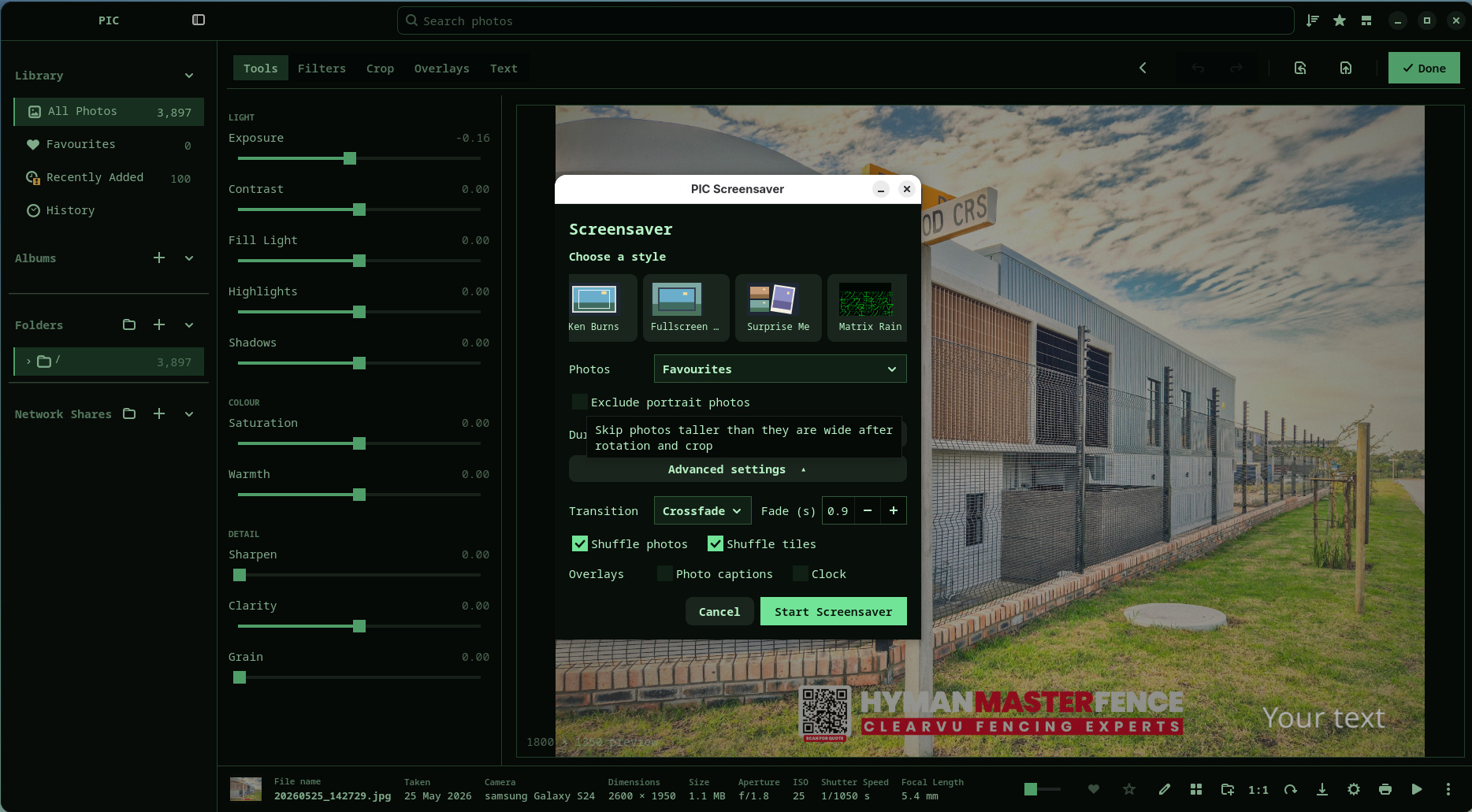
- Customisable appearance themes and a built-in photo screensaver.
Organise everything in one place
- Albums, favourites, 1–5 star ratings, search, sorting and rating filters.
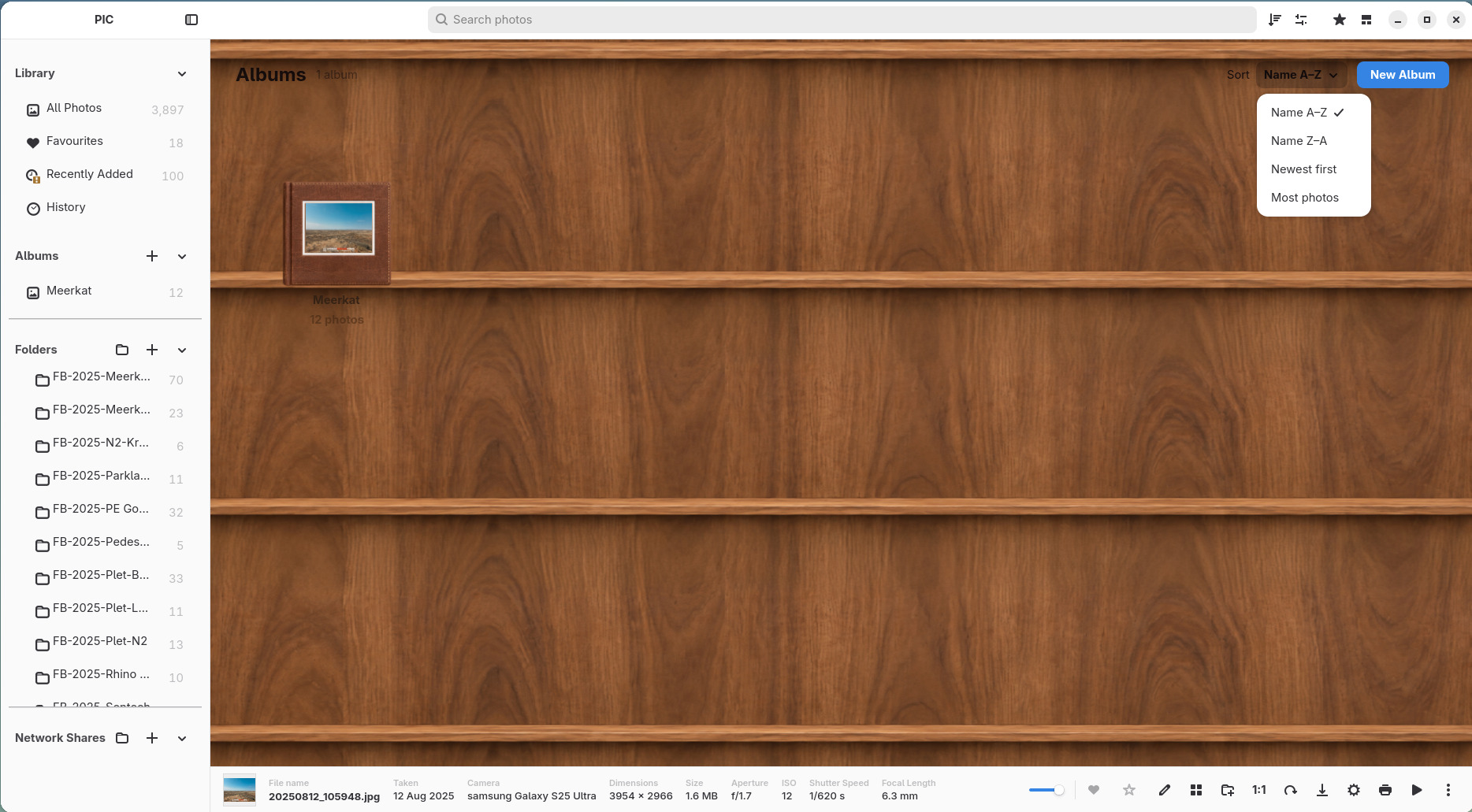
- Album covers and bookshelf-style album browsing.
- Import existing folders, supported camera/SD-card photos and browse SMB/NFS network shares.
- Keep multiple separate photo-library databases and switch between them.
- Cached thumbnails can remain visible when external storage is disconnected.
Edit and create, without damaging originals
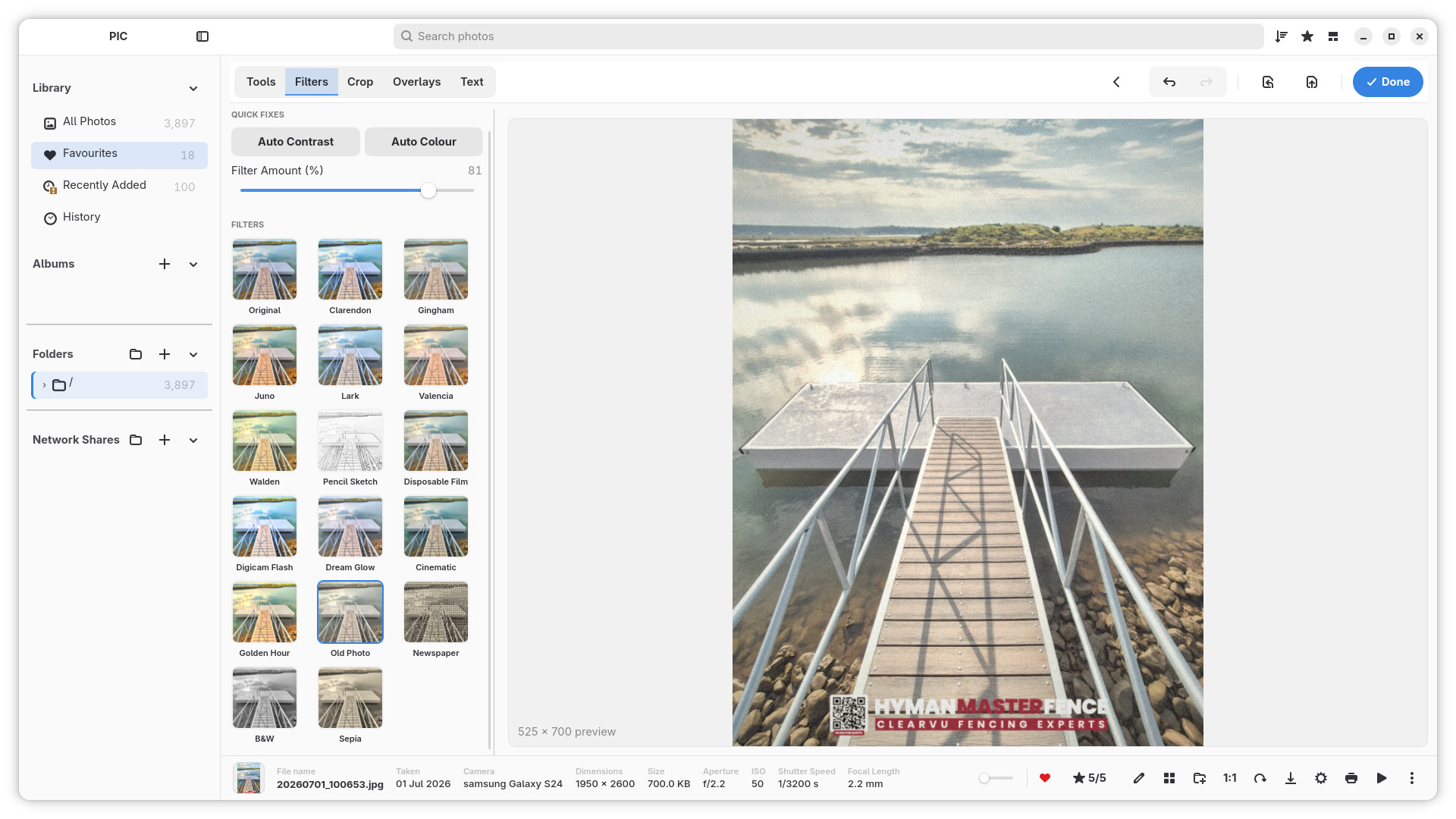
- Non-destructive photo adjustments, filters, crop and straightening.
- Exposure and colour tools, creative effects, overlays and text.
- Undo, Redo and Reset; export creates a new image instead of replacing the original.
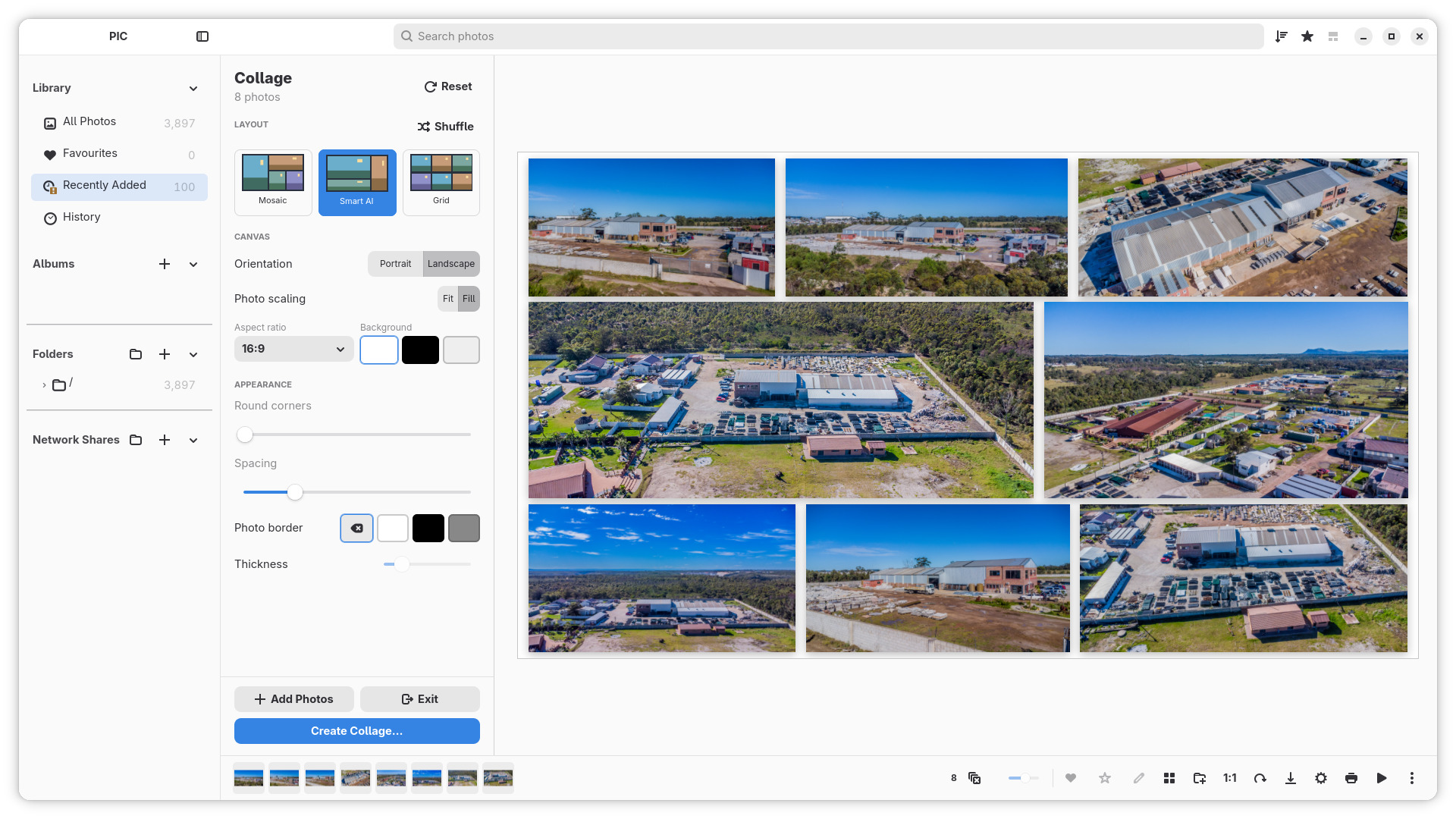
- Create collages with Grid, Mosaic and Smart AI layouts; adjust backgrounds, spacing, corners and borders.
- Print your photos and enjoy them as a screensaver.
Terminal theme and Matrix screensavers — follow the white rabbit 🐇
Switch to the Terminal theme and open the screensaver settings to reveal two bonus styles: Matrix Rain, with animated Katakana rain, and Matrix Ken Burns, with green-tinted photos, Katakana streams and slow pan and zoom. Matrix Rain runs without a photo source.
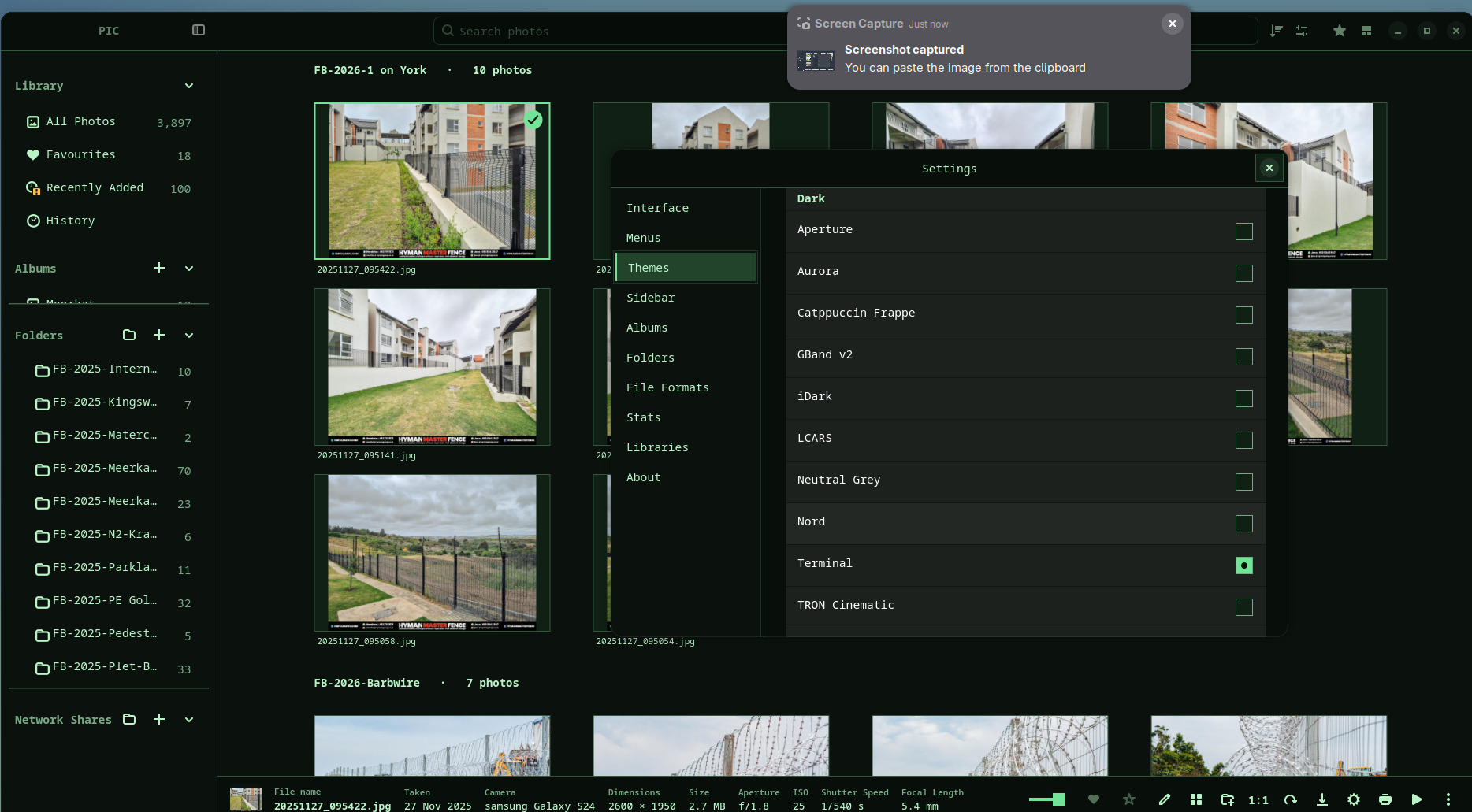
Matrix screensaver Easter egg
Polished for V1
- Refined InfoBar and selection controls, photo actions, menus, toolbars and navigation.
- Improved gallery layout behaviour, thumbnail handling and editing responsiveness.
- Expanded appearance and album presentation options.
- Rust compiler-warning cleanup and ongoing regression testing.
📦 Downloads — Linux
Choose the Flatpak or AppImage asset attached to this release once the final builds are available.
- Flatpak: recommended for portability across supported Linux distributions.
- AppImage: convenient standalone package; compatibility depends on host libraries and system requirements.
- Windows: experimental and not an officially supported V1 release target.
See the installation guide and getting started guide. Please report installation problems with your Linux distribution and package type.
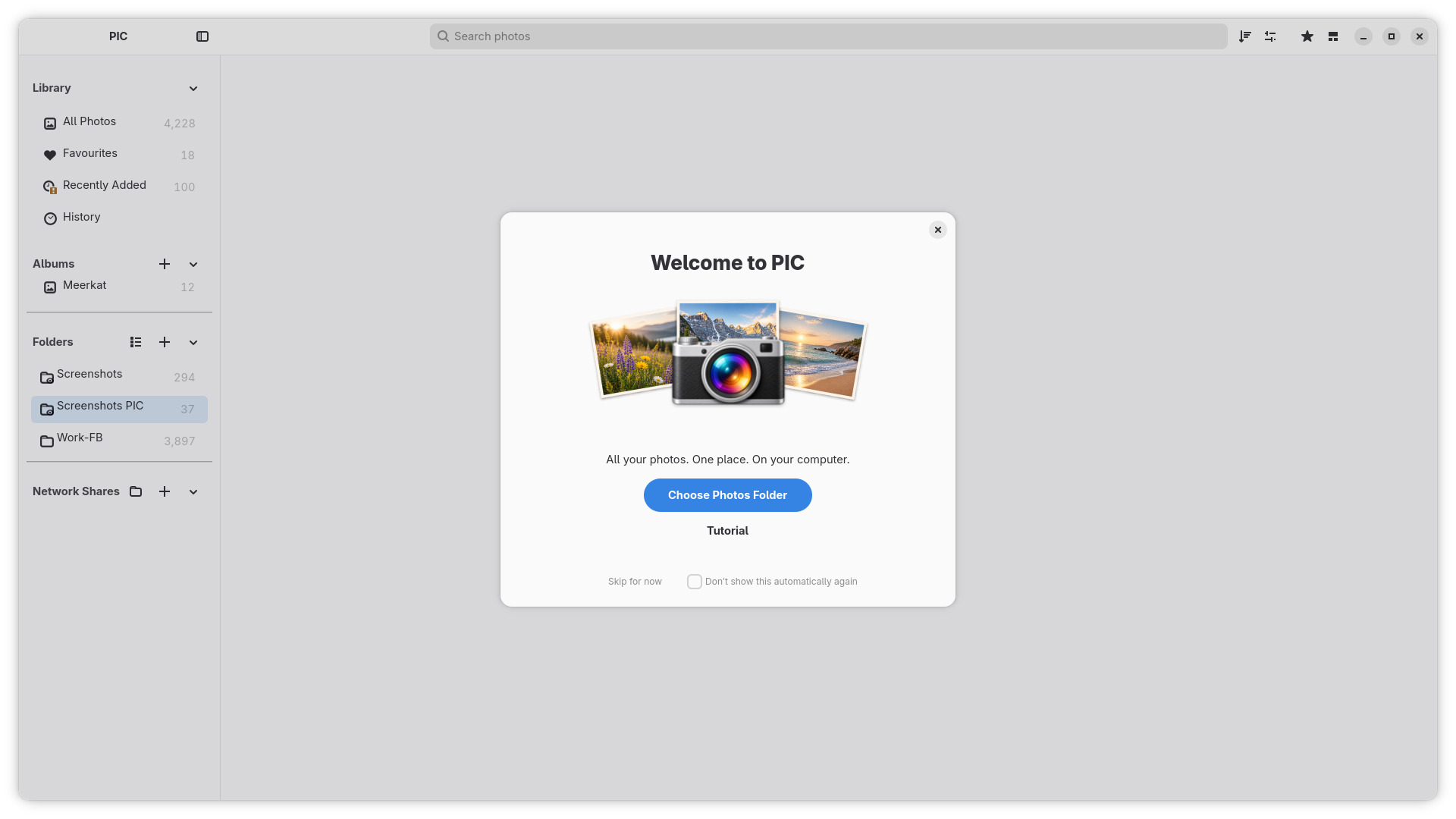
Welcome and guided tutorial
Start with the welcome screen and explore the guided tutorial. See Getting started.
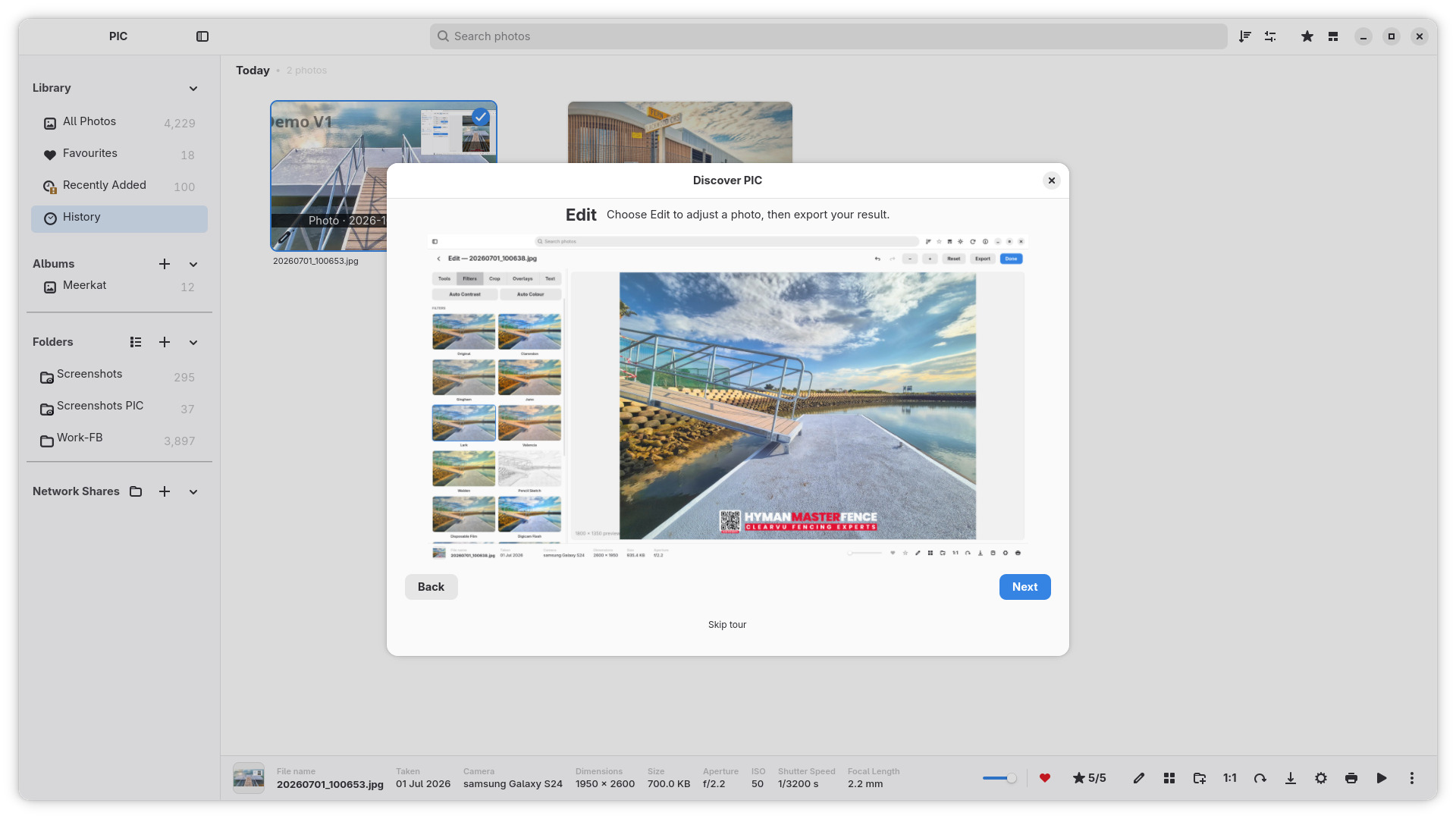
📸 V1 screenshots and walkthrough
Albums and bookshelf browsing
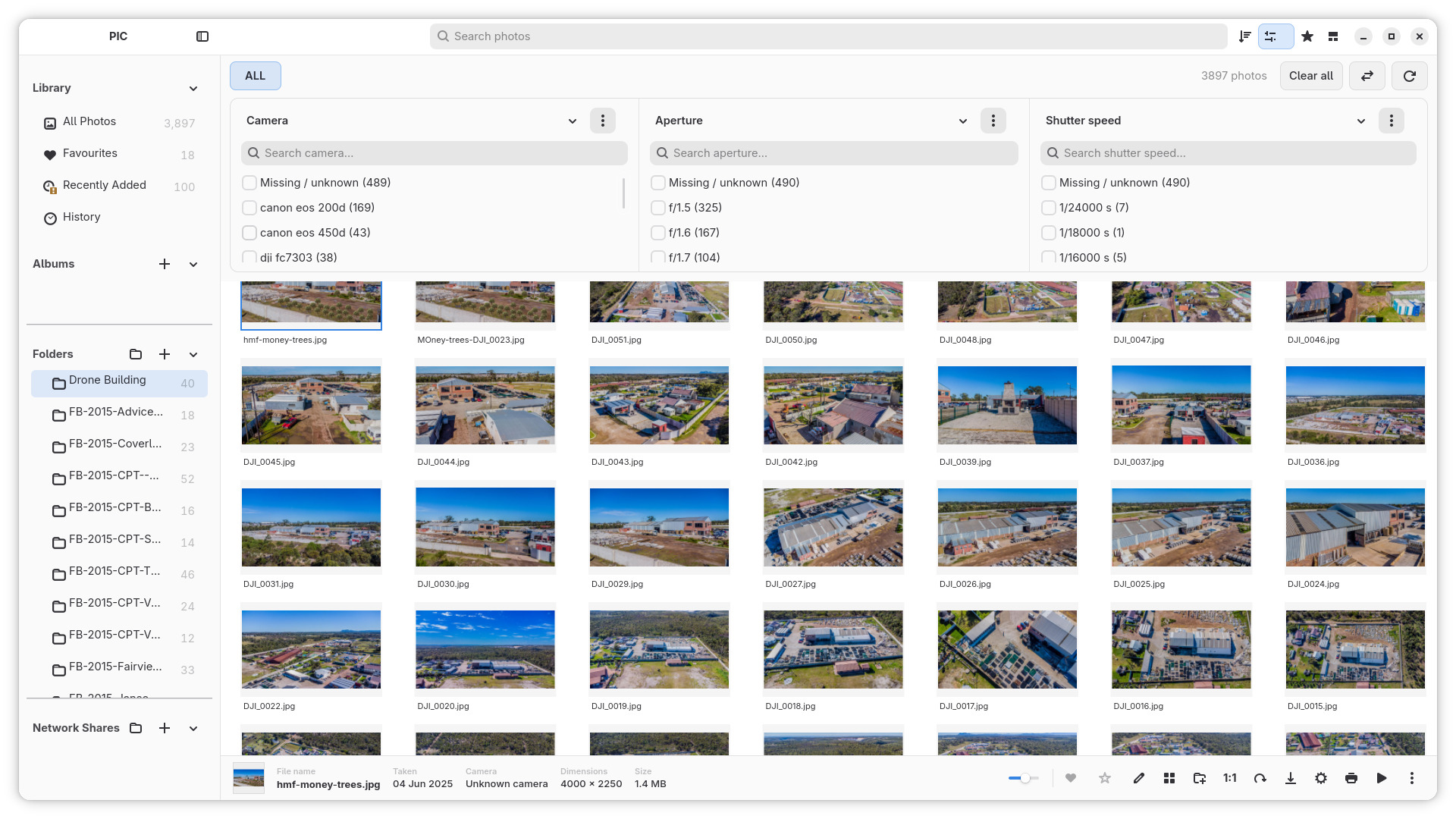
Find photos with metadata filters
Non-destructive editing and filters
Create a collage
Full V1 media gallery · Walkthrough MP4 · 2× Reddit MP4
Linux OS testing captures
View the OS testing gallery: Ubuntu in light and dark appearances, Kubuntu, Fedora and the system labelled CashyOS.
❤️ Help shape PIC
PIC is an independent open-source project. If you enjoy it, please star the repository, share it with another Linux photo enthusiast, or show it in a video or article.
Please back up your original photos separately. PIC is not a backup solution. Library-database backups protect catalogue information and saved edits, not the image files themselves.
Inspired by Picasa and classic iPhoto; not affiliated with Google or Apple.