Repository navigation
TDXCardio 0.1.0

First release of TDXCardio, a heartbeat watchdog for TouchDesigner shows.
Downloads
- TDXCardio.exe: the Windows app (64-bit). No installer: put it anywhere and run it. It lives in the tray.
- TDXCardio-macos.zip: the macOS app (universal: Apple Silicon and Intel, macOS 11+). Unzip and move it to Applications. It lives in the menu bar.
- Cardio.tox: the TouchDesigner component. Drop it into your project so it sends heartbeats to TDXCardio.
What it does
- Launches a
.toeor attaches to one that is already open, and restarts it when it crashes, freezes or runs unhealthy. - Catches a crash in about a second by watching TouchDesigner's process.
- On a freeze, takes a screenshot first, then kills and relaunches.
- Optional health rule (low fps or slow frames), graceful quit before any kill, restart backoff, give-up and alerts on a crash loop.
- Optional window control: keep focus, perform window, always on top.
- TD can ask for a hold before a known long stall.
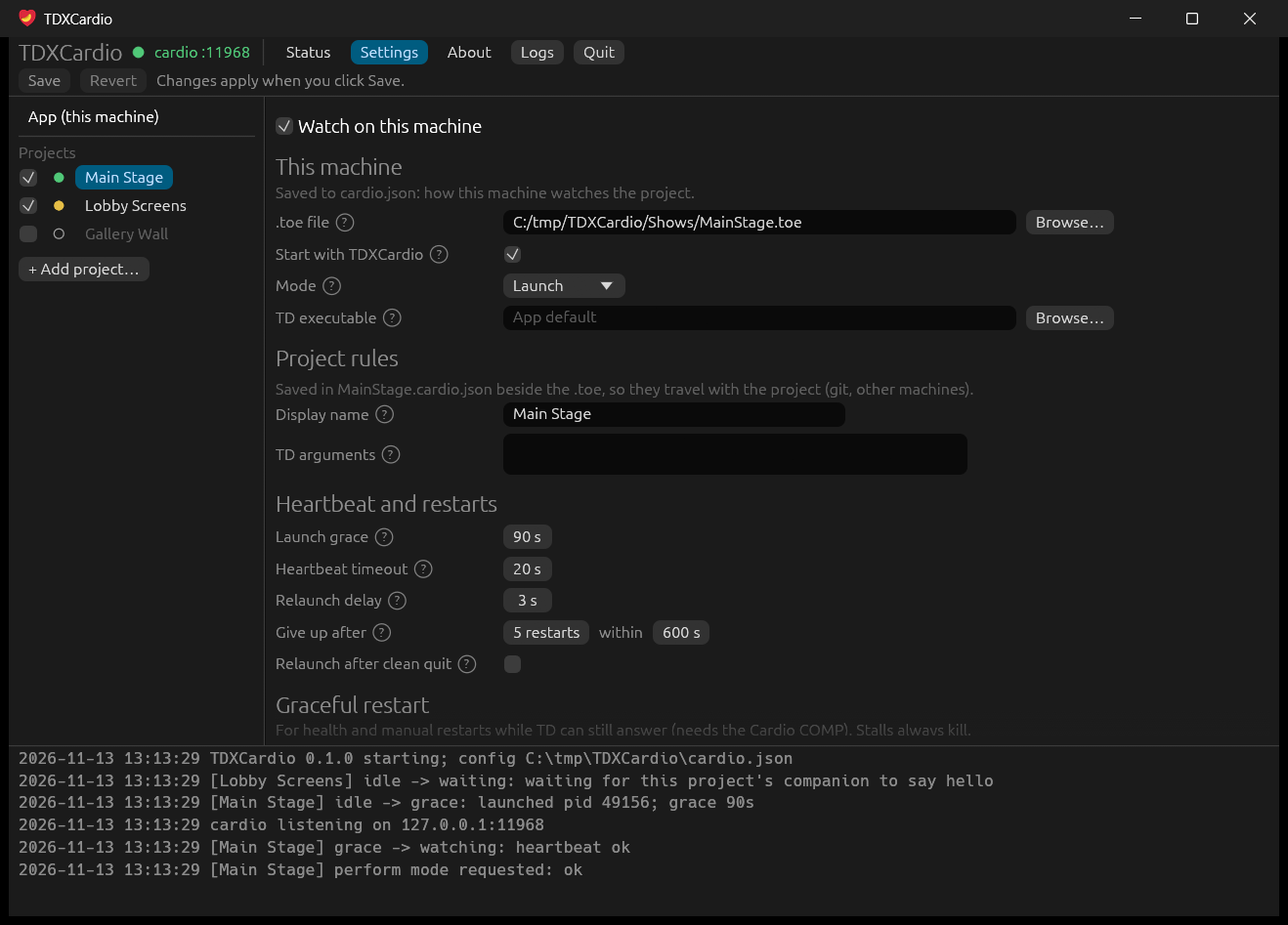
- Settings page with a tooltip on every option. Machine settings go in
cardio.json; each project's rules go in<Name>.cardio.jsonbeside its.toe, so they travel with the project. status.jsonfor other tools, and email alerts.- Works alongside TDX Launcher Ultra: projects with TDXLauncherUtility are watched too.
Notes
- The exe is not code-signed yet, so Windows SmartScreen may warn on first run ("More info" > "Run anyway").
- The macOS app is not notarized yet: right-click it and choose Open the first time. If macOS says it is damaged, run
xattr -dr com.apple.quarantine /Applications/TDXCardio.app. It asks for Screen Recording permission (screenshots) and control of System Events (Keep focus) the first time each is used.
See the README for setup and settings.