It is a contacts app that saves your contacts to firebase real-time database and also the profile pic in firebase storage.
This enables you to access your contacts from any device.
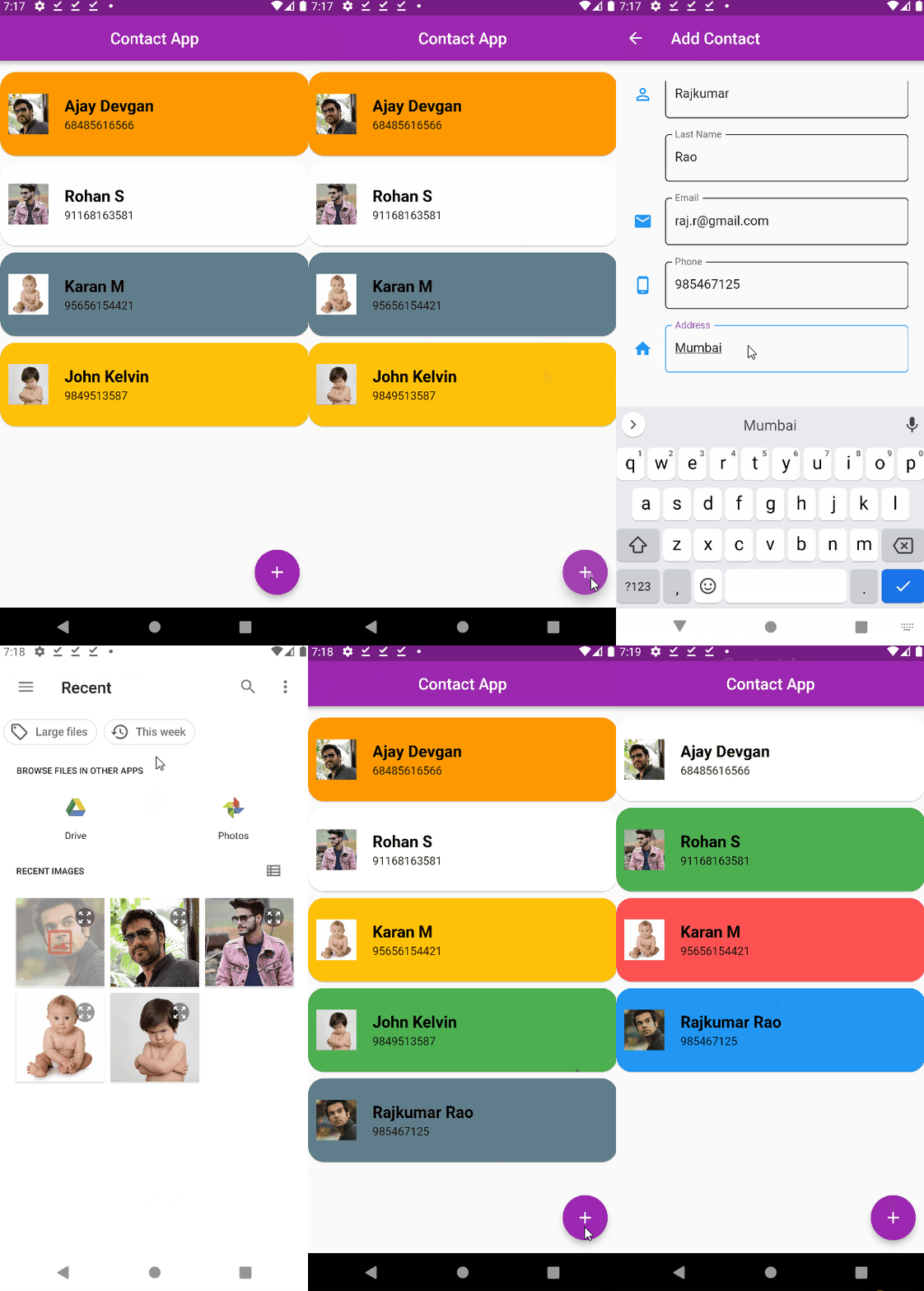
The Home Screen contains list of all saved contacts fetched from Firebase Database :
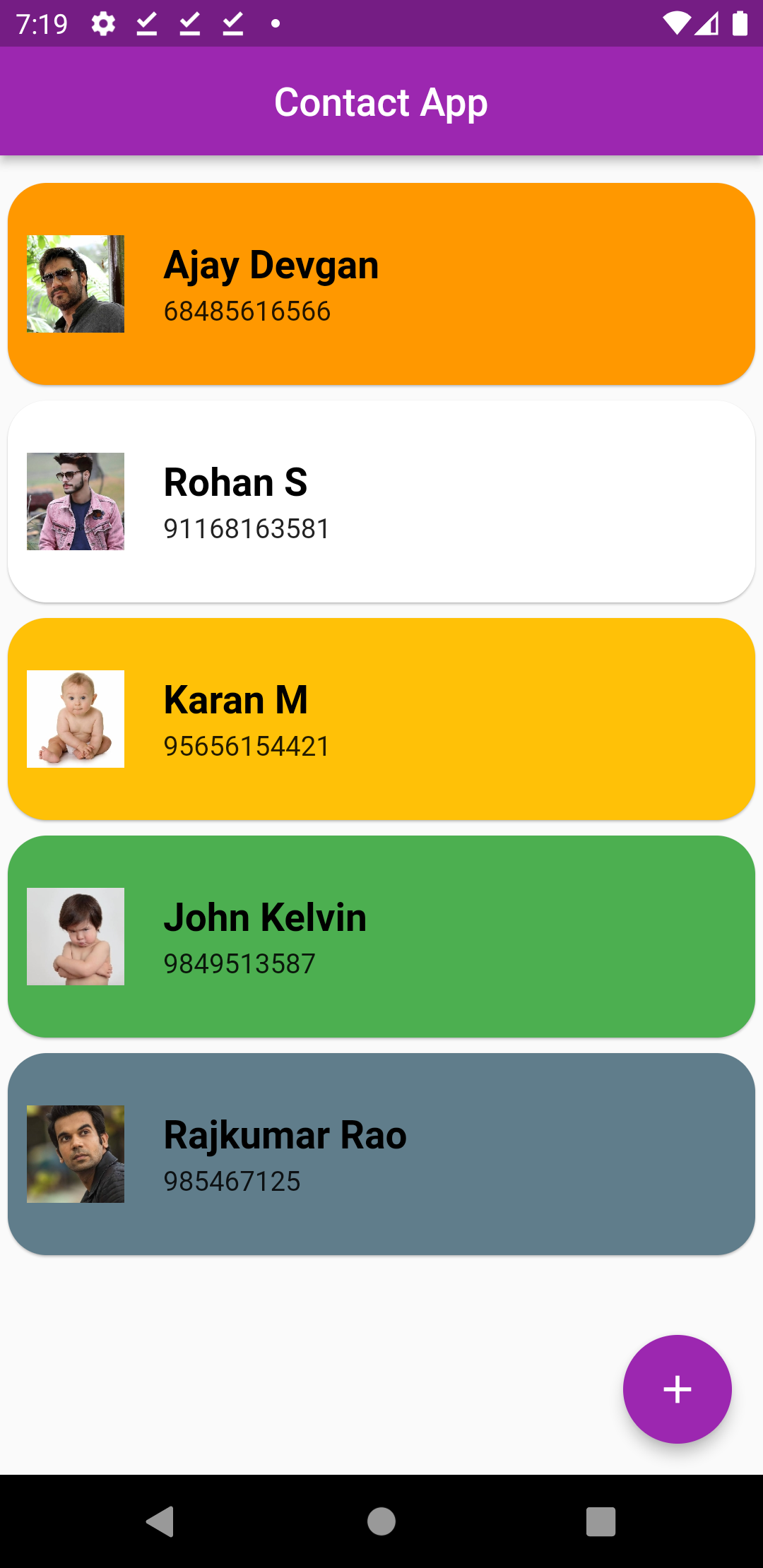
Tap on a Contact to view its details. Also, you can directly call and message the person from here.
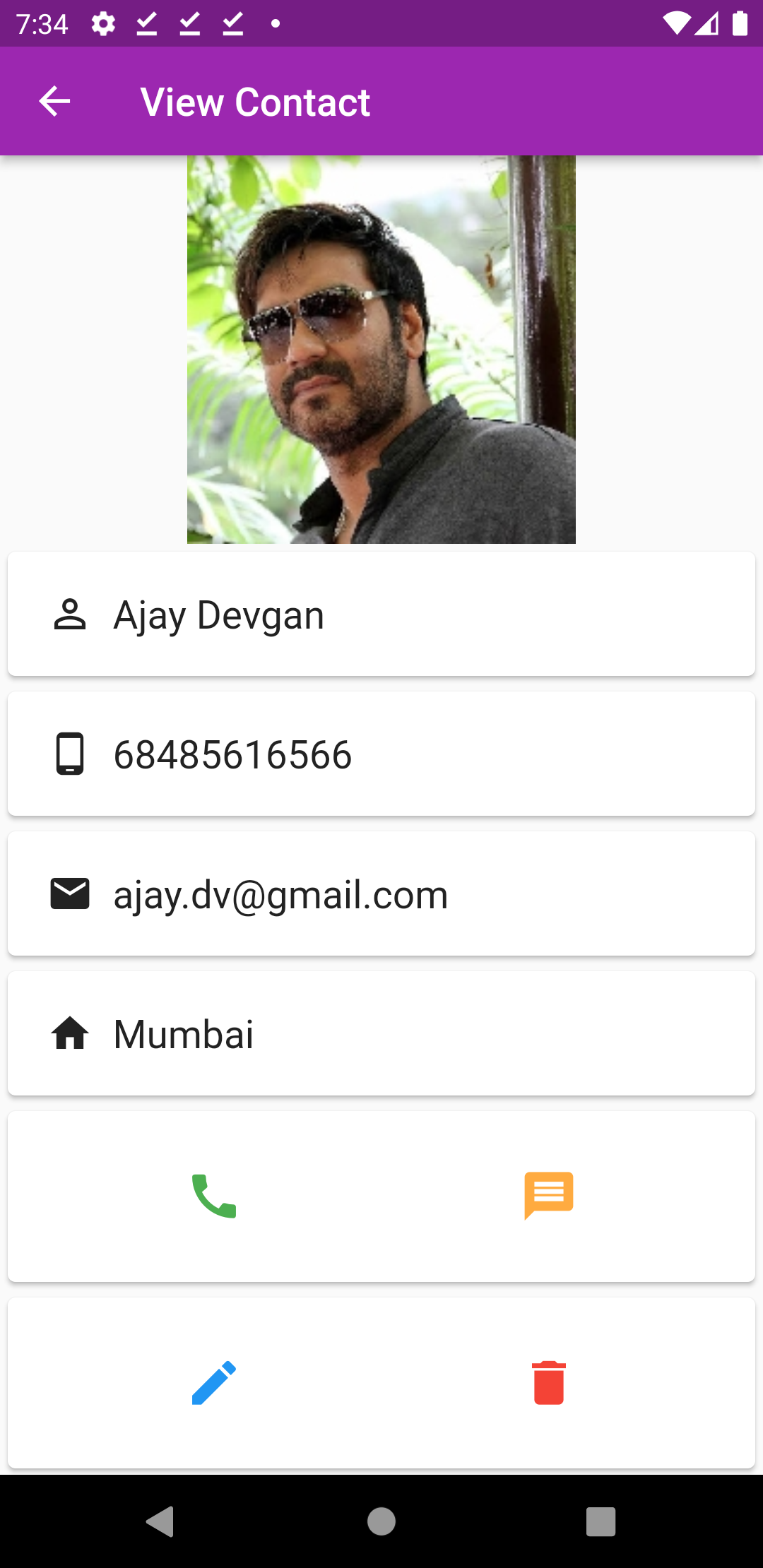
To add a contact, click on + icon on home screen:
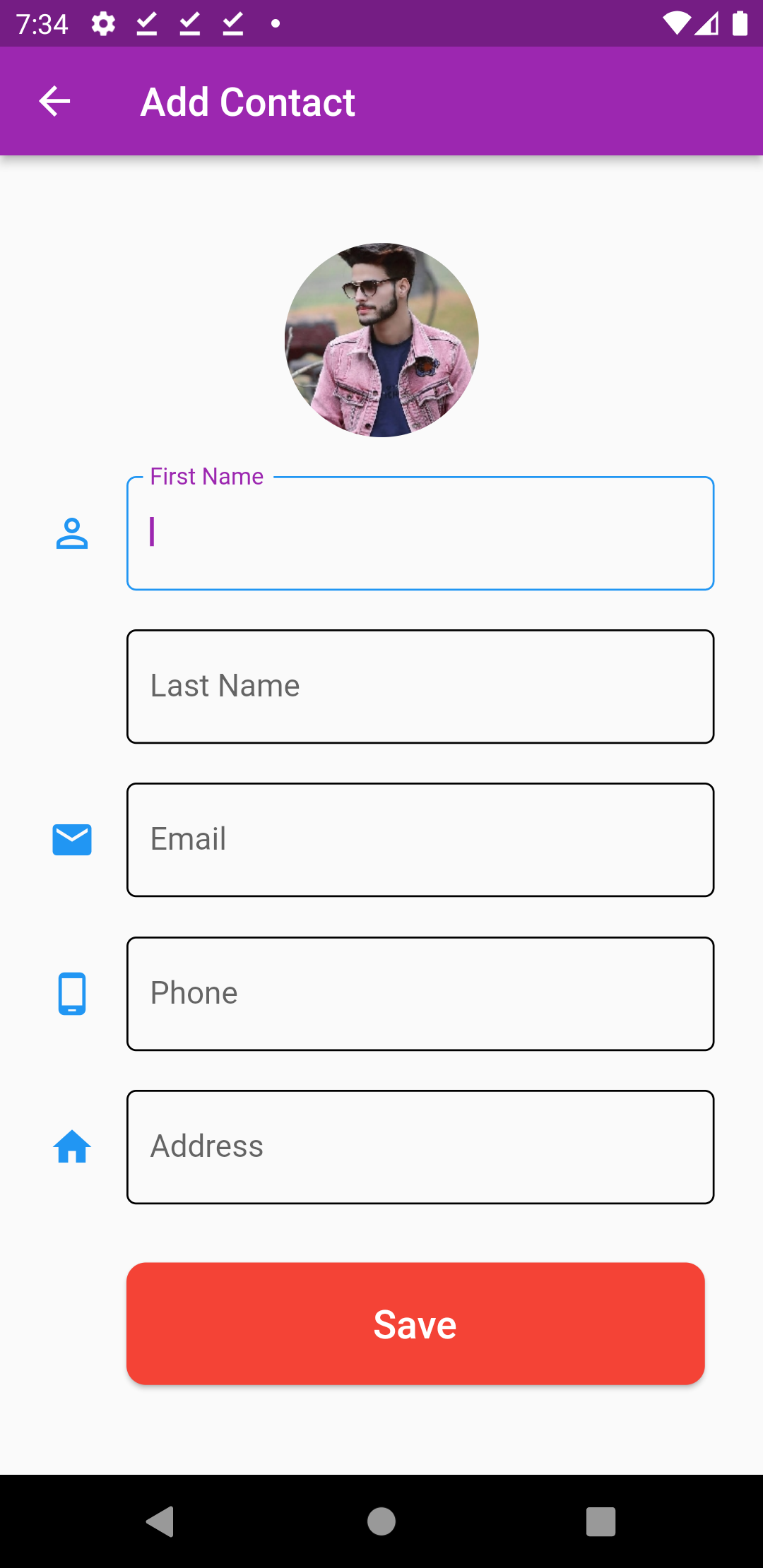
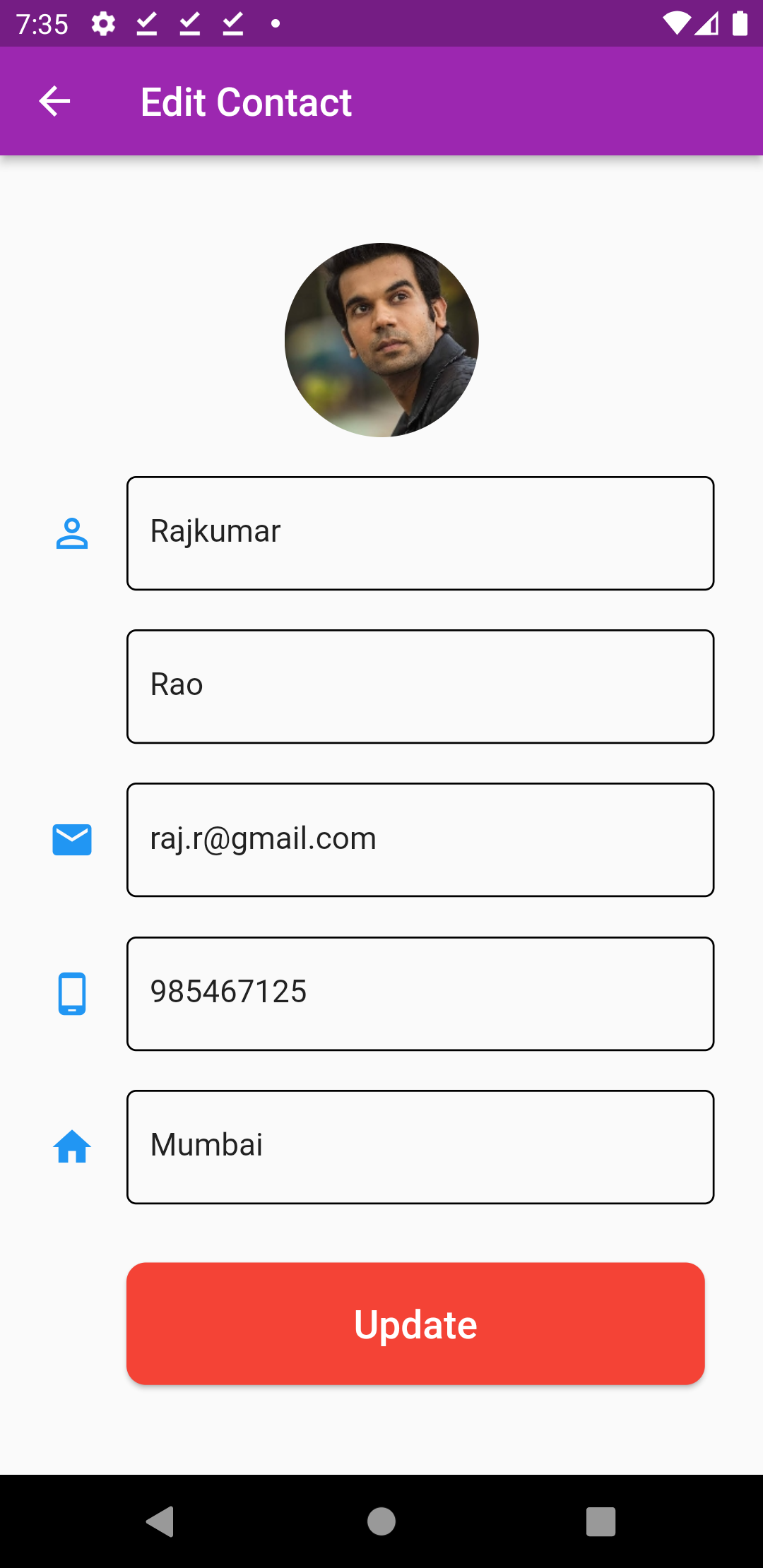
To edit a Contact, click on edit icon. It will open the edit contact screen.
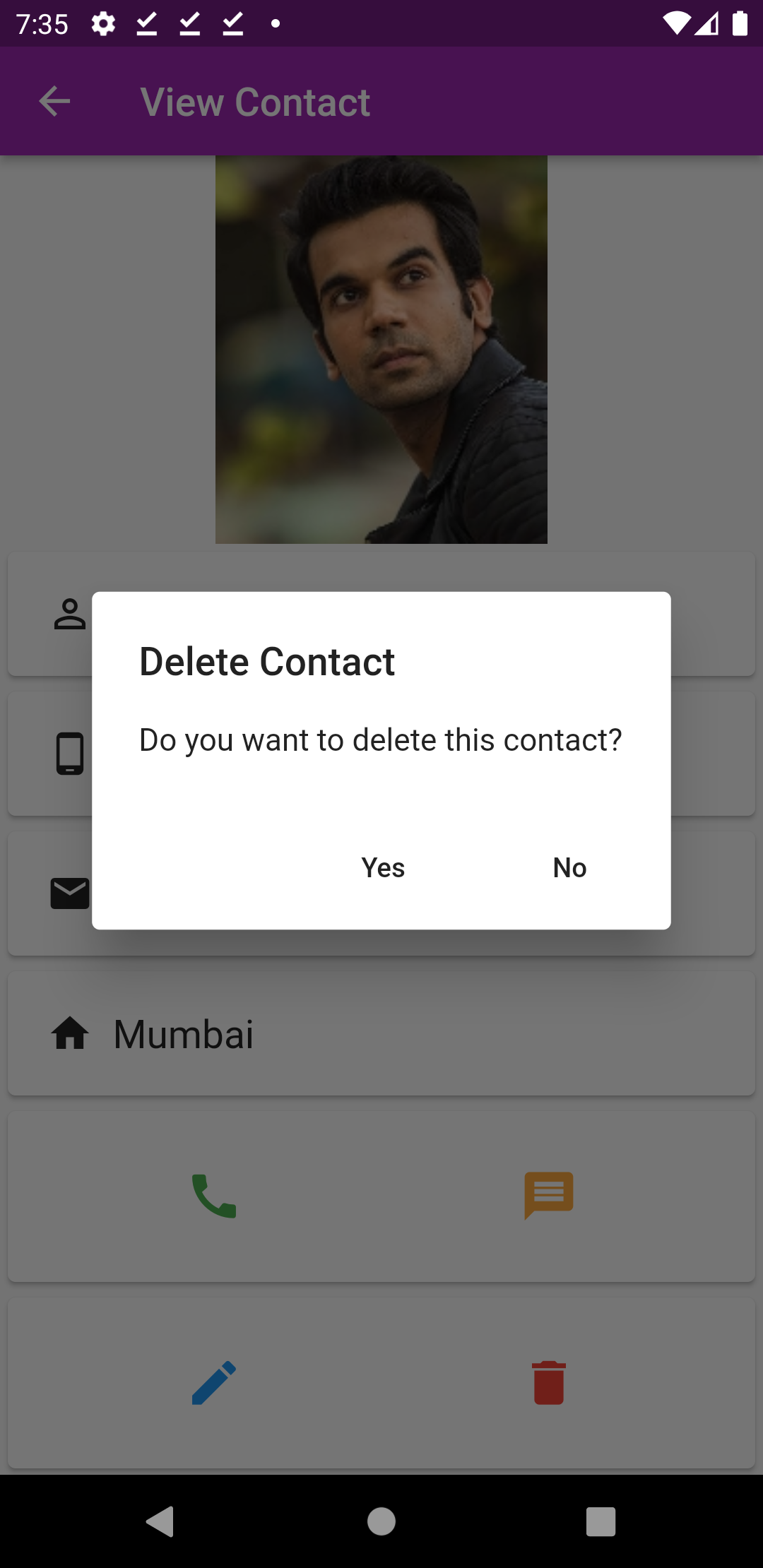
To delete, click on delete icon, that will show an alert dialog to confirm.
Also, whenever you add or update contacts or restart the App, the color of contact list items changes.