1.7. Simultaneous multipre sequence scanning
AutoMacroBuilderForZAP now support scanning multiple sequence at a sametime. You can add many sequences to macrobuilder's RequestList and scan these sequences simultaneously. How to add new sequences and to scan are shown below.
-
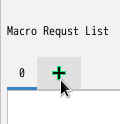
In the "MacroBuilder" panel, click [+] Button to add new sequence.
-
proceed to Basic Usage in Sections 3-8.
- select you want to purge sequence tab.
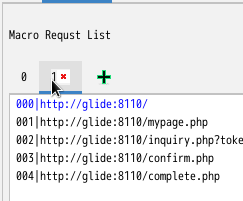
- click [x] mark to purge.
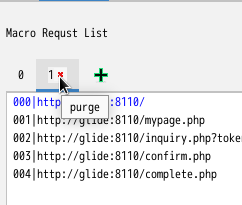 purging sequence feature cannot undo things. tab 0 sequence cannot purge because specs.
supporting scanning multiple sequences feature is no relation to Context support feature(autoMacroBuilderMethod). this means that scanning multiple sequences feature does not work when using the original ZAPROXY menu/buttons in the "Site Map Panel" or "History Panel". this feature will only be peformed when using the menu/button in the "Macro Builder panel". below sections explain how to scan
- In the "MacroBuilder" panel, select sequence you want to scan. (below screen shot shows selecting [1] sequence tab from current [0] sequence tab.)
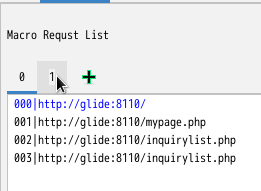
- select request you want to scan within RequestList.
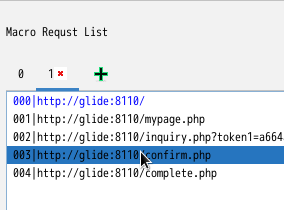
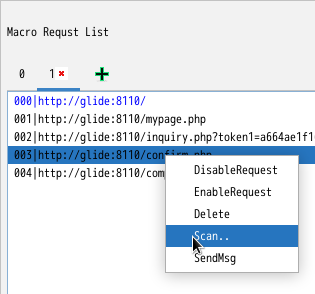
- right click mouse button and select scan menu.