It takes a configuration file written in a specific format used by an open source tool to generate a reader that understands machine-readable codes as specified in the provided configuration file, and converts that provided configuration file into another format where a second open source tool is able to render as a visualisation, hence helping coders to learn how to write those machine-readable codes.
Takes in any Antlr4 grammar file in, and generates Pikchr outputs.
It's visually helpful and attractive for potential users to understand and use a language.
   graph TD;
       Example.g4 --> example.pikchr
For instance:
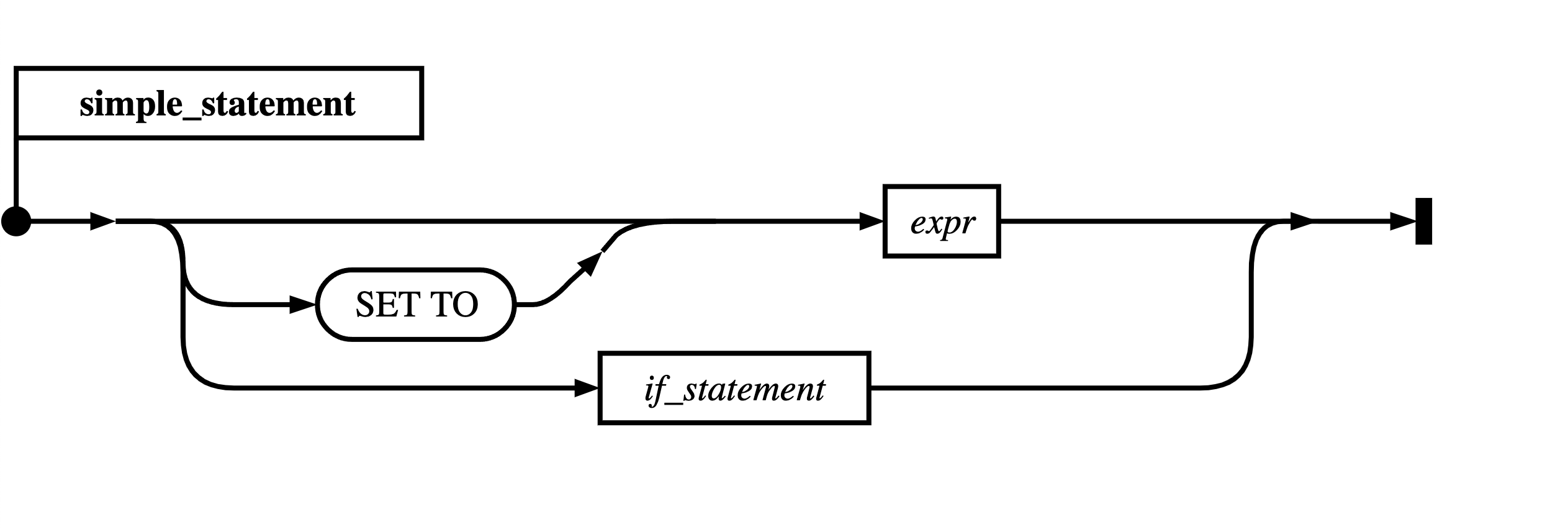
CAUTION: lexer rules must be removed first. (Need fix this)
(See Pikchr/Downloads)
$ git clone https://github.com/drhsqlite/pikchr
$ cd pikchr
$ gcc -DPIKCHR_SHELL -o pikchr pikchr.c -lm # build the pikchr command-line tool$ python main.py -h
usage: g4 To pikchr [-h] [-g GRAMMAR] [-op OUTPUTPIKCHR] [-os OUTPUTSVG]
optional arguments:
-h, --help show this help message and exit
-g GRAMMAR, --grammar GRAMMAR
path of the g4 grammer file
-op OUTPUTPIKCHR, --OutputPikchr OUTPUTPIKCHR
pikchr file folder path
-os OUTPUTSVG, --OutputSVG OUTPUTSVG
svg file folder path
# Example: *.pikchr files will be generated in `generated` at the project root dir
$ python src/main.py -g SQLiteParser.g4$ pikchr
usage: pikchr [OPTIONS] FILE ...
Convert Pikchr input files into SVG. Filename "-" means stdin.
Options:
--dont-stop Process all files even if earlier files have errors
--svg-only Omit raw SVG without the HTML wrapper