Repository navigation
K2 OpenKlipper v0.4.19-alpha.1
Pre-release
K2 OpenKlipper v0.4.19-alpha.1
Start a print from the touchscreen, and a quicker screen.
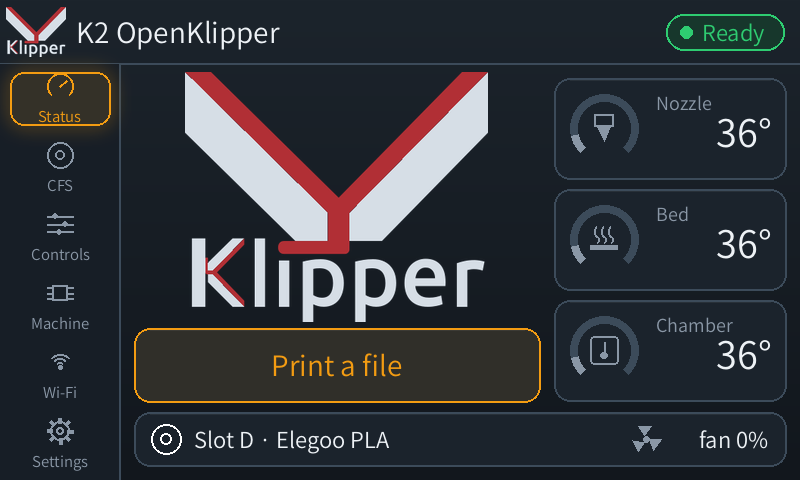
Print a file
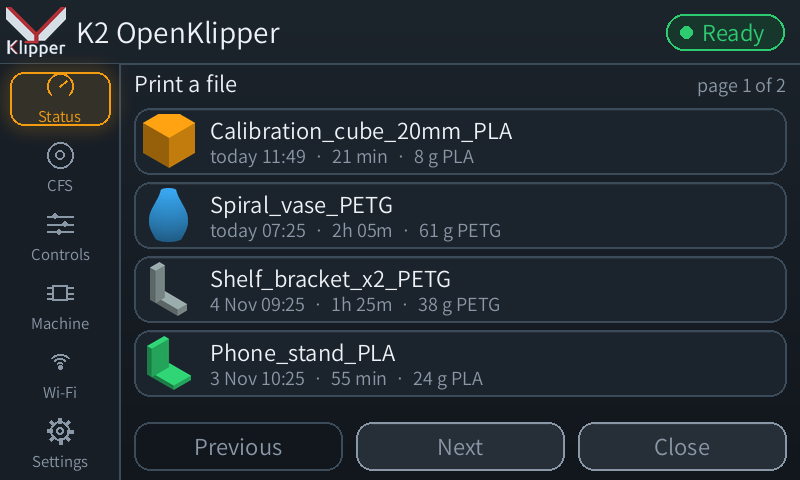
The Status page has a Print a file button when the printer is idle. It
lists your print files newest first, four to a page, each with the slicer's
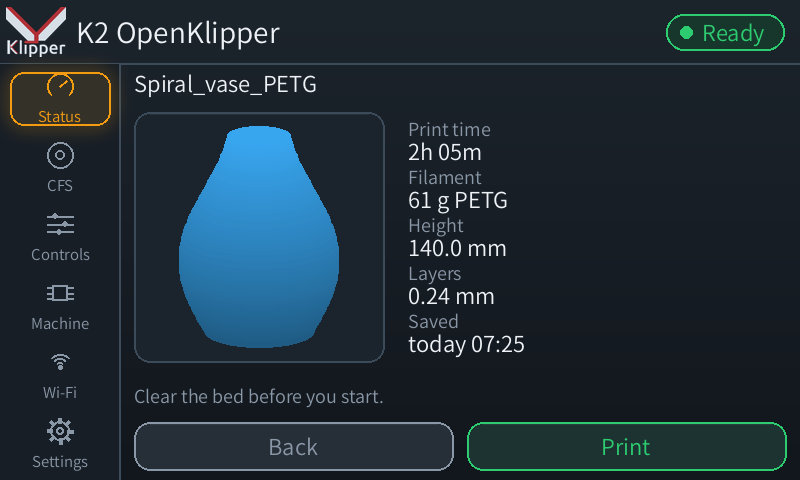
thumbnail, when it was saved, the print time and the filament. Tap one to
see a large preview and its details, then Print to start it.
 |
 |
 |
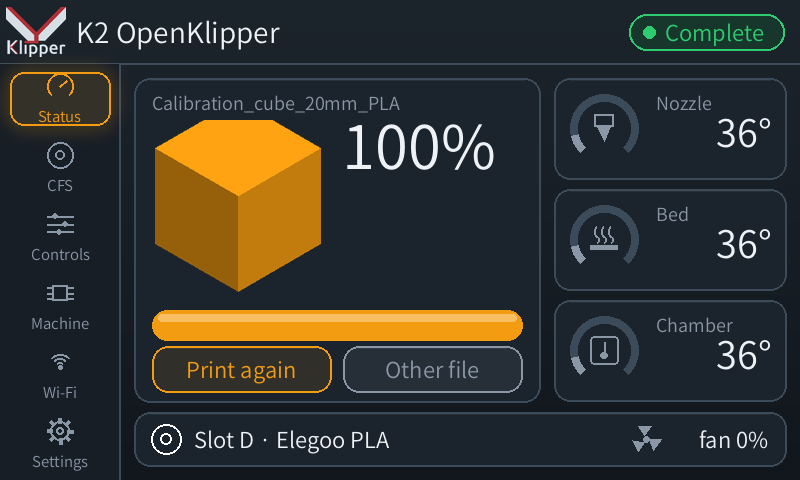 |
- After a print, Print again opens the same file's details (so you
clear the bed first) and Other file opens the list. - The button is hidden while printing or while the printer is busy (homing,
cleaning). If Moonraker refuses a start, the reason shows under the
preview. - Thanks to masteryodha for pointing out that the screen had no way to pick
a file (#3).
A quicker touchscreen
Measured on the K2's own processor, with the same look:
| Before | Now | |
|---|---|---|
| Change page | 513 ms | 219 ms |
| Open a box (temperatures, fans, a question) | 806 ms | 251 ms |
| Redraw the Status page | 93 ms | 61 ms |
The logo and text sizes are worked out once instead of on every frame, the
glow round a box and the dimming behind it are drawn in a cheaper way, and the
page slide is shorter (3 frames instead of 7) with boxes appearing at once.
transitions: smooth in harkscreen.cfg brings back the longer
animations, and transitions: off drops the slide.
Update
Mainsail's Update button, the touchscreen's Machine page, or
OKL_UPDATE CONFIRM=1 in the console. The touchscreen restarts with the
new version; your harkscreen.cfg and printer-overrides.cfg are kept.
With Klipper on a separate PC, the K2's screen brings itself up to date
from the PC's version while idle.
Everything from v0.4.18-alpha.3 is included, including the camera fix. See
CHANGELOG.md.