Repository navigation
Reverie for MPC Sample, SP-16, macOS and Windows

Four-pad edition. For the 25-sound bank with Opal Rain, Lantern Ferry, Cinder Cello and Cloud Loom, use the new MPC Sample, SP-16, macOS or Windows package. Download the four-pad edition.
Reverie is a 16-pad chord and wavetable synth with X/Y Motion, ensemble, delay and shimmer reverb.
Downloads
| Platform | Firmware or format | Version | Download |
|---|---|---|---|
| MPC Sample | Melodee 0.7 or hdslaveOS based on 0.7 | 0.4.4 | MPC Sample ZIP |
| MPC Sample | Earlier hdslaveOS custom screen | 0.4.3 | Earlier hdslaveOS ZIP |
| SP-16 | freesp16 with plug-in tracks | 0.4.4-sp16.3 | SP-16 ZIP |
| macOS 11+ · Apple Silicon and Intel | VST3 | 0.1.7 | Mac VST3 ZIP |
| macOS 11+ · Apple Silicon and Intel | CLAP | 0.1.7 | Mac CLAP ZIP |
| Windows x64 | VST3 | 0.1.7 | Windows VST3 ZIP |
| Windows x64 | CLAP | 0.1.7 | Windows CLAP ZIP |
SHA-256 checksums for all seven ZIPs
Installation
- MPC Sample. Extract the matching ZIP at the root of the Melodee SD card. Both MPC packages install to
Melodee/Plugins/hdslave/hdslave Reverie.clap. Use one per card. Select hdslave Reverie on a plug-in track. - SP-16. Extract the SP-16 ZIP at the root of the freesp16 USB stick. The plug-in goes in
freesp16-data/freesp16/Plugins/Reverie.clap. Choose Track Type → Plugin → Select Plugin → hdslave Reverie → Open UI. Use Scale → Chromatic, Key Shift 0, and the default window to play the 16 chords and lifts from the pads. - macOS. Quit the DAW, extract the ZIP and copy the complete bundle into
~/Library/Audio/Plug-Ins/VST3/or~/Library/Audio/Plug-Ins/CLAP/. The universal binaries are ad-hoc signed and unnotarized. - Windows. Quit the DAW, extract the ZIP and copy the entire
Reverie.vst3folder intoC:\Program Files\Common Files\VST3or theReverie.clapfile intoC:\Program Files\Common Files\CLAP. Reopen the DAW and rescan. In FL Studio choose Options → Manage plugins → Find installed plugins.
Interfaces
| MPC Sample | macOS and Windows | SP-16 |
|---|---|---|
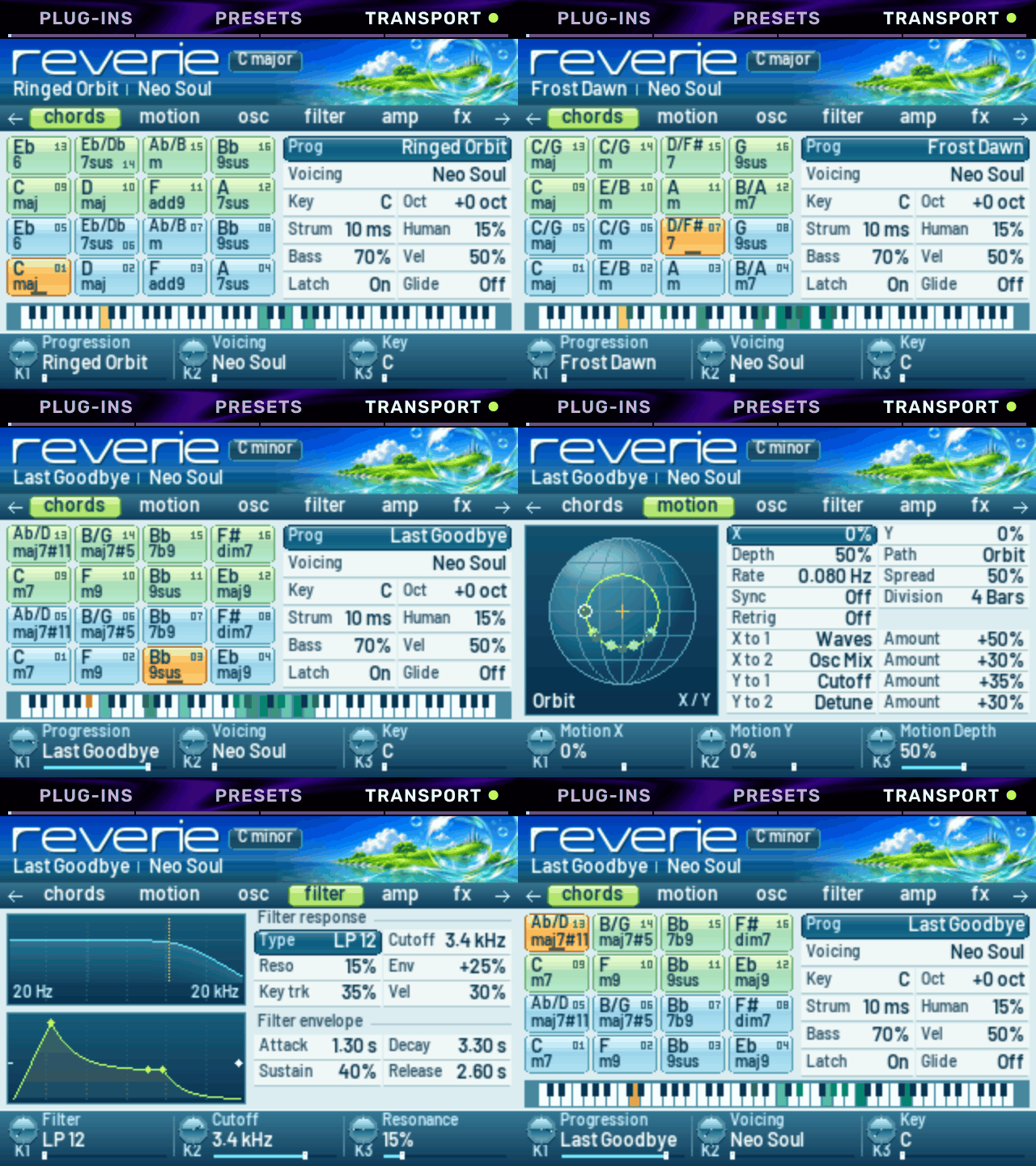 |
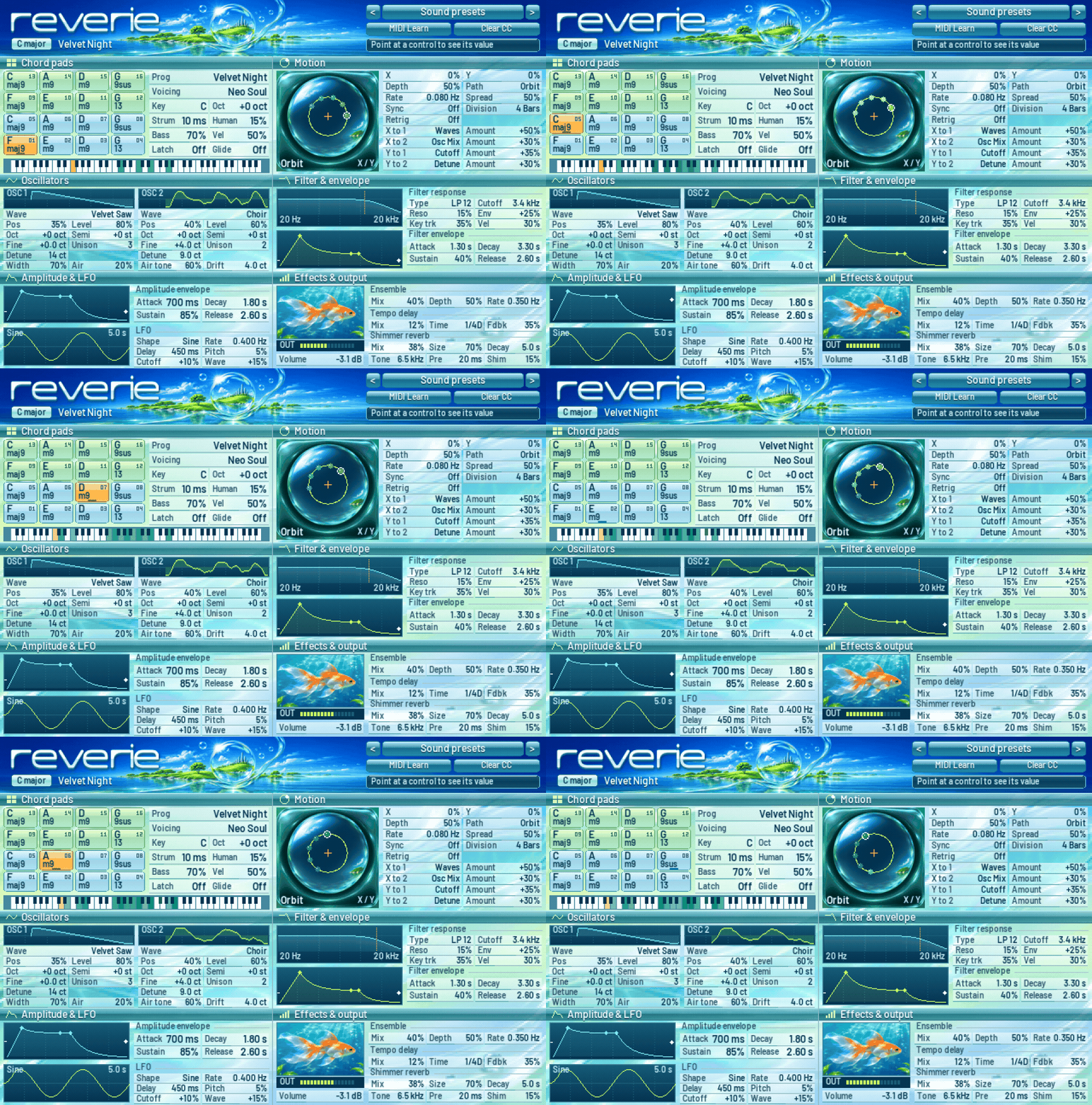 |
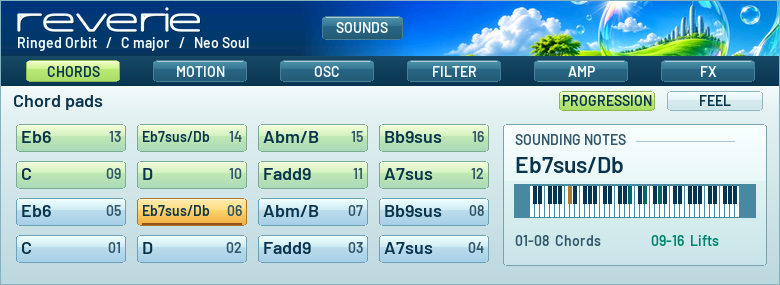 |
Verification
- Both MPC builds passed the arm64 host and audio fingerprint suites. Each custom screen opened in its matching hdslaveOS host.
- The SP-16 ARMv7 binary passed the freesp16 glibc 2.13 check and QEMU tests for the screen, 80 control bindings, chord pads, MIDI and sound switching. Physical MPC Sample and SP-16 playback remains unverified for these packages.
- Both desktop VST3 packages passed all 47 Steinberg validator tests. The CLAP and VST3 builds passed editor and audio checks on Mac. Windows checks ran under CrossOver on macOS. Native Windows DAW testing is pending.
MPC 0.4.4 source · MPC 0.4.3 source · Desktop CLAP source · Desktop VST3 source. The SP-16 download is a binary preview from the local freesp16 port.
Melodee and its upstream screen interface are by Kerem Kiliç (Ellic Studio). Each package includes third-party notices.