Self-hosted embedable widget to communicate announcements (like product updates) and allow user to report bugs or suggest features
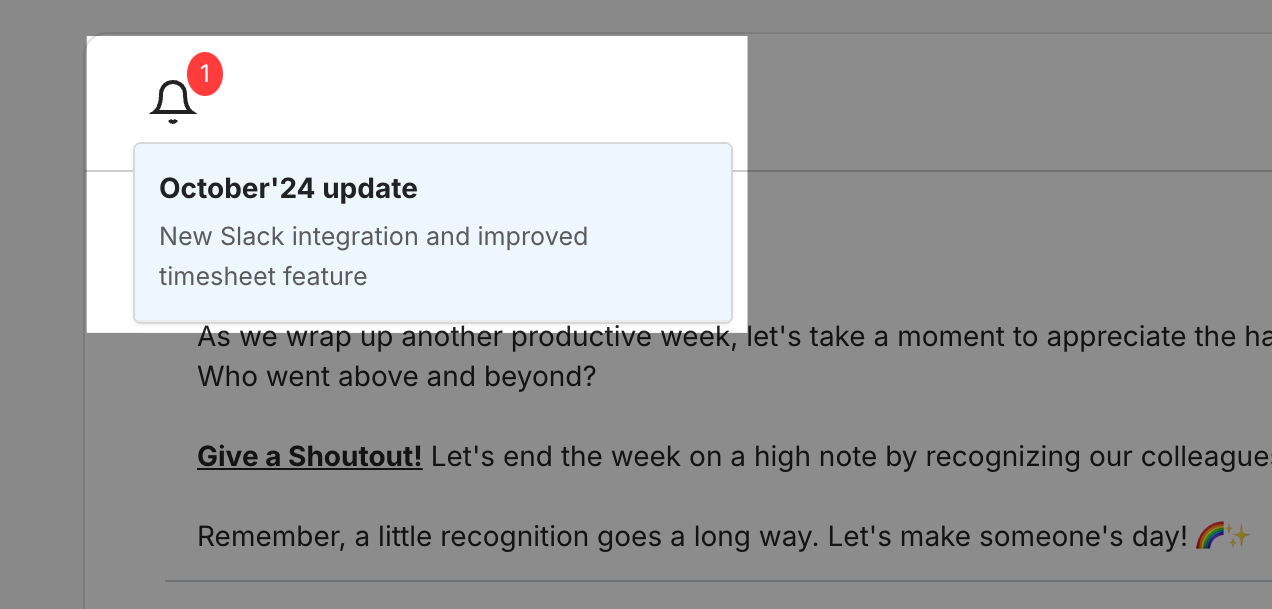
Full documentation / readme - later.
-
Configuration
-
Generate pair of private and public keys using following command:
$ openssl genpkey -algorithm RSA -out config/jwt/private.pem -pkeyopt rsa_keygen_bits:2048
$ openssl rsa -pubout -in config/jwt/private.pem -out config/jwt/public.pem
and share private key with target application. It will need to sign all JWT tokens using this key.
To sign JWT token you can use following code (in Rails application):
# config/initializers/jwt_config.rb
require 'openssl'
require 'jwt'

module JwtConfig
  class << self
    def private_key
      @private_key ||= OpenSSL::PKey::RSA.new(ENV["JWT_PRIVATE_KEY"] || File.read(Rails.root.join("config", "jwt", "private.pem")))
    end

    def public_key
      @public_key ||= OpenSSL::PKey::RSA.new(ENV["JWT_PUBLIC_KEY"] || File.read(Rails.root.join("config", "jwt", "public.pem")))
    end
  end
end


# app/services/jwt_credential_service.rb
class JwtCredentialService
  ALGORITHM = 'RS256'
  EXPIRATION_TIME = 1.hour

  def self.generate_token(user)
    payload = {
      id: user.id,
      exp: EXPIRATION_TIME.from_now.to_i,
      iat: Time.current.to_i,
      info: {
        email: user.email
      }
    }

    JWT.encode(payload, JwtConfig.private_key, ALGORITHM)
  end
end
-
-
Database creation
-
Database initialization
-
How to run the test suite
-
Services (job queues, cache servers, search engines, etc.)
-
Deployment instructions
-
...