Repository navigation
ADB Controller v1.0

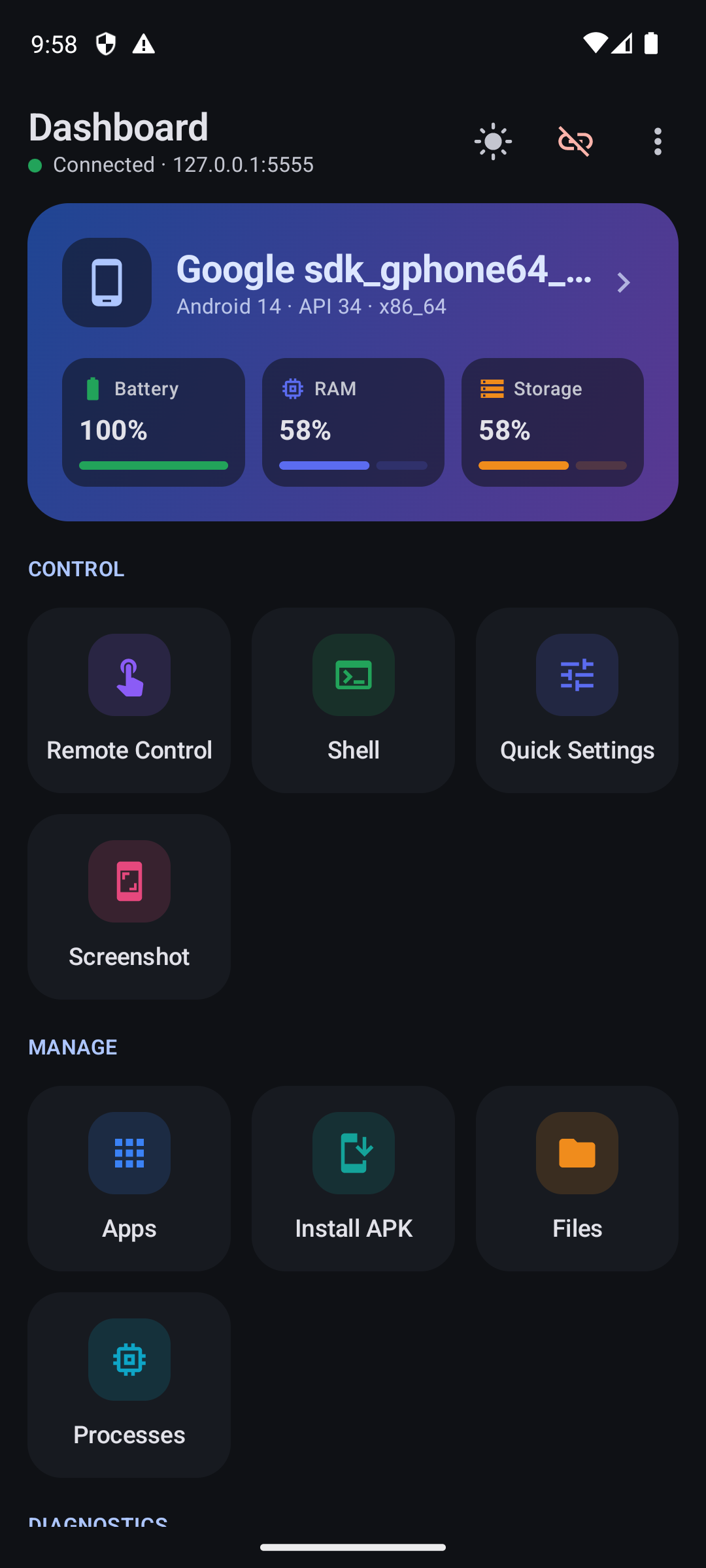
The first release of ADB Controller: control and manage other Android devices from your Android phone over Wi-Fi or a USB OTG cable, with no computer needed.
Highlights
- Connect over Wi-Fi (IP and port) or USB OTG, with a list of recent devices you can reconnect to in one tap
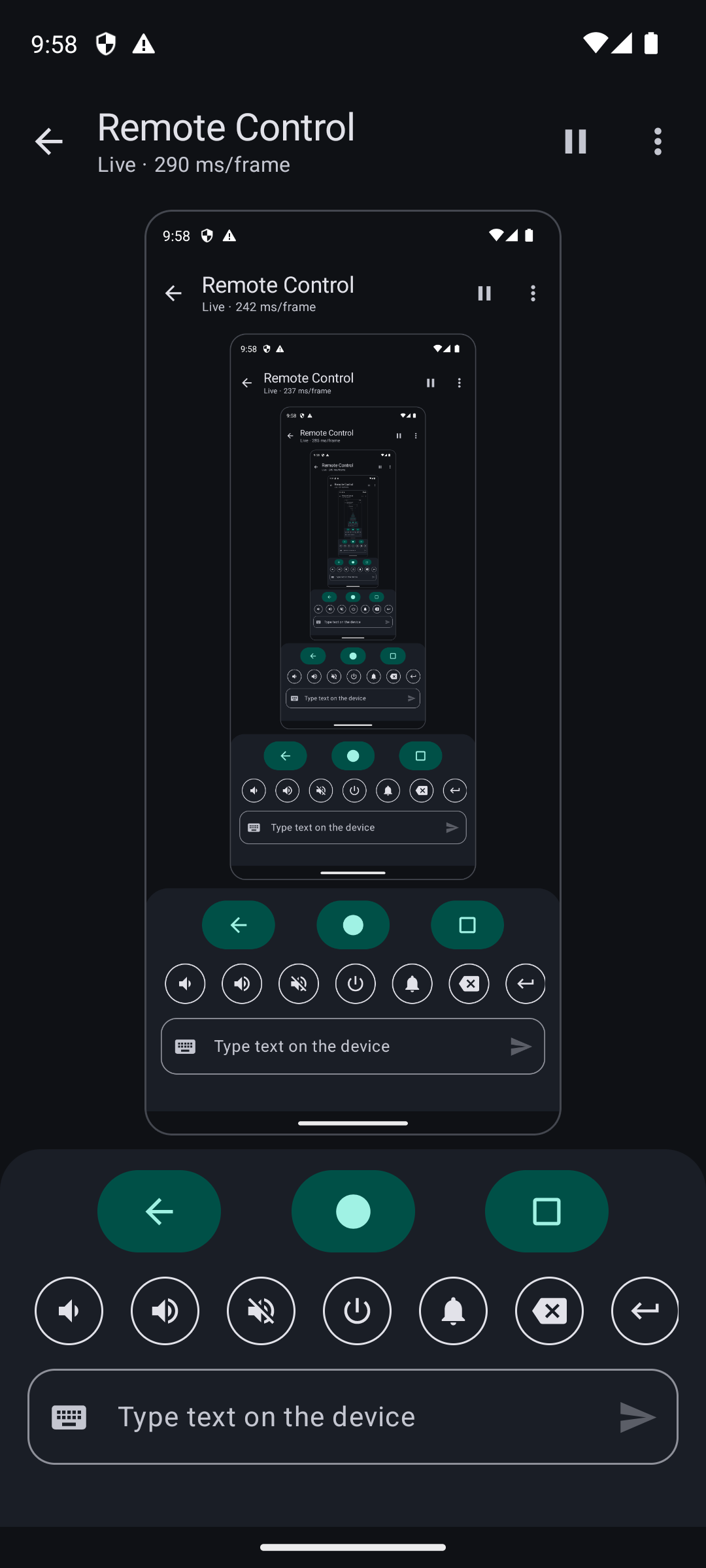
- Live remote control: see the screen, tap, swipe, use navigation, volume and power keys, and type text
- Apps: launch, force stop, clear data, enable/disable, uninstall, extract APKs, manage permissions, and install APKs from your phone
- Files: browse, upload, download, rename and delete
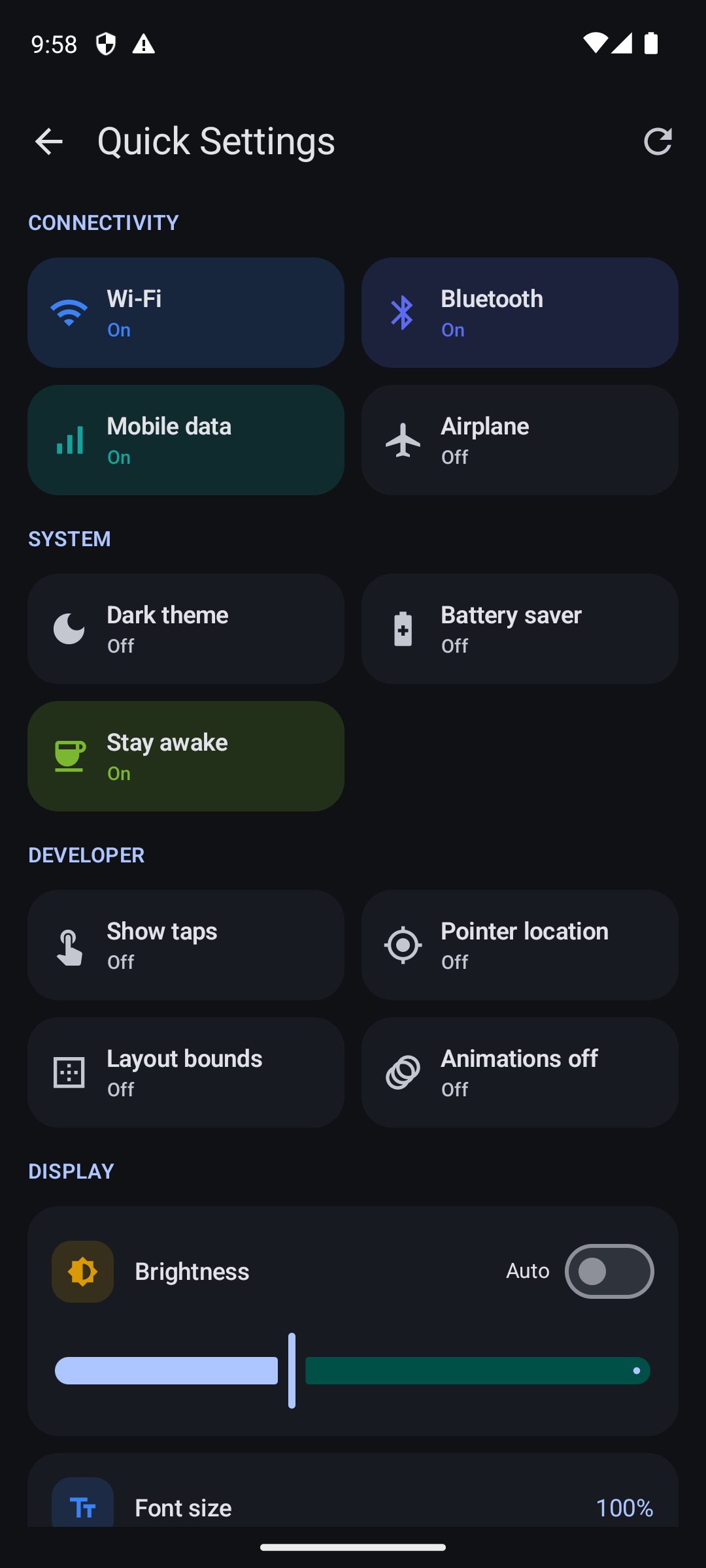
- Quick settings: Wi-Fi, Bluetooth, mobile data, airplane mode, dark theme, developer toggles, brightness, font size, resolution and DPI
- Diagnostics: device info, logcat, processes, network, battery, properties and kernel log
- Rooted devices (Magisk / KernelSU / APatch): module manager, root shell and files, CPU governors and temperatures, crash/ANR reports, soft reboot
- Light, dark and system themes, plus Material You dynamic color on Android 12+
Install
- Download ADB-Controller-v1.0.apk below and open it on your phone (Android 7.0 or newer). Allow installing from your browser or file manager if asked.
- On the device you want to control, enable Developer options → USB debugging.
- Connect by IP (after
adb tcpip 5555) or with a USB OTG cable, and approve the Allow USB debugging? prompt.
Known limitations
- Connecting through the Android 11+ Wireless debugging port isn't supported yet. Use
adb tcpipmode (or the dashboard's WiFi ADB button after a USB connection) for Wi-Fi. - Root features require a device you have rooted yourself.
Verify the download
| APK SHA-256 | e61f586dd66c786c49ca42bbb17e23b41772992577437bfe88143c91de43e39e |
| Signing certificate SHA-256 | 96151aed14412a2a530720f6e008003cd003dcb5e8ae8787604c1b39958d1a97 |
Licensed under the GNU GPL v3.0.