



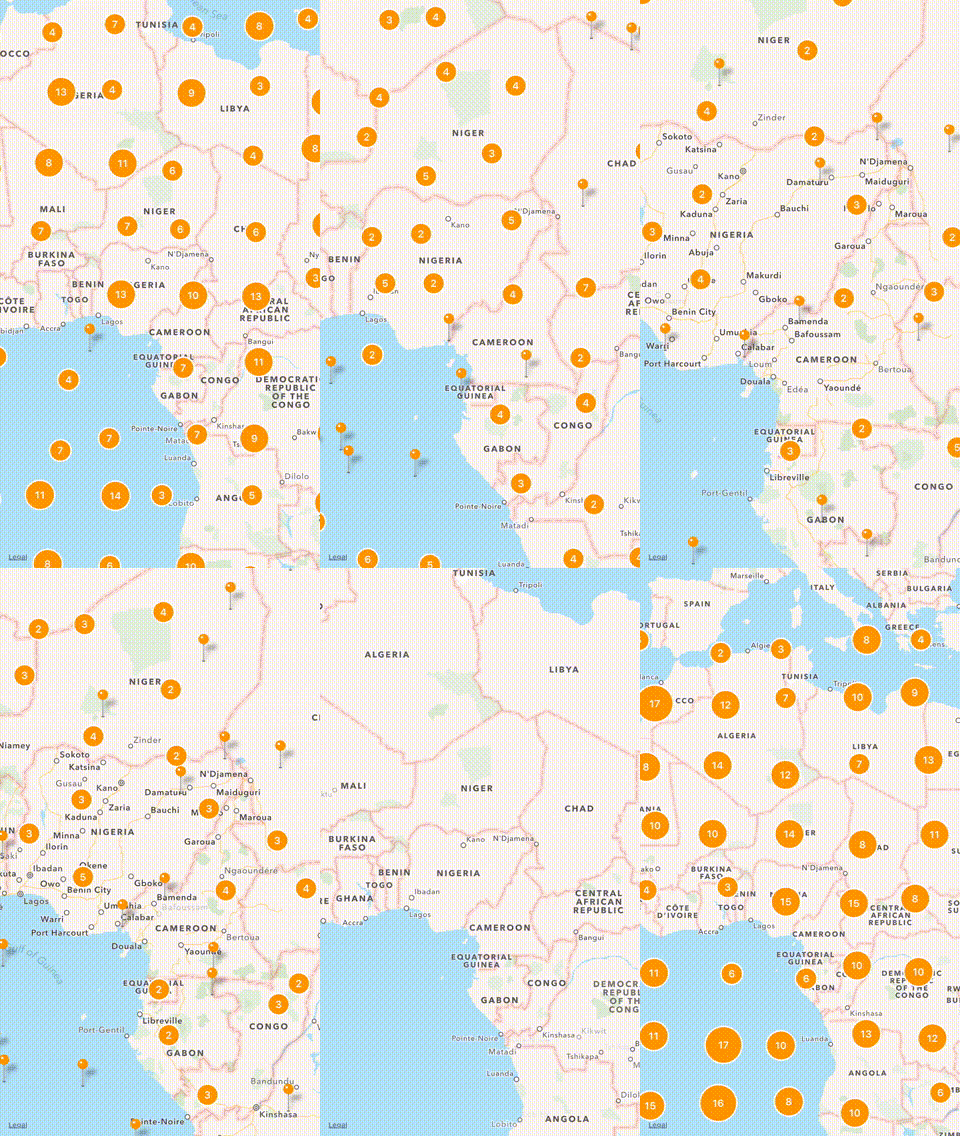
Cluster is an easy map annotation clustering library. This repository uses an efficient method (QuadTree) to aggregate pins into a cluster.
If you want to try it, simply run:
$ pod try Cluster
- Adding/Removing Annotations
- Clustering Annotations
- Multiple Managers
- Dynamic Cluster Disabling
- Custom Cell Size
- Custom Annotation Views
- Animation Support
- Documentation
- iOS 8.0+
- Xcode 9.0+
- Swift 4 (Cluster 2.x), Swift 3 (Cluster 1.x)
Follow the instructions below:
let clusterManager = ClusterManager()let annotation = Annotation()
annotation.coordinate = CLLocationCoordinate2D(latitude: latitude, longitude: longitude)
annotation.style = .color(color, radius: 25) // .image(UIImage(named: "pin"))
clusterManager.add(annotation)func mapView(_ mapView: MKMapView, viewFor annotation: MKAnnotation) -> MKAnnotationView? {
var view = mapView.dequeueReusableAnnotationView(withIdentifier: identifier)
if view == nil {
view = ClusterAnnotationView(annotation: annotation, reuseIdentifier: identifier, style: style)
} else {
view?.annotation = annotation
}
return view
}func mapView(_ mapView: MKMapView, regionDidChangeAnimated animated: Bool) {
clusterManager.reload(mapView) { finished in
// handle completion
}
}The ClusterManager exposes several properties to customize clustering:
var cellSize: Double? // The size of each cell on the grid (The larger the size, the better the performance).
var zoomLevel: Double // The current zoom level of the visible map region.
var maxZoomLevel: Double // The maximum zoom level before disabling clustering.
var minCountForClustering: Int // The minimum number of annotations for a cluster. The default is `2`.
var shouldRemoveInvisibleAnnotations: Bool // Whether to remove invisible annotations. The default is `true`.
var shouldDistributeAnnotationsOnSameCoordinate: Bool // Whether to arrange annotations in a circle if they have the same coordinate. The default is `true`.
var clusterPosition: ClusterPosition // The position of the cluster annotation. The default is `.nearCenter`.The Annotation class exposes a style property that allows you to customize the appearance.
var style: ClusterAnnotationStyle // The style of the cluster annotation view.You can further customize the annotations by subclassing ClusterAnnotationView and overriding configure:
override func configure() {
    super.configure()

    // customize
}To remove annotations, you can call remove(_ annotation: MKAnnotation). However the annotations will still display until you call reload().
In the case that shouldRemoveInvisibleAnnotations is set to false, annotations that have been removed may still appear on map until calling reload() on visible region.
To install with CocoaPods, simply add this in your Podfile:
use_frameworks!
pod "Cluster"To install with Carthage, simply add this in your Cartfile:
github "efremidze/Cluster"- If you found a bug, open an issue.
- If you have a feature request, open an issue.
- If you want to contribute, submit a pull request.
- https://github.com/ribl/FBAnnotationClusteringSwift
- https://github.com/choefele/CCHMapClusterController
- https://github.com/googlemaps/google-maps-ios-utils
Cluster is available under the MIT license. See the LICENSE file for more info.