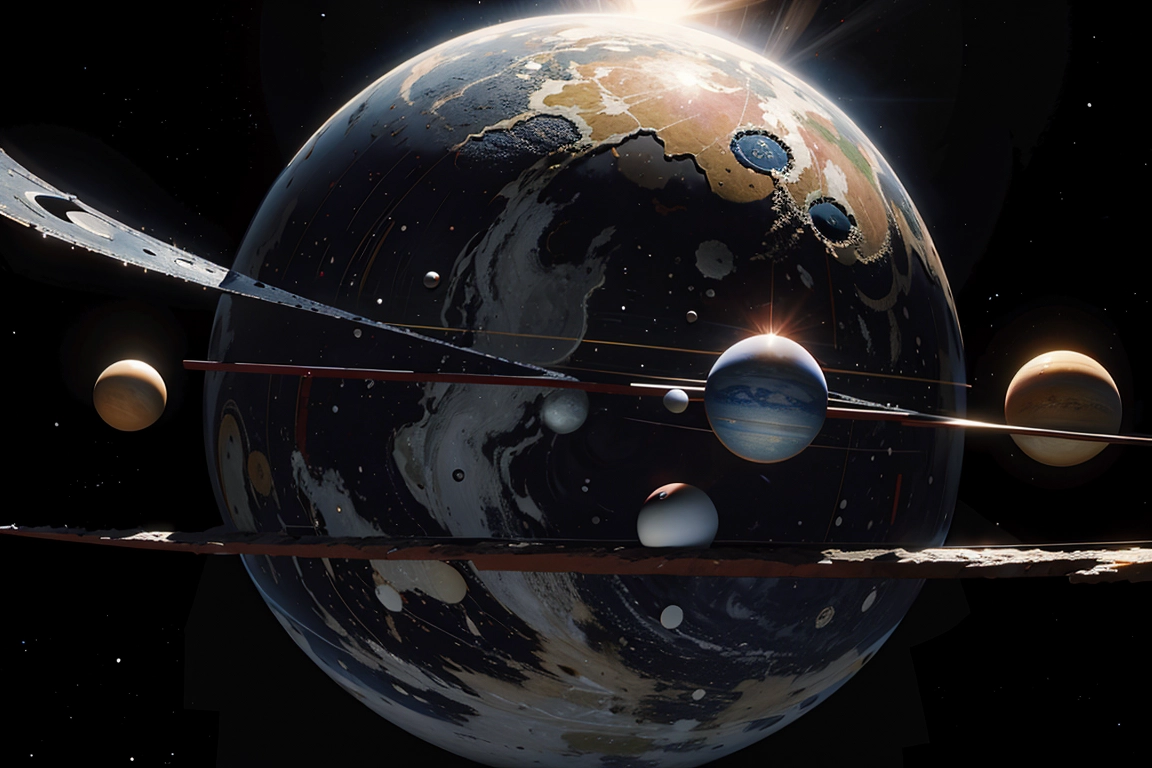
Planet3D is a Python library that provides a simple yet powerful framework for visualizing a solar system in a 3D space. It utilizes the Pygame and OpenGL libraries to render planets, moons, and their orbits, allowing users to explore the celestial bodies of our solar system in an interactive 3D environment.
-
Realistic Rendering: Planet3D employs OpenGL to create realistic 3D representations of planets and moons, complete with orbital paths.
-
Interactive Exploration: Users can navigate through the solar system using keyboard controls, adjusting the viewpoint to observe planets and their orbits from different angles.
-
Configurability: Easily customize the solar system by adding planets, moons, rings, and adjusting their properties such as size, orbit radius, rotation speed, and colors.
-
Fullscreen Mode: Toggle between fullscreen and windowed modes for an immersive experience.
Planet3D can be installed using the following command:
pip install Planet3Dfrom Planet3D import Planet, generate_solar_system# Create planets with specified properties
earth = Planet(name="Earth", radius=0.6, orbit_radius=12.0, rotation_speed=0.9, color=(0.0, 0.5, 1.0))
mars = Planet(name="Mars", radius=0.4, orbit_radius=18.0, rotation_speed=0.8, color=(1.0, 0.0, 0.0))# Add moons to a planet
earth.add_moon(name="Moon", radius=0.3, orbit_radius=3.0, rotation_speed=1.0, color=(0.8, 0.8, 0.8))# Add rings to a planet
saturn.add_ring(radius=5.0, width=0.2, color=(0.8, 0.8, 0.8), transparency=0.3)# Generate and display the solar system
planets = [earth, mars]
generate_solar_system(planets)To use Planet3D, create instances of the Planet class for each celestial body you want to include in the solar system. Customize properties such as radius, orbit radius, rotation speed, and color. Add rings or moons if desired. Finally, use the generate_solar_system function to display the solar system.
Here is a basic example:
if __name__ == "__main__":
    sun = Planet(name="Sun", radius=5.0, orbit_radius=0.0, rotation_speed=0.0, color=(1.0, 0.8, 0.0))
    mercury = Planet(name="Mercury", radius=0.2, orbit_radius=5.0, rotation_speed=5.0, color=(0.7, 0.7, 0.7))
    venus = Planet(name="Venus", radius=0.5, orbit_radius=8.0, rotation_speed=3.0, color=(0.9, 0.7, 0.0))
    earth = Planet(name="Earth", radius=0.6, orbit_radius=12.0, rotation_speed=0.9, color=(0.0, 0.5, 1.0))
    mars = Planet(name="Mars", radius=0.4, orbit_radius=18.0, rotation_speed=0.8, color=(1.0, 0.0, 0.0))
    jupiter = Planet(name="Jupiter", radius=2.0, orbit_radius=50.0, rotation_speed=0.4, color=(0.8, 0.6, 0.4))
    saturn = Planet(name="Saturn", radius=1.8, orbit_radius=75.0, rotation_speed=0.3, color=(0.9, 0.6, 0.4))
    uranus = Planet(name="Uranus", radius=1.0, orbit_radius=110.0, rotation_speed=0.2, color=(0.5, 0.7, 0.8))
    neptune = Planet(name="Neptune", radius=1.0, orbit_radius=150.0, rotation_speed=0.15, color=(0.0, 0.0, 0.7))

    saturn_rings_color = (0.8, 0.8, 0.8)
    saturn.add_ring(radius=5.0, width=0.2, color=saturn_rings_color, transparency=0.3)

    earth.add_moon(name="Moon", radius=0.3, orbit_radius=3.0, rotation_speed=1.0, color=(0.8, 0.8, 0.8))

    planets = [sun, mercury, venus, earth, mars, jupiter, saturn, uranus, neptune]

    # To run in fullscreen mode, set fullscreen=True
    generate_solar_system(planets, display=(1200, 800), fullscreen=True)
This example demonstrates how to create a solar system with various planets and customization options.

- Left/Right Arrow: Move left/right
- Up/Down Arrow: Move up/down
- W/S: Move forward/backward
- Z/X: Move up/down faster
To run the visualization in fullscreen mode, simply pass fullscreen=True to the generate_solar_system function:
generate_solar_system(planets, fullscreen=True)Planet3D utilizes the Pygame and OpenGL libraries to create an interactive 3D solar system visualization.
This project is licensed under the MIT License - see the LICENSE file for details.
For questions or support, please contact [ishan.kodithuwakku@gmail.com].
Repository Views

Explore the wonders of our solar system with Planet3D!