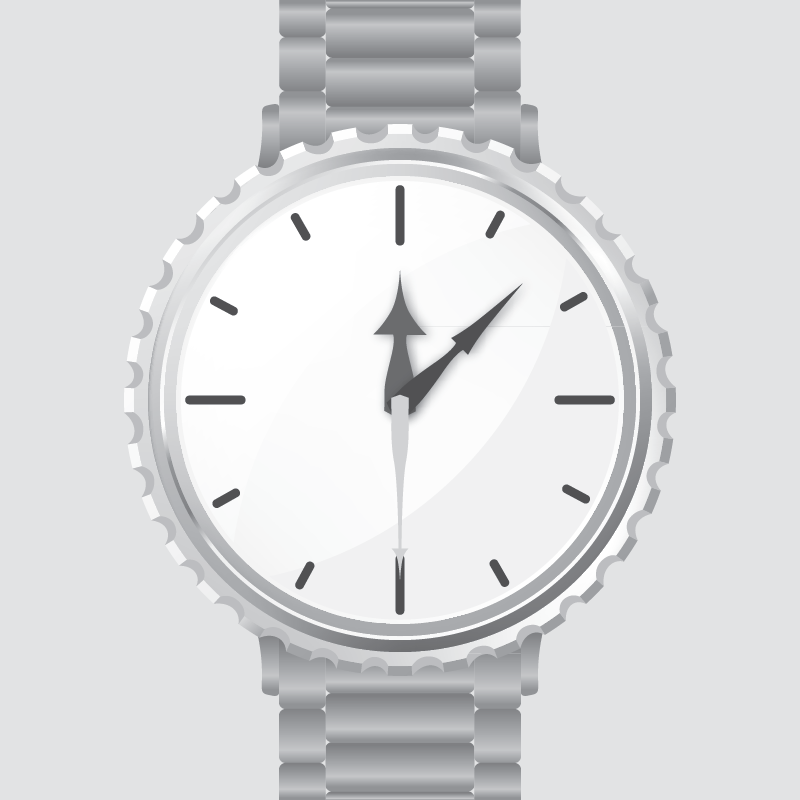
This is an implementation of an android custom view.The view is a simple analog watch. The code can help you understand how a custom view can be created.Or you can just use this custom view in your project as it is or with some adaptations.
Here I want to show you how a relatively complex custom view can be implemented. I tried to keep the code as documented as possible , so you could understand it easily. If you find the Watch-View cool you are welcome to use it in your own project. If you find the Watch-View cool and want to appreciate my work , just post something on my Facebook wall .Please link this repository in the post.
In this example you can :
- Move each arrow with a finger to set it to desired position.
- Rotate a winding wheel to make the watch ticking.
- Click on the scale button to see the WatchView scaled down.
- While WatchView is scaled you still can touch and manipulate it as expected.
- You want to give your user a possibility to adjust a time in an authentic way.
- You want to present user with a time in an authentic way.
- As I wanted to keep the view multi purpose , it doesn't contain too much logic. So if you want to make it ticking or arrows follow one another , you should be able to do so using the provided listeners.Like I did in the example.
- Currently watch view should have a fixed aspect ratio of "1" (width = height) , otherwise visual distortions will occur.When Watch-View has an aspect ratio other than "1" , I consider it a special case.I didn't want to handle special cases , because this handling can depend on your specific needs.You can handle it yourself :)
I didn't run any stress tests on the watch view , but it shouldn't be very performance consuming. I tried to keep the code readable and decoupled rather than optimized for the best performance. So you are sure to find some areas to improve.With that being said , it still runs pretty good :)
Free Software, Hell Yeah!