****** This APP works only on desktop browsers ******
For sure you will get confident with the combination of colors, learning how to combine additive primary color to abtain other colors.
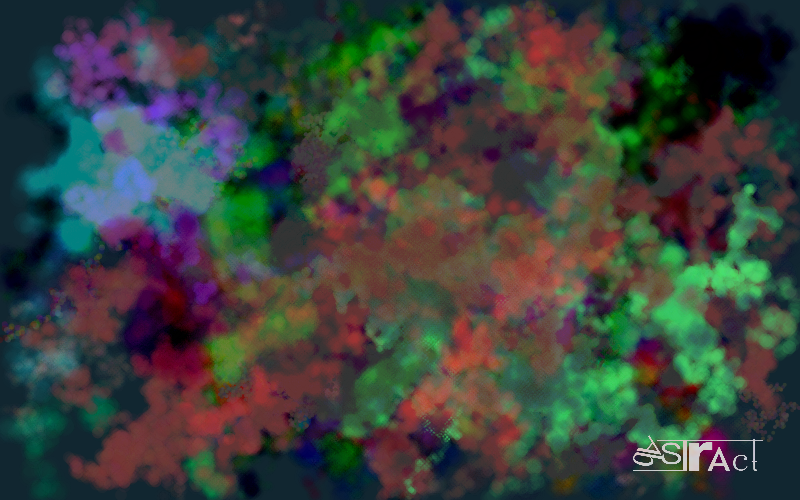
Written in Javascript, Abstract draws randomly circles on the canvas. With this app you can get something like this:
.png?raw=true)
You can start immidiatly using Abstract here https://ivovacca.com
I started this APP from a simple function that draws dots randomly on a canvas.
The effect was nice, than I decided to build a simple UI.
This is the first version.
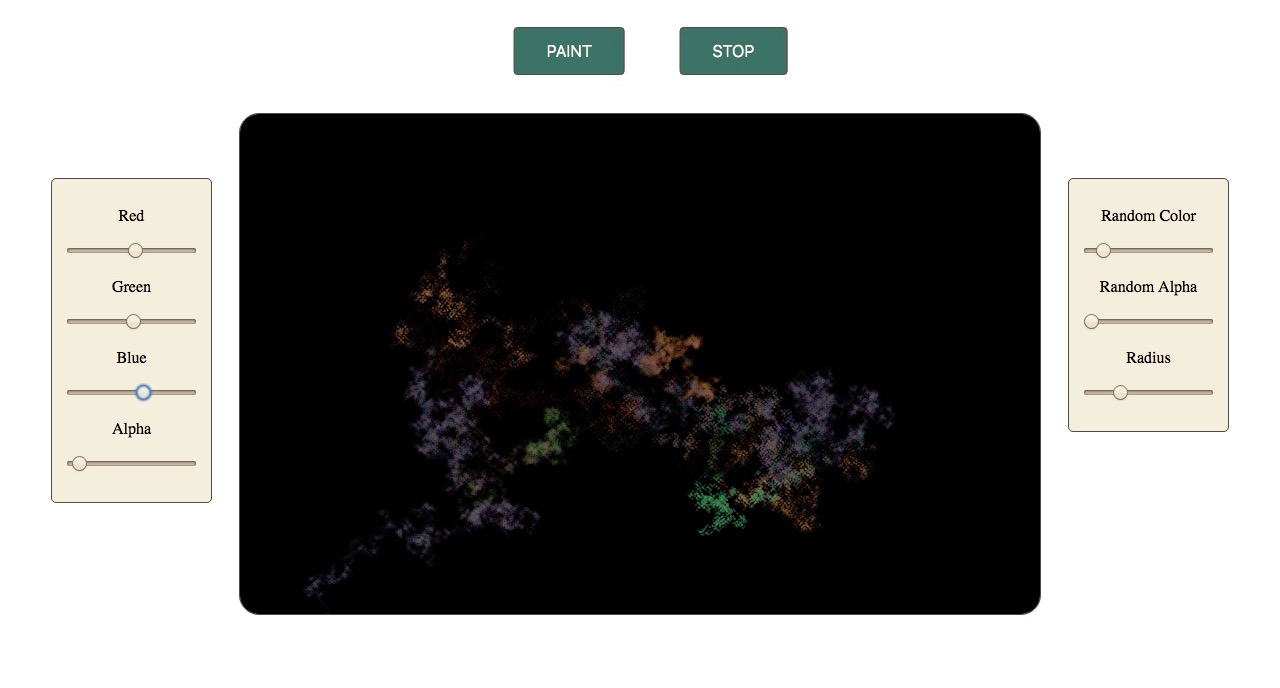
Basically when you press Start button, setInterval begins with its cycles and gets a new random position (in a certain range that I defined) and than assigned to x and y.

I was looking for a effect blur that, when the circle is small, it must be defined, and when it is big, it must be almost transparent.
So I decided to try to implement Fibonacci for obteining a nice blur-glowing.
I used the composite principle to write this effect, it's similar to "composite add" or "composite screen". This blur is the sum of many layers overlapping each other at the same position for a certain number values in an array input. I used an array with 6 values. The smalest circle is much defined respect the bigger. The bigger it is, the more transparent it is.
When you increase the radius, alpha tends to 0.
.png?raw=true)
.png?raw=true)
.png?raw=true)
I found it is an interesting result.
Because the code was getting bigger, I decide wrote again all program, now it is more understable, if you want to take a look.
This is the last version 1.2
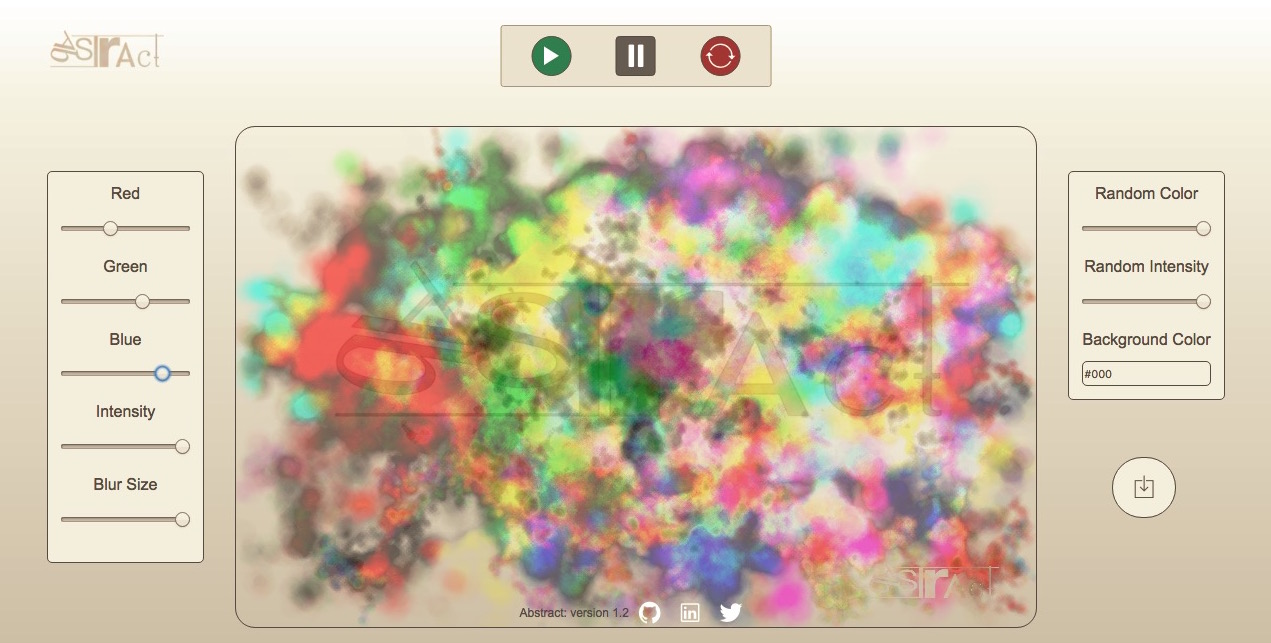
If you want to implement a color-picker, there a lots of project about it.
I found this one https://tovic.github.io/color-picker simple and well done. Very interesting project.
I implemented it in the online version. Take a look here https://ivovacca.com/abstract
If you use the app, please post your abstract on Twitter with #abstract and let me know you impression.
Move the sliders and have fun painting your abstract image.
Thank you very much for your interest.
- HINT: If you dont't choose a background color you can save the canvas with alpha.