New to this? Watch the previous video first — it sets up the TradingView MCP connection this builds on.
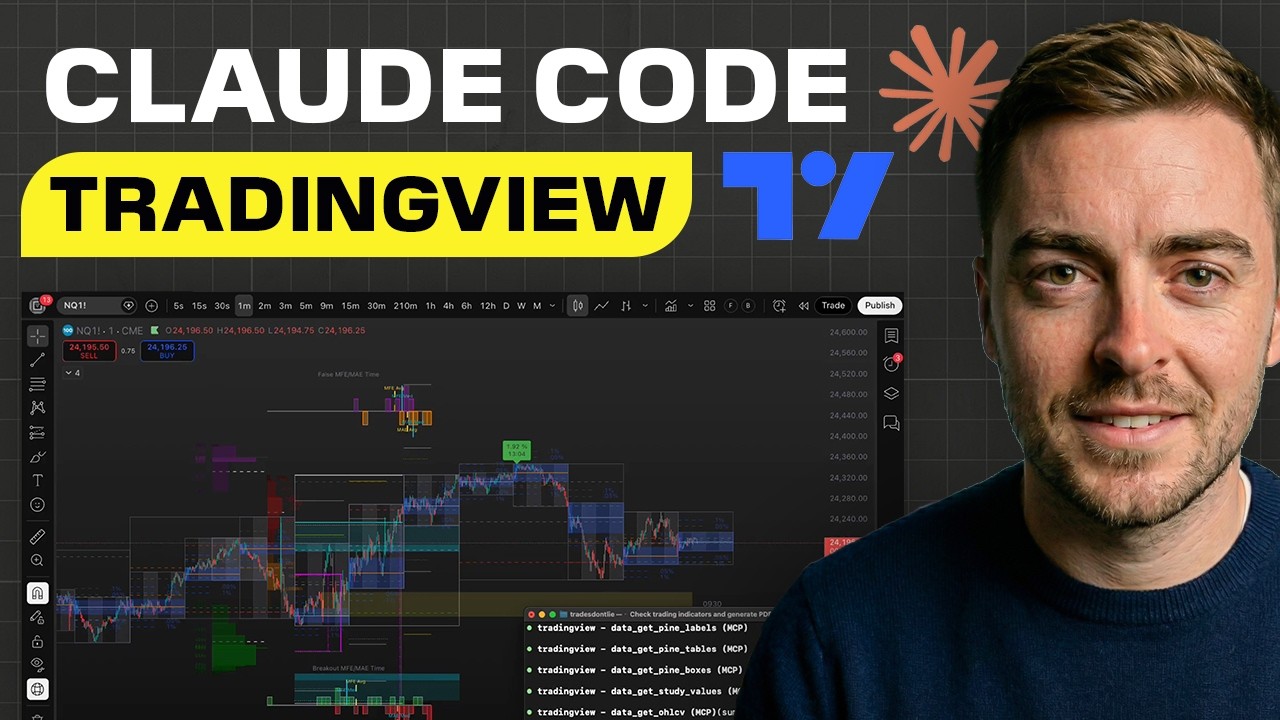
Five things you get from this setup:
- Claude connected to your exchange — reads your TradingView chart and executes trades on BitGet automatically
- A safety check — every condition in your strategy must pass before a single trade goes through
- 24/7 cloud execution — deploy to a Hostinger VPS and it runs on a schedule, even when your laptop is closed
- Automatic tax accounting — every trade logged to
trades.csvwith date, price, fees, and net amount, ready for your accountant - Free — no email, no course, no upsell. Everything is in this repo.
This is the thing you paste. Open Claude Code in this directory, paste the entire contents of
prompts/02-one-shot-trade.md, and Claude will do the rest.
Here's what it does when you run it:
| Step | What Claude does |
|---|---|
| 1 | Reads your rules.json strategy |
| 2 | Pulls live price + indicator data from TradingView |
| 3 | Calculates MACD from raw candle data |
| 4 | Evaluates market bias (bullish / bearish / neutral) |
| 4b | Checks trade limits — daily cap and max trade size |
| 5 | Runs the safety check — every entry condition checked |
| 6 | Executes the trade via BitGet if all conditions pass |
| 7 | Logs the trade to trades.csv — date, price, fees, net amount (tax-ready) |
| 8 | Saves full decision log to safety-check-log.json |
If anything fails the safety check, it stops and tells you exactly which condition failed and the actual values. No trade goes through unless everything lines up.
Copy the entire contents of prompts/02-one-shot-trade.md and paste it into your Claude Code terminal.
That's it. Claude acts as your onboarding agent — it clones the repo, walks you through connecting BitGet, sets your trading preferences, connects TradingView, optionally builds a strategy from a YouTube channel, deploys it to a Hostinger VPS, and runs the bot for the first time. Every step is interactive. It pauses when it needs something from you and handles everything else automatically.
For anyone who wants to understand the steps manually, or troubleshoot a specific part:
- TradingView MCP must already be set up — built in the first video
- Claude Code installed and running
- A BitGet account — sign up here for a $1,000 bonus on your first deposit
- Node.js 18+ — check with
node --version
Mac / Linux:
git clone https://github.com/jackson-video-resources/claude-tradingview-mcp-trading
cd claude-tradingview-mcp-trading
Windows:
git clone https://github.com/jackson-video-resources/claude-tradingview-mcp-trading
cd claude-tradingview-mcp-tradingMac / Linux:
cp .env.example .envWindows:
Copy-Item .env.example .envOpen .env and fill in:
BITGET_API_KEY=your_api_key_here
BITGET_SECRET_KEY=your_secret_key_here
BITGET_PASSPHRASE=your_passphrase_here
PORTFOLIO_VALUE_USD=1000
MAX_TRADE_SIZE_USD=100
MAX_TRADES_PER_DAY=3
Getting your API key:
Step-by-step guides for all supported exchanges:
| Exchange | Guide |
|---|---|
| BitGet (used in the video) | docs/exchanges/bitget.md |
| Binance | docs/exchanges/binance.md |
| Bybit | docs/exchanges/bybit.md |
| OKX | docs/exchanges/okx.md |
| Coinbase Advanced | docs/exchanges/coinbase.md |
| Kraken | docs/exchanges/kraken.md |
| KuCoin | docs/exchanges/kucoin.md |
| Gate.io | docs/exchanges/gateio.md |
| MEXC | docs/exchanges/mexc.md |
| Bitfinex | docs/exchanges/bitfinex.md |
Two rules that apply to every exchange — withdrawals OFF, IP whitelist ON.
Mac:
tv_launch
tv_health_check
Windows: See docs/setup-windows.md
Linux: See docs/setup-linux.md
Verify with tv_health_check — should return cdp_connected: true.
node bot.jsThe local setup runs when your laptop is open. A Hostinger VPS lets the bot check for setups around the clock — even while you sleep.
Note: Cloud mode pulls candle data directly from Binance's free market API instead of TradingView. No TradingView Desktop needed in the cloud. The strategy logic and safety check are identical.
Grab a Hostinger VPS — the cheapest KVM plan is plenty, from ~$5/mo: https://hostinger.com/lewisjackson10
Once it's provisioned, Hostinger gives you an IP and root password. SSH in:
ssh root@YOUR_VPS_IPOn the VPS:
apt update && apt install -y nodejs npm git
git clone <your-repo-url> bot && cd bot
npm installCreate a .env file on the VPS with everything from .env.example:
| Variable | Example |
|---|---|
BITGET_API_KEY |
your key |
BITGET_SECRET_KEY |
your secret |
BITGET_PASSPHRASE |
your passphrase |
PORTFOLIO_VALUE_USD |
1000 |
MAX_TRADE_SIZE_USD |
100 |
MAX_TRADES_PER_DAY |
3 |
PAPER_TRADING |
true (set to false when ready) |
SYMBOL |
BTCUSDT |
TIMEFRAME |
4H |
The bot runs one check and exits, so schedule it with the VPS's built-in cron. Run crontab -e and add one line matching your chart timeframe (all run from the repo dir and log to bot.log):
| Timeframe | Crontab line | What it means |
|---|---|---|
| 4H chart | 0 */4 * * * cd /root/bot && /usr/bin/node bot.js >> bot.log 2>&1 |
Every 4 hours |
| 1D chart | 0 9 * * * cd /root/bot && /usr/bin/node bot.js >> bot.log 2>&1 |
Once a day at 9am UTC |
| 1H chart | 0 * * * * cd /root/bot && /usr/bin/node bot.js >> bot.log 2>&1 |
Every hour |
PAPER_TRADING=true logs every decision but never places real orders. Watch a few days of paper trades, confirm the logic matches what you expect, then flip it to false.
The example rules.json uses the van de Poppe + Tone Vays BTC strategy. To build one from any trader's public videos:
- Go to Apify and search the actor store for YouTube Transcript Scraper — takes about 30 seconds per channel
- Paste the output into
prompts/01-extract-strategy.md - Run that prompt in Claude Code — it generates a
rules.jsontailored to that trader's methodology
| File | What it does |
|---|---|
rules.json |
Your strategy — indicators, entry rules, risk rules |
.env |
Your BitGet credentials (gitignored — never commits) |
prompts/01-extract-strategy.md |
Build rules.json from trader transcripts |
prompts/02-one-shot-trade.md |
The one-shot prompt — paste this to trade |
safety-check-log.json |
Auto-generated log of every trade decision |
trades.csv |
Tax-ready trade record — auto-written on every execution |
docs/setup-windows.md |
Windows-specific MCP setup |
docs/setup-linux.md |
Linux-specific MCP setup |
Every trade the bot places is automatically written to trades.csv with the columns your accountant needs:
| Column | Description |
|---|---|
| Date | ISO date of the trade |
| Time | UTC time |
| Exchange | BitGet |
| Symbol | e.g. BTCUSDT |
| Side | Buy / Sell |
| Quantity | Units traded |
| Price | Price per unit at execution |
| Total USD | Gross trade value |
| Fee (est.) | Estimated exchange fee |
| Net Amount | Total USD minus fee |
| Order ID | Exchange reference |
| Mode | Paper / Live |
At tax time: open the file, hand it to your accountant, or import it directly into your accounting software. Nothing to reconstruct.
For a quick summary of your trading activity, run:
node bot.js --tax-summaryThis prints total trades, volume, and fees paid.
The safety check conditions are not fixed — they come directly from your rules.json. If you build a strategy from a YouTube trader's transcripts using the Apify prompt, your safety check will reflect that trader's entry logic. If you use the example strategy, it reflects those conditions. They're yours, not a generic filter.
Every condition in your entry_rules must pass before a trade goes through. One fails — nothing happens. The bot tells you exactly which condition failed and the actual value it saw.
Additional guardrails that apply regardless of strategy:
- Maximum trade size capped at
MAX_TRADE_SIZE_USDin.env - Maximum trades per day capped at
MAX_TRADES_PER_DAYin.env - Position sizing calculated from your portfolio value — max 1% risk per trade
- Every decision logged to
safety-check-log.jsonwith exact indicator values - Every executed trade recorded in
trades.csvfor accounting
This is not financial advice. Build your strategy properly. Run the backtest. Paper trade before going live. Never put in more than you can afford to lose.
- First video — Connect Claude to TradingView
- TradingView MCP repo (first video)
- Apify — search actor store for "YouTube Transcript Scraper"
- BitGet — $1,000 bonus on first deposit