Repository navigation
Releases
v3.1.0 · Your agents have faces

Your agents have faces 👀

▶ Watch what's new in 35 seconds
Every agent now has its own animated face on its task cards. You can tell at a glance what each one is doing, without reading a single log line.
| When the agent is… | its eyes… |
|---|---|
| 🧠 planning or diagnosing | think |
| 🔎 researching | search |
| 🛠️ writing code | work |
| ✍️ writing docs, a PR or a commit | write |
| 🔬 verifying or reviewing | read |
| ❓ asking you something | listen and wait |
| ✅ done | smile |
| ❌ failing | say sorry |
- One face per agent, out of the box. The Planner is an ocean-blue blob, the Verifier a moss-green pill, the Debugger a clay hexagon, and so on for all 14 built-in agents. Your own agents and the ECC ones get one from their name, always the same.
- Make it yours. In Settings › Agentes, click a face to pick another shape and color. To switch them off, use Settings › Apariencia.
- Light. It is agent-avatars (MIT), bundled into Faradia. It loads the first time a face shows and makes no network requests.
Also in this release
- 🎙️ Dictation on the Mac works (since 3.0.2). The first time, macOS asks permission for Faradia. Spanish and English are told apart and recognized on the device.
- 🧯 Faradia no longer closes when you start it outside a git repo.
- ⚙️ CI cancels stale runs and stops a stuck job after 20 minutes.
npm i -g faradiaFull changelog: CHANGELOG.md
v3.0.2
Fixed
- Dictation on macOS: macOS killed the speech recognition helper, because it asked the permission for the app that started Faradia (Terminal) and never showed the dialog. The helper is now a small app, Faradia.app, that Faradia opens: macOS asks permission for Faradia once. If macOS cannot open it, Whisper takes over for the rest of the session.
- Dictation on macOS recognizes the candidate languages one after another: at the same time one came back empty, and Spanish was taken as English. Settings › Dictado says which language macOS could not use and why.
- Faradia closed with
write EPIPEwhen started outside a git repo (the home folder, say). Every write to a child process is guarded now.
Install or update: npm i -g faradia
v3.0.1
Fixed
- The monitor watches a watchlist folder created while its file watcher restarts; before, changes inside it went unnoticed until Faradia restarted (#25).
Changed
- The repository is now github.com/javilatte/faradia: links in the packages, the README and the update notice point there (#26).
- Releases publish to npm from CI with Trusted Publishing, with a provenance attestation (#27).
Install or update: npm i -g faradia
Faradia 3.0.0
optimia is now Faradia. Same app, new name: there were already other things called Optimia.
Create quality code by automating your processes; multiply your productivity without losing the
reins of your work.
Changed
- New name, logo and npm package:
npm i -g faradia, commandfaradia. The@javilatte/optimia
package keeps getting updates for a few more months: it installs Faradia and runs it asoptimia,
with a notice to switch. - On first run, Faradia moves
~/.config/optimiaand~/.local/share/optimiato theirfaradia
folders, and each repo's.optimiato.faradiawhen the repo is opened, pointing its tasks'
worktrees at the new place. TheOPTIMIA_*environment variables and the browser's preferences
keep working. The what's new tour tells about the change. - Task worktrees are created in Faradia's data folder, outside the repo, so the repo's linters,
formatters, test runners and watchers do not see them; the JSON state in.faradiais written
the way Prettier formats it.
Added
- Dictation in the chat: a microphone next to the message box. The text lands in the box, never
sent on its own; Esc cancels. It is transcribed on the computer, with no accounts or payments, by
Faradia's own engine, outside the browser: macOS's speech recognition on a Mac (a small Swift
helper that CI builds and ships in the package) and Whisper elsewhere, native on every core (it
installs itself the first time, about 110 MB, while the browser transcribes). Whisper chooses
between Spanish and English in the same pass that transcribes, and uses large-v3-turbo when it
runs fast enough on the computer and small when not. Settings › Dictado. - Code map: with CodeGraph on, the repo's wiki gets a Mapa del código page taken from its
index without a model (the pieces used from most other files and which area depends on which),
refreshed after every task. Conocer este repo and the wiki agent start from it.
Fixed
- Two Faradia instances starting at once no longer clash saving
workbenches.json. - Findings of a test run on real repos (koa, click, zustand): a clear message and an automatic
resume when Claude runs out of usage without a local model; retries keep the conversation and the
user's answers, which every later stage and the Verifier take into account; the verification kit
ends up in.claude/skills/; the Verifier installs missing dependencies; agent questions are
shown whole; file lists show names first; tables, path pickers and the welcome sheet fit and are
translated.
Install: npm i -g faradia. Coming from optimia: your settings, agents and repos move over on the first run; the @javilatte/optimia package (3.0.0) installs Faradia and keeps the optimia command for a few more months.
What's new in 45 seconds: https://optimia.jagoan.es/media/faradia-3.0.0-4k.mp4
v2.2.0 — see your agents think

npm i -g @javilatte/optimia
Added
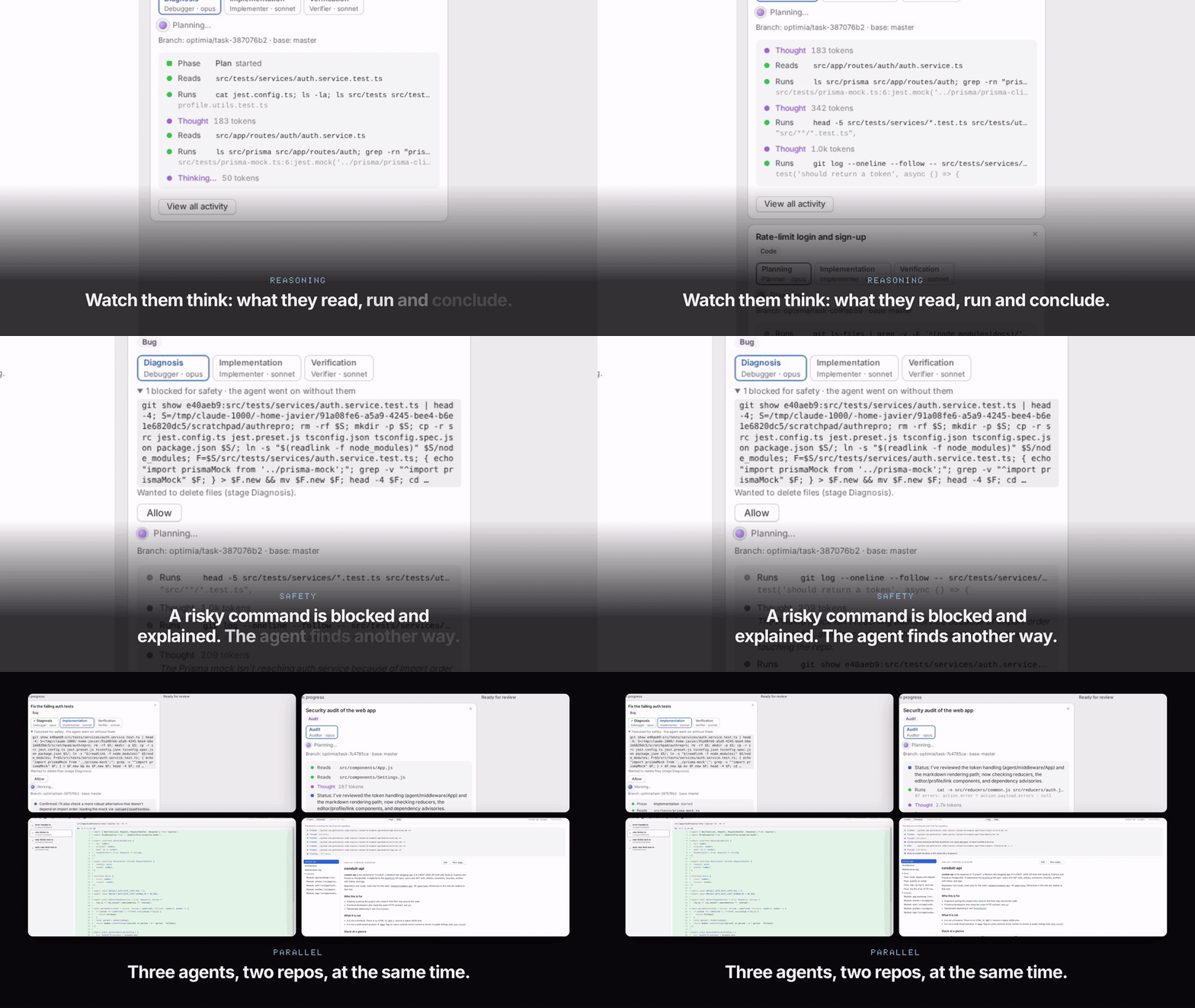
- Live agent activity: every task card shows, as it happens, what the agent says it is doing, the files it reads, its edits (+/−), the commands it runs with their result (test summaries included), its to-do list, how much it is thinking, blocked actions and the end of each stage. The full feed stays a click away.
- Generate the wiki from the repository: a button in the Wiki view has the librarian agent explore the repo and write linked pages (architecture, modules, flows, data, API, development, glossary), shown live while it writes.
- Task worktrees reuse the dependencies already installed in the repo (
node_modules,.venv,vendor/bundle), so the agents can build and run the tests without reinstalling. The link never ends up in a commit. - A one-minute 4K video filmed from real agent runs, with its own synthesised soundtrack, and an animated demo at the top of the README.
Changed
- Agents write in the language of your request (narration, reports, questions, commit and PR texts), and the wiki in the interface's language.
Fixed
- The Changes view lists an agent's worktree as soon as the agent starts, without reloading.
- English interface: dates, optimia's chat notices and the Changes view were still in Spanish.
optimia 2.1.1

▶ Watch optimia in one minute — agents, live diffs, safety, PR delivery, the self-writing wiki and more.
Added
- English interface: Settings › Appearance › Language (Automatic, Español, English). Automatic follows the browser's language.
- The chat and every agent know where the project and personal wikis are and read them on demand (Read/Grep), instead of rediscovering what is already written there.
Changed
- The default workbench is called "Mi espacio" (renamed from "Por defecto" on its own), and the workbench selector no longer shows the number of repos.
- Tighter, kerned Optimia logo.
- 4K screenshots in the README; the README and the older CHANGELOG entries are fully in English.
Fixed
- optimia warns on start when the agents' sandbox is missing (
bubblewrap/socaton Linux) and says how to install it. - A flaky end-to-end test on macOS.
optimia 2.1.0
Added
- Pull request delivery: after the commit, the task card offers a Pull request tab (title, description, draft) and a Jira tab (a comment for the ticket). An agent drafts both from the request, plan, verification and diff; "Create PR" pushes the branch and opens it with
gh. "Commit only" ends a task on its branch, and several tasks can share one branch. - Wiki: a project wiki and a personal one (tree, search, link map, editing), updated by an agent after every committed task, with the local model when available, otherwise Claude Haiku.
- Export and import all your knowledge (configuration, wikis, memories) in one file, merged by date.
- ECC (Everything Claude Code, MIT) bundled: optimia's agents follow the method of their best ECC counterpart, its 72 agents are available (call any with
@in the chat) and its skills reach every session. - Chat attachments: PDF, Word, Excel, PowerPoint, text and any other file, sent to the context efficiently (PDFs read by page, Office text extracted to markdown, small files inline).
- LM Studio support next to Ollama, with detection and local models in the chat's model selector.
- Inter bundled (no font CDN) and the Optimia logo.
Changed
- Switching repos no longer reloads the page; workbenches reopen their last repo; a "+" adds repos with the folder dialog, and optimia offers to
git inita folder that is not a repo. - Agents only stop to ask for missing context. Blocked actions never stop a stage and can be allowed from the card; commit, push, merge and rebase stay forbidden.
- Agents run in Claude Code's OS sandbox (
bubblewrap+socaton Linux, built in on macOS); without it they do not start unless you turn it off in Settings › General.
Fixed
- Local-model sessions no longer send your Claude credentials to the local server.
?token=…&p=<repo>links keep the repo.
optimia 2.0.1
Correcciones para macOS.
Fixed
- Si la terminal integrada no puede arrancar, optimia muestra el motivo en la interfaz en vez de cerrarse; un error en cualquier mensaje del WebSocket ya no tumba el servidor.
- La terminal integrada no arrancaba en macOS (
posix_spawnp failed):node-pty1.1.0 trae suspawn-helperpara macOS sin permiso de ejecución. optimia se lo da antes de abrir la terminal y, si no puede, explica cómo arreglarlo. - En macOS, la vigilancia de ficheros podía no ver un fichero creado justo después de su carpeta, así que el dashboard, la vista Cambios y el timeline no lo mostraban. En macOS y Windows se usa ahora la vigilancia recursiva nativa del sistema, sin los cambios dentro de carpetas que git ignora; en Linux se sigue vigilando carpeta a carpeta.
Changed
- La CI ejecuta todas las suites también en macOS.
optimia 2.0.0
Supervisión de agentes y de varios repos a la vez. Cambio incompatible con 1.x en la API local (ver "Cambios incompatibles").
Added
- Workbenches: conjuntos de repos con nombre, en
~/.config/optimia/workbenches.json. Se añaden a mano o buscando repos git bajo una carpeta, y el chat y los agentes funcionan en cualquier repo del workbench (selector en la barra superior). - Agentes configurables: diez agentes por defecto (Planificador, Implementador, Verificador, Revisor, Redactor de commits, Investigador, Redactor de documentación, Depurador, Escritor de tests y Auditor), cada uno con su motor (Claude o local), modelo, effort, acceso y prompt de rol. Se pueden ajustar o crear agentes propios por proyecto o para todos (Ajustes > Agentes), y elegir qué agente hace cada etapa.
- Pipelines nuevos: bug (diagnosticar, implementar, verificar), tests, auditoría (solo informe) y agente propio, y una etapa de verificación que ejecuta tests, lint y build y da un veredicto. Cada tarjeta muestra qué agente y modelo hizo cada etapa.
- Dashboard con el estado git en vivo de cada repo, la actividad de los agentes en sus worktrees, la actividad de las últimas 24 h y los avisos recientes.
- Diffs en vivo (vista Cambios) de repos y worktrees de tareas: en línea o lado a lado, con contexto o el fichero entero, resaltado de sintaxis con Shiki y mapa de cambios.
- Timeline de ficheros, commits, ramas, lista de vigilancia, tareas, avisos y cambios huérfanos, con filtros e historial de commits.
- Avisos pasivos: borrados grandes, ficheros sensibles (marcados si git los commitearía), posibles secretos (reglas propias y gitleaks si está instalado; nunca se guarda el valor) y cambios en tests. Con notificaciones del sistema y modo compacto (glance).
- Lista de vigilancia por repo (plano 2) para ficheros que git ignora.
- Explorador de ficheros con vistas previas (markdown, código, imagen, audio, vídeo, PDF), portapapeles, renombrar, copiar, mover y borrar con Deshacer, y papelera restaurable.
- CI en GitHub Actions (lint, formato, unitarios, bats, e2e con Playwright y gitleaks), ESLint y Prettier,
docs/design.mdydocs/roadmap.md. OPTIMIA_NO_OPEN=1para arrancar sin abrir el navegador, y--port/OPTIMIA_PORTpara fijar el puerto.- Diseño según las Human Interface Guidelines de Apple para macOS: barra lateral con las vistas y los repos, barra de herramientas con el título de la vista, colores semánticos con modo claro y oscuro, "Aumentar contraste" y "Reducir transparencia", escala tipográfica del sistema, botones push, menús desplegables, controles segmentados y anillos de foco. Atajos ⌥1…⌥5 (vistas), ⌘, (Ajustes) y ⌃⌘S (barra lateral).
- Ajustes y agentes se guardan al momento, sin botón Guardar, y Ajustes se abre en el último apartado visitado.
- El compositor muestra, antes de enviar una tarea, sus etapas y qué agente y modelo hará cada una, con un enlace para cambiarlos.
- Las tarjetas de tarea muestran el pipeline con el estado de cada etapa y su agente y modelo; el chat y los informes se ven como markdown.
- "Proponer mensaje de commit" rellena el campo de commit con un mensaje Conventional Commits que sigue el idioma del repo; sin él, el tipo se deduce del tipo de tarea.
- Fusionar una tarea hace fast-forward cuando la base no ha avanzado, borra después su worktree y su rama, y la tarea pasa al grupo "Hechas".
- Effort
xhighymax. - Configuración global y por repo:
~/.config/optimia/settings.jsonguarda lo común (apariencia, modelo y effort, IA local, instrucciones de flujo de trabajo y lista "Prohibido") y cada repo solo lo que cambia; sus instrucciones y prohibiciones se suman a las globales. Ajustes tiene un selector "Todos los repos / Solo este repo" (también para agentes y pipelines), y cada campo dice si se hereda, con "Restablecer" y "Usar en todos los repos". Lossettings.jsonantiguos se migran solos. - Fichero de configuración: Ajustes > General exporta todo lo global (ajustes, instrucciones y "Prohibido" comunes, agentes globales, pipelines y avisos) a un JSON privado, sin repos ni memoria, y sin la cabecera de autenticación de la IA local salvo que se pida. Se importa arrastrándolo a la ventana: antes se ve qué cambia y se guarda una copia de la configuración actual. En una instalación nueva, una hoja de bienvenida lo ofrece.
- Aviso de versiones nuevas: optimia consulta el registro de npm una vez al día como mucho y avisa en la barra de herramientas con el comando para actualizar y las novedades. Se desactiva en Ajustes > General o con
OPTIMIA_NO_UPDATE_CHECK=1. - Conocer este repo: un agente de solo lectura estudia el repo (comandos, estructura, convenciones, trampas) y propone su memoria, que se guarda con un clic. El tablero vacío de un repo sin memoria lo sugiere.
Changed
- Requiere Node 22 o posterior.
- Los modelos locales se pasan por su nombre real de Ollama, sin el alias
claude-haiku-4-5, así que cada agente puede usar un modelo local distinto a la vez. web/app.jsse divide enweb/js/project/; las vistas nuevas son módulos ES enweb/js/app/.
Fixed
- Cada etapa recibe el encargo original del usuario, no solo el plan de la anterior.
- Una acción prohibida para los agentes ya no detiene la etapa: el agente recibe la denegación y sigue (la etapa solo se para si insiste).
- Abrir Ajustes ya no borra lo que se empieza a escribir mientras carga.
- El servidor MCP de tareas arranca con el mismo
nodeque optimia (con nvm,nodepuede no estar en el PATH). - El timeline ignora los ficheros temporales de escrituras atómicas y editores.
Security
- La API local y el WebSocket comprueban el
Host(contra DNS rebinding), elOrigin(contra CSRF) y un token por ejecución (cabecera o cookieSameSite=Strict). - optimia ya no escribe en el repo: los permisos de sus sesiones (lista "Prohibido" incluida) van en
.optimia/claude-settings*.jsony se pasan conclaude --settings. Antes reescribía.claude/settings.json(configuración compartida del proyecto, sustituyendo su listadeny) y lo copiaba a los worktrees, donde acababa en los commits. Un.claude/settings.jsongenerado por versiones anteriores, sin seguimiento en git, se borra solo. .optimiase excluye en.git/info/excludeen vez de editar el.gitignoredel repo, y el enlace.codegraphsolo se crea si se activa CodeGraph.- Los agentes de las tareas no heredan los conectores MCP de la cuenta de claude.ai del usuario (Gmail, Drive, Slack…): solo el MCP de optimia y el
.mcp.jsondel repo (--strict-mcp-config). - Las etapas de solo lectura bloquean las herramientas de edición explícitamente.
- El commit de una tarea respeta
.gitignore: un fichero ignorado solo entra si se marca en la tarjeta.
Cambios incompatibles
- Los clientes de la API tienen que enviar
X-Optimia-Token: el token sale en el enlace que imprime optimia al arrancar. - La API de un proyecto concreto vive en
/api/projects/:id/*;/api/*sigue apuntando al proyecto de arranque.
optimia 1.0.1
[1.0.1] - 2026-11-01
Added
- Registro por proyecto en
.optimia/logs/optimia.log(JSON por línea, rotado a 5 MB): peticiones a la API, etapas de tareas, permisos denegados, cambios en archivos, commits, fusiones, preguntas y respuestas (texto recortado a 500 caracteres). - Pestaña "Registro" en Ajustes para consultarlo, con filtros por cambios en archivos, preguntas y respuestas.
Fixed
- Fusionar una tarea ya no exige cambiar la rama del checkout principal: se hace en un worktree temporal sobre la rama base.