Repository navigation

Your agents have faces 👀
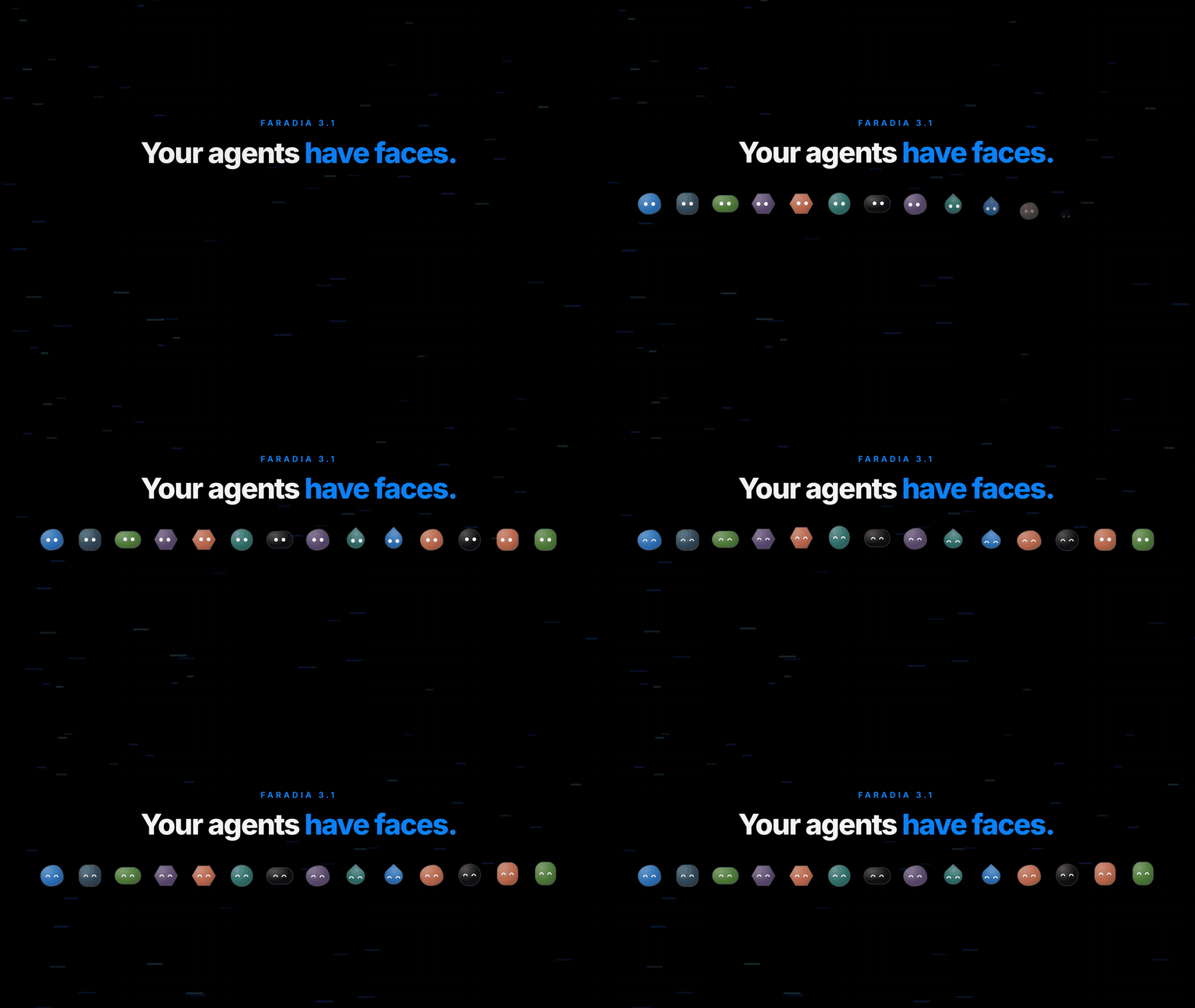
▶ Watch what's new in 35 seconds
Every agent now has its own animated face on its task cards. You can tell at a glance what each one is doing, without reading a single log line.
| When the agent is… | its eyes… |
|---|---|
| 🧠 planning or diagnosing | think |
| 🔎 researching | search |
| 🛠️ writing code | work |
| ✍️ writing docs, a PR or a commit | write |
| 🔬 verifying or reviewing | read |
| ❓ asking you something | listen and wait |
| ✅ done | smile |
| ❌ failing | say sorry |
- One face per agent, out of the box. The Planner is an ocean-blue blob, the Verifier a moss-green pill, the Debugger a clay hexagon, and so on for all 14 built-in agents. Your own agents and the ECC ones get one from their name, always the same.
- Make it yours. In Settings › Agentes, click a face to pick another shape and color. To switch them off, use Settings › Apariencia.
- Light. It is agent-avatars (MIT), bundled into Faradia. It loads the first time a face shows and makes no network requests.
Also in this release
- 🎙️ Dictation on the Mac works (since 3.0.2). The first time, macOS asks permission for Faradia. Spanish and English are told apart and recognized on the device.
- 🧯 Faradia no longer closes when you start it outside a git repo.
- ⚙️ CI cancels stale runs and stops a stuck job after 20 minutes.
npm i -g faradiaFull changelog: CHANGELOG.md