Repository navigation

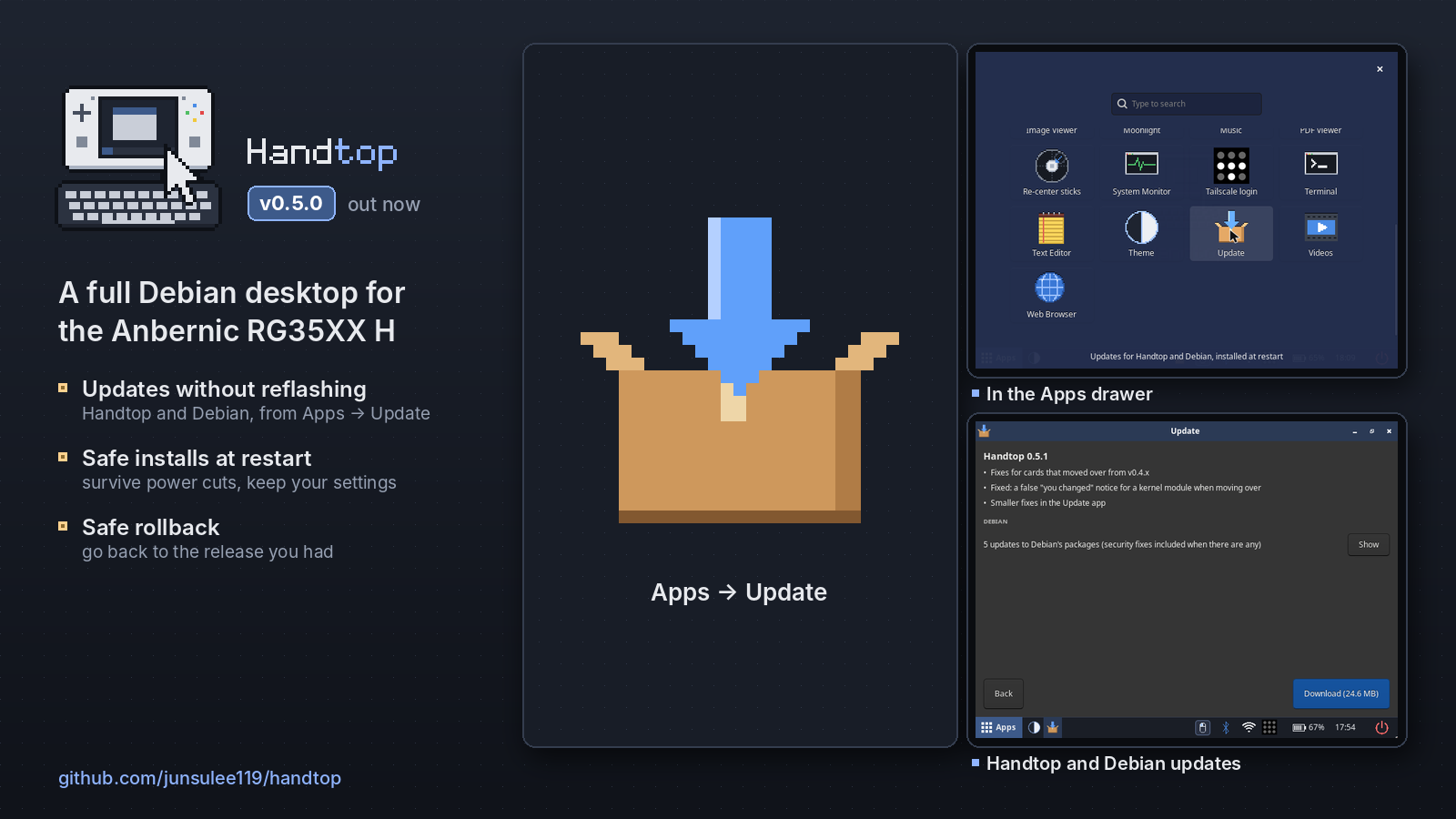
Updates without reflashing. Handtop now updates itself from Apps → Update, and v0.4.0 / v0.4.1 cards can move over with one command.
Which image do I need?
- Most RG35XX H units:
handtop-20261126-v0.5.0.img.xz - If that image does nothing at power-on (no LED at all), your unit has DDR3 RAM:
handtop-20261126-v0.5.0-DDR3.img.xz. The DDR3 image wasn't tested on DDR3 hardware for this release. It differs from the DDR4 image only in its boot layer.
Flash with balenaEtcher or Rufus, and boot from the TF1 (left) slot. Login rg / rg35xxh. SSH is off until Apps → Enable SSH.
| File | SHA-256 |
|---|---|
| handtop-20261126-v0.5.0.img.xz | c629875740487b9c233dd71c70a215dfe731af05ac755f4590c617838faca086 |
| handtop-20261126-v0.5.0-DDR3.img.xz | 39717f363d2b1c744b095c5af9511b6248747760abbc1f07685d28c30b7a444f |
handtop-v0.5.0-packages.txt lists every Handtop and FFmpeg package in these images, with its SHA-256. They are the same bytes the update archive serves.
Already on v0.4.0 or v0.4.1? Move over without reflashing
Charge the handheld and connect Wi-Fi. Then open Terminal on the handheld (or SSH in from a PC; set a password with passwd first) and run this, as one line:
sudo bash -euc 'trap "echo Download or signature check failed: nothing was changed." ERR; d=$(mktemp -d /run/handtop-migrate.XXXXXX); cd "$d"; for f in handtop-migrate handtop-migrate.asc handtop-archive.asc; do curl -fsSL --proto =https -o "$f" "https://junsulee119.github.io/handtop-apt/migrate/$f"; done; s=$(sqv --keyring handtop-archive.asc handtop-migrate.asc handtop-migrate); [ "$s" = EF04B02F6569FB6FC8EAF9C5F5962C429E9C69FF ]; trap - ERR; bash ./handtop-migrate'- It runs nothing unchecked. It runs the script only if its signature is by Handtop's archive key, fingerprint
EF04B02F6569FB6FC8EAF9C5F5962C429E9C69FF. - It asks first. It names your card's release, shows what you changed, and asks before it does anything. Then the handheld restarts and installs.
- What's kept: Wi-Fi, the home folder, your apps' settings, SSH and Tailscale.
- Older cards: cards on v0.3.x or before need a reflash.
Details in docs/migrate.md.
What's new in v0.5.0
Update app (Apps → Update)
- Check for updates shows Handtop's next release with its notes, and Debian's updates (security fixes included).
- Download fetches everything and checks every file against Handtop's signed package lists.
- Restart and install installs while the handheld restarts, with progress on the screen. The desktop comes back when it's done. Install and power off does the same, then turns the handheld off.
- Nothing in the background: nothing is checked or downloaded until you open the app. A taskbar icon shows when an update is ready, or when the last one failed.
Updates survive power cuts. If the battery dies while installing, the next start picks up where it stopped. After three tries in a row it gives up, starts normally, and the app says what happened. It won't start an install under 40 % battery without the charger.
Going back without a screen. The release you had is kept on the card. If an update breaks something, write handtop=previous in recovery.txt on the boot partition (from any PC) and restart. joypad=previous does the same for the joypad driver alone.
Your changes are kept. A settings file you edited stays as you made it. The new version goes next to it as .dpkg-dist, and the app lists those files. Services you turned on or off stay that way.
Stable and Testing. Apps → Update → Advanced switches to the Testing channel, where releases arrive first.
Video decoding is now an update like any other. Handtop's FFmpeg build comes as packages under Debian's own names, so a newer Debian FFmpeg (a security fix, say) reaches the handheld as a Handtop update. Decoding is unchanged.
Some fixes still need a new image: updates never touch the boot partition (kernel, U-Boot, device tree). The app says so when a release needs one.
Known issues
- A false notice when moving over: on a stock v0.4.x card, the move may say you changed
/usr/lib/modules/7.2.0/extra/usb_f_fs_xinput.ko, and keep a copy in/var/backups/handtop-migrate. You didn't; the notice is harmless, and Handtop's packaged module replaces the file as intended. Fixed in v0.5.1. - Going back (
handtop=previous) needs a card where dpkg has no unfinished work besides Handtop's own packages, and no extra dpkg architecture.- After a power cut, restart first, so the interrupted update can finish.
- If an interrupted update can't finish, flash the current image.
- A card that has just moved over from v0.4.x has nothing to go back to until its first update.
- The Update app's result page shows at most eight changed settings files and six notes. The full result is in
/var/lib/handtop-update/last-result.json. - Before moving over, leave some extra free space, and finish other package installs first.
Disclaimer
Handtop is an unofficial hobby project, not affiliated with Anbernic, ROCKNIX, LibreELEC, Debian, Microsoft or Nintendo. Use at your own risk; see the Disclaimer section in the README.
Full history in CHANGELOG.md.