Repository navigation
LunaNX 3.0

LunaNX 3.0 — New design, simpler sign-in and live performance stats
LunaNX 3.0 brings a new look and a clearer way to browse, connect and play Amazon Luna on
Nintendo Switch. Created by KazaR-RooT.
Highlights
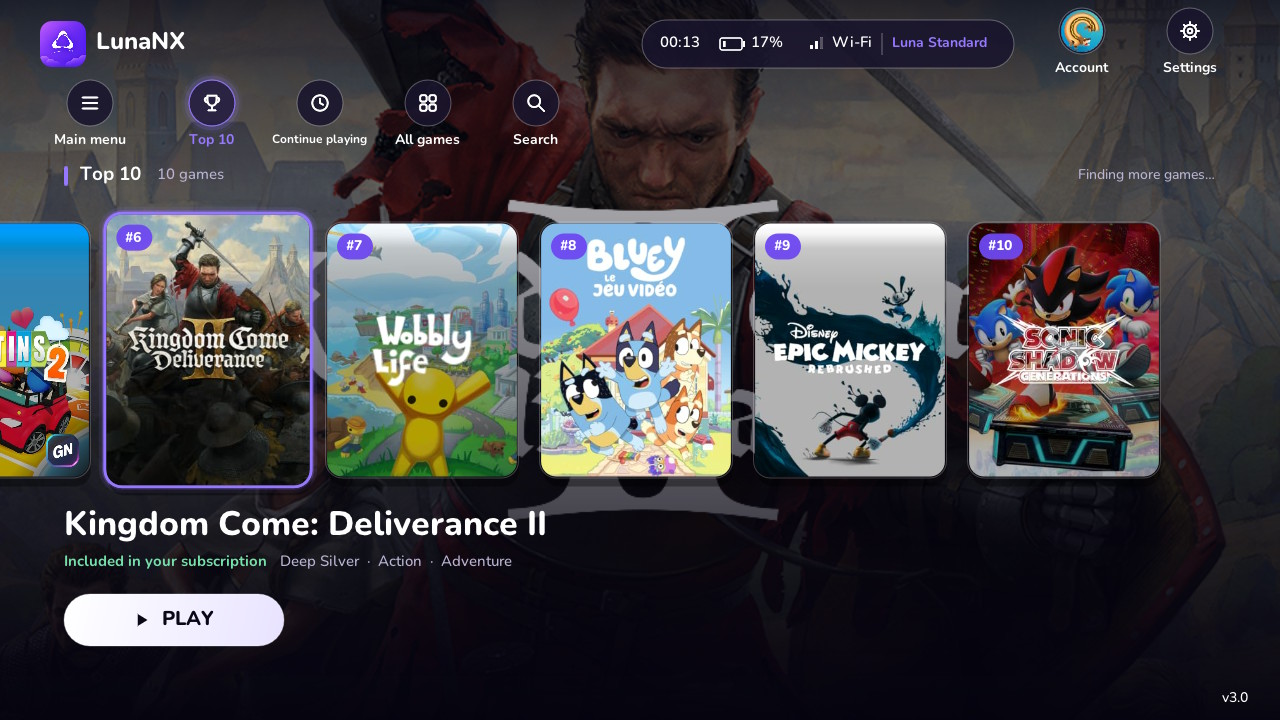
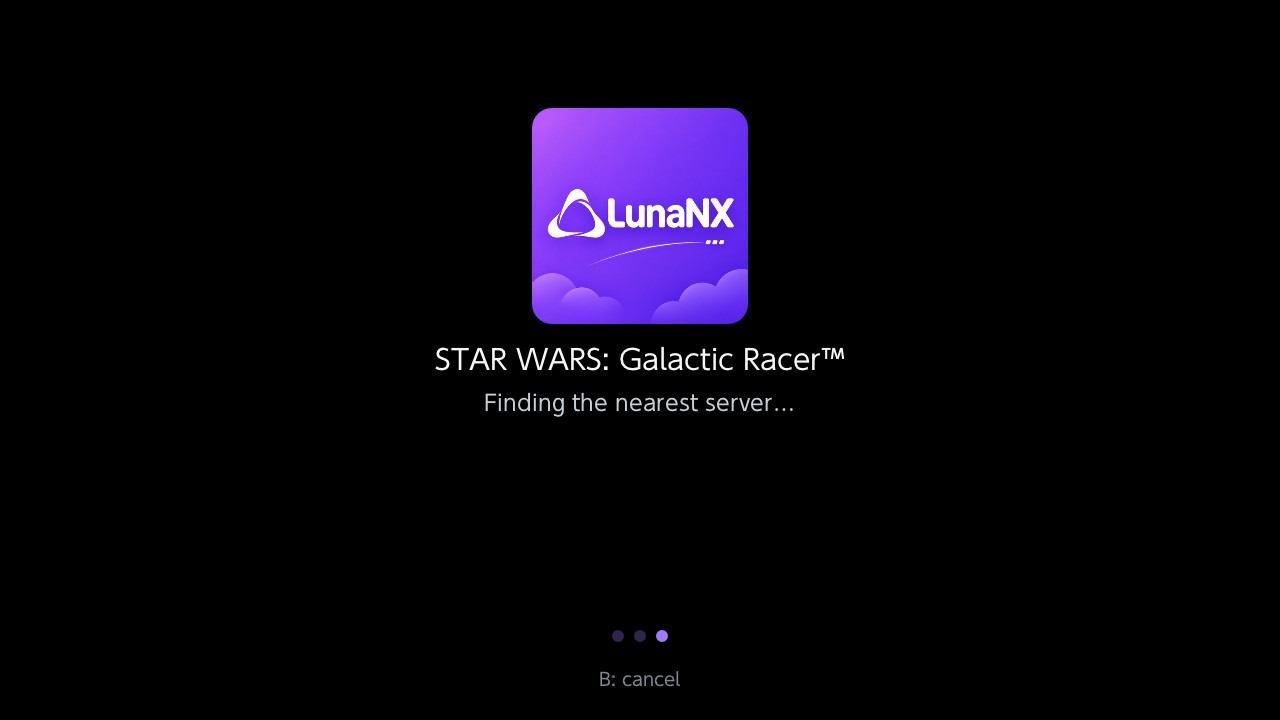
- New design and new logo: animated cover carousel, game artwork backgrounds, permanently
labeled navigation buttons, your Luna profile avatar and a branded launch screen. - Optimized video streaming: responsive 720p/60 H.264 playback with bounded decode queues,
latest-frame presentation and adaptive image tuning. Actual performance depends on the game,
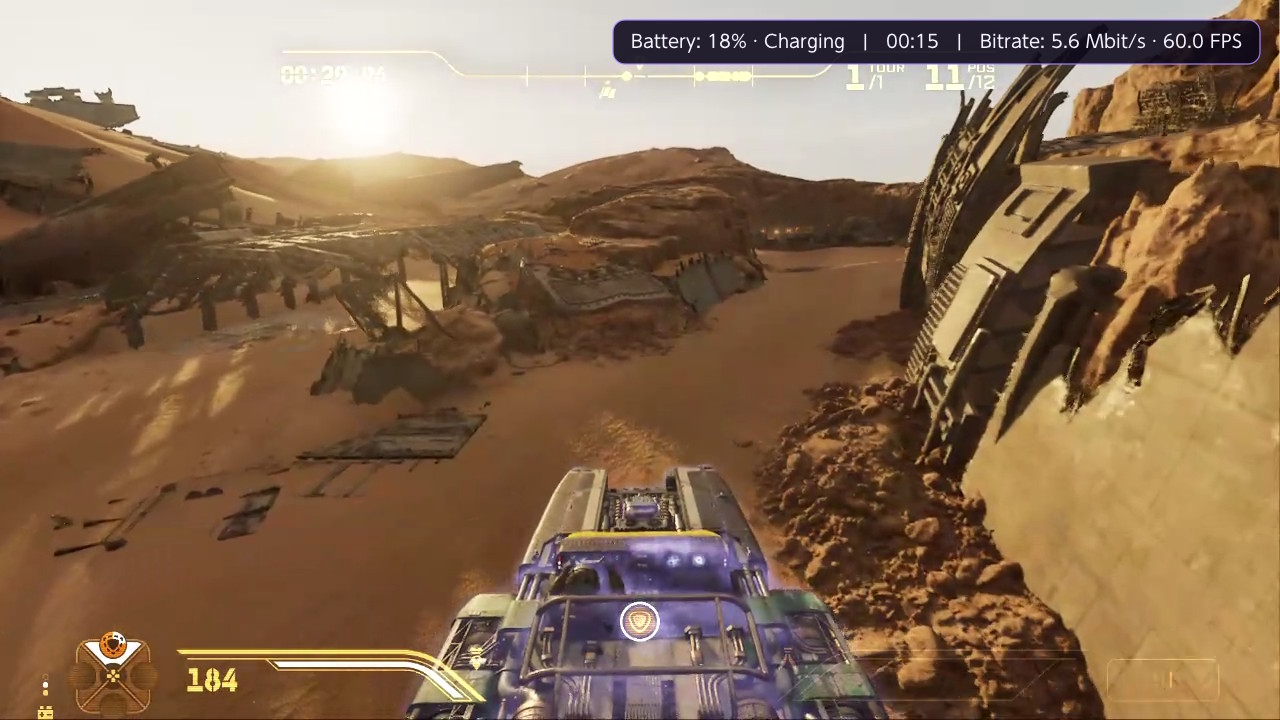
server and connection. - Live in-game performance: press + and − together to toggle one line showing battery,
estimated remaining battery time, clock, measured bitrate and presented FPS. - Simpler Amazon sign-in: choose your country, scan the QR code or open the official Amazon
page, enter the short code and let LunaNX finish connecting automatically. No copied redirect
address or shared Wi-Fi network is needed. - Smarter navigation: Main menu → Top 10 → Continue playing → All games → Search.
Open directly on Top 10, or Continue playing when recent games are detected. - Continue playing improvements: local launch history is preserved and matched to fresh
catalog data; Luna's separately loaded account history is included without duplicate games. - Better touch navigation and artwork: tap to select, swipe to browse and use PLAY to launch.
Portrait covers are retained, image composition is preserved and covers fit without distortion. - Polished details: correct Wi-Fi/Ethernet status, immediate return to sign-in after logout,
country names without store domains, a separate settings scrollbar gutter and a discreet v3.0
label on the main library screen only.
Screenshots
See the full screenshot gallery
for Continue playing, search, language settings and gameplay captures.
Install or update
- Download LunaNX.nro and copy it to sdmc:/switch/LunaNX/LunaNX.nro.
- Launch through the Homebrew Menu in application mode: hold R while opening a game.
- Choose your country and use Simplified sign-in (Amazon code) if sign-in is required.
Existing saved sessions and settings are retained when replacing the NRO. Keep one copy of
LunaNX.nro on the SD card. To leave a game, press ZL + ZR + − together.
Amazon may identify the current sign-in compatibility profile as Audible for iPhone.
Your password is entered only on Amazon's official page. Game access requires your own eligible
Luna account and depends on your country and subscription.
Validation and integrity
The creator confirmed the final version on console and supplied the screenshots above.
Offline tests cover authentication, local/remote history, artwork, input shortcuts and metrics,
including 14 configured markets and 154 market/language combinations. The Switch build and
source/NRO integrity checks pass.
The current video configuration uses software decoding. Battery time is an estimate based on
observed discharge. Keyboard/mouse input and Luna parental PIN prompts are not supported.
SHA-256 of LunaNX.nro:
b9ee54a835c4fb2b1624ade7914f8ac9f8bec1e0220ad0f8b4c5f65dc3d9a2fe
Downloads: LunaNX.nro, SHA256SUMS.txt, LunaNX-v3.0-Licenses.zip and the original LunaNX-V3.png logo.
The exact corresponding source is available from this v3.0 tag and GitHub's source archives.
Creator: KazaR-RooT · License: GPL-3.0 ·
Third-party credits